




Background image

Discover Private Browsing Features

Stay anonymous and secure online

By clicking the "Download Wave Browser" button, I agree to the Terms and Privacy Policy
Feature availability may vary by device

Enjoy Premium Privacy Features for Free

Set Wave as your default Browser and enjoy free access to: 

Privacy-focused ad blocking and tracking prevention

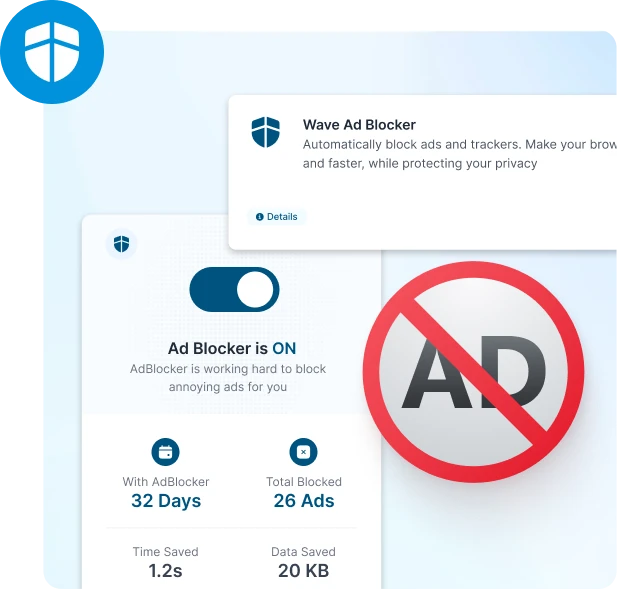
Ad Blocker

Say goodbye to intrusive ads with Wave Browser's built-in Ad Blocker. Enjoy faster browsing while reducing your digital carbon footprint and supporting a cleaner web experience.

Private AI assistance with data protection

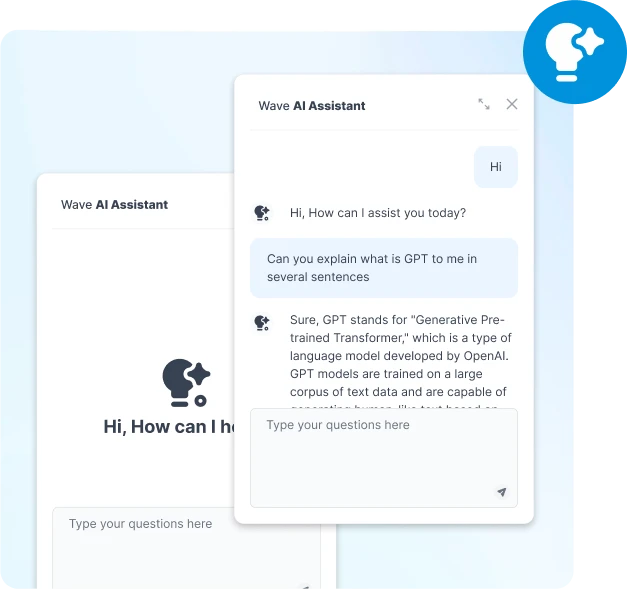
Free AI Assistant

Get instant answers, summaries, and insights without ever leaving your tab. Wave Browser’s AI Assistant helps you browse smarter not harder— with fast, secure help right when you need it.

Protect Your Privacy and Avoid Web Tracking

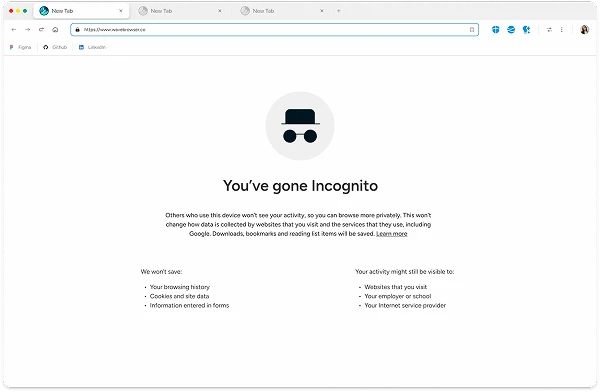
Wave Browser private search interface with incognito mode active

Incognito Browsing

Browse anonymously. Wave’s Incognito mode makes it harder for websites, advertisers, and third parties to track your online behavior or access your personal information.

Wash Away Browser Search History

Whether you’re searching or exploring, Wave’s incognito windows ensure that no traces are left behind. Pages you visit, websites you open, and searches you perform are cleared, automatically.

Block Cookies and Site Data

Wave’s Incognito Mode blocks third-party cookies and tracking, protecting your data.

Background pattern

Privacy Controls at Your Fingertips

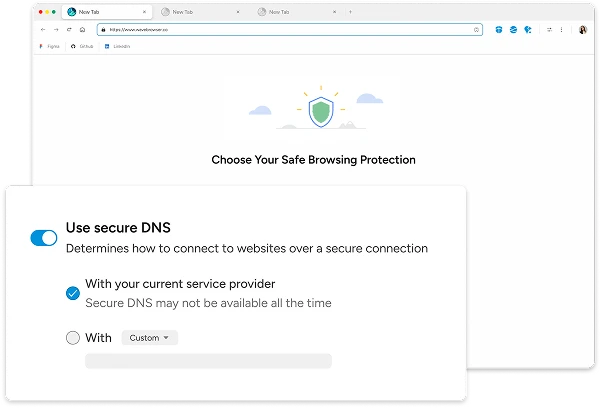
Set Safe Browsing Preferences

Set Safe Browsing Preferences

Wave protects you from malicious sites, downloads, and extensions, while reducing background activity to lower digital energy use.

Get Security Alerts 

Get Security Alerts 

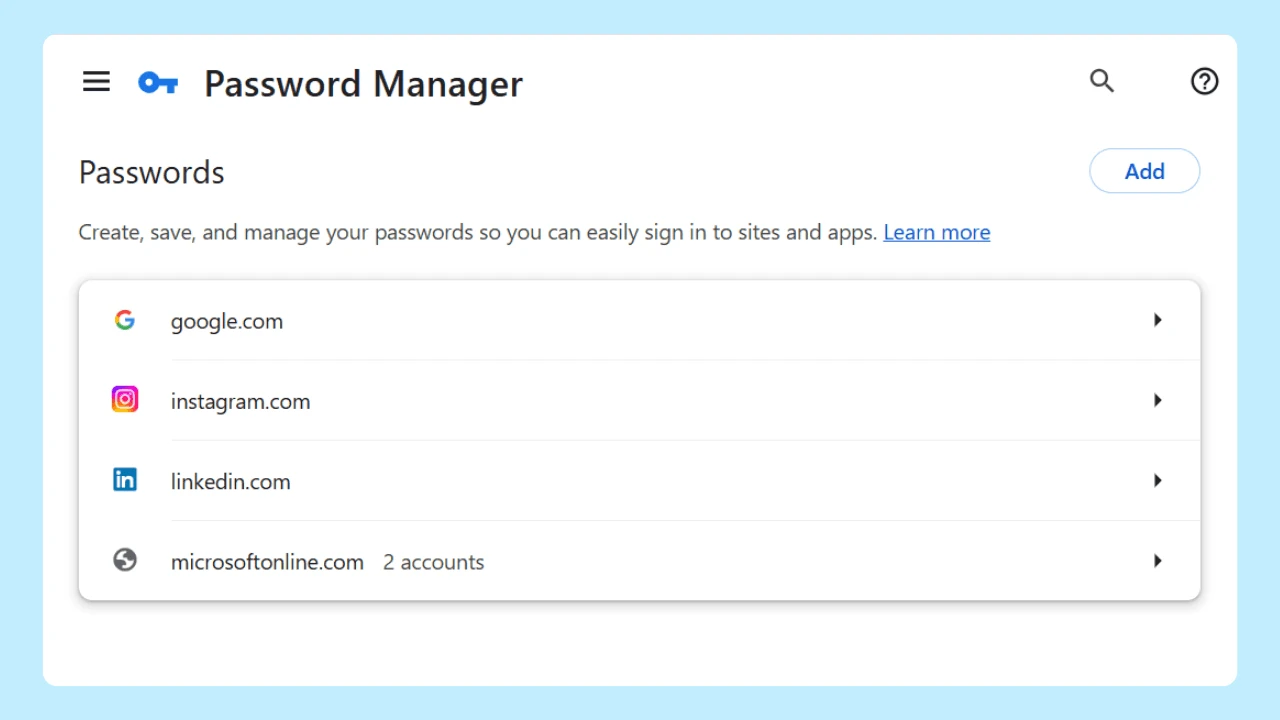
Stay one step ahead of threats. Turn on security alerts to get notified if your passwords are exposed in a data breach. Wave keeps you informed and secure, supporting a safer internet ecosystem for all.

Customize Cookie Blocking 

Customize Cookie Blocking 

Customize third-party cookie settings to block trackers. Choose to block them always or use Incognito mode for smarter, greener browsing.

By clicking the "Download Wave Browser" button, I agree to the Terms and Privacy Policy

Safe and Secure Browsing

Wave Browser privacy and security features

Secure Connections

Our advanced technology upgrades insecure connections to HTTPS, ensuring your data stays protected. Avoid insecure sites and limit excess data exchange for a safer, more efficient internet experience. 

Browser Guardian

Stay in control with Browser Guardian. Wave automatically blocks intrusive extensions that try to alter your settings without permission—helping you maintain a secure, streamlined, and resource-light browser.

Sea turtle in ocean - join the movement

Start Browsing With Purpose

Unleash speed, security, and seamless surfing. Plus, every session helps clean the ocean. Discover the power of Wave Browser, download now!

By clicking the "Download Wave Browser" button, I agree to the Terms and Privacy Policy

Explore More Features

Get to know the features that power your productivity and support a cleaner ocean.

Security

Security

Protect your data with Wave’s powerful security features and safe browsing.

Messaging

Messaging

Chat on Discord, Messenger, and WhatsApp from your sidebar. No app switching needed.

Speed

Speed

Unleash faster browsing. Learn more about how Wave Browser is optimized to bring you a faster browsing experience.

Gaming

Gaming

Discover features that help you multitask while gaming, watch Twitch streams, chat with friends, and load your games quickly.

Explore More Features

Common Questions

What is private browsing?

Private browsing allows you to explore the web without saving your history, cookies, or temporary data on your device. It’s perfect for those who value privacy, especially on shared devices. With Wave Browser, your private browsing session is also part of a broader eco-conscious effort—designed to minimize unnecessary data storage and reduce digital waste.

Why should I use private browsing?

Private browsing protects your personal information by preventing your browsing history, search terms, and cookies from being stored. It's ideal for anyone who wants to keep their activity private—while also reducing background data that consumes energy and contributes to your digital footprint.

Is private browsing the same as incognito mode?

Yes. In Wave Browser, private browsing and incognito mode are the same. Both prevent local data like history, session details, and cookies from being stored. It’s a smart, sustainable way to browse with more control and fewer trackers.

Does private browsing protect me from tracking?

Private browsing reduces data stored on your device but doesn’t fully block online trackers. For stronger protection, Wave includes built-in tools like an ad blocker—designed to help safeguard your privacy and reduce unnecessary bandwidth usage that harms the planet.

Can I browse anonymously with private browsing?

Private browsing hides your activity from others using your device, but it doesn’t make you fully anonymous online. To strengthen your privacy and reduce data exposure, we recommend using Wave’s incognito mode alongside a VPN.

Does private browsing slow down my browsing experience?

Not at all. Wave’s private browsing mode keeps things fast and lightweight by avoiding unnecessary data storage. You’ll enjoy a smooth, streamlined experience.

Can I still use bookmarks in private browsing?

Yes. Your saved bookmarks and passwords remain accessible while using private mode, even though your browsing history and cookies won't be stored. It’s privacy and convenience, perfectly balanced.

Does private browsing block ads?

Private mode helps limit data collection, but to fully block ads, Wave’s integrated Ad Blocker steps in. This not only protects your privacy—it also reduces data-heavy ad loads, making your browsing cleaner, faster, and more energy efficient.

Does private browsing prevent websites from tracking me?

Private browsing helps reduce tracking by not saving your history, cookies, or form data—but it doesn’t block all forms of tracking, especially from third-party services like Google or Chrome-based platforms.

That’s why Wave goes further: with a built-in ad blocker. Wave actively blocks tracking scripts and supports secure HTTPS connections that encrypt data in transit between your browser and supported websites. It’s stronger privacy, paired with a lighter environmental footprint—less tracking, less data waste.

How do I activate private browsing in Wave Browser?

Activating private browsing is easy. Simply open a new private window from the browser menu or use the shortcut:

  • Windows: Ctrl + Shift + N
  • Mac: Cmd + Shift + N

Every private session runs lighter, protects your data, and aligns with a more sustainable way to browse.
