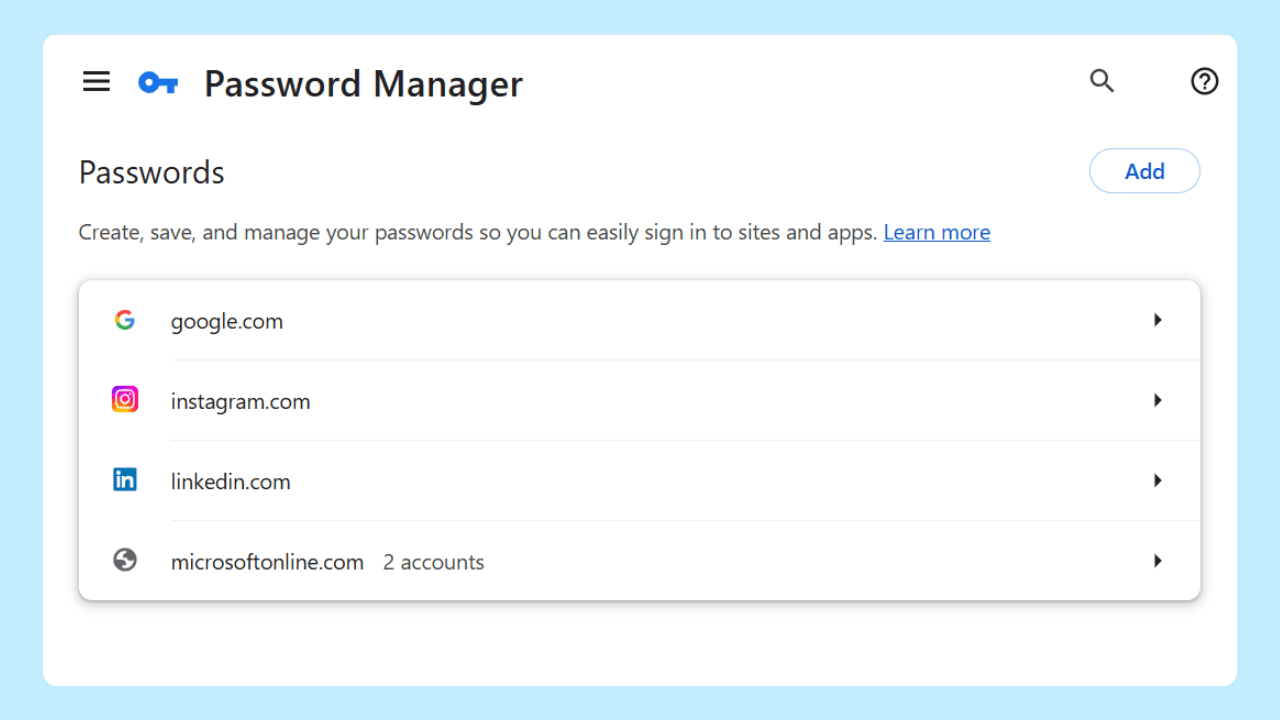
Wave Browser’s Password Manager is a built-in tool for storing and managing login information. It is listed for Windows, macOS, Android, and iOS. A short review helps you keep saved entries aligned with the accounts you still use.
Quick Answer
A useful login review checks:
- Which saved logins still belong to active accounts;
- Whether a site password changed since the entry was saved;
- Whether an old or duplicate entry should be removed; and
- Which important accounts need a separate check on the site itself.
The exact interface can vary by platform and version. Use the current product information or Support for the steps shown on your device.
Start With The Entries You Use
Open the saved-login area in the browser and work through the sites you recognize. Begin with the accounts you use most often, then review less frequent accounts. The goal is a current list, not a larger list.
For each entry, ask:
- Do I still use this account?
- Does the saved username still match the account?
- Did I change the password on the site?
- Is there another entry for the same service?
- Does this account need a review in the site’s own security settings?
The browser can store and manage the entry; the website remains the place where you change a password, close an account, or review account activity.
A Simple Review Table
| Review question | What to check | Next action |
| Do you still use the account? | The service and username | Keep current entries; remove entries you no longer need |
| Did the password change? | The site’s current sign-in information | Update the saved entry through the current browser flow |
| Are there duplicates? | Two entries for one service | Keep the entry that matches the account you use |
| Is the account important? | Email, work, financial, or recovery accounts | Open the site’s own account and security settings |
| Is the detail unclear? | Platform, version, or interface difference | Check current documentation or contact Support |
Wave’s public product information confirms storage and management of logins. It does not, by itself, specify synchronization, encryption design, account architecture, export behavior, or recovery rules. Those are separate implementation questions; do not infer them from the feature name.
Keep the review routine small
Choose a repeatable moment, such as after changing an important password or closing an account. A short review is easier to complete when the questions are the same each time. Keep the browser record limited to the information needed for the review and do not copy passwords into a separate note.
For current feature scope, see the Wave Browser features page. For platform-specific help, contact support@wavebrowser.co with your operating system and current Wave Browser version.
Frequently Asked Questions

Is the Password Manager available on all four platforms?
Wave’s product information lists it for Windows, macOS, Android, and iOS. Platform-specific interface details should be checked in current documentation.
Does the feature page prove that entries sync between devices?
No. A listing establishes the feature and its platform scope. It does not establish synchronization or another storage design.
Where do I change a password?
Change it on the website that owns the account, then update the saved entry in the browser if the current flow offers that option.