




Background image

The Best Free Ad Blocker Browser

Browse with Purpose. Block Ads with Impact.

By clicking the "Download Wave Browser" button, I agree to the Terms and Privacy Policy
Feature availability may vary by device

Your All-in-One Browser for Speed, Security, and Ad-Free Browsing

Faster, safer, and saving the ocean. All with powerful ad blocking.

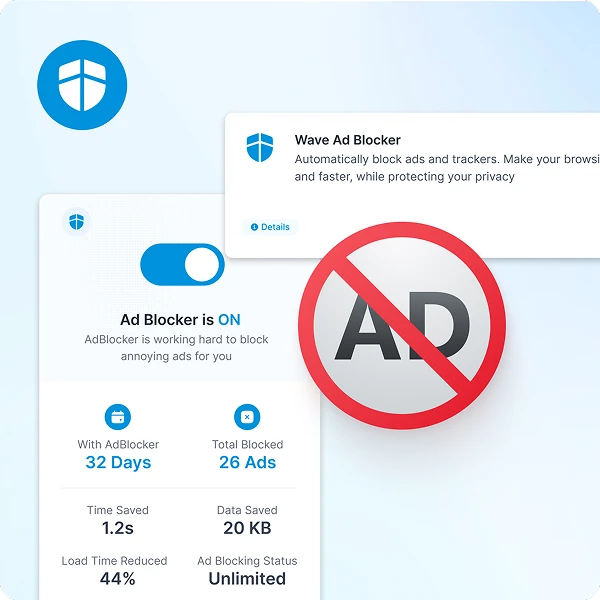
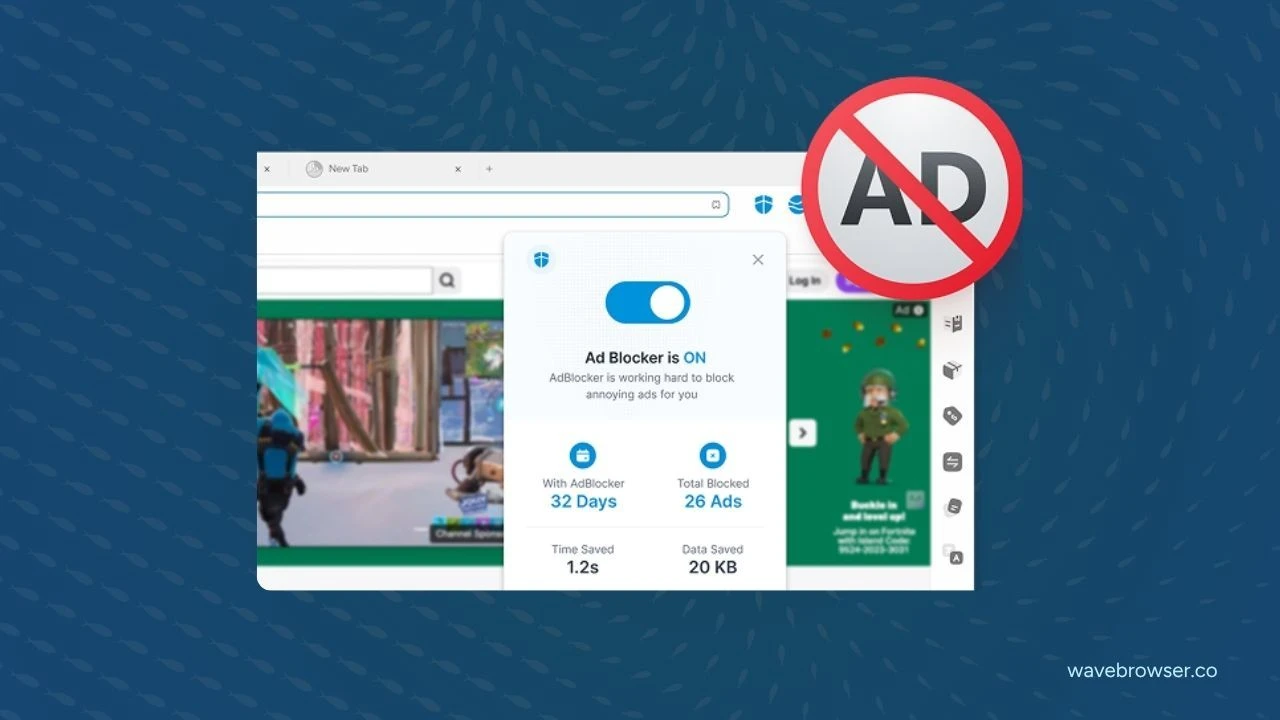
Ad-free browsing experience and resource savings

Browse Faster, Save Resources

Wave blocks resource-heavy ads that slow you down and burn data. With fewer scripts and trackers loading, you browse faster while using less energy.

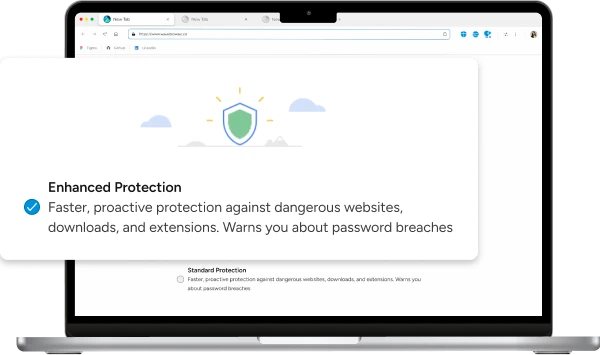
Boost Your Security

Ads aren’t just annoying—they can be risky. Wave blocks them by default, reducing your exposure to malware, phishing, and other hidden threats.

Clean, Distraction-Free Browsing

No clutter. No noise. Just the content you care about. Whether you're reading, shopping, or streaming, Wave keeps things smooth, simple, and focused.

Unleash Faster Browsing

Minimize render-blocking resources and load pages faster

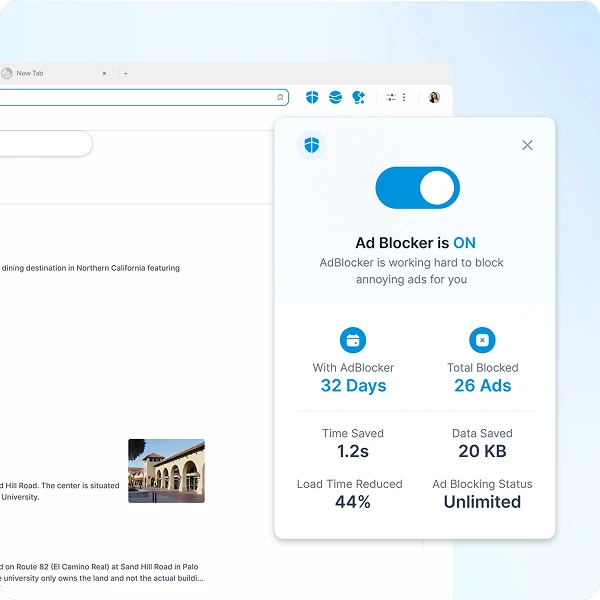
Streamlined web pages with blocked ads

Streamlined Browsing

Online advertisements not only interrupt your browsing, they stop webpages from loading fast. Enjoy a clean browsing experience with Wave Browser's powerful ad-block browser.

Optimize Resources

Stop ad downloads in their tracks and make better use of your computer's bandwidth, CPU, and memory with Wave Ad Blocker.

Background pattern

Enhance Your Online Security with an Ad Blocker Browser

Stop Invasive Trackers From Monitoring You

Stop Invasive Trackers From Monitoring You

Eliminate the storage of unwanted cookies and keep 3rd party trackers from monitoring your every move as you browse.

Avoid Malicious Download Ads

Avoid Malicious Download Ads

Stop the spread of online ads that distribute viruses and malware. Enjoy worry-free browsing with Wave Ad Blocker.

By clicking the "Download Wave Browser" button, I agree to the Terms and Privacy Policy

Ditch the Extensions. Built-in Ad Blocking Does More.

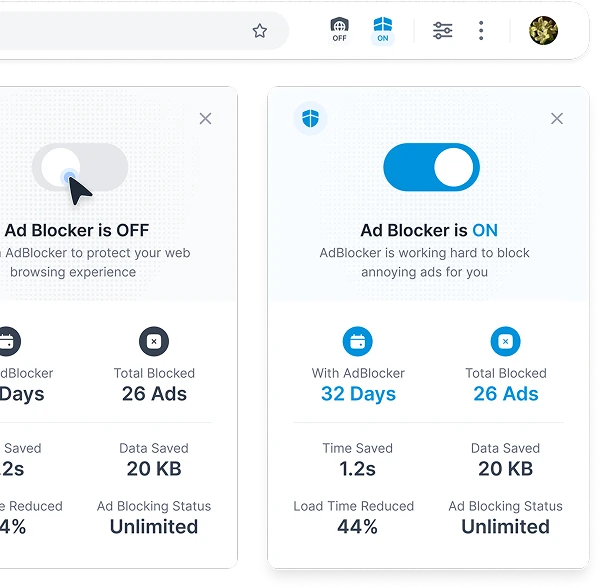
Native ad blocker vs browser extensions comparison

Less Resource Intensive

While all browser extensions consume resources, a built-in ad blocker is streamlined and optimized to work harmoniously with your browser.

No Extra Downloads, No Extra Cost

Wave’s ad blocker works right out of the box. No setup, no added extensions, and no impact on performance. Just fast, clean browsing that’s free and secure from the start.

Practice Mindful Ad Blocking

Content creator support and website whitelisting

Support Content Creators

Most sites you visit rely on income from ads. When you block ads, this hurts them. Support your favorite content creators by whitelisting trusted websites.

Allow Ads On Trusted Sites

Whitelisting means a user allows trusted websites or creators to display ads, while still enjoying an active ad blocker.

Sea turtle in ocean - join the movement
Join the Movement

Start Browsing With Purpose

Unleash speed, security, and seamless surfing. Plus, every session helps clean the ocean. Discover the power of Wave Browser, download now!

By clicking the "Download Wave Browser" button, I agree to the Terms and Privacy Policy

Explore More Features

Get to know the features that power your productivity and support a cleaner ocean.

Security

Security

Explore how Wave keeps your browsing safe, protects your device, and delivers a smooth, secure experience.

Privacy

Privacy

Explore the privacy tools built into Wave. From Incognito Mode to secure browsing—all designed to keep you in control.

Speed

Speed

Discover how Wave Browser provides faster page loads, smoother browsing, and a lag-free experience.

Gaming

Gaming

Wave helps you play games without interruptions. Check out how we optimize performance for play.

Explore More Features

Common Questions

What is Wave Ad Blocker?

Wave Browser’s built-in ad blocker prevents intrusive ads, pop-ups, and tracking scripts from loading on the websites you visit. This web browser enhances your privacy by protecting your online activity, resulting in faster browsing and a more secure, enjoyable experience.

Why should I use a free ad block browser?

By using Wave Browser’s ad blocker, you eliminate distractions like pop-up ads and tracking scripts that can slow down your browsing speed. It also protects your privacy by stopping third-party trackers from collecting your personal data across websites.

Do ad blockers block all types of ads?

Wave Browser’s ad blocker is designed to block most ads, including pop-ups, banner ads, and video ads. While it’s very effective, some advanced ads or scripts may bypass the blocker from time to time.

Will an ad blocker slow down my browser?

No. In fact, Wave Browser’s ad blocker improves your browsing speed. By preventing ads from loading, it reduces page load times and helps you browse faster with less data usage.

Does using an ad blocker affect website functionality?

Some websites, like Google and YouTube, that depend on ads for revenue may prompt you to disable the ad blocker. However, Wave Browser makes it easy to whitelist sites you want to support while continuing to block ads across the internet for a cleaner experience.

How do I install an ad blocker?

No installs needed—Wave’s free version includes a built-in ad blocker that activates automatically when set as your default browser, giving you instant protection from ads and trackers the moment you go online.

Does an ad blocker protect my privacy?

Yes, Wave Browser’s ad blocker enhances your privacy by preventing ads from tracking you across different websites. It blocks tracking scripts that would normally collect your browsing data, keeping your personal information private.

Are there any downsides to using an ad blocker?

While Wave Browser’s ad blocker is very effective, some websites may ask you to disable it to access certain content. You can easily whitelist those sites to support them while still blocking ads on others.

Can an ad blocker prevent malware and phishing?

Yes, Wave Browser’s ad blocker helps protect you from dangerous ads (malvertising) and phishing attempts. It reduces the risk of encountering harmful content while browsing, keeping your data safe from potential threats.