
Wave Blog


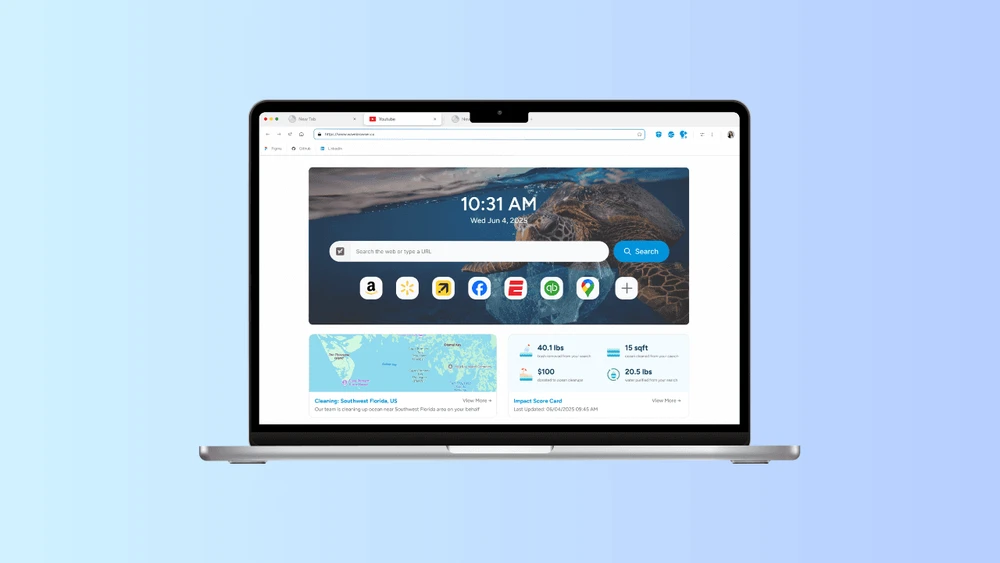
Switching Your Default Browser on Windows and macOS: Settings to Check (and What Happens If You Switch Back)
Learn how to change your default browser on Windows and macOS, which settings to check, and what happens when you switch back.
Staying Updated on Your Favorite YouTube and Twitch Channels with Wave Browser’s Content Notifier
Learn how Wave Browser’s Content Notifier helps you follow your favorite YouTube and Twitch channels and stay informed about new content.
How to Turn a Browser Review into Questions You Can Check
Learn how to turn browser review claims into practical questions about features, privacy, installation, and everyday use that you can check yourself.
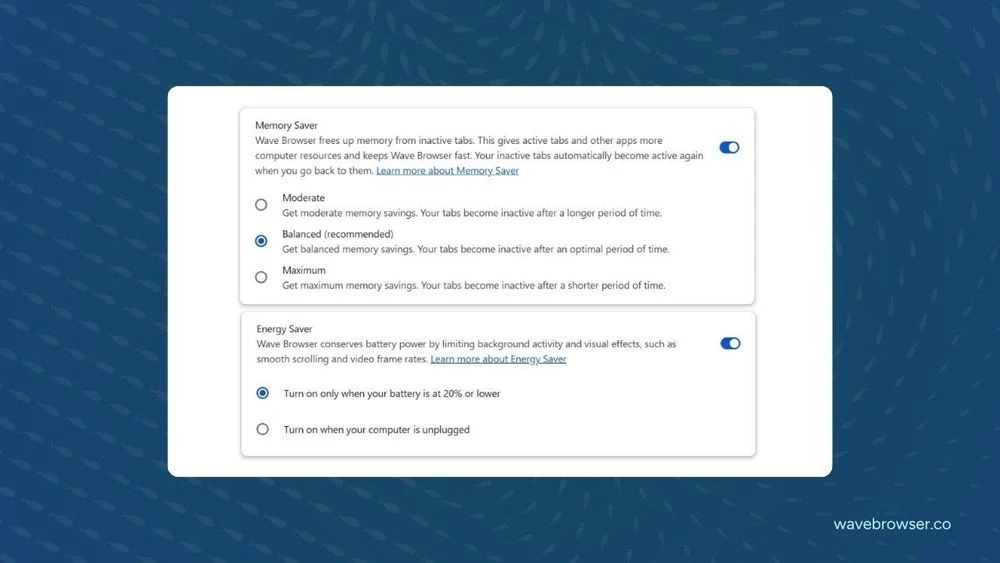
Memory Saver or Energy Saver: Choosing the Right Desktop Browser Control
Meta description: Learn the difference between Memory Saver and Energy Saver, how they manage browser activity, and when t

How to Read the Roles Behind Wave Browser's 4ocean Partnership
Learn how Wave Browser helps fund ocean cleanup, how 4ocean crews carry out the work, and where to follow the partnership’s reported progress.
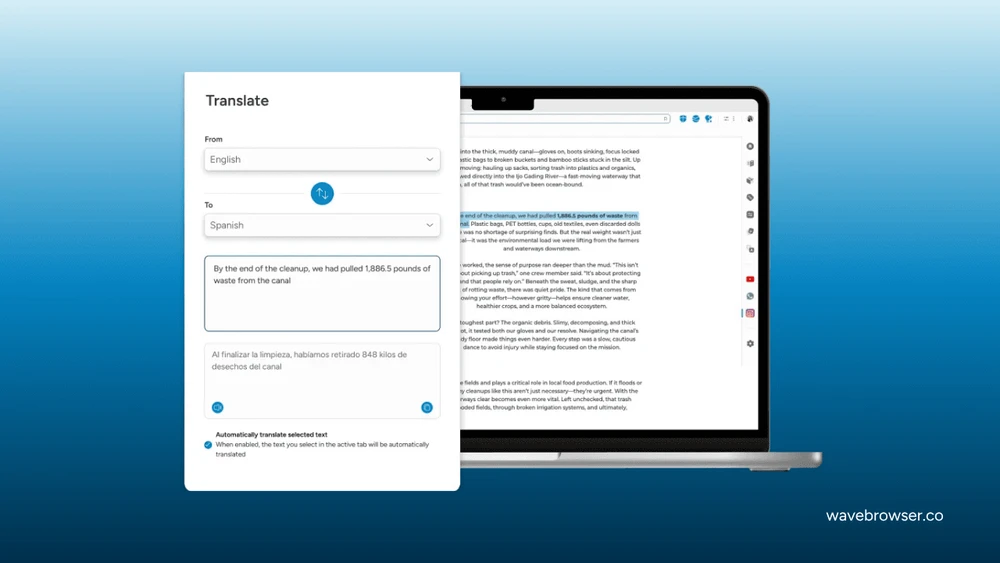
A Better Way to Check a Product Page in Another Language
Learn how to translate a product page, check key details, and understand descriptions, shipping terms, and return policies before buying.
National Internet Day: From “LO” to a Connected World
Celebrate National Internet Day on October 29 and explore the internet’s history, global impact, digital divide, privacy, AI, and future.
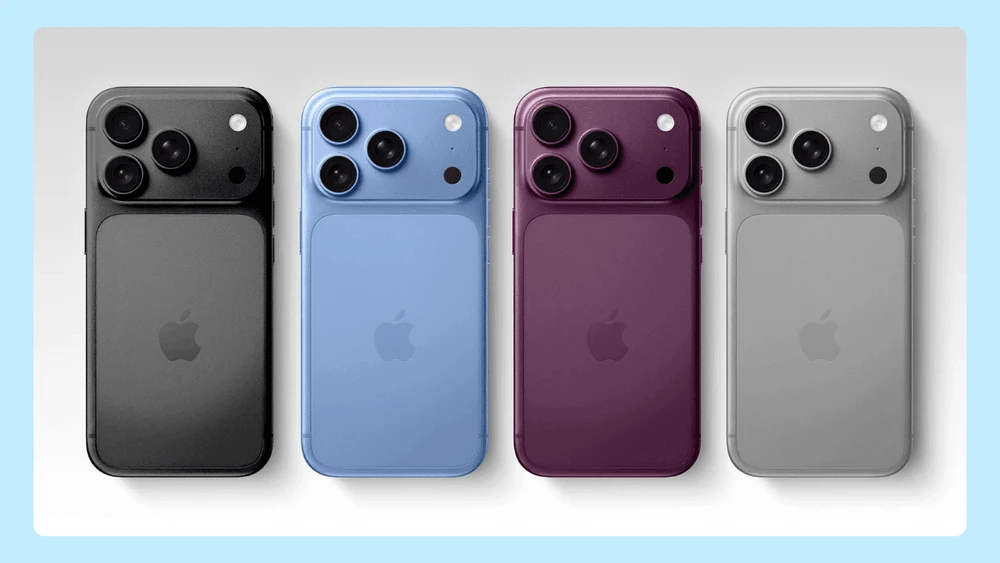
New iPhone 18 Pro and Pro Max: The Biggest Upgrades
Explore the new iPhone 18 Pro and Pro Max, including their variable aperture camera, A20 Pro chip, battery life, Siri AI, and iOS 27 features.
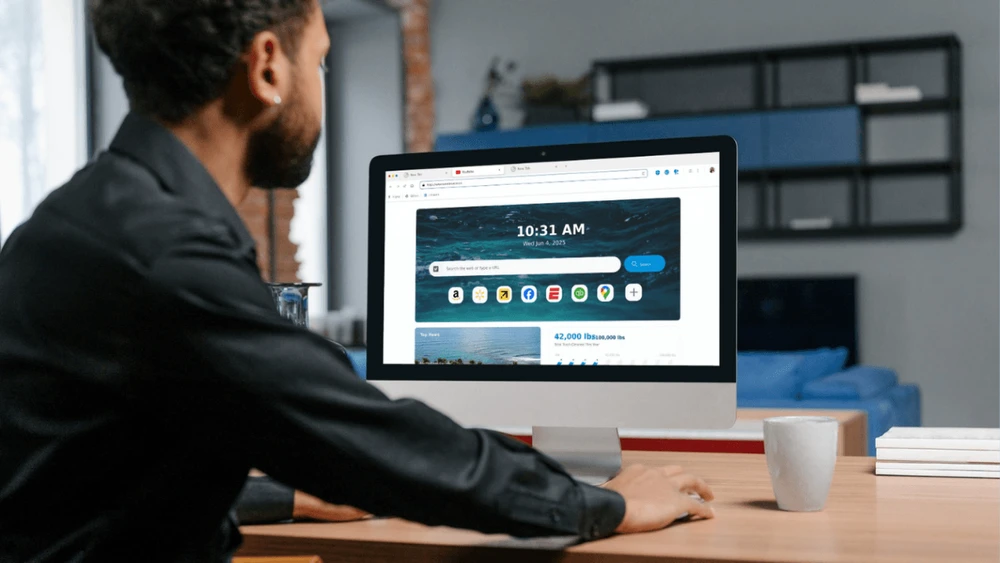
How to Decide Whether Wave Browser Fits Your Everyday Tasks
Learn how Wave Browser’s features, tools, and platform availability can support your everyday browsing tasks and help you decide if it fits your needs.
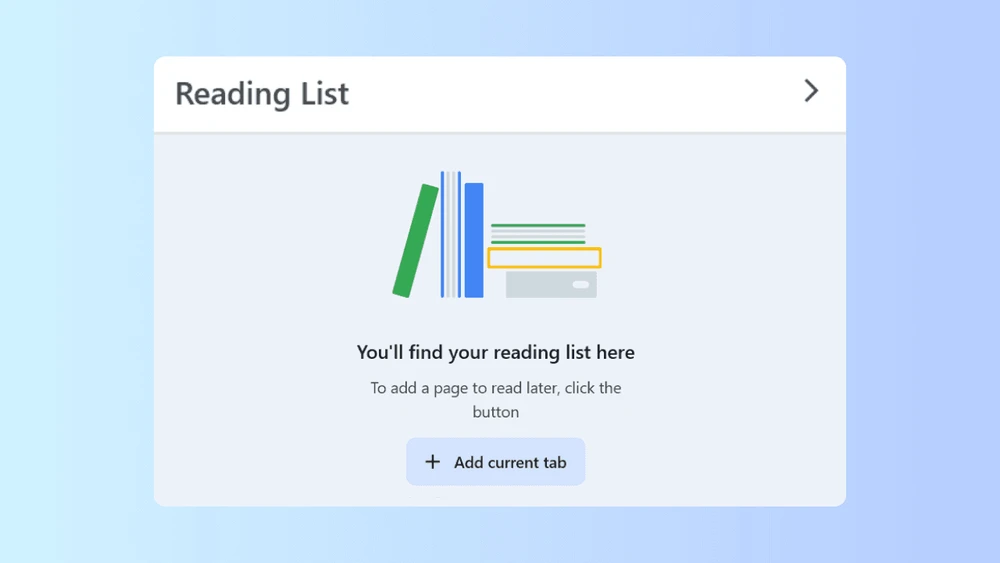
How to Organize a Reading Queue with Wave Browser
Learn how to organize a reading queue with Wave Browser using bookmarks and the Reading List to save, manage, and revisit useful pages.
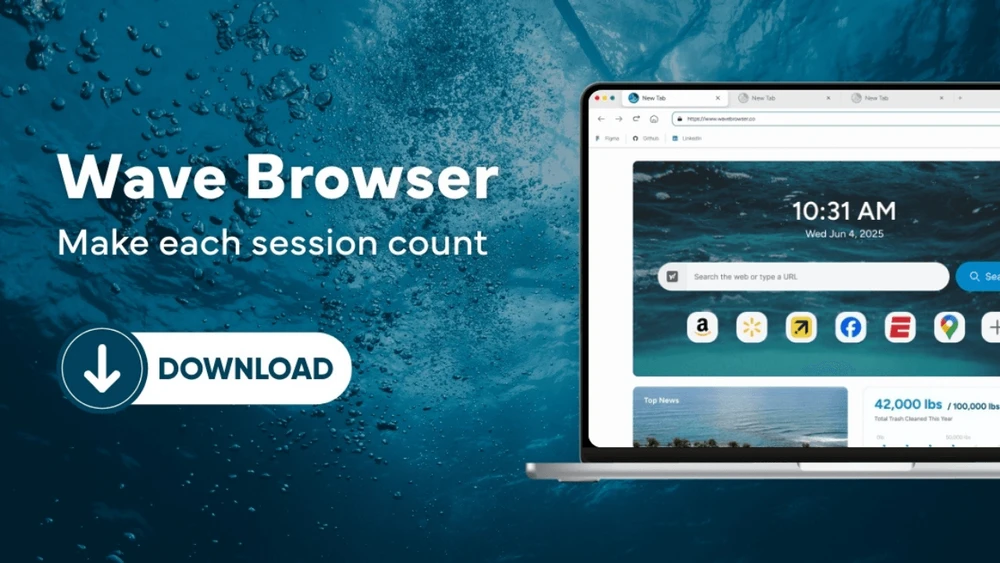
How to Verify You Found the Right Wave Browser App
Learn how to verify that you found the official Wave Browser app by checking the source, publisher details, platform, and download page.

What to Notice Before You Accept a Browser Installation
Learn what to review before accepting a browser installation, including the source, permissions, settings, and options included in the installer.
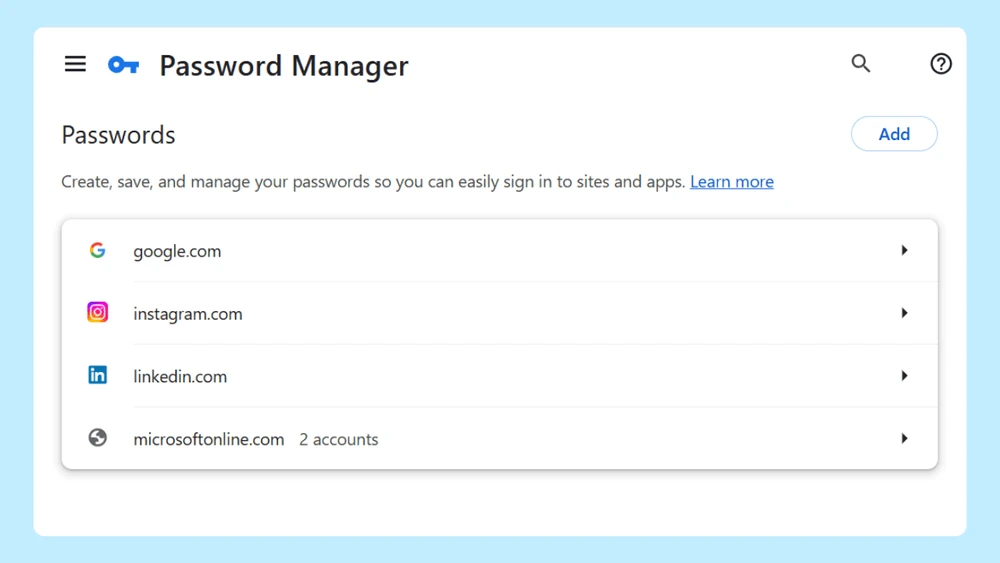
How Wave Browser’s Password Manager Helps You Review Your Logins
Learn how Wave Browser’s password manager helps you review saved logins, check account details, and manage your passwords in one place.
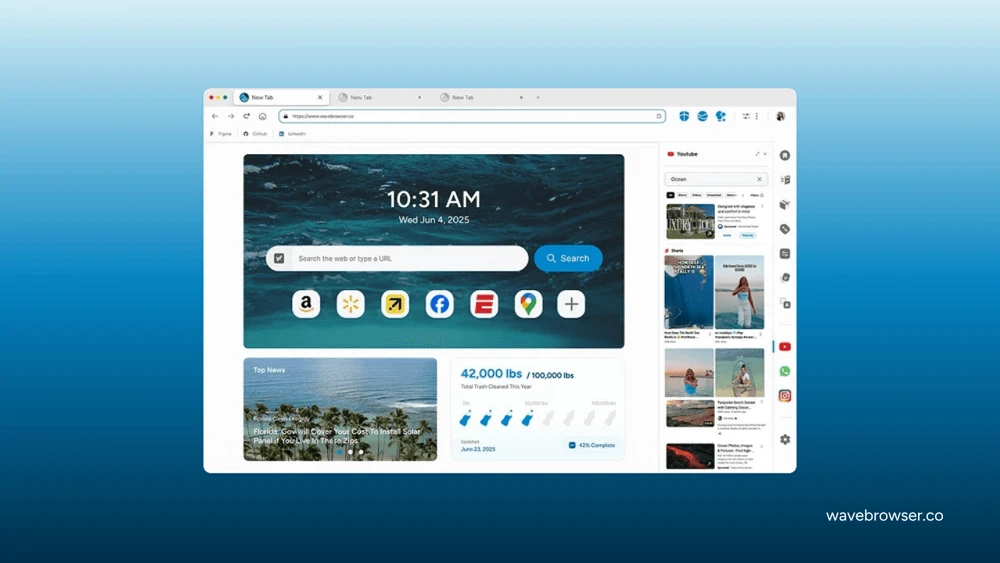
Where to Find the Right Wave Browser Answer
Find the right Wave Browser answer, from feature guides and installation steps to privacy settings, uninstall instructions, and support.
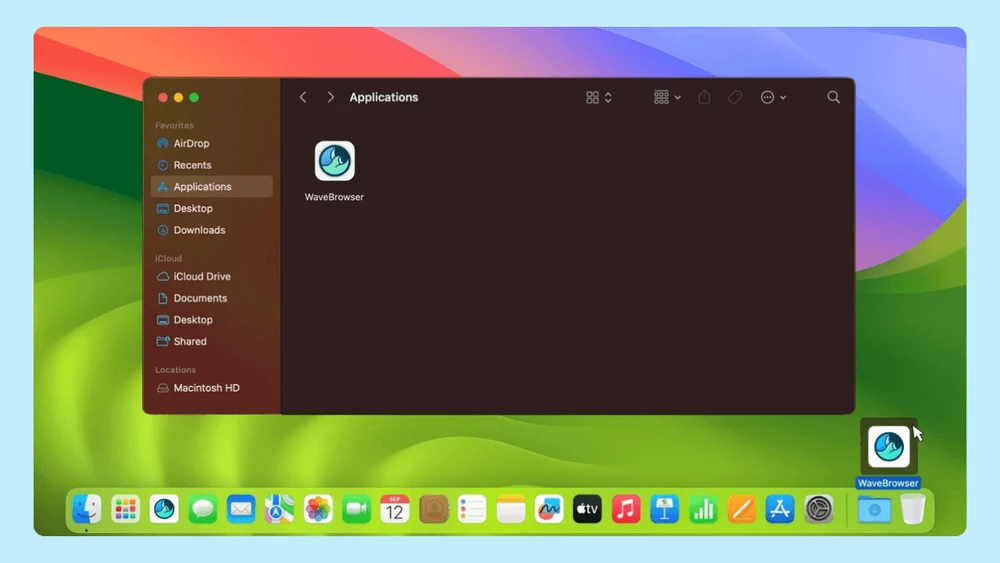
How to Keep Track of Your Browser Installation Choices
Learn how to keep track of your browser installation choices, review settings, and manage your default browser and search preferences.

September Impact Tracker: 8,108 Pounds Removed During Cleanups in Indonesia
Explore Wave Browser’s September 2026 impact update, including 8,108 pounds removed in Indonesia and 133,402 pounds delivered toward its three-year commitment.
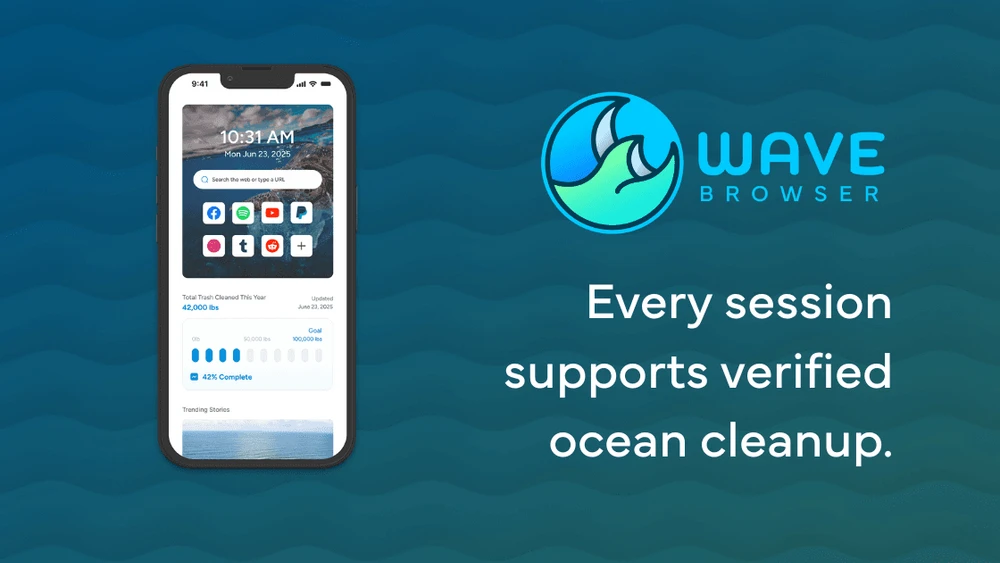
Wave Browser on Android: Availability and Mobile Features
Learn how to download Wave Browser on Android and explore its mobile features, including bookmarks, reading lists, privacy controls, and ad blocking.
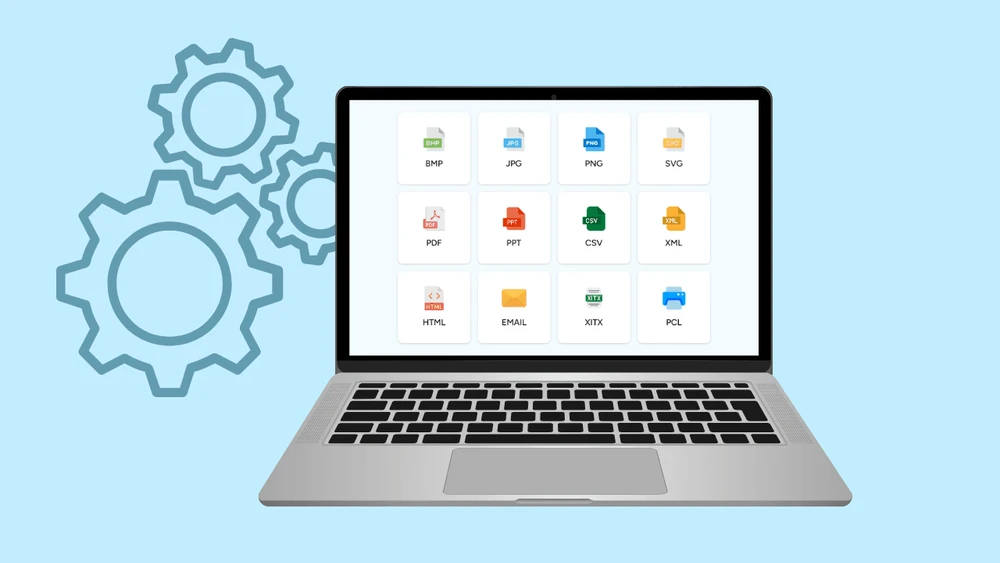
How Wave Browser Makes Everyday Conversions Easier
Learn how Wave Browser's built-in converter tool helps you convert files and measurements while you browse, work, study, and multitask.
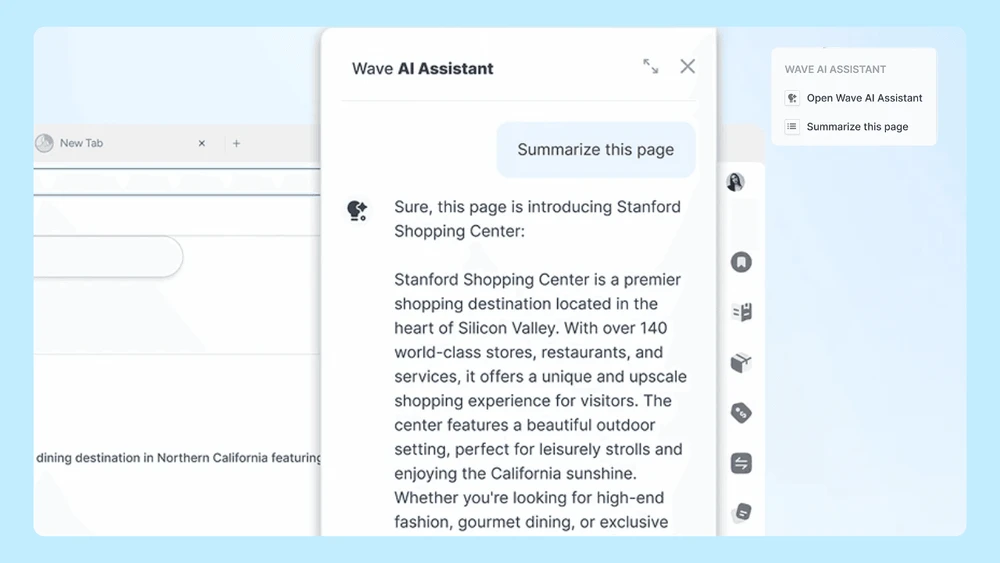
Using Wave Browser for Research: Notes, AI Assistance, and Picture-in-Picture
Learn how to use Wave Browser for research with notes, AI assistance, and Picture in Picture tools that help you organize information and multitask.
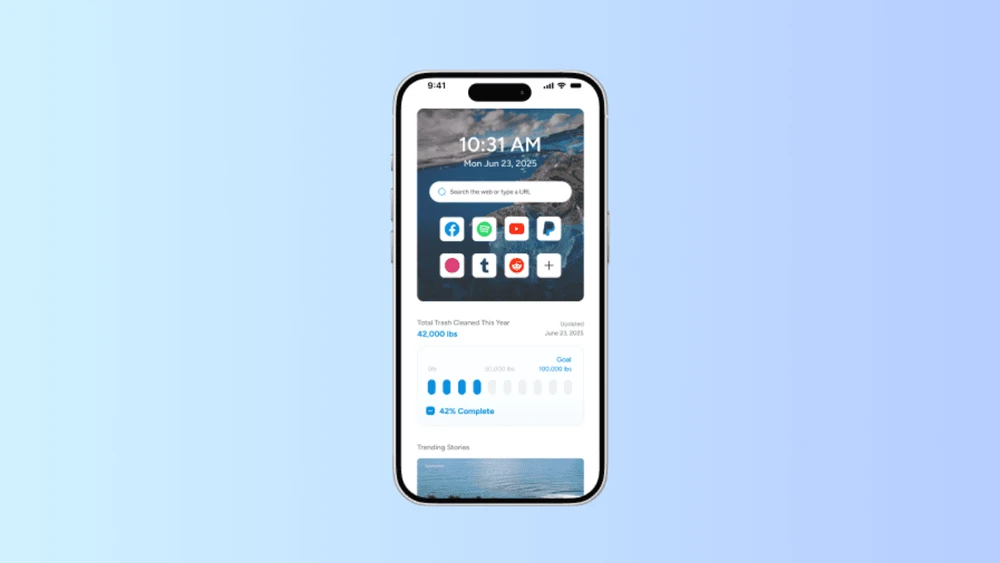
Wave Browser on iPhone: Availability and What to Expect
Learn how to download Wave Browser on iPhone, what features are available on iOS, and what to expect from the mobile browsing experience.

Games With Wave: A Browser Built for Gaming
See how to play games with Wave and learn how Memory Saver, tab management, and practical browser settings can support smoother gaming sessions.
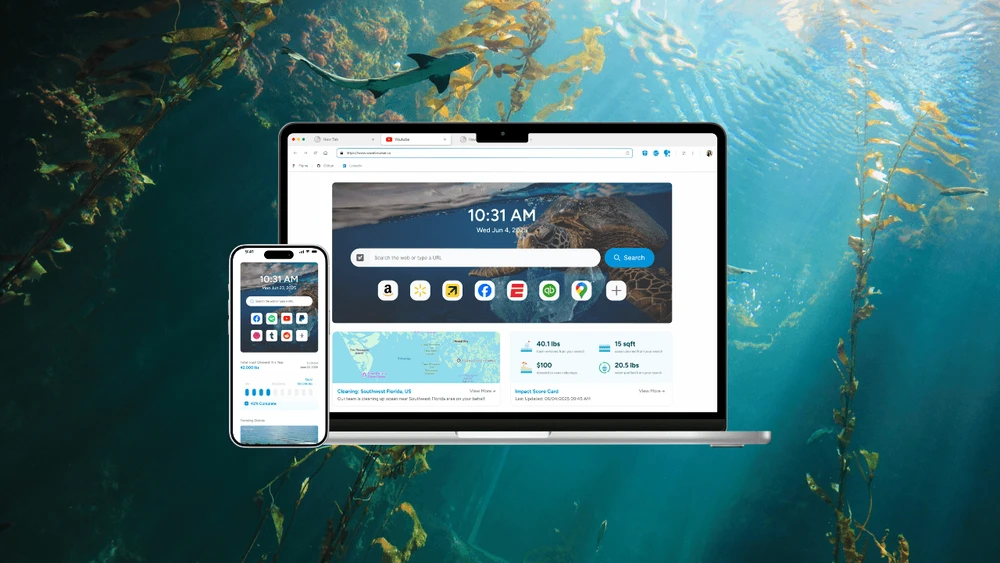
Wave Browser Features for Everyday Browsing
Explore Wave Browser features for everyday browsing, including sidebar tools, bookmarks, reading lists, ad blocking, price tracking, and more.
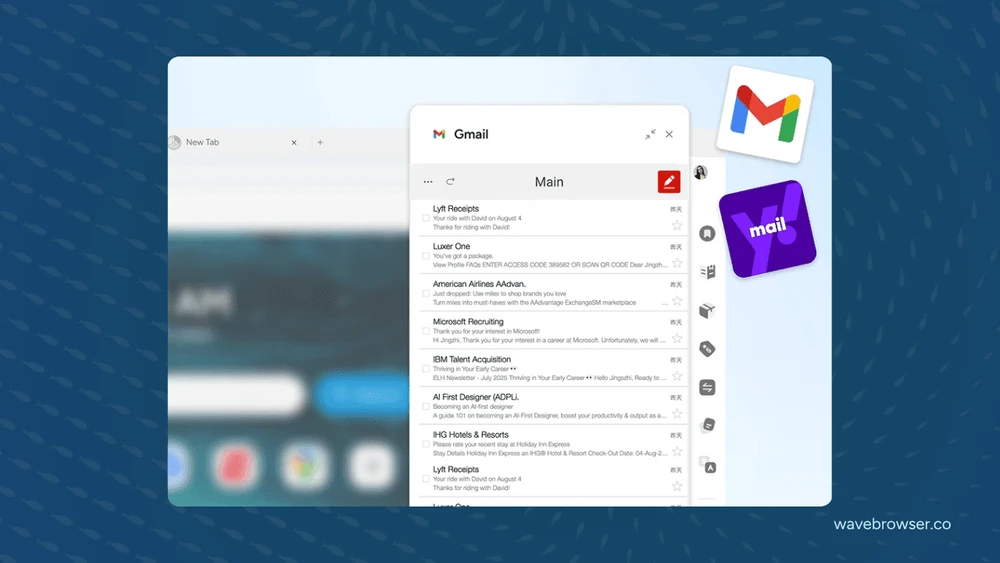
How to Use Wave Browser Side Bar Beside the Page You Are Reading
Learn how to use the Wave Browser sidebar beside the page you are reading to access built-in tools and multitask while you browse.
- 1

Start Browsing With Purpose
Unleash speed, security, and seamless surfing. Plus, every session helps clean the ocean. Discover the power of Wave Browser, download now!
Explore More Features
Get to know the features that power your productivity and support a cleaner ocean.


Privacy
Wave includes built-in privacy features that help protect your data. Browse with confidence using tools that enhance your experience and support a safer way to explore the web.

Translate
Wave Browser's PDF Annotator seamlessly integrates with translation tools, allowing you to annotate, sign, and translate your PDFs effortlessly.

AI Assistant
As you annotate, sign, or review PDFs, the AI assistant can provide real-time suggestions, translations, and even help summarize key points.

Ad Block
Whether you're reviewing documents or browsing the web, Wave keeps you focused and productive by removing distractions.