



Background image

Unlock the Power of Free PDF Annotation

Wave Browser's PDF Annotator is perfect for work, study, or personal use.

By clicking the "Download Wave Browser" button, I agree to the Terms and Privacy Policy
Feature availability may vary by device

Effortless PDF Annotation Directly in Your Web Browser

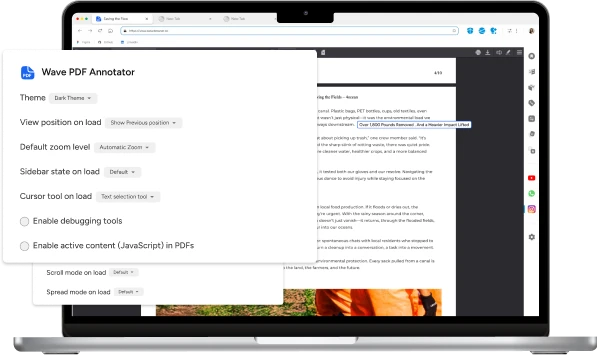
Wave Browser PDF annotation features

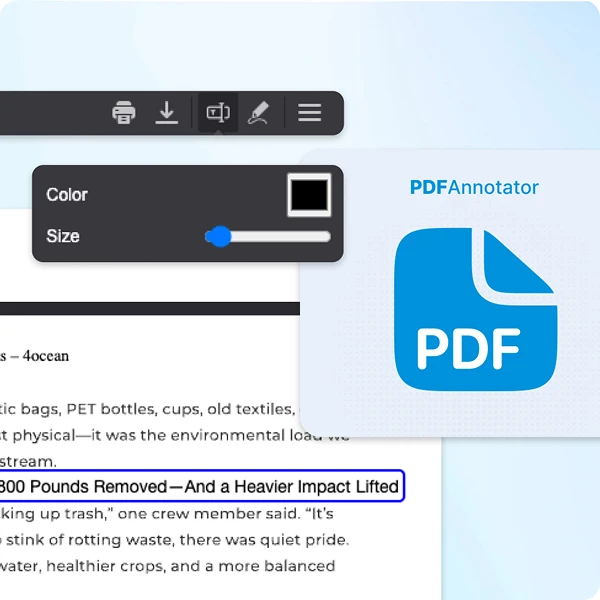
Quickly add notes and annotations to any PDF

Wave lets you annotate PDFs directly in your browser. Highlight, comment, and draw with built-in tools, all in a seamless, user-friendly viewer.

Sign and fill in forms faster

No more printing, signing, or scanning. With Wave's built-in PDF annotator, you can digitally sign documents right in your browser in a fast, secure, and legally binding way.

Proofread, review, and add comments to documents

Whether you're reading, commenting, or correcting, Wave Browser's PDF tool gives you full control without switching apps.

Background pattern

Why Choose Wave Browser's PDF Annotator?

Experience consistent excellence

Experience consistent excellence

Count on Wave's PDF annotator to deliver top-tier quality annotations consistently. With precision and reliability as our hallmark, rest assured that every annotation will meet your standards for excellence.

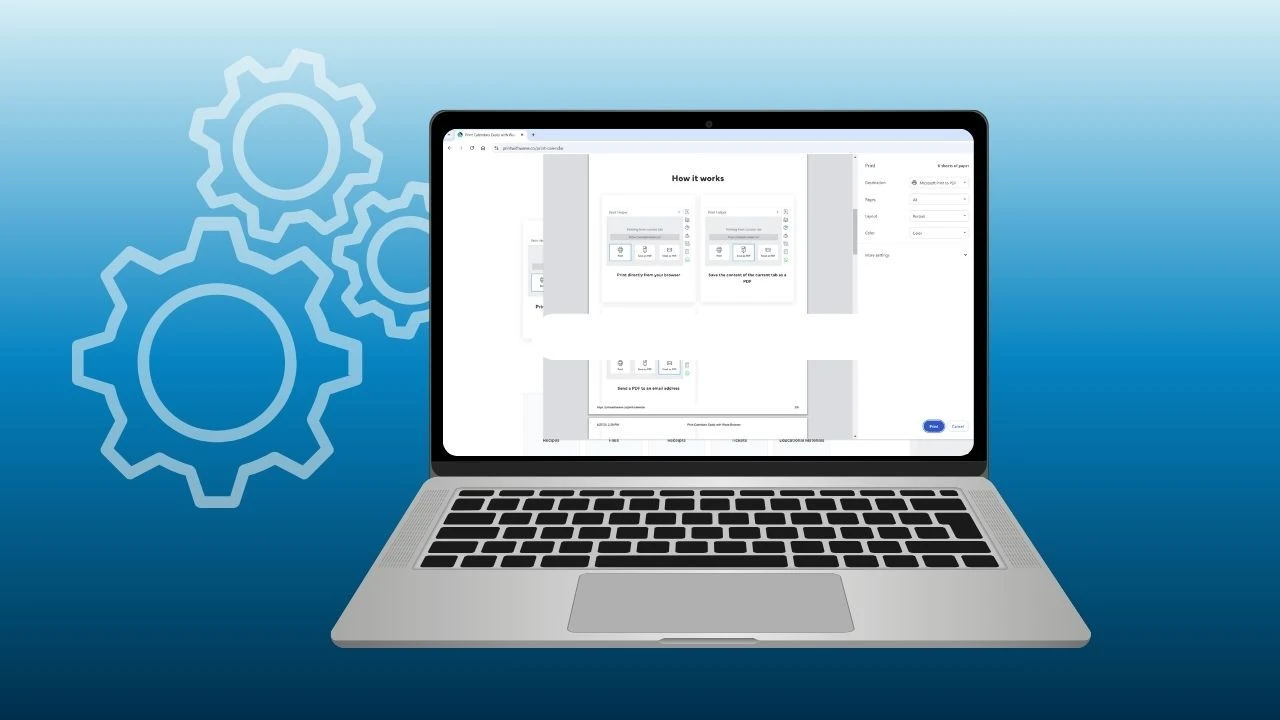
Skip the printer and go paperless

Skip the printer and go paperless

No more printing, no more waste. Choose the option that saves you time and lightens the load on our planet. Wave's built-in PDF annotation tools help you stay efficient while reducing your environmental footprint.

By clicking the "Download Wave Browser" button, I agree to the Terms and Privacy Policy

Streamline Your Workflow With Wave's Powerful Markup Tool

Wave Browser PDF markup and editing tools

Instant Access

Open and annotate PDFs directly in your browser without the need for additional downloads or paper waste.

Effortless Markup Tools

Highlight text, add sticky notes, draw shapes, and make annotations all from your browser, saving both time and resources.

Review PDFs Like A Pro

Take control of your documents with Wave Browser's free, built-in PDF Annotator. No extra downloads. No interruptions.

Sea turtle in ocean - join the movement
Join the Movement

Start Browsing With Purpose

Unleash speed, security, and seamless surfing. Plus, every session helps clean the ocean. Discover the power of Wave Browser, download now!

By clicking the "Download Wave Browser" button, I agree to the Terms and Privacy Policy

Explore More Features

Get to know the features that power your productivity and support a cleaner ocean.

Privacy

Privacy

Wave includes built-in privacy features that help protect your data. Browse with confidence using tools that enhance your experience and support a safer way to explore the web.

Translate

Translate

Wave Browser's PDF Annotator seamlessly integrates with translation tools, allowing you to annotate, sign, and translate your PDFs effortlessly.

AI Assistant

AI Assistant

As you annotate, sign, or review PDFs, the AI assistant can provide real-time suggestions, translations, and even help summarize key points.

Ad Block

Ad Block

Whether you're reviewing documents or browsing the web, Wave keeps you focused and productive by removing distractions.

Explore More Features

Common Questions

What does PDF annotation mean?

PDF annotation refers to the process of adding highlights, comments, notes, or other visual marks to a PDF file. It helps you engage with the document—whether you're reviewing, studying, or collaborating—without altering the original content.

How can I annotate PDFs in Wave Browser?

In Wave Browser, you can use the built-in PDF annotation tools to highlight text, add sticky notes, draw shapes, or underline important sections directly within the browser. This allows you to interact with PDF documents seamlessly while browsing.

Is the PDF annotation tool in Wave Browser free to use?

Yes, the PDF annotation tool in Wave Browser is completely free to use. You can access all the annotation features, like highlighting, adding notes, and drawing shapes, without any additional cost or subscription.

Can I save my annotations in a PDF using Wave Browser?

Absolutely! Any annotations you add to a PDF in Wave Browser will be saved directly in the document, so you can share or access them later, with all your comments, highlights, and markings intact.

Can I delete or edit annotations in PDFs in Wave Browser?

Yes, Wave Browser allows you to easily delete or perform editing on your annotations. Simply select the annotation, and you can remove or edit it as needed.

Can I annotate PDFs offline in Wave Browser?

Yes, Wave Browser allows you to annotate PDFs offline on both desktop and Mac. Once you've downloaded the document, you can use the built-in PDF viewer tools to highlight, comment, and add notes without needing an internet connection.

Does Wave Browser support PDF annotation on mobile devices?

No, Wave Browser does not currently support PDF annotation on mobile devices.

While you can view PDF files on mobile, annotation tools are only available on the desktop version. For now, we recommend using the desktop browser for tasks like highlighting, commenting, or editing PDFs.

What types of markup tools can I use to annotate a PDF in Wave Browser?

In Wave Browser, you can add a variety of annotations to PDFs, including text highlights, sticky notes, underlines, and freehand drawings.

With its intuitive interface, you can easily emphasize important text, make modifications, and add shapes or other markings to your documents. The freehand drawing tool allows you to sketch or highlight sections of the PDF with precision, making it perfect for personalized annotations or visual notes.

Is Wave Browser's PDF annotation feature free to use?

Yes, the PDF annotation feature in Wave Browser is completely free to use. You don't need to pay for additional tools or subscriptions to access this functionality.

Can I use PDF annotation in Wave Browser for work or study collaborations?

Definitely! Wave Browser's PDF annotation feature acts as an online PDF editor, perfect for collaborative work. You can add comments, suggestions, and highlights, making it easy to share documents and work with others in real-time.