




Background image

Meet Wave's Intelligent, AI Powered Browsing Assistant

A Better, Smarter Way to Browse

By clicking the "Download Wave Browser" button, I agree to the Terms and Privacy Policy
Feature availability may vary by device

Browse Smarter with AI Built into Your Browser

Access this Wave PRO feature for free when you set Wave as your default browser.

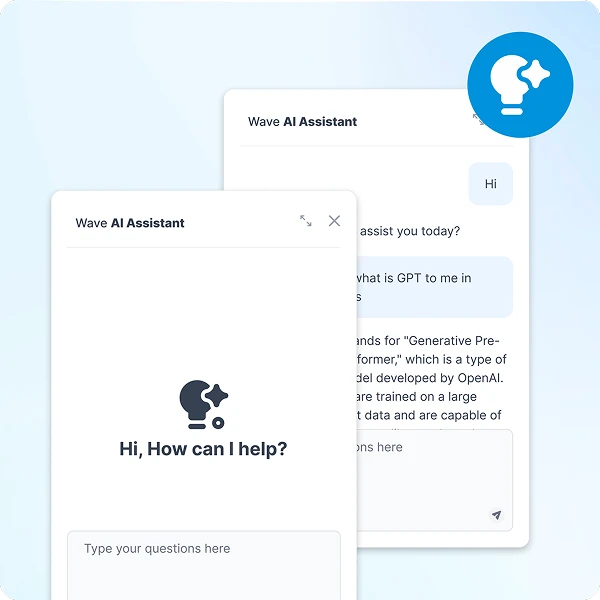
Built-in AI assistant providing instant answers

Instant Answers

Need quick information? Wave's AI Assistant provides answers to your questions in seconds, saving you time and resources.

Help with Everyday Browsing Tasks

Ask questions, brainstorm ideas, summarize information, and get help with everyday tasks without leaving your browser.

Easy to Use

Access the AI Assistant with just one click. Whether it's answering questions or managing tasks, Wave's AI Assistant streamlines your browsing experience.

Say Goodbye to Busywork

AI assistance for writing, brainstorming, and everyday tasks

Boost Your Workflow with AI

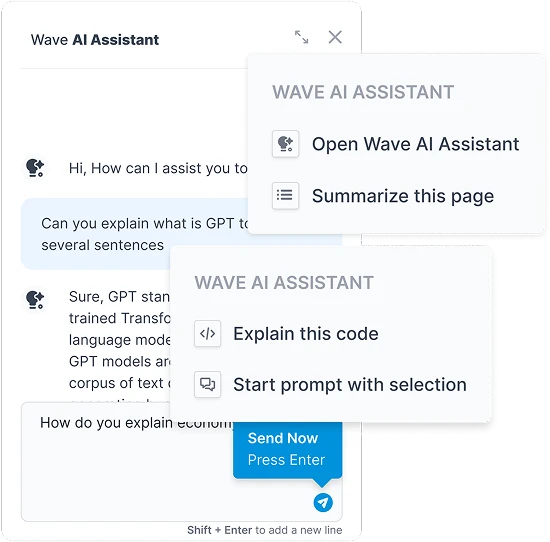
Wave AI Assistant can help with everyday tasks such as brainstorming, drafting content, answering questions, and summarizing information, all without leaving your browser.

Learn Faster with AI Summaries

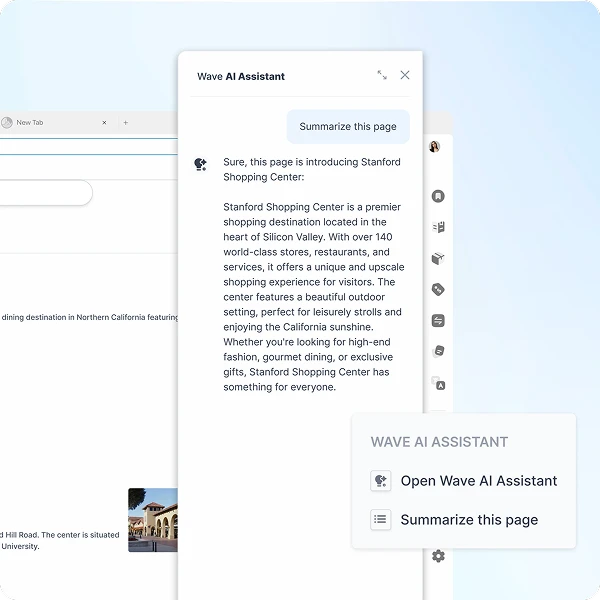
Wave Browser's AI Assistant turns long pages and search results into quick, clear summaries, so you learn more in less time. Make every visit smarter and more interactive.

Background pattern

Experience the Future of Browsing with Wave Browser's AI Assistant

Your Smartest Work Companion

Your Smartest Work Companion

Your personal assistant, helping you focus, create, and move faster.

Chat Instantly, No Logins Needed

Chat Instantly, No Logins Needed

No account required. Access this Wave PRO feature for free when you set Wave as your default browser.

By clicking the "Download Wave Browser" button, I agree to the Terms and Privacy Policy

Why Choose Wave Browser's AI Assistant?

Built-in AI support for everyday browsing and productivity

Unleash faster answers to any question

Wave Browser's AI Assistant is seamlessly integrated into your browsing experience, making it easier to complete tasks, get fast answers, and stay organized, all without the need for additional apps, extensions, or websites.

Ask, Summarize, and Brainstorm, All in One Place

Use Wave AI Assistant for questions, summaries, brainstorming, writing support, and other everyday tasks directly from your browser.

Explore Information with AI Assistance

Use Wave AI Assistant to explore topics, summarize information, and generate responses based on your prompts.

Sea turtle in ocean - join the movement
Join the Movement

Start Browsing with Purpose

Unleash speed, security, and seamless surfing. Plus, every session helps clean the ocean. Discover the power of Wave Browser, download now!

By clicking the "Download Wave Browser" button, I agree to the Terms and Privacy Policy

Explore More Features

Get to know the features that power your productivity and support a cleaner ocean.

Translate

Translate

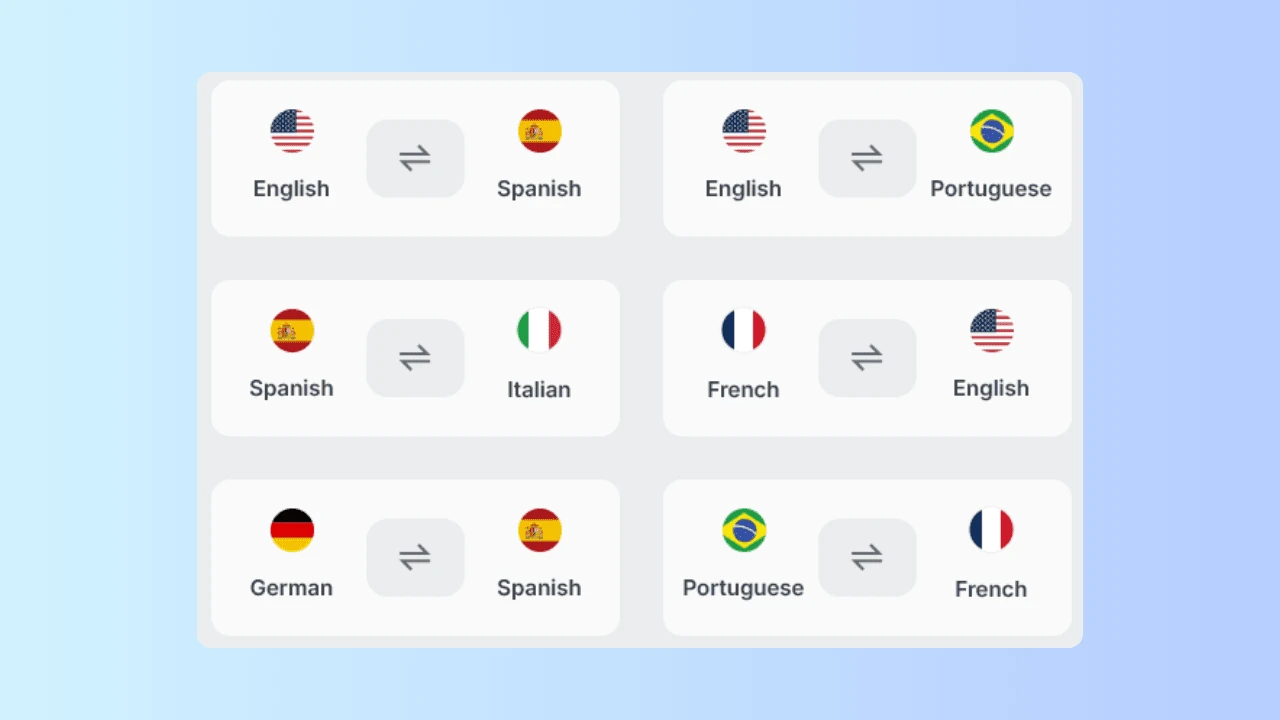
Read, explore, and connect across languages with Wave's translator. Always on and built right in.

Messaging

Messaging

Learn how you can stay connected while you browse with secure messaging built into your browser, just a click away.

Ad Block

Ad Block

Discover how Wave's ad blocker blocks disruptions and unlocks a cleaner, faster browsing experience.

Privacy

Privacy

Explore how Wave helps protect your privacy with built-in tools like incognito mode and tracker blocking.

Explore More Features

Common Questions

How can I summarize a webpage using Wave AI Assistant?

  1. Open a webpage in Wave Browser.
  2. Click on the AI Assistant in your sidebar.
  3. Ask the Assistant to summarize the page or explain a topic from the page.
  4. Review the response and continue asking follow-up questions as needed.

Wave AI Assistant is available on Windows and Mac devices.

AI Assistant availability and functionality may vary by device or version.

How Do AI Assistants Work?

AI assistants work by using artificial intelligence, machine learning, and natural language processing (NLP) to understand and respond to user commands. When you interact with an AI assistant, whether by typing or speaking, the assistant processes your input, analyzes the context, and determines the best response or action.

Most AI assistants can handle tasks like answering questions, setting reminders, managing schedules, or controlling devices by accessing data and systems they are integrated with. Capabilities vary between AI assistants, and AI-generated responses may sometimes contain inaccurate or incomplete information. Important information should be verified using reliable sources.

What is Wave Browser's AI Assistant?

Wave AI Assistant is built directly into Wave Browser to provide AI-powered help without requiring you to leave your browsing experience. You can use it to ask questions, explore topics, get writing assistance, brainstorm ideas, and complete other supported AI tasks from the browser sidebar.

How do I activate the AI Assistant in Wave Browser?

Wave AI Assistant is a Wave PRO feature. Access this Wave PRO feature for free when you set Wave as your default browser.

Once that is done, Wave AI Assistant is available right in the browser sidebar. Select the AI Assistant icon to open it and enter your question or prompt.

AI Assistant is available on Windows and Mac devices.

What tasks can the AI Assistant help me with?

Wave AI Assistant can help with answering questions, explaining topics, brainstorming ideas, assisting with writing, and generating responses based on your prompts, all without leaving the browser.

How do I get more useful responses from Wave AI Assistant?

Providing clear instructions and relevant context can help Wave AI Assistant better understand what you're asking. You can also ask follow-up questions, provide additional details, or refine your prompt to guide the response toward what you need.

Is the AI Assistant available for free for all Wave Browser users?

Wave AI Assistant is a Wave PRO feature, but users can access this Wave PRO feature for free when they set Wave as their default browser.

However, Wave AI Assistant is not available on mobile devices. Currently, this feature is only supported on Windows and Mac devices.

Can Wave AI Assistant answer general knowledge questions?

Yes. You can ask Wave AI Assistant questions about a wide range of general topics, request explanations, or ask for help understanding concepts, including technical subjects such as coding.

Are Wave AI Assistant responses always accurate?

No AI-generated response is guaranteed to be accurate. Wave AI Assistant can help explain information, answer questions, and explore topics, but responses may occasionally contain errors or incomplete information. Verify important medical, legal, financial, technical, or other consequential information using appropriate trusted sources.