Every day, internet users share massive amounts of personal information without realizing how exposed their lives have become. From social media activity to search engines, nearly every online interaction contributes to ongoing data collection.
In many cases, threats do not come from advanced hackers alone but from everyday mistakes people make while browsing the web.
Weak passwords, ignored privacy settings, unsafe public Wi-Fi connections, and oversharing on social networks can all increase the risk of identity theft, unauthorized access, phishing scams, and breaches. At the same time, tech companies, advertisers, and third parties continue expanding how they track browsing history, online activities, and user data across the internet.
Understanding internet privacy is no longer optional in the digital age. It has become an essential part of protecting sensitive information, financial data, and personal security online.
The good news is that improving digital privacy does not have to be complicated. With the right digital habits, stronger security measures, and a browser designed to support a safer experience, internet users can take back more control over their online activity while browsing with greater confidence.
Definition of Internet Privacy
Internet privacy refers to the ability of internet users to control how their personal information, user data, and online activities are collected, stored, shared, and used across the web.
In the digital age, nearly every action online leaves behind identifiable information, from your browsing history and IP address to your phone number, contact information, and financial data.
One of the biggest mistakes internet users make is oversharing sensitive information online.
Posting health information, financial information, sexual orientation, vacation plans, or even a home address on social networks can create concerns and increase the risk of identity theft, phishing scams, and unauthorized access.
Another common issue is ignoring privacy settings. Many users never review the default settings on their web browser, cloud storage accounts, apps, or social media profiles. As a result, third parties and service providers may collect far more user information than expected.
Internet Privacy vs Security
Many people confuse internet privacy with internet security, but they are not the same thing.
Internet privacy focuses on controlling how personal information and user data are collected, shared, and used. It is primarily about protecting personal choices, limiting disclosure of personal information, and maintaining control over online identity.
Internet security focuses on defending systems, accounts, and networks against cyber threats such as malware, phishing scams, hacking, and unauthorized access.
For example:
- Privacy protects browsing history from unnecessary data collection.
- Security protects accounts from hackers using stolen passwords.
A user may have strong security measures like antivirus software and two-factor authentication while still giving away large amounts of personal data to advertisers, social networks, or brokers.
Similarly, someone focused only on privacy may use private browsing and strict settings but still become vulnerable to phishing scams because of weak passwords or poor cyber security habits.
True online protection requires both awareness and strong security practices working together.
Internet Privacy Laws

Internet privacy laws are designed to protect user data and establish rules for how organizations handle sensitive data and identifiable information. Different countries and regions have adopted different approaches.
Some laws focus specifically on protecting sensitive personal data such as social security numbers, credit card details, health information, and financial information. Companies that fail to protect this information can face legal penalties and public backlash.
- Europe: One of the most influential privacy regulations is the General Data Protection Regulation (GDPR). The GDPR requires companies to clearly explain consent for data collection and sharing, and protect user information through strong security measures. It also gives individuals the right to access, modify, or delete their personal data.
- United States: In the United States, laws are more fragmented. The Federal Trade Commission (FTC) plays a major role in investigating deceptive practices and holding companies accountable after data breaches or misuse of consumer information.
Internet service providers and tech companies are also under increasing pressure to be transparent about online tracking, data collection practices, and relationships with third parties.
Privacy advocates such as the Electronic Frontier Foundation continue to push for stronger online protection and greater control over how personal information is used.
What are Examples of Internet Privacy?
Examples of internet privacy include controlling who can see your personal information, limiting online tracking, using private browsing modes, managing settings on the internet, and protecting financial information or contact details.
Other examples include:
- Using strong passwords and two-factor authentication
- Blocking trackers and third-party cookies
- Securing cloud storage accounts
- Using a virtual private network (VPN) on public Wi-Fi
- Limiting data sharing with apps and websites
These practices help reduce risks and give internet users more control over their online activities.
How Do You Maintain Internet Privacy?
Maintaining internet privacy requires a combination of awareness, smart habits, and reliable tools. Many privacy problems happen because users underestimate how much information they expose online.
Use Strong Passwords and Unique Passwords
One of the most common mistakes is reusing the same password across multiple accounts. If one service experiences a data breach, attackers can attempt unauthorized access on other platforms using the same credentials.
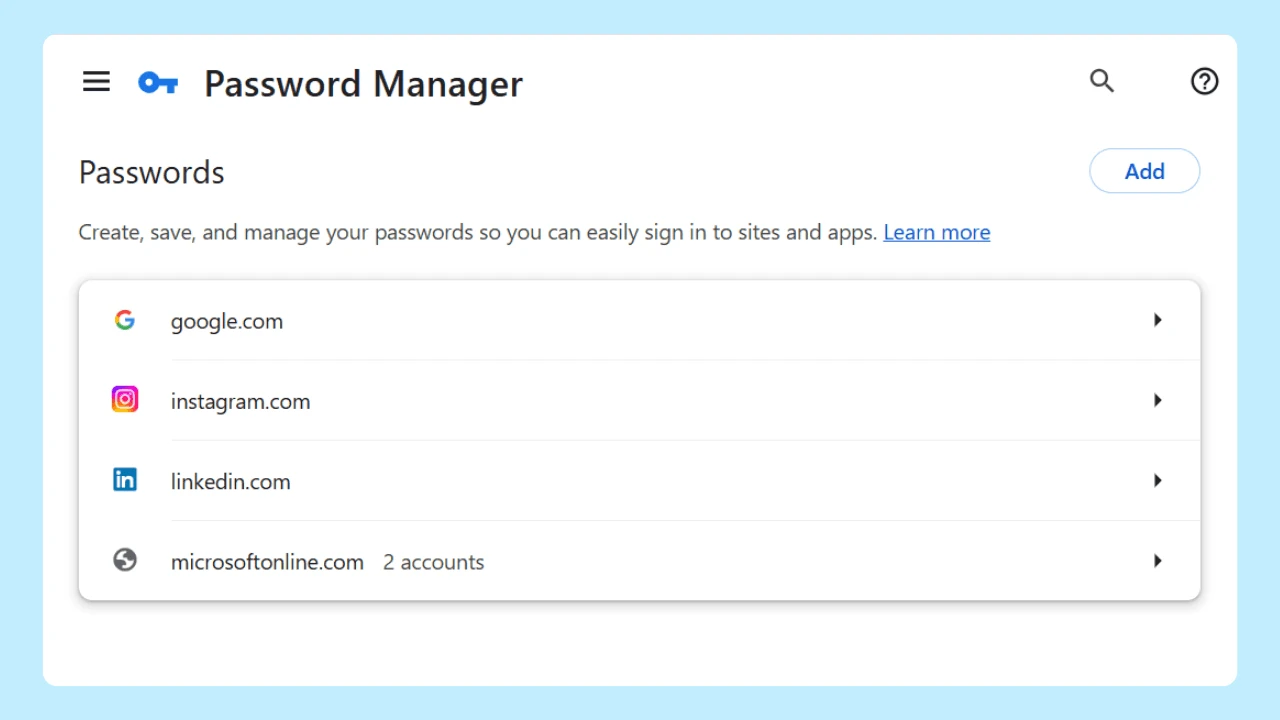
Using strong and unique passwords for every account is one of the best practices for protecting data security. A password manager can help generate and securely store complex passwords without forcing users to remember them all manually.
Review Privacy Settings Regularly
Most social media platforms and apps collect more user data than necessary by default. Reviewing privacy settings helps reduce unwanted data sharing and limits how much information is visible to strangers, advertisers, or third parties.
Users should check:
- Profile visibility
- App permissions
- Location tracking
- Advertising preferences
- Data collection permissions
Ignoring these settings is one of the easiest ways to lose control of personal data.
Avoid Oversharing on Social Media
Social media is one of the biggest sources of privacy threats today. Many people publicly post their birthday, phone number, travel plans, workplace, or family activities without realizing how useful this data can be to scammers.
Cyber criminals often combine small pieces of publicly available information to commit identity theft or create convincing phishing scams.
Be Careful With Public Wi-Fi
Using public Wi-Fi without protection exposes browsing history, login credentials, and sensitive information to potential interception. A virtual private network (VPN) can help encrypt internet traffic and improve security while using public networks.
Watch for Phishing Scams
Phishing scams remain one of the most effective cyber threats because they target human behavior instead of technical systems. Fake emails, messages, and login pages trick users into revealing personal and financial data, or login credentials.
Before clicking links or downloading attachments:
- Verify the sender
- Double-check URLs
- Avoid urgent or suspicious requests
- Never share sensitive data through unsecured channels
Limit Online Tracking
Search engines, advertisers, and websites frequently monitor online activities using cookies and trackers. Users can reduce online tracking by:
- Adjusting browser privacy settings
- Blocking third-party cookies
- Using private browsing modes
- Installing trusted privacy-focused browser extensions
Private browsing does not make someone completely anonymous online, but it can help reduce local tracking and saved browsing history on a device.
Why Does My Internet Say Privacy Warning?
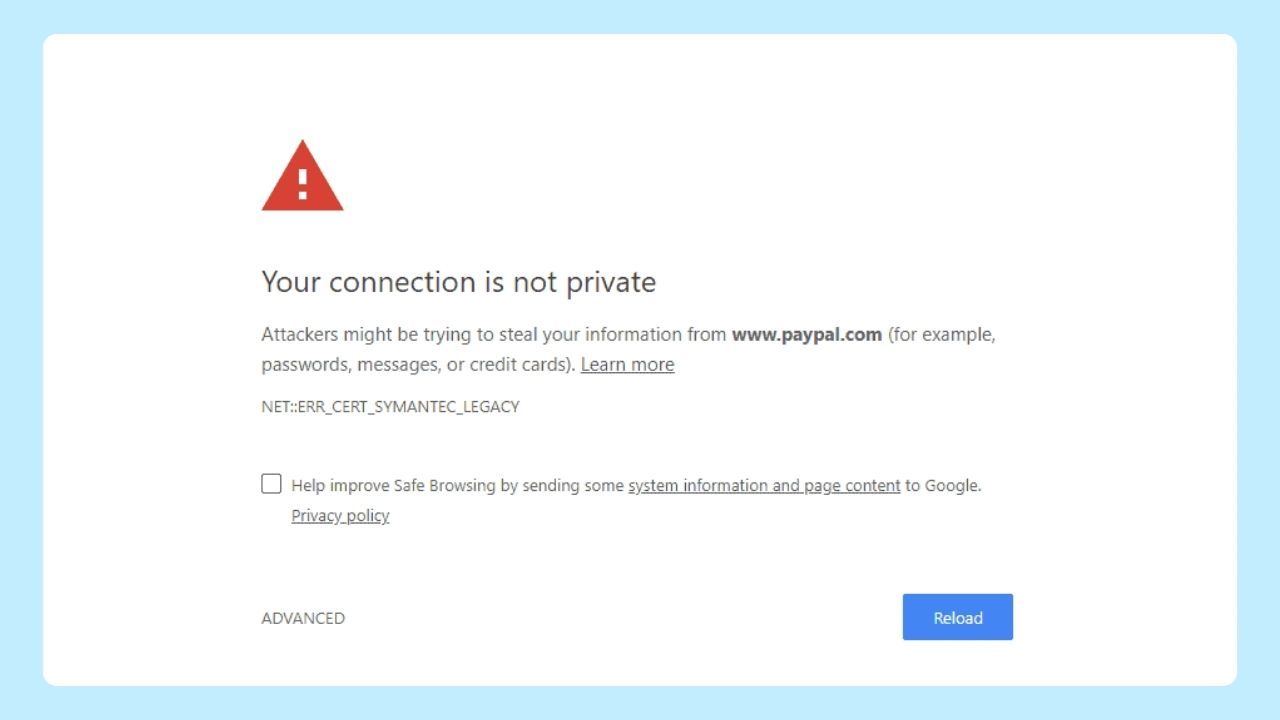
A privacy warning usually appears when a web browser detects a security or certificate problem on a website. This warning often means the site connection may not be fully secure.
Common causes include:
- Expired security certificates
- Incorrect website encryption
- Unsafe public Wi-Fi connections
- Misconfigured websites
- Attempts at phishing scams
Many users make the mistake of ignoring these warnings and proceeding anyway. This can expose sensitive information such as credit card numbers, login credentials, contact information, or financial information to cyber criminals.
Another common issue is outdated browsers or operating systems. Older software may not support modern data protection standards, making it easier for attackers to exploit security weaknesses.
Is It Safe to Accept Cookies?
Accepting cookies is generally safe for basic website functionality, but not all cookies offer the same level of protection. Essential cookies help websites work properly, while third-party cookies are often used for online tracking, data collection, and targeted advertising.
A common mistake internet users make is accepting all cookies without reviewing settings. To reduce risks, consider rejecting unnecessary cookies, clearing browsing data regularly, and using a web browser with customizable controls that help limit unwanted tracking.
Why Does Internet Privacy Matter?
Internet privacy matters because it protects personal information from unauthorized access, ensuring your data remains secure. With rising cyber threats and identity theft, maintaining privacy fosters trust in online interactions. Additionally, safeguarding your digital footprint helps prevent misuse of your sensitive information by companies and malicious actors alike.
At its core, internet privacy is about understanding who has access to your personal data, how your information is being used, and what steps you can take to browse more securely. While online tracking, data collection, and cyber threats continue to evolve, many risks still come from everyday habits like weak passwords, oversharing on social media, or ignoring privacy settings.
The good news is that small changes can make a meaningful difference. Using stronger passwords, reviewing app permissions, and choosing tools that support a safe browsing experience can help reduce exposure to threats without making the web harder to use.
Wave Browser focuses on giving users more control through built-in privacy tools, including ad and tracker blocking on supported platforms, customizable browser settings, and features designed to support a more secure browsing experience.