Every year on Change Your Password Day, people are reminded to update their login details and rethink how they protect their online accounts. With data breaches, phishing attacks, and stolen credentials regularly appearing on the dark web, the way we log in is evolving fast.
For decades, traditional passwords—made up of strings of characters, numbers, and symbols—have been the standard way to secure online accounts. They were simple to implement and easy for users to understand, making them the default authentication method as the internet grew.
Over time, however, the increasing number of online services forced users to manage dozens of passwords, exposing the limitations of a system built around shared secrets.
Now, passkey technology is emerging as a passwordless authentication method designed to improve security and user experience. But when it comes to passkeys vs passwords, how do they actually compare, and which option is safer?
Passkeys vs Password: What’s the Difference?
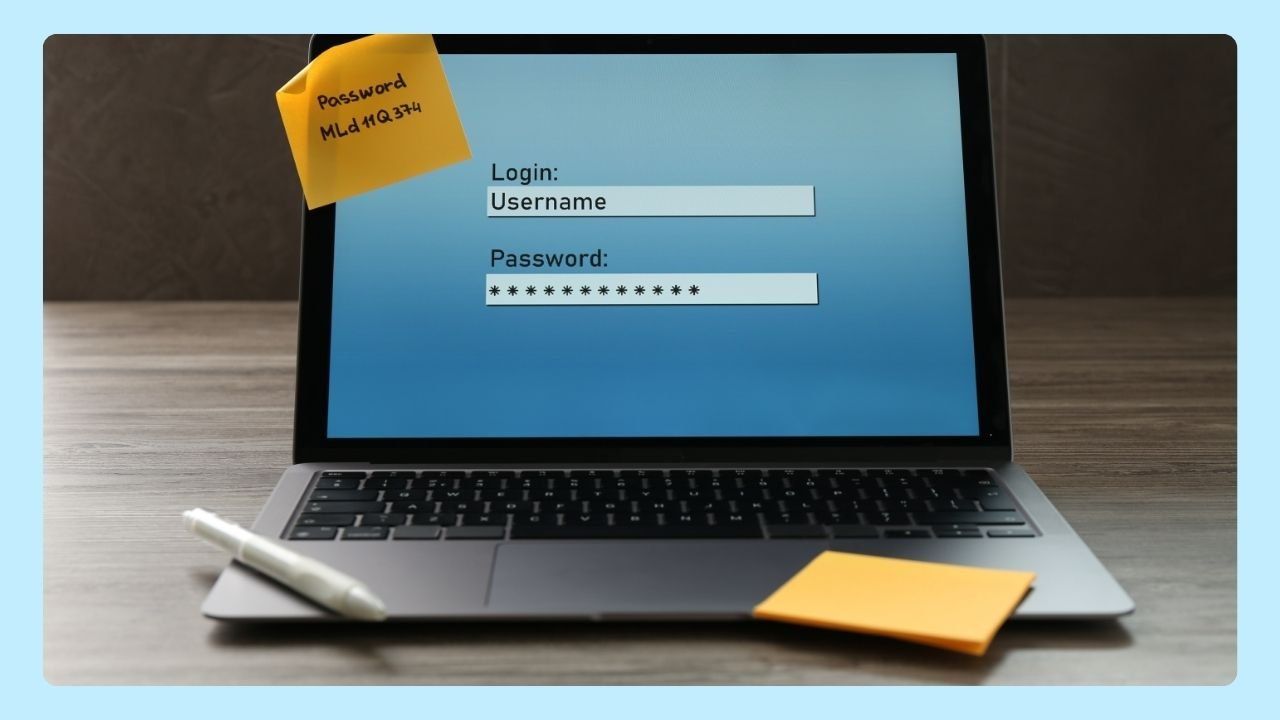
The main difference between passkeys vs passwords is how user authentication works.
- Passwords rely on something you know. It's a string of characters that a user enters to sign in, which is then sent to a service provider for verification. Even strong ones can be reused across sites, stolen through phishing, or exposed in data breaches.
- Passkeys rely on public-key cryptography. Instead of typing a password, your device generates a unique cryptographic key pair consisting of a public key and a private key. The public key is shared with and stored by the service provider, while the private key remains securely on the user’s device and is never transmitted.
When you sign in, your device proves it has the correct private key using biometric authentication like Face ID, Touch ID, facial recognition, or a screen lock. No password is transmitted, which greatly reduces the risk of unauthorized access.
Advantages and Disadvantages of Passwords
Passwords remain the most common authentication method and offer a few clear benefits.
Advantages
Passwords are familiar and widely supported. Users already understand how they work, and they function across devices, operating systems, and browsers. Password managers like Google Password Manager, iCloud Keychain, and other credential tools help users create and store strong passwords securely behind a single master password.
Disadvantages
Passwords are vulnerable to phishing, social engineering, and credential stuffing. When login details are exposed in a data breach, attackers can reuse the same email and password combination across multiple services.
Passwords also hurt the user experience. Managing dozens of it—or resetting them after breaches—creates friction and encourages weak password reuse.
Advantages and Disadvantages of Passkeys
Currently, passkeys are supported by a wide range of devices and services, including most smartphones, tablets, and computers running recent versions of iOS, Android, Windows, and macOS.
Major web browsers like Chrome, Safari, and Edge enable passkey sign-ins, and popular platforms such as Google, Apple, Microsoft, and 1Password have integrated passkey support for their services. Many password managers are also adding passkey compatibility to simplify authentication across multiple applications.
Advantages
The biggest benefit is security. Because they use cryptographic keys instead of shared secrets, they are resistant to phishing attacks. Fake websites cannot steal passkeys the way they can capture passwords, significantly reducing the risk of unauthorized access.
Besides that, it also improves the user experience. Signing in with Face ID, Touch ID, or a device unlock is faster than typing a password. There are no usernames to enter, no logins to remember, and no reset emails to manage.
Disadvantages
Passkeys are still in the early stages of adoption. Not all services support them yet, and some users may need newer devices or updated operating systems. Limited support, device requirements, and multi-device setup can create friction for some users.
What Is Safer, a Password or Passkey?
When comparing the key differences, passkeys are generally considered the more secure option.
Passwords face constant threats from phishing, credential stuffing, malware, and data breaches. Once stolen, they can be reused instantly across services. Even password managers are only as secure as the master password protecting them.
Passkeys eliminate many of these risks. Because the private key never leaves the user’s device and authentication requires biometrics or a screen lock, attackers cannot steal usable login information. There is no password to leak, reuse, or sell on the dark web.
Organizations like the FIDO Alliance support passkeys, and companies including Google, Apple, and major web browsers are pushing for passwordless authentication using FIDO security keys, QR code sign-ins, and built-in platform support.
When Should You Use Passkeys, And When Passwords?
Use passkeys for enhanced security, especially on sensitive accounts, as they reduce the risk of phishing and hacking. Passwords are suitable for less critical accounts or where passkeys aren't supported. Transitioning to passkeys is advisable for better overall protection and convenience in an increasingly digital world.
Today, many platforms allow you to set up a passkey for your accounts for enhanced security. To set up a passkey, go to your account’s security settings, look for the passkey or passwordless login option, and follow the prompts to register a device or biometric method, such as fingerprint or face recognition.
Once enabled, you can use this passkey to conveniently and securely sign in without needing a traditional password.
The Future of User Authentication
As passkey technology matures, more service providers are moving toward passwordless authentication. Google accounts, cloud platforms, and major apps are already leading this shift—away from shared secrets and toward device-based security.
For users, this means fewer logins to manage, a lower risk of account compromise, and a faster, smoother sign-in experience across the web.
Change Your Password Day is a reminder that online security continues to evolve. In the comparison of passkeys vs passwords, passkeys are emerging as the safer and more modern approach to account protection.
Wave Browser supports a secure browsing experience by helping users recognize safer authentication methods, secure connections, and modern security standards, so you can browse with greater confidence as security technology evolves.