Every time you visit a website, your browser shares technical information that helps web pages load correctly and display content tailored to your device.
Most of this process happens automatically, but some websites use that information to create a unique profile of your browser and device through a technique known as browser fingerprinting. Understanding how this works is an important step toward improving your online privacy.
While no browser can eliminate every tracking method, choosing one with strong security and privacy features can help reduce unnecessary data collection. Built on Chromium, Wave Browser includes privacy and security features that help protect your information from trackers, data breaches, and cyber threats.
What Is Browser Fingerprinting?
Browser fingerprinting is a tracking technique that identifies a device by collecting and combining information automatically shared by your web browser. Instead of storing files like cookies, it creates a digital fingerprint using technical characteristics of your device and browser configuration.
Each piece of information collected is known as a data point. Individually, these values reveal very little. When combined, however, they can produce a unique identifier that distinguishes one browser from millions of others.
How Browser Fingerprinting Works
Every time you open a webpage, your browser exchanges information with the server so the page can load properly. During this process, websites may collect attributes needed for compatibility and performance.
Common examples include:
- Browser type
- Browser version
- Operating system
- Screen resolution
- Color depth
- Time zone
- Language preferences
- Installed fonts
- Browser window size
- User agent
- Available media devices
- Supported browser features
A website can combine these attributes into a mathematical value using a hash function, creating a consistent device fingerprint that may recognize returning visitors without relying on cookies. Although a single characteristic rarely identifies someone, dozens of combined data points can create a highly distinctive profile.
The amount of information collected varies from one website to another. Some sites gather only the technical details required to display content correctly, while others collect additional browser data for analytics, advertising, or security purposes.
Is Browser Fingerprinting a Privacy Concern?
Browser fingerprinting sits at the intersection of privacy and security. On one hand, it helps organizations detect fraud, prevent unauthorized access, and identify suspicious activity. On the other, it allows websites and third parties to recognize returning visitors without relying on cookies.
Unlike traditional tracking methods, it works by combining information your browser already shares to create a digital fingerprint. Because this identifier can remain relatively stable over time, many privacy advocates argue that it gives users less control over how their personal information is collected and used.
Whether it is considered acceptable often depends on its purpose. Using it to protect online accounts from fraud is very different from using it to build advertising profiles or measure user behavior across multiple websites.
Browser Fingerprinting vs. Cookies
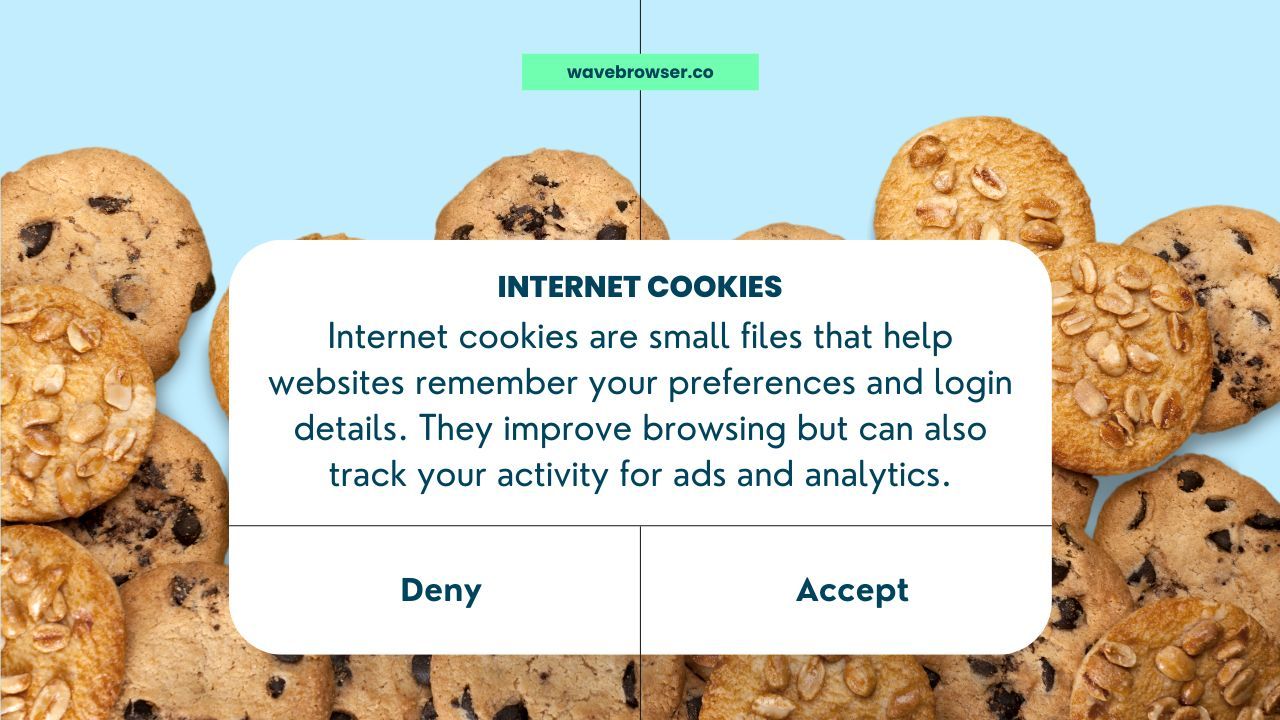
Cookies and browser fingerprinting are often discussed together because both can recognize returning visitors, but they work very differently.
- Cookies are small files stored on your device by websites. They remember preferences, login sessions, shopping carts, and other settings. Users can usually remove them by clearing browser data or deleting cookies.
- Browser fingerprinting doesn't rely on files stored locally. Instead, it creates a fingerprint using characteristics already available to websites, making it much harder to remove or reset.
For this reason, many privacy advocates consider browser fingerprinting one of the more persistent forms of online tracking.
Why Websites Use Browser Fingerprinting
Not every use of browser fingerprinting is intended for advertising. Many organizations rely on it as part of their cybersecurity and fraud prevention strategies. Common use cases include:
Fraud Detection
Banks, financial platforms, and e-commerce websites use device fingerprinting to recognize trusted devices and identify suspicious changes. If someone attempts to access an account from a completely different browser configuration or location, additional verification may be required.
Preventing Account Takeovers
Fingerprinting helps detect login attempts from unfamiliar devices, reducing the risk of account takeovers. Combined with password management and multi-factor authentication, it provides another layer of protection against unauthorized access.
Security Measures
Some organizations use browser fingerprints to detect bots, automated attacks, or unusual web traffic patterns. Comparing device characteristics helps identify activity that differs from legitimate users.
Website Analytics
Some analytics platforms collect information to understand how visitors interact with websites across different devices, operating systems, and browsers. These insights can help improve compatibility and user experience, although they also contribute to broader data collection practices.
Common Browser Fingerprinting Techniques
Websites use several techniques to generate a browser fingerprint. Each one collects different types of technical information, and many services combine multiple methods to create a more reliable identifier.
Canvas Fingerprinting
Canvas fingerprinting uses the browser's canvas element to draw hidden graphics. Because every device renders these graphics slightly differently depending on hardware, software, fonts, and graphics processing capabilities, the resulting image can be converted into a unique value.
Canvas fingerprinting is one of the best-known techniques because it works silently in the background without requiring cookies or user interaction.
Audio Fingerprinting
Audio fingerprinting measures how your device processes sound using the browser's audio capabilities. Small differences in hardware and software processing produce unique results that can contribute to a device fingerprint. It is often combined with other data points to improve identification accuracy.
TLS Fingerprinting
TLS fingerprinting analyzes how a browser establishes secure encrypted connections with websites. Differences in supported encryption methods, protocol versions, and connection settings can create another identifying characteristic.
Security teams frequently use it for fraud detection and identifying suspicious activity, although it can also contribute to user identification in broader tracking systems.
Can Incognito Mode Prevent Browser Fingerprinting?

Many people assume that incognito mode or private browsing completely hides their identity online. While these features improve privacy in some situations, they do not prevent browser fingerprinting.
Private browsing mainly stops your browser from saving browsing history, cookies, and temporary files after a session ends. Websites can still detect many of the same device attributes, including your operating system, browser version, screen resolution, time zone, and user agent.
Similarly, clearing cookies removes stored website data but does not change the characteristics used to generate browser fingerprints.
Incognito mode is still useful when sharing a computer or signing in with multiple accounts, but it should not be viewed as a complete privacy solution.
How to Reduce Browser Fingerprinting

Completely eliminating browser fingerprinting is difficult because websites need some technical information to function correctly. However, there are several ways to reduce the amount of information you share.
Review Browser Settings
Many browsers include privacy and security settings that limit certain types of data collection.
Consider reviewing:
- Site permissions
- Camera and microphone access
- Location sharing
- Notification permissions
- Cookie preferences
- Tracking protection options
Adjusting these settings won't stop every fingerprinting technique, but it can reduce unnecessary exposure.
Limit Browser Extensions
Each installed extension can expose additional information that contributes to your overall device fingerprint.
Installing only the extensions you truly need, keeping them updated, and downloading them from trusted sources helps reduce unnecessary risk while limiting the amount of data available to websites.
Use Privacy Tools
Dedicated privacy tools can help reduce online tracking by blocking trackers, limiting advertising scripts, and restricting unnecessary requests made by websites.
Some browsers also include built-in protections that reduce fingerprinting by limiting the amount of information websites can access.
Keep Your Browser Updated
Security updates don't just fix software bugs. They also improve compatibility, patch newly discovered vulnerabilities, and strengthen security against evolving threats.
Using the latest browser version helps ensure you're benefiting from the newest privacy improvements and security measures.
Browse with Greater Privacy
Browser fingerprinting demonstrates how much information a browser can share during everyday web browsing. While many organizations use it for legitimate security purposes such as fraud detection and fraud prevention, the same techniques can also contribute to online tracking and broader data collection.
Although no browser can completely eliminate fingerprinting, choosing one with strong privacy and security features can help reduce unnecessary exposure.
Wave Browser includes privacy and security features that help reduce unnecessary tracking while supporting safer browsing.
Frequently Asked Questions
Is Browser Fingerprinting Legal?
Browser fingerprinting is generally legal, but how it can be used depends on local privacy laws and regulations. Organizations may need to disclose their data collection practices or obtain consent depending on the jurisdiction and purpose.
Can a VPN Prevent Browser Fingerprinting?
A VPN hides your real IP address, which improves privacy, but it does not prevent browser fingerprinting. Websites can still collect information such as your browser version, operating system, screen resolution, and other device attributes.
Can Browser Fingerprinting Identify Me Personally?
Browser fingerprinting typically identifies a browser or device rather than a person's name or email address. However, if a fingerprint is associated with an online account, it may be linked to personal information already provided to that website.