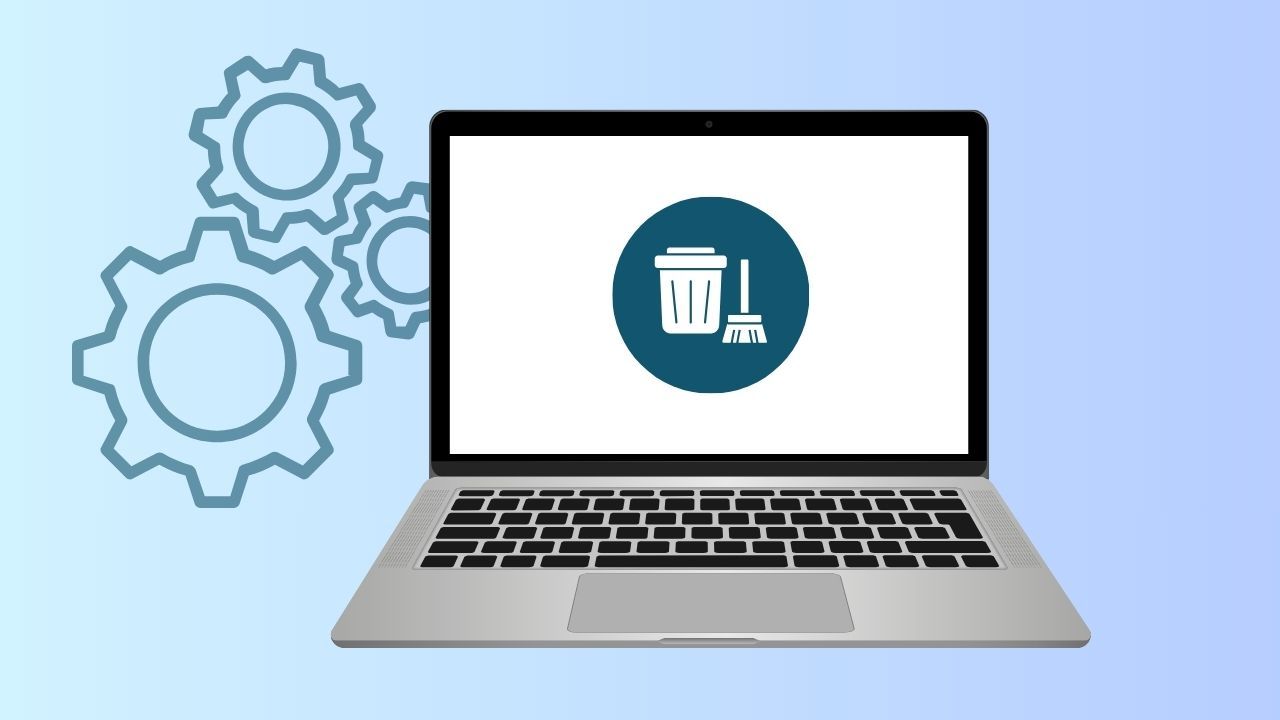
January marks National Clean Up Your Computer Month, reminding us to care for the technology we depend on every day. From physical cleaning to organizing your digital space, a clean computer helps protect your important data, supports peak performance, and sets the stage for a smoother new year.
Just like our environment, your computer needs regular maintenance to stay in good condition. And when you pair smart habits with the right tools—like Wave Browser—cleaning up your digital life feels simpler, more intentional, and more rewarding.
Where Did National Clean Up Your Computer Month Come From?
National Clean Up Your Computer Month emerged organically in the early 2000s as a technology-awareness initiative promoted by IT professionals, productivity experts, and tech publications.
Over time, software companies, cybersecurity experts, and tech blogs reinforced the message, turning it into a widely recognized observance focused on:
- Cleaning and regular maintenance
- Organizing digital files and email
- Improving performance and cybersecurity
- Extending device lifespan
Today, National Clean Up Your Computer Month is less about a formal celebration and more about a shared reminder to start the year with a cleaner, safer, and more efficient digital space.
Why and When Should You Clean Your Computer?
A clean computer isn’t just about looks. It plays an important role in performance, longevity, and health.
External cleaning helps:
- Reduce the spread of germs on high-touch surfaces like your keyboard, mouse, and workspace
- Maintain everyday cleanliness for home offices and business operations
- Keep your desktop setup comfortable and professional
When cleaning your computer this month, check for buildup of dust in vents and fans, crumbs or debris between keyboard keys, smudges on the screen, and sticky residues on your workspace. All of which can affect both hygiene and device performance.
Internal cleaning is essential to:
- Prevent dust buildup and dust accumulation inside the device
- Keep vents clear to avoid overheating
- Protect your hardware, including the motherboard and other delicate internal parts
- Support long-term performance and extend your computer’s lifespan
Regular attention to both the inside and outside of your computer helps keep it running smoothly and reliably day after day.
If you’re participating in National Clean Up Your Computer Month, you may want to follow a cleaning checklist.
Essential steps include powering down and unplugging your computer, removing dust from vents and fans, carefully cleaning around the motherboard and other delicate internal parts with compressed air, wiping external surfaces, and organizing your files. Using proper cleaning tools and techniques will help keep your machine running smoothly and safe from dust buildup.
Best Practices for Physical Desktop and Keyboard Cleaning
When it comes to proper cleaning techniques, a little care goes a long way.
Best practices include:
- Turning off and unplugging your device before cleaning
- Using compressed air to safely remove dust from internal parts and internal components
- Gently cleaning the inside of your computer without touching sensitive components
- Wiping down the keyboard, screen, and exterior to maintain overall cleanliness
Keeping your hardware in good condition helps your computer run cooler, quieter, and longer—protecting both performance and peace of mind.
Beyond National Clean Up Your Computer Month, it’s recommended to clean your PC or notebook at least once per week, especially your desktop, keyboard, and workspace. This regular cleaning helps control the spread of germs and keeps your business operations and personal workspace running smoothly.
Clean Your Digital Space for Better Performance
Physical cleaning is only half the equation. A cluttered system can slow things down just as much as dust.
Take time this month to:
- Organize files into clearly labeled folders
- Delete old emails you no longer need
- Review unused apps and remove what’s unnecessary
- Back up important data using reliable cloud storage
Keeping your system organized improves focus, efficiency, and long-term reliability.
For Clean Up Your Computer Month, you can safely delete old files and programs by first backing up important data, then using built-in storage management tools to identify and remove unused items. Uninstall programs through your system’s control panel or settings, and regularly clear out files in your Downloads and Recycle Bin folders, all while ensuring your digital workspace remains organized and secure.
How Digital Cleanliness Protects Against Malware and Extends Lifespan
Keeping your digital environment organized is essential for both security and long-term performance. When systems are cluttered or outdated, they become harder to manage and more vulnerable to issues that can impact reliability and durability over time.
Cybersecurity and Malware Protection
A messy digital environment can open the door to malware, weak passwords, and outdated systems.
Regular software updates ensure you’re running the latest version of your operating system and apps, helping protect against vulnerabilities that threaten servers, personal devices, and entire workflows.
Good digital hygiene strengthens cybersecurity, supports safer browsing, and helps keep your data where it belongs.
Overheating and Hardware Lifespan
Digital clutter can also strain your system’s resources. Too many background processes and unnecessary apps can overwork your computer, increasing heat output over time. Persistent overheating puts stress on internal components and can shorten a device’s lifespan.
Maintaining a clean, organized system helps reduce unnecessary workload, allowing your computer to run more efficiently, stay cooler, and perform reliably for longer.
How Wave Browser Helps Keep Things Clean and Efficient
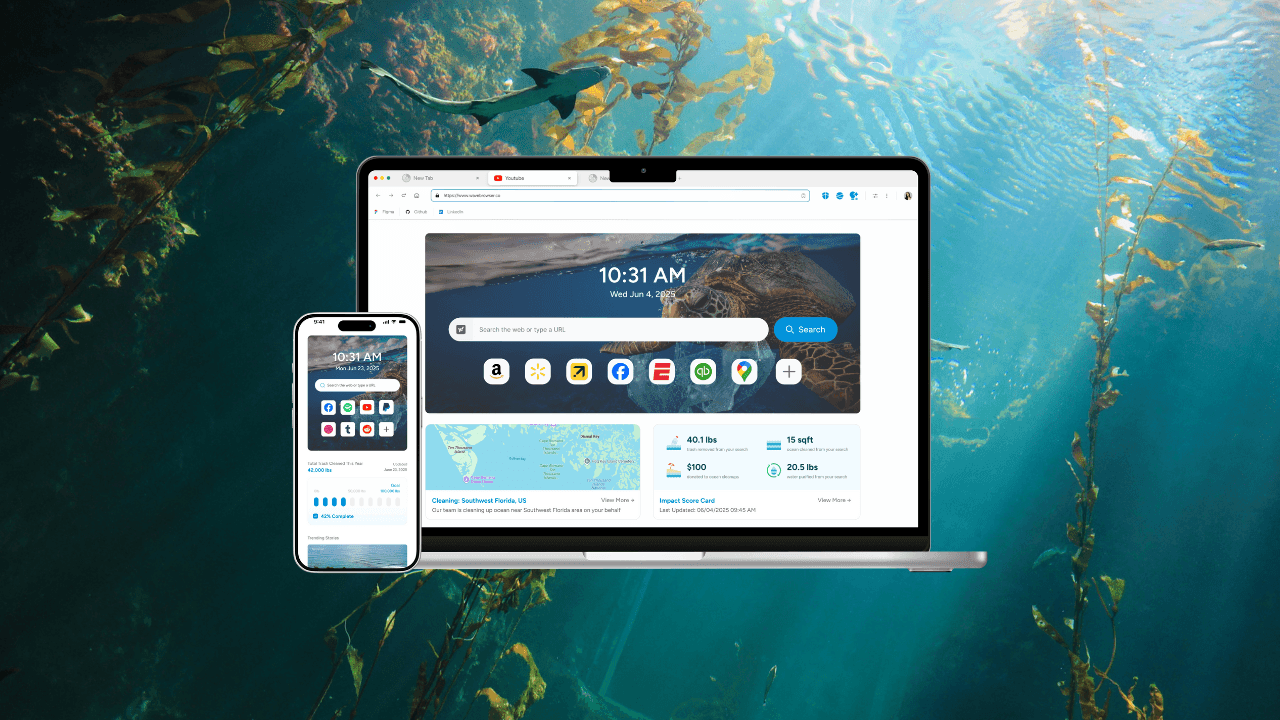
At Wave, we believe caring for your digital tools should feel effortless.
Wave Browser is built to reduce clutter, streamline browsing, and support smarter daily habits without changing how you work or browse.
With features and integrated extensions that help manage tabs, block unnecessary distractions, and improve efficiency, Wave supports a cleaner, more focused digital experience.
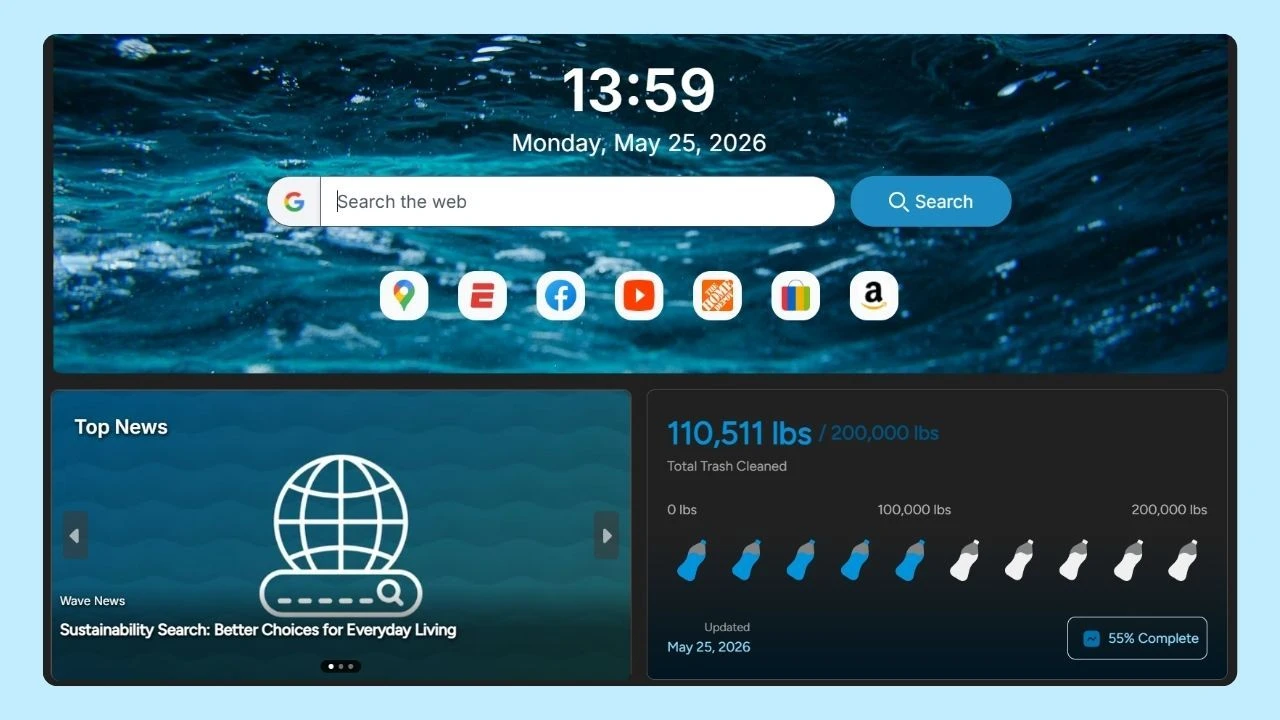
And while you organize your online life, your browsing also supports verified cleanup efforts through Wave’s partnership with 4ocean, helping protect our ocean and turning everyday habits into real-world impact.
Make January Count—For Your Computer, Apps and Beyond
National Clean Up Your Computer Month is about more than tidying up. It’s about setting standards that last all year: regular cleaning, smarter organization, and thoughtful use of technology.
During this month, many communities and organizations host events or challenges that encourage cleaning and maintaining your computer’s internal parts. These initiatives provide resources and step-by-step guides for proper cleaning, helping users prevent dust buildup and ensure that vents and the motherboard are kept in optimal condition.
A cleaner computer means better performance, longer lifespan, stronger security and a clearer digital space to do your best work.
This January, clean with purpose.
Browse with clarity.
And make waves that matter.