Online shopping has made it simple to order almost anything in seconds, but customers still want visibility into the delivery process. When waiting for an Amazon package, accurate tracking information makes a big difference.
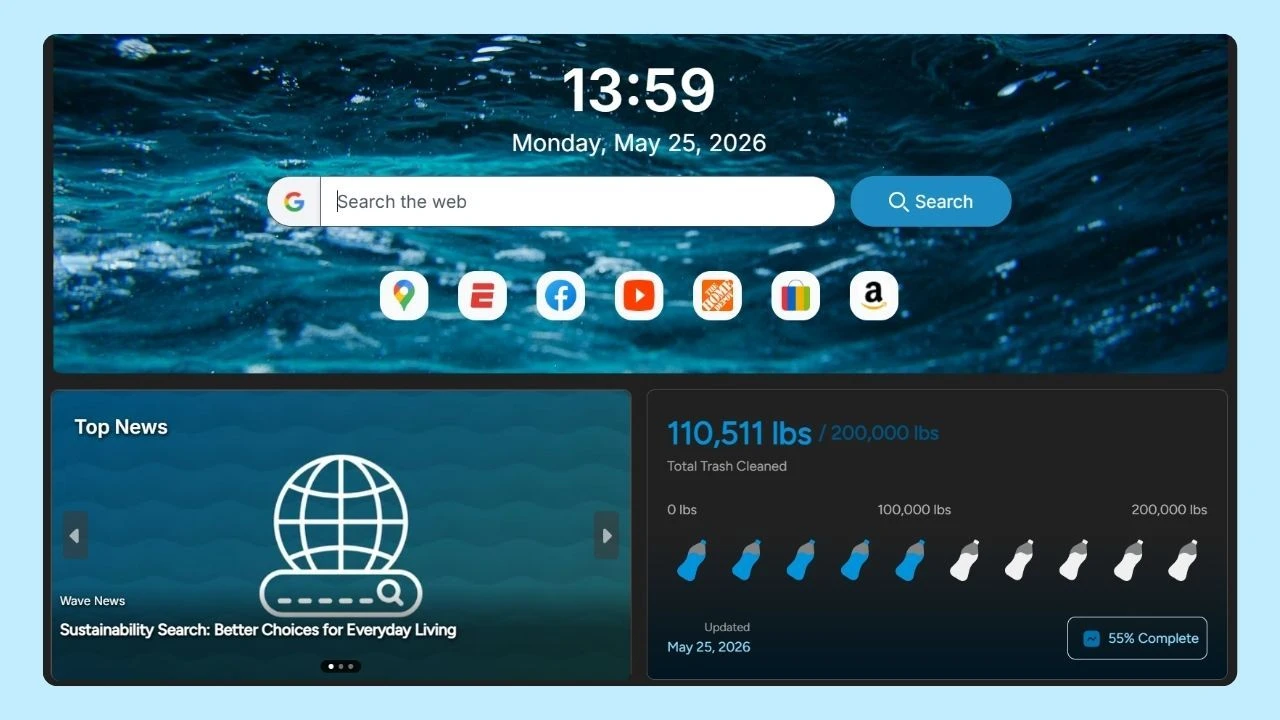
Beyond checking updates directly on Amazon, some users also rely on browser-based tools like Wave Browser’s built-in package tracker, which helps organize shipments from multiple carriers in one place.
This guide explains how Amazon package tracking works and what each status update means.
How Amazon Package Tracking Works?
Amazon package tracking is the system that allows customers to monitor shipping progress after placing an Amazon order. Once an item ships, you receive an Amazon tracking number linked to your shipment.
Tracking provides real-time updates about your parcel, including when it leaves the warehouse, reaches a courier facility, and arrives at the delivery location.
Where to Find Tracking Number on Amazon?
To find your tracking number on Amazon, go to "Your Orders" in your account. Locate the specific order you want to track along with the Amazon order number and click on “Track Package.” The tracking number will be displayed along with delivery details on the Amazon order shipping details page, allowing you to monitor your package's journey easily.
In some cases, you may also see updates at the bottom of the shipment details page within your account dashboard.
If you want to track package status on Amazon:
- Log into your account.
- Open the order details section.
- Click the tracking link.
The platform displays shipment movement, the first package scan, and each additional package scan along the route. Tracking updates reflect activity from Amazon logistics or a third-party courier.
Understanding the Delivery Process
The delivery process typically follows these stages:
- Order confirmed
- Item shipped
- First package scan at facility
- In transit
- Out for delivery
- Delivered
If Amazon handles the shipment directly through Amazon logistics, updates appear frequently. If a third-party carrier is involved, information may depend on that courier’s system.
Carriers Used for Amazon Shipping
Amazon works with multiple carriers in the United States and internationally. Common shipping partners include:
- USPS
- FedEx
- DHL
- DHL Ecommerce
- China Post
For example, international shipments from China may show as Amazon China Post or China Post before transferring to USPS or another domestic carrier.
Some deliveries are marked with TBA tracking codes, which indicate Amazon-managed delivery services.
Tracking International Shipments
If your parcel originates from China or another country, tracking may update through DHL Ecommerce or China Post before entering the United States.
Customers can use the package search field inside Amazon to monitor international shipments. In certain cases, third-party platforms offer a universal package tracking service that consolidates multiple courier systems in one place.
Tracking Orders from an Amazon Seller
If you purchase from an independent Amazon seller, tracking details may vary. The Amazon seller typically uploads shipment data once the product is dispatched.
You can still view tracking through your order number in the search field within your account. Tracking updates are stored within your Amazon account and remain accessible alongside your amazon browsing history and past purchases, making it easier to review previous shipments.
Some sellers ship via USPS, FedEx, DHL, or regional courier services.
How to Track Amazon Packages with Wave Browser
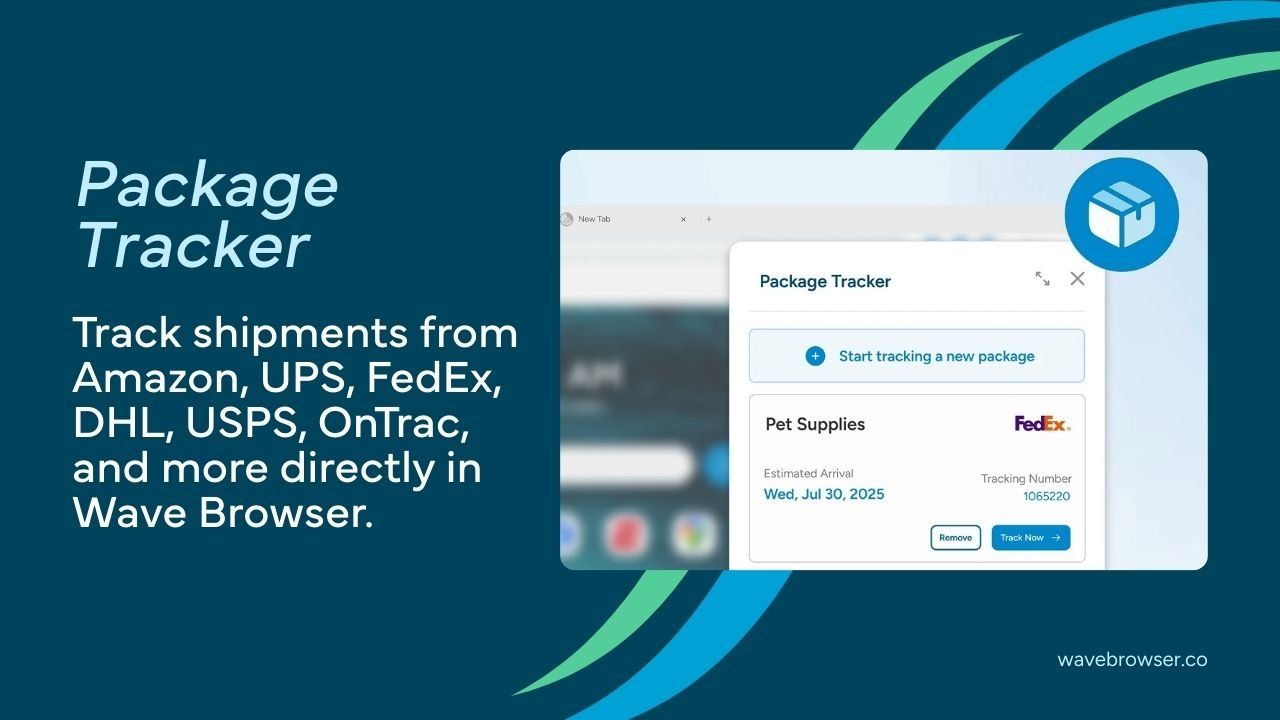
Tracking an Amazon package can involve multiple carriers, especially if the shipment moves between Amazon logistics, USPS, FedEx, or DHL. Instead of switching between different carrier websites, Wave Browser offers a built-in package tracking tool that helps centralize updates in one place.
To track your shipment using Wave Browser:
- Copy your Amazon tracking number from the order details page
- Open the built-in package tracker inside Wave Browser
- Paste the tracking number into the package search field
- View real-time tracking updates from the assigned courier
Wave’s package tracking feature supports major carriers commonly used for Amazon shipping, allowing you to monitor delivery progress without opening multiple tabs. This can be especially helpful when managing several shipments at once, keeping all tracking information organized within your browser.
Managing Multiple Shipments Efficiently
Frequent shoppers often manage multiple shipments and price changes at once. Instead of checking separate carrier pages or revisiting product listings repeatedly, some users prefer centralized tools.
Wave Browser includes a built-in package tracking feature that helps organize online package tracking across major carriers in one browser interface. This can simplify monitoring Amazon delivery updates, especially when expecting multiple parcels in April or during peak shopping seasons.
On the sidebar, users can also access an Amazon price tracker, making it easier to monitor product price changes while browsing. For shoppers who compare deals before purchasing, having price insights and shipment tracking available in one workspace can make planning purchases more efficient and organized.
By keeping tracking organized and accessible, customers gain better visibility into shipping progress, estimated arrival dates, and delivery location updates.