When it comes to online privacy, many internet users turn to features to keep their activity more discreet. These browsing options are built into most modern web browsers and can be useful when you don't want your browsing history, form entries, or site data stored on a device after a session ends.
However, there is often confusion about the difference between private browsing vs. incognito and what these features actually do. Many people assume that opening a new incognito window makes them completely anonymous online.
The reality is that these modes offer some privacy benefits, but they have limitations. Understanding how these features work can help you make informed decisions about protecting your personal information online.
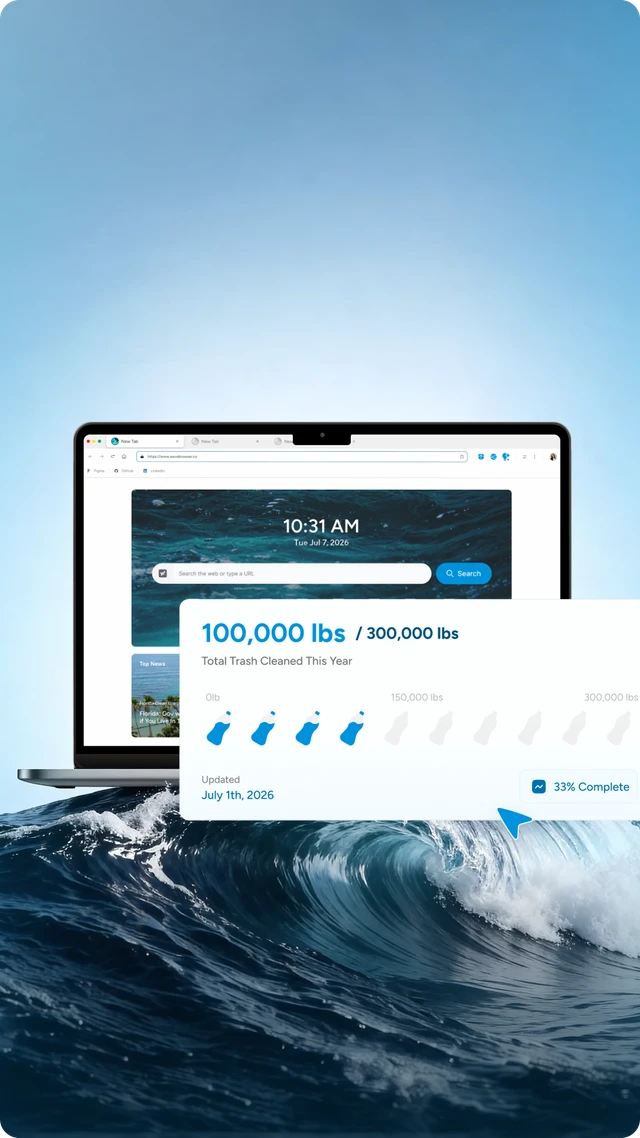
When surfing the web, choosing a browser with built-in privacy and security features can also make a difference. Wave Browser includes tools such as customizable privacy settings, ad and tracker blocking on supported platforms, secure password management, and features designed to give users more control over their online experience.
What Is Private Browsing?

Private browsing is a mode that prevents certain information from being stored on your device after a browsing session ends. During this session, websites function normally, but the browser limits what is saved locally.
It may prevent the storage of:
- Browsing history
- Search history
- Cookies and site data
- Form data
- Form entries
- Local history
- Temporary browsing data
Once the session is closed, this information is usually removed from the local device.
This can be useful when:
- Using a shared computer
- Accessing online accounts on public computers
- Shopping for gifts without saving local history
- Logging into multiple accounts simultaneously
- Researching topics without affecting personalized recommendations
However, private browsing does not make users invisible online. Websites, third parties, network administrators, and internet service providers may still be able to see internet activity.
What Is the Disadvantage of Private Browsing?
The biggest disadvantage is that many people assume it provides complete online anonymity when it does not.
Besides that, browser extensions may behave differently during private sessions. Some extensions are disabled by default, while others may continue collecting information depending on their permissions.
This also does not automatically log users out of social media accounts or prevent websites from recognizing them if they sign in. For example, if you're logged into an email account, your activity may still be associated with that account even when you're browsing anonymously.
Another limitation is that downloads, bookmarks, and files saved during a private session may remain on the device after the browser window is closed.
What Is Incognito Mode?

Incognito mode is a type of private feature available in some web browsers. While the terminology varies between browsers, the core purpose is generally the same: to create a temporary session that does not save certain types of local data after the session ends.
During incognito browsing:
- Browsing history is not stored locally
- Cookies are deleted after the session
- Search history is not saved to the device
- Form entries are typically removed when the session ends
Users can start an incognito window through browser menus or by using a keyboard shortcut on desktop devices.
Although incognito mode provides some privacy benefits, it does not hide your IP address. Websites can still see your internet connection, and your internet service provider can still monitor internet traffic.
This is why the answer to "Is incognito safe?" depends on what you expect it to do. It can help keep browsing activity private from other people using the same device, but it does not make you complete anonymous on the internet.
The Difference Between Private Browsing vs. Incognito Mode
Private browsing vs. incognito mode refers to the same type of feature found in modern web browsers. Both create a temporary session that prevents history, cookies, and certain local data from being saved after the window is closed. The primary difference is simply the terminology used by different browsers.
For stronger privacy protection, some users combine private mode with a virtual private network (VPN). A VPN routes internet traffic through a server, helping conceal the user's IP address and providing a more secure connection.
Even when using a VPN, users should remember that no single tool guarantees complete online privacy.
If you no longer need this feature, you can simply turn off private browsing by closing the private or Incognito window and returning to a regular browsing session.
How Do I Turn On Private Browsing?
The process varies slightly depending on the browser and device you're using.
On Desktop
Common methods include:
- Selecting "New Private Window" or "New Incognito Window"
- Using a keyboard shortcut: CTRL + SHIFT + N
Many browsers display a special icon or indicator in the browser window when private mode is active.
On iPhone
- Open your browser.
- Access the tab management screen.
- Select the option for private browsing.
- Open a private tab.
The exact process may vary depending on the browser being used.
On Android
- Open your browser.
- Tap the menu button.
- Select New Incognito Tab or the anonymous option.
A new session will open with privacy features enabled.
On Tablets and Other Mobile Devices
The option is usually available through the browser menu or tab management screen, often near the bottom of the screen.
Benefits of Using Private Mode in Wave Browser
When comparing private browsing vs. incognito, it's important to understand that both are designed to create a temporary session that does not save cookies, search history, or other temporary browsing data after the window is closed.
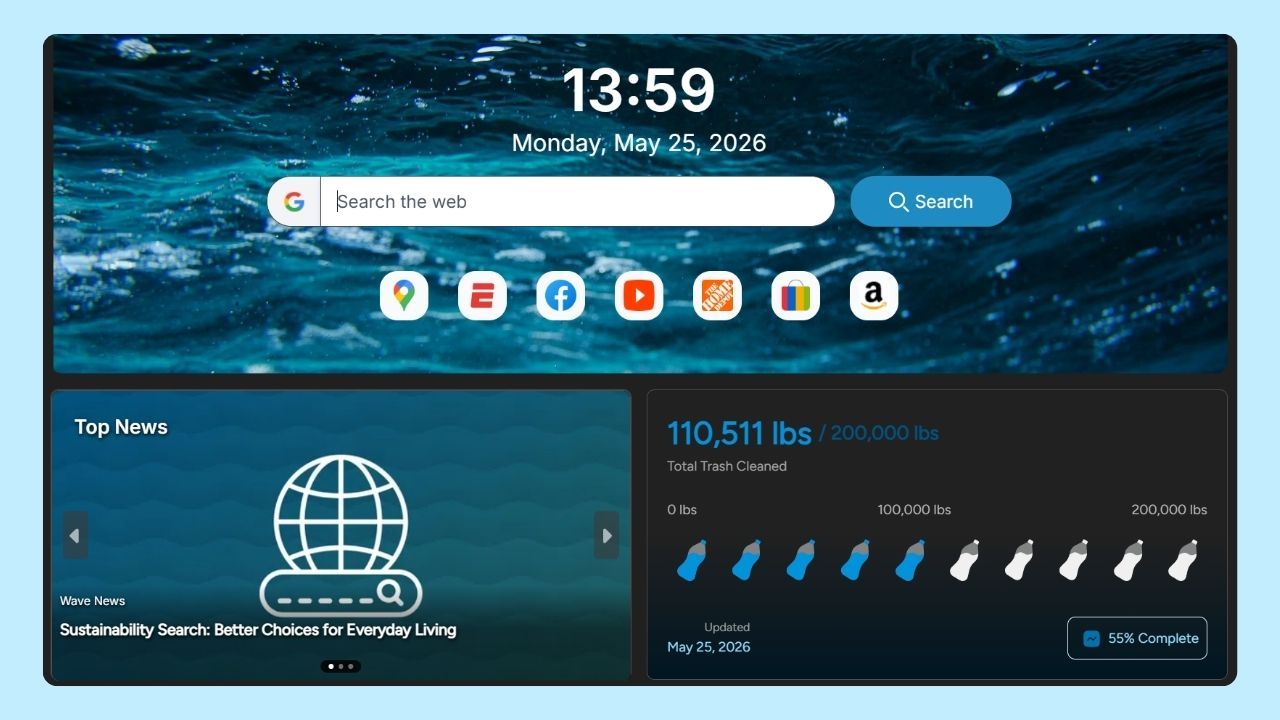
In Wave Browser, private mode can be useful when accessing personal accounts on a shared computer, shopping online, or researching topics without affecting your regular experience surfing the web.
This can also work alongside Wave Browser's built-in privacy and security features. Users can take advantage of customizable privacy controls, ad and tracker blocking, secure password management, and other tools designed to support a safer online experience.
While private browsing does not hide your IP address or provide complete anonymity online, it can help protect personal information stored on your device and give users greater control over their local data.