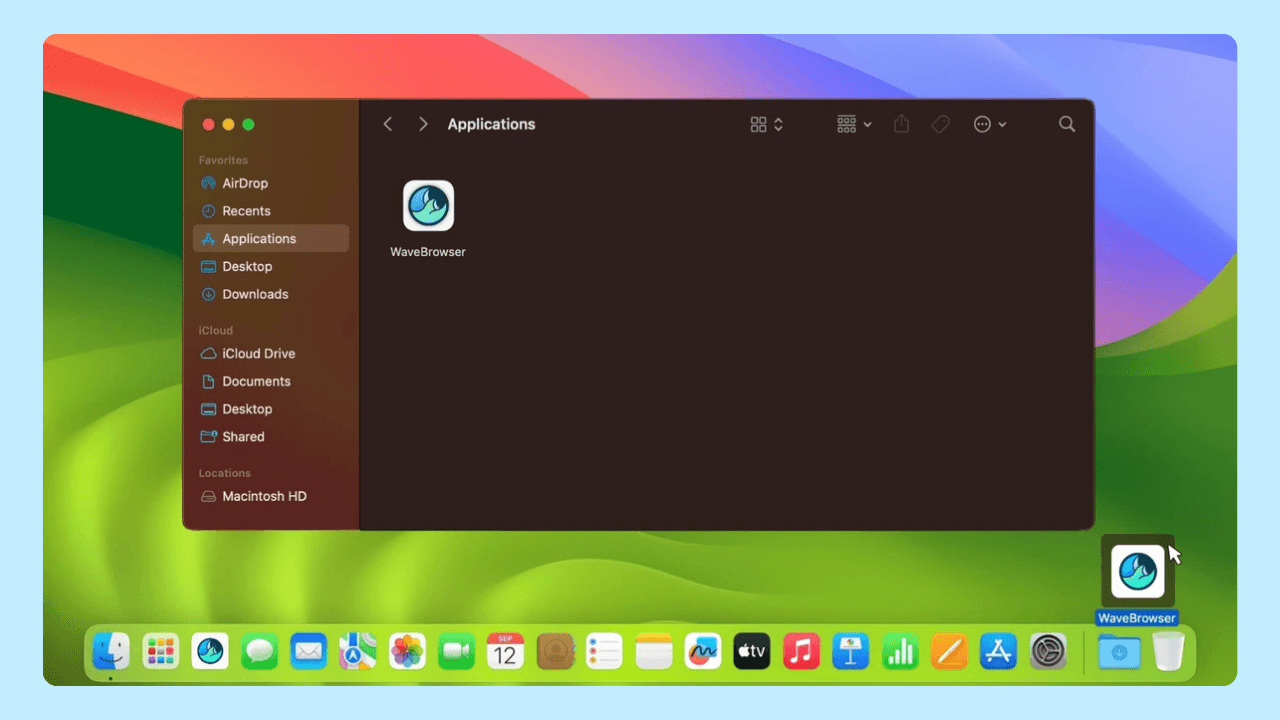
A browser installation involves three separate decisions: where the software came from, what the setup screens described, and which browser your operating system currently uses by default. Keeping those decisions together in a short record makes later questions easier to answer.
Quick answer:
- Record the source, platform, version, and date when you install Wave Browser.
- Note the settings or optional choices you accepted, skipped, or declined.
- Check the current default-browser setting separately from the installation record.
- Update the record after a version change or a device handoff.
- Do not put passwords, payment details, or license keys in the note.
The three decisions
| Decision | Evidence to keep | Why it matters |
| Where the software came from | The official page or store listing and the date used | It identifies the route you chose |
| What setup described | The application name, version, settings changes, and choices shown | It records the release-specific installation information |
| Which browser opens links | The operating system’s current default-app setting | It shows the current browser preference, which can change without reinstalling |
Wave Browser’s primary U.S. English entry point is wavebrowser.co. Wave states that it distributes through official channels and does not authorize third-party bundling or distribution. Treat that as the company’s stated channel policy; the specific page or file in front of you still needs its own identity check.
The five lines to save
Write these lines while the information is available:
- Source and date: Save the address of the download page or the store listing you used.
- Platform: Write Windows, macOS, Android, or iOS.
- Installed version: Read the version from the application or its system information, rather than relying on a download-page label.
- Setup choices: Note settings the installer said it could change and the optional choices you made.
- Default browser: Record which browser currently opens links and when you last checked it.
A short note is enough. Keep it in a place you already use for software records, and keep sensitive credentials out of it.
Rebuilding a record later
Some information remains visible after installation. The operating system can show the installed application and version, and its default-app settings show which browser currently opens links. The browser’s settings show its present configuration.
Other details may be harder to reconstruct. Download history, email, or a saved store link may still show the source, but the original setup wording may no longer be available. Mark a detail as unknown instead of filling it in from memory. That tells you which question still needs support.
When to review it
Review the note:
- After a significant update, because the installed version may have changed;
- Before a computer changes hands;
- When a current setting differs from the record; and
- Periodically if the browser is part of a long-term setup.
Compare the device with the note, correct the date or version, and keep the earlier entry as context when it helps explain a change.
Why installation choices are meant to be readable
Wave says its Windows and macOS releases go through AppEsteem certification before shipping. AppEsteem’s published requirements cover disclosure of installed components, explanations of important settings changes, understandable accept/cancel/skip/decline choices, and standard application removal controls. These requirements describe the information and choices a certification program examines; your record captures what you actually saw in the release you installed.
If you need help
For a question about one installation, send Wave Support the platform, version, source, date, and the exact wording of any message. The support address is support@wavebrowser.co. If you simply want to change the default browser, use your operating system’s default-app settings; that preference is separate from the installed application.
Frequently Asked Questions

Does installing Wave Browser automatically make it the default?
Installation and the default-app preference are separate. Check the operating system’s default-app setting to see which browser currently opens links.
What if my old note has a different version?
Keep the old version and date, add the current version, and record when you updated the note. The difference may simply reflect a later update.
Can I keep the record without storing sensitive information?
Yes. Keep only source, platform, version, date, and setup choices. Do not include passwords, payment details, or license keys.
Download Wave Browser today.