Change Your Password Day is observed every year on February 1st, and in 2026 it’s more relevant than ever.
As cyber threats evolve and more personal information is shared online, this day offers a practical moment to reassess password habits, review your digital habits, and strengthen the first line of defense protecting your personal accounts: your passwords.
At Wave Browser, we believe online security should feel clear, practical, and empowering, not overwhelming. Just like protecting our ocean takes consistent action, protecting your digital life starts with good password hygiene.
Why 'Change Your Password Day' Matters More Than Ever
From large-scale data breaches to everyday phishing scams, weak passwords continue to be one of the most common entry points for unauthorized access.
Cyber security experts agree: passwords are still a critical part of information security. They protect your personal information, cloud storage, social media, financial tools, and work-related systems. When reused or poorly managed, old passwords can quietly weaken your overall security posture.
On Change Your Password Day, you can easily update your passwords for all your key accounts by making a list of your most important logins, using a password manager to generate strong, unique passwords, and systematically updating each account. This simple approach helps ensure your digital safety without feeling overwhelming.
That’s why this day exists; to raise cybersecurity awareness and encourage better digital security habits.
Best Practices to Follow on February 1st
This password day isn’t about changing everything at once; it’s about building sustainable habits.
On February 1st, consider:
- Updating old passwords you’ve reused for years
- Replacing weak passwords with more secure passwords
- Reviewing your password policy for work and personal use
- Enabling multi-factor authentication where available
- Checking if any of your accounts were affected by recent data breaches
Regular password changes, paired with good password management, help strengthen your digital security over time.
If you forget a password after changing it on Change Your Password Day, use the 'Forgot Password' feature on the respective platform to reset it. Make sure to update any stored password records with your new one and consider using a password manager to keep track of future password changes securely.
The Risks of Weak Passwords
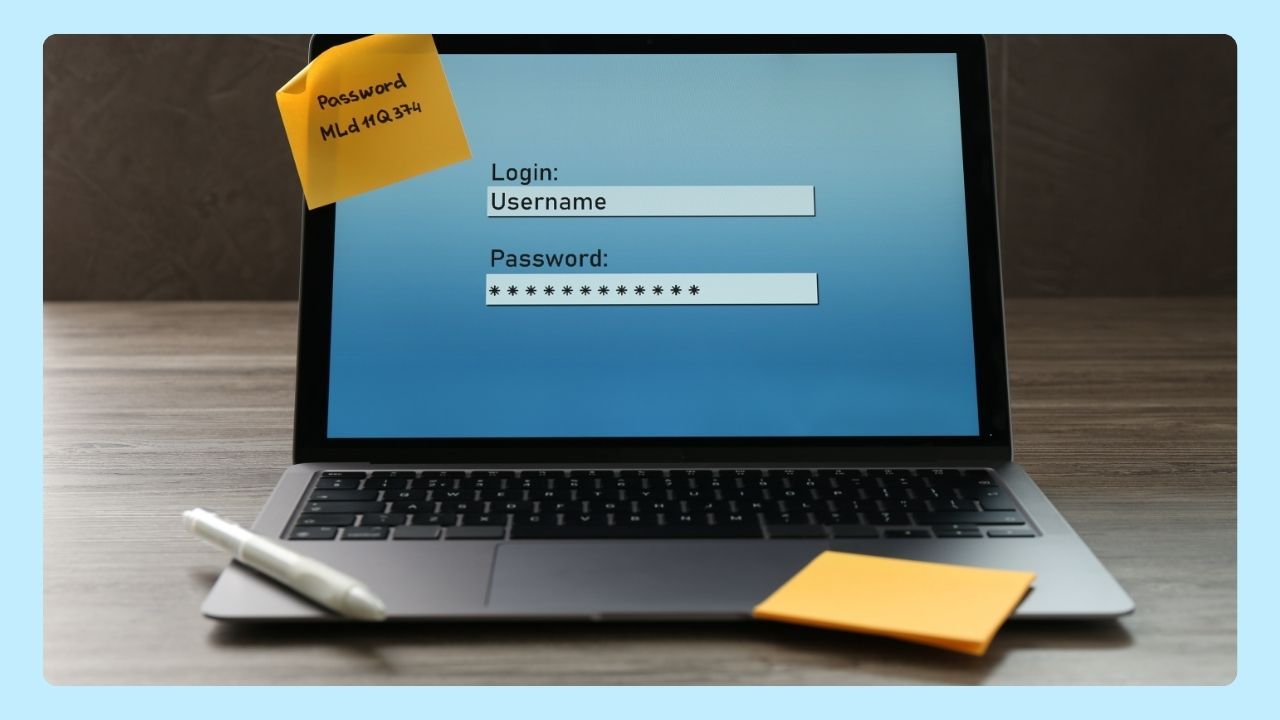
Using weak passwords or the same login across different accounts makes it easier for cyber threats to spread.
If one account is compromised, attackers can quickly attempt unauthorized access to others... especially personal accounts tied to email or social media.
Common risks include:
- Phishing attacks and phishing scams designed to steal login details
- Credential stuffing using passwords leaked from data breaches
- Loss of sensitive information and personal data
- Reduced peace of mind when managing multiple accounts
Good password management isn’t just an IT issue for IT teams, it’s a daily habit for everyone.
What Makes a Strong Password?
Strong passwords are intentionally hard to guess and difficult to crack. According to best practices recommended by the National Institute of Standards, secure passwords should include:
- A mix of uppercase and lowercase letters
- Numbers and special characters
- Sufficient length
- No reused or predictable patterns
Most importantly, use unique passwords for different accounts.
Different passwords prevent a single breach from unlocking your entire digital life. If you rely on Google to store credentials, you can review and manage them anytime by visiting passwords.google.com in your Google Account settings.
Strong password practices may feel small, but they add an extra layer of security that compounds over time.
How Often Should You Update Your Password?
It's recommended to update your password every three to six months. Regularly changing passwords enhances security, reducing the risk of unauthorized access. Additionally, ensure that new passwords are unique and complex, combining letters, numbers, and symbols for optimal protection on Change Your Password Day and beyond.
The Role of Password Managers
Remembering dozens of complex passwords isn’t realistic, and that’s where a password manager comes in.
A reputable password manager or password management tool securely stores your login details and helps generate secure passwords for every account.
Benefits of good password management include:
- Safer storage of sensitive information
- Easier use of different passwords across accounts
- Protection against weak passwords
- Better overall password management habits
Using a reputable password manager is one of the simplest ways to improve online security without adding friction to your day.
Extra Layers of Protection
Passwords work best when paired with additional safeguards. Adding an extra layer of security—such as two-factor authentication, a fingerprint scan, or biometric login—makes it much harder for attackers to gain access, even if a password is exposed.
- Two-factor authentication (2FA): Requires a second verification step—such as a one-time code sent to your phone or generated by an app—before access is granted, even if someone knows your password.
- Fingerprint scan: Uses your unique fingerprint to confirm your identity, making it extremely difficult for unauthorized users to sign in.
- Biometric login: Relies on physical traits like facial recognition or fingerprint data to verify access, adding protection that can’t be easily guessed or reused.
This additional layer of security is especially important for accounts connected to financial services, cloud storage, and work platforms that store valuable or sensitive data.
Browsing With Confidence
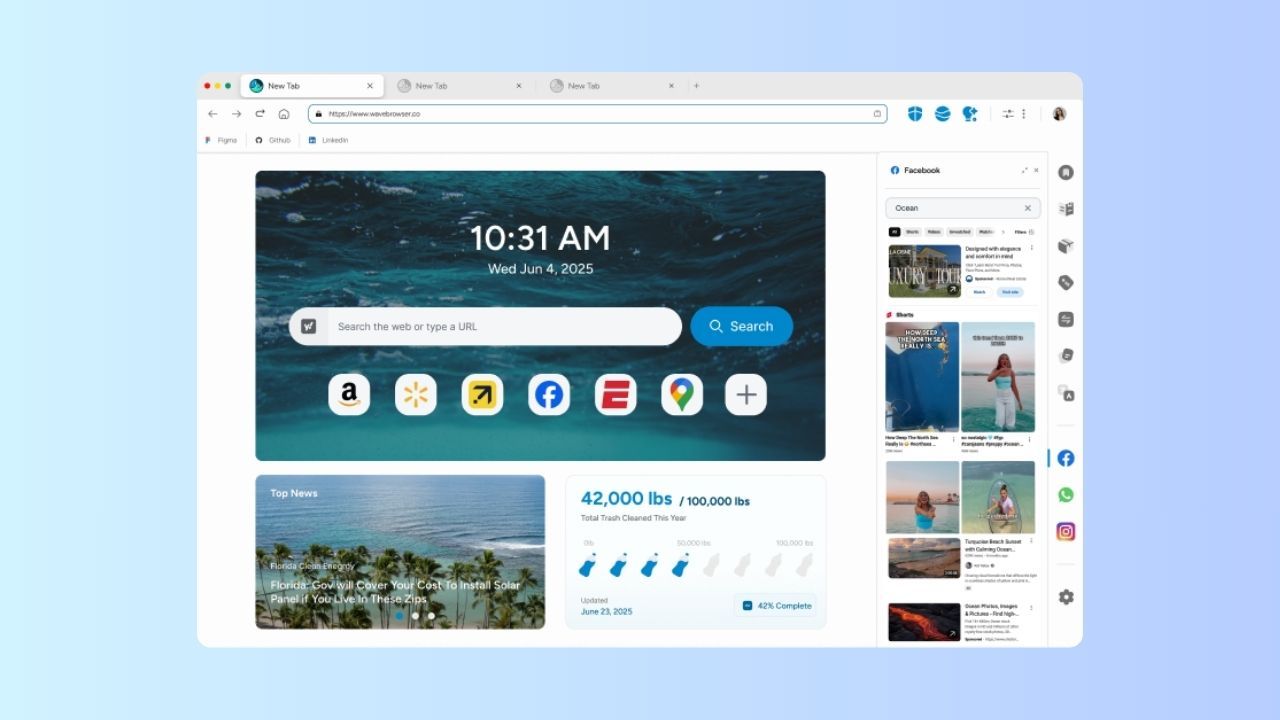
At Wave Browser, we help people browse with confidence through built-in security features designed to support safer everyday browsing. A secure browsing experience encourages better digital habits, clearer decision-making, and peace of mind as you move through your day online.
This Change Your Password Day, take a few minutes to strengthen your passwords. It’s a small action that protects your personal information, improves your online security, and reinforces your overall security posture.
Just like caring for our ocean, protecting your digital life is about consistent, thoughtful choices—one strong password at a time.