A browser review is most useful when you turn each broad sentence into a question with a source.
A rating, an award, a feature page, and a user report can all be helpful, but each one answers a different part of a decision. We use this page to show how to read those records without asking one review to prove everything.
Quick Answer
- Write the task or decision you need the review to inform.
- Split broad claims into feature, platform, experience, and evidence questions.
- Check the author, source type, date, platform, and scope.
- Treat a review as context; use product information or Support for a specific current detail.
- Keep unknowns visible instead of filling them with a conclusion.
Start With The Sentence That Matters
Choose one sentence from a review and underline the claim. “Good for productivity” could mean a feature list, a personal workflow, or a rating. “Private” could refer to named cookie controls, Incognito Mode, or a general impression. Once the claim is specific, the next source becomes easier to choose.
Ask Four Questions
- What exactly is being claimed?
- Who made or recorded the claim?
- Which platform, version, date, and use case does it cover?
- What source could confirm the detail that remains open?
These questions stop an award from being treated as a security test or a personal report from being treated as a universal result.
Match the Source to the Question
A product page can confirm that a named tool is listed and which platforms are named. A support response can address a version-specific behavior. A user report can show an experience in a particular context. A platform recognition can record how a product ranked within that platform’s program.
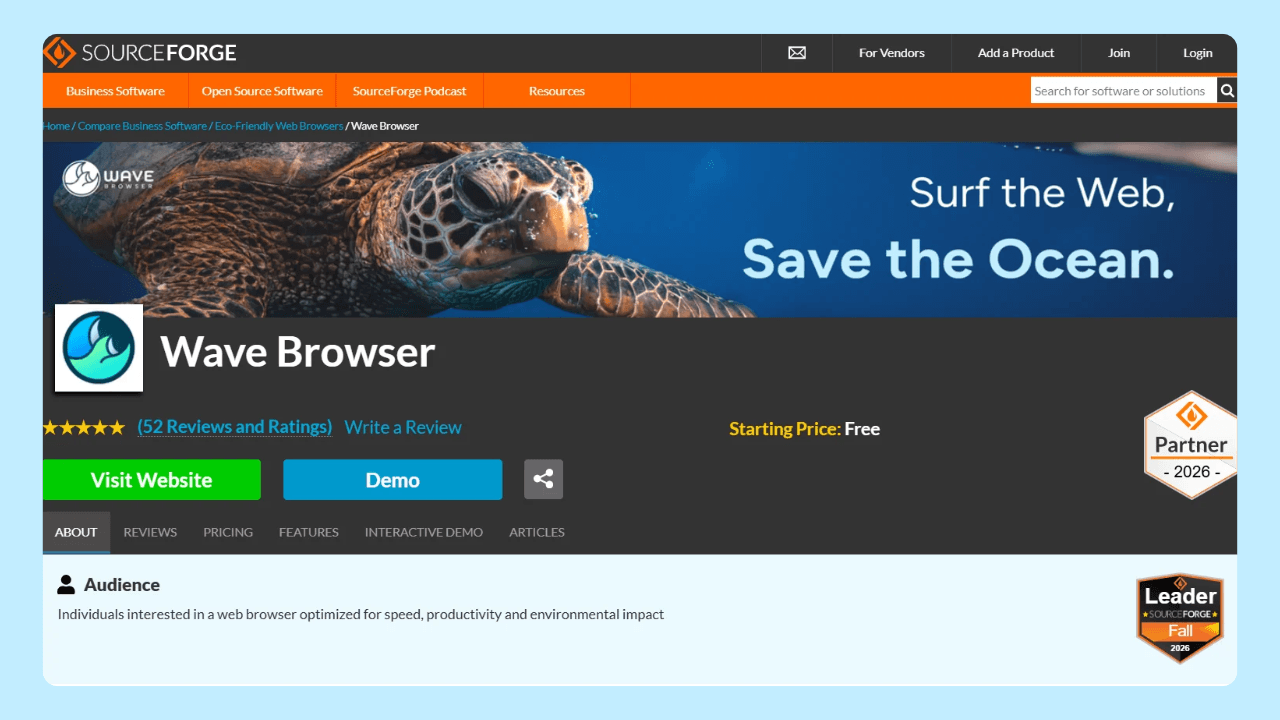
Wave Browser received SourceForge Leader recognition in Fall, Winter, Spring, and Summer 2026. As of August 28, 2026, the Summer badge appeared in the Web Browsers and Eco-Friendly Web Browsers categories. SourceForge describes its Leader Award as recognizing products in the top 5% of more than 100,000 reviewed products. Check the Wave Browser listing and SourceForge award documentation for that record. Recognition does not answer every product, security, or platform question.
Keep a Short Evidence Note
For each claim you keep, record the source, author or owner, date, platform, and exact wording that matters. If two reviews disagree, compare those fields before deciding whether they are actually describing the same situation.
If no source answers the question, label the detail as unconfirmed and ask Wave Browser Support when the question concerns a specific build.
Frequently Asked Questions

Does a high rating mean Wave Browser fits my task?
No. A rating records responses in a particular review system. Match the listed tools and platform to your own task, then use reviews as context.
Does SourceForge recognition prove security?
No. It is recognition within SourceForge’s program. Certification and security questions require evidence with their own scope.
What if two reviews disagree?
Carry the date, platform, version, source type, and exact claim from each review. Then look for the product or support source that addresses the disputed detail.
Read the Claim, Then Check the Evidence
The goal is not to distrust every review. It is to let each source do the job it can actually do. That makes a browser decision clearer and keeps a positive or negative headline from carrying more meaning than its evidence supports.