Sending or receiving a parcel today requires fast and reliable tracking updates. Whether you’re waiting for an important document, a cargo shipment, or a personal delivery from overseas, knowing how to complete an LBC tracking package search helps you stay informed.
Many people now rely on online tools and web browsers to monitor shipments in real time.
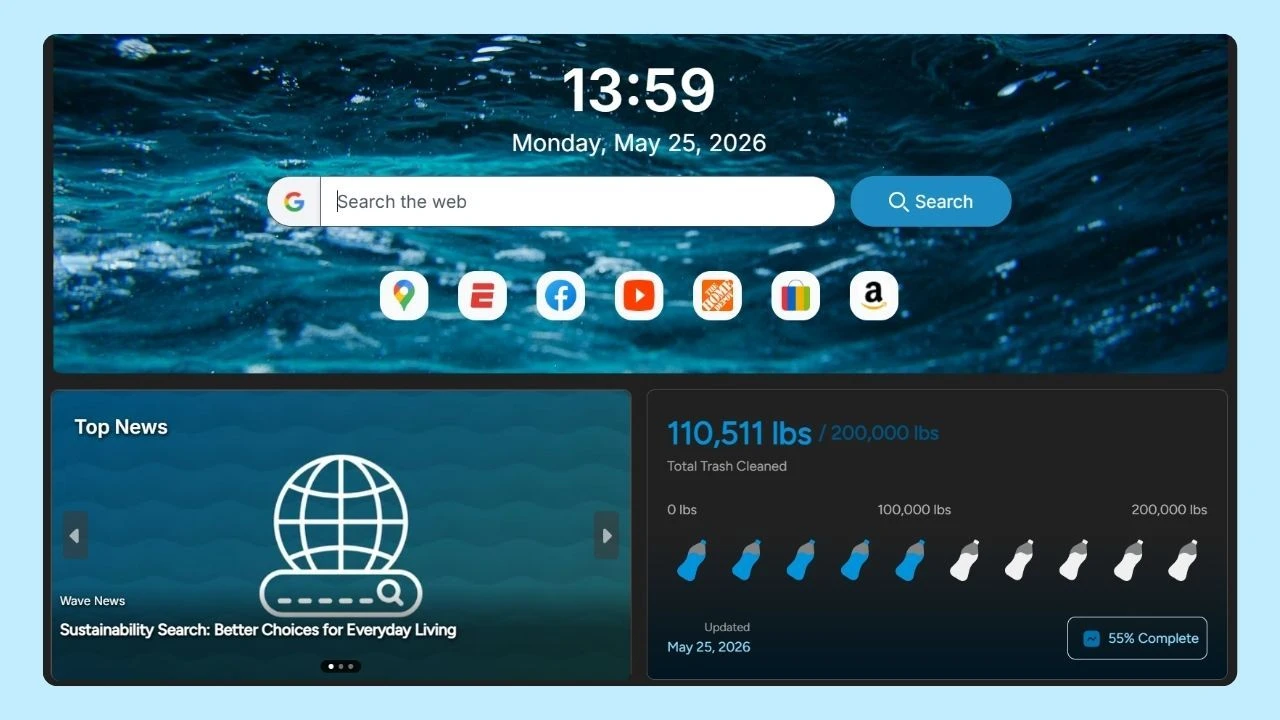
Browsers such as Wave Browser include built-in package tracking features that allow users to check deliveries from major carriers, including LBC Express, without constantly switching tabs.
In this guide, we’ll explain how LBC tracking package works, how to use your the tracking number, and how to monitor the current status of your shipment from dispatch to delivery.
What Is LBC Express?
LBC Express is one of the leading courier and cargo shipping companies in the Philippines. Known for its reliable express delivery, remittance services, and international shipping solutions, LBC operates both domestically and internationally.
Beyond being a courier company, LBC also functions as a remittance service provider, offering financial services alongside parcel delivery.
LBC Shipping Services
LBC offers various transportation options depending on the shipment’s size, urgency, and destination.
- Air Freight: Ideal for urgent and time-sensitive deliveries. LBC works as an air cargo agent, ensuring faster transit times for both domestic and international shipments. This method is often used for deliveries to destinations like Saudi Arabia and Hong Kong.
- Sea Freight: For bulk shipments or less urgent deliveries, sea freight offers a cost-effective alternative. Sea freight is commonly used for large cargo shipping needs and international shipments.
- Land Freight: Within the Philippines, land freight ensures packages move efficiently across cities and provinces. It connects Metro Manila with regional hubs and remote areas.
LBC tracking information generally updates within a few hours after a shipment is processed and picked up by the courier.
However, during peak periods or for international shipments to places such as Saudi Arabia and Hong Kong, there may be occasional delays, so it is recommended to check the tracking system regularly for the most current status.
Understanding Your LBC Express Tracking Number
Every LBC Express package is assigned a unique tracking number. This number allows customers to access real-time tracking information through the company’s official website.
Your LBC Express tracking number typically appears on:
- Your shipping receipt
- Confirmation email
- Shipment invoice
- SMS notification
On the LBC tracking page, each status provides real-time information about where your shipment is in the delivery process. For example:
'Accepted' means your package has been received by LBC,
'In Transit' indicates it is being moved (by sea freight or land freight) toward its destination, and
'Delivered' confirms that your shipment has arrived.
These statuses help you monitor cargo shipping for sea freight and land freight services, including deliveries to Metro Manila and beyond.
Entering this tracking number into LBC’s online tracking package tool provides updates on:
- Shipment location
- Delivery route
- Delivery date
- Current status
LBC customers can track multiple packages at once by using the company's online tracking platform. By entering several tracking numbers, you can conveniently monitor all your air freight shipments, whether they are headed to Saudi Arabia, Hong Kong, or other destinations.
How to Track My LBC Express Package?
To track your LBC Express package, simply visit the LBC website and enter your tracking number in the designated field. You can also use the LBC mobile app for real-time updates. This ensures you stay informed about your package's status and estimated delivery time effortlessly.
Follow these steps:
- Visit the LBC official website.
- Enter your LBC Express tracking number in the tracking field.
- Click search to view the latest tracking information.
The system will display the shipment’s movement, estimated delivery date, and any updates regarding delays or transit changes.
For users who frequently manage deliveries, tracking can also be accessed through integrated browser tools. Platforms like Wave Browser allow users to monitor shipments while handling other online tasks, making it easier to check the status of an LBC Express package without navigating multiple sites.
Why Tracking Matters
Tracking provides transparency and confidence. With real-time updates, customers can:
- Confirm the delivery date
- Monitor the current status
- Verify successful delivery
- Plan receiving arrangements
Whether using standard online tracking package tools or integrated browser features, staying informed reduces uncertainty.
Common Tracking Issues and Solutions
If your tracking number does not show updates:
- Confirm the number was entered correctly.
- Wait several hours for system updates.
- Contact customer service for clarification.
- Verify shipment details with the sender.
International shipments may experience delays due to customs processing.
Customer Service and Support
If tracking updates are unclear or delayed, you can contact LBC customer service through:
- Their official website
- Phone hotline
- Local branch in Metro Manila
- Email support
Customer service representatives can provide clarification about shipment movement, delivery date adjustments, or documentation concerns.
Tracking Online Orders with LBC Using Wave Browser
Many customers order products online and track shipments from various platforms, including checking an Amazon tracking package update or monitoring a Temu order. When a seller ships through LBC Express, the buyer receives an LBC Express tracking number that can be used to check the shipment’s progress.
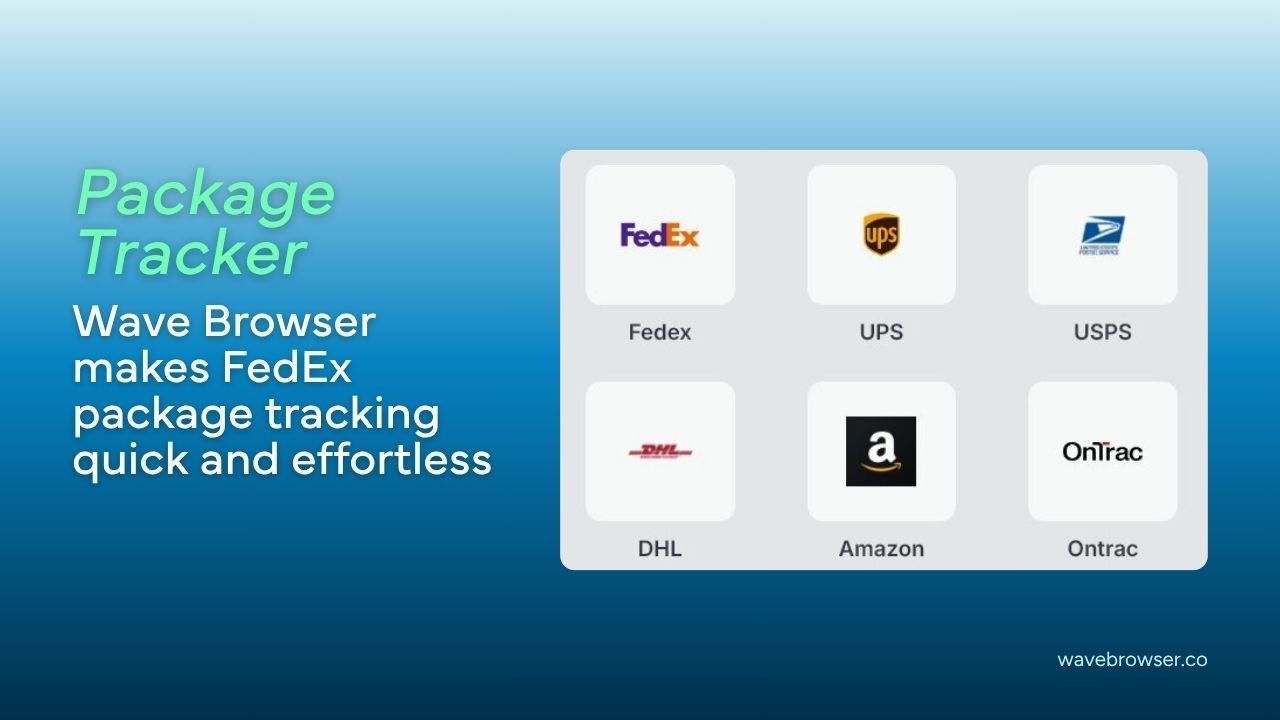
Instead of switching between retailer pages and courier websites, you can track your LBC Express package directly online using tools built into your web browser. Wave Browser includes an integrated package tracking feature that allows you to enter your tracking number and view tracking information in one place.
To track online with Wave Browser:
- Open Wave Browser.
- Access the built-in tracking tool.
- Enter your LBC Express tracking number.
- View the current status, delivery date, and shipment updates.
This approach simplifies the online tracking package process by centralizing updates from multiple carriers, helping you monitor Amazon orders, Temu deliveries, and LBC shipments without navigating multiple tabs.
Managing Your LBC Tracking Package with Confidence
Using LBC tracking package tools allows customers to monitor shipments from dispatch to final delivery. By entering your LBC Express tracking number on the official website, you gain access to real-time tracking information, estimated delivery date updates, and the current status of your shipment.
For those managing multiple deliveries or tracking packages from various carriers, tools like Wave Browser provide added convenience through built-in tracking features. Instead of navigating between separate platforms users can consolidate shipment checks directly within their browsing experience.
With reliable express delivery options, multiple freight services, and accessible customer service support, LBC Express continues to provide dependable shipping solutions both locally and internationally. Staying informed through accurate tracking ensures greater peace of mind throughout the entire shipping process.