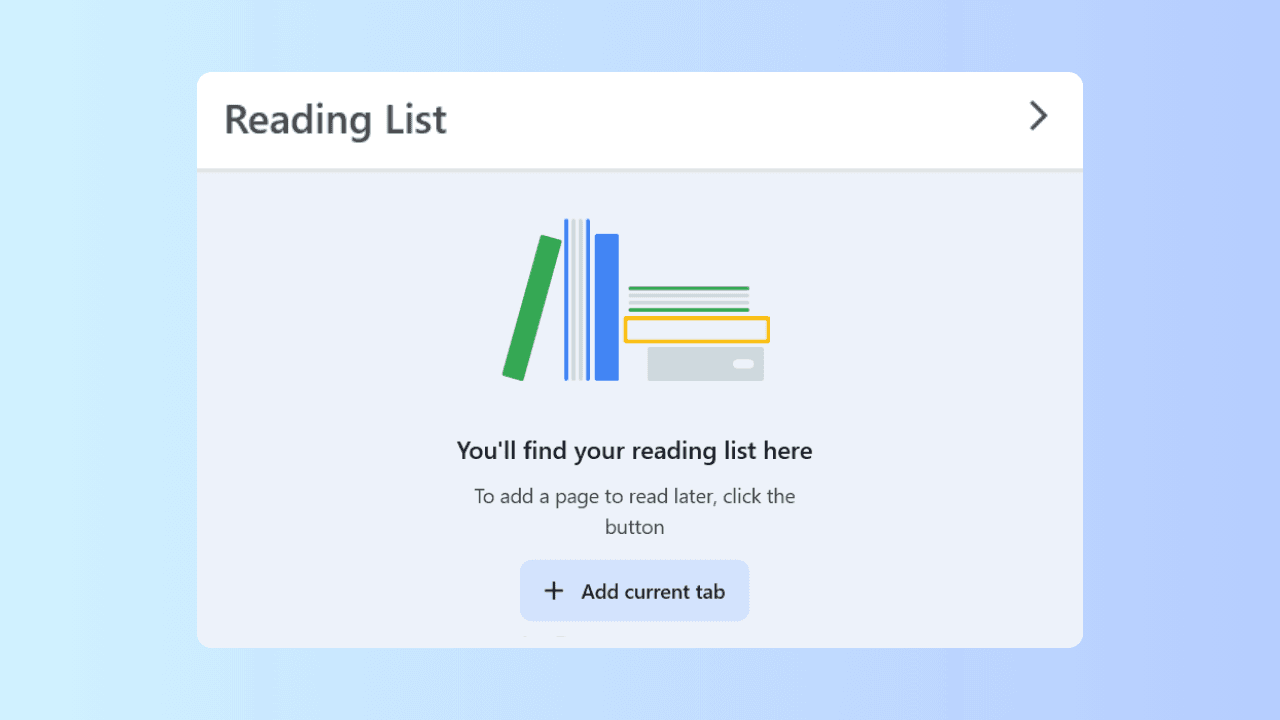
A reading queue is a short, ordered set of pages you plan to read or use next. Wave Browser lists Reading Lists and Bookmarks for Windows, macOS, Android, and iOS, giving you a place to keep the pages attached to an ongoing task.
Quick answer
- Save a page with a purpose, not only a title.
- Separate pages you will use this week from pages that belong to a later step.
- Revisit the short current set, check the date and source, and remove pages whose job is done.
- Treat the platform listing as feature scope; check current documentation for device-specific behavior.
Give Each Page a Job
A long project creates more useful pages than one session can handle. A product comparison, a research question, and a changing policy may each need several sources. Keeping all of them open hides the next action; closing them without a note makes the same search repeat.
When you save a page, write one line about the decision it supports and when you expect to use it. That line turns a saved item into a queue entry.
Save, Organize, Revisit
- Save: Keep the page when it contains a source, specification, explanation, or update you expect to need again.
- Organize: Place the page with the step it supports. “Read this week” should stay short; “revisit later” can hold a larger set, provided each page still has a reason to remain.
- Revisit: Check whether the page is current and whether it is still the right source for the claim you need. Prices, product versions, policies, and recommendations can change. When a page no longer affects the decision, remove it.
| Queue question | Useful action |
| What does this page help decide? | Add a one-line purpose |
| When will it matter? | When will it matter? Place it in the current or later set |
| Is it still current? | Is it still current? Check the page date and the source |
| Is the decision complete? | Remove or archive the page |
Wave Browser Feature Scope
Wave Browser’s product information describes Reading Lists and Bookmarks as tools for saving and organizing browsing items, and lists them on Windows, macOS, Android, and iOS.
That statement does not establish synchronization, cloud storage, offline access, or identical interfaces. If one of those details matters to your workflow, check the current platform documentation or contact support@wavebrowser.co.
Use the Wave Browser features page for current feature wording. The queue method itself works with any saved-page system because the decision order comes from your task, not from an assumed storage design.
Frequently Asked Questions

Do I need both Reading Lists and Bookmarks?
No. Both are listed as ways to save and organize browsing items. Choose the one that matches the way you want to sort the queue.
How many pages should be in the current set?
There is no product limit in this article. As a working habit, keep the current set small enough to finish in one sitting and move other pages to a later step.
What if a saved page is out of date?
Check the current source, replace it if necessary, and remove the old entry when it no longer supports the decision.