The way people access the internet has changed dramatically over the past decade. Today, users expect flexibility, security, and seamless access to websites and web applications across multiple devices and operating systems.
One technology that has gained attention among businesses, developers, and privacy-conscious users is the virtual browser.
Unlike traditional options that run directly on a computer or smartphone, a virtual browser operates within a separate environment, helping users isolate browsing activities from their primary devices, which can help with security and testing.
What Is a Virtual Browser?

A virtual browser is a web browser that runs inside a virtual environment rather than directly on your local device. Instead of processing websites entirely on your computer, the session may operate on a remote server, within a virtual machine, or on a dedicated browser platform.
Users interact with it through a web interface, while much of the browsing activity takes place elsewhere.
How It Differs from Traditional Browsers
With a traditional web browser, everything happens directly on your local system:
- Websites load on your device
- Files are downloaded to your local storage
- Cookies and browsing history are stored on your computer or mobile device
- Websites interact directly with your browser and operating system
With a virtual browser:
- Websites load inside a virtualized environment
- The browsing session runs on a remote server or machine
- Your primary device acts as a window into that environment
- Browsing data may be separated from your main device
For example, imagine receiving a package that you're not sure is safe to open.
With a regular browser, it's like opening the package inside your house.
With a virtual browser, it's like opening the package in a separate room away from your house. If something goes wrong, the potential impact is contained within that separate space rather than affecting your main environment.
This approach makes it useful for organizations, web developers, QA testers, and users who want greater control over online activities, testing, and privacy protection.
How Do Virtual Browsers Work?
Virtual browsers operate within a controlled environment that is separate from the user's main device.
A typical process includes:
- The user opens a window through a web interface.
- The browsing session is created on a remote server.
- Websites are rendered remotely.
- User inputs are transmitted to the virtualized environment.
- The visual output is streamed back to the user.
Because the browsing activity occurs away from the local device, websites have limited access to the local storage and resources of the user's computer.
Benefits of Using a Virtual Browser
One of the main reasons organizations use it is to improve security. Because browsing activities take place in a separate environment, it can help reduce exposure to suspicious links, malicious websites, and potential malware infections.
This added layer of separation makes them particularly useful for sensitive tasks, which is why many cybersecurity experts view browser isolation as an effective security measure.
Virtual browsers can also support online privacy by limiting the amount of information stored on a local device. Depending on the platform, users may experience less tracking across browsing sessions, greater control over browsing history, and reduced exposure of personal information.
Some services also help minimize fingerprinting by creating temporary environments for each session. They can also be accessed from desktop computers, laptops, tablets, and mobile devices, making them a flexible option for remote work and distributed teams.
How Virtual Browsers Are Used For

Web Development, Testing and Quality Assurance
Web developers often use it to test websites and web applications across different browsers and operating systems without constantly changing their local setup.
These environments provide a consistent testing experience, making it easier to identify compatibility issues, debug problems more efficiently, and verify that a website functions as expected. Because testing takes place in a controlled environment, teams can often achieve more accurate and reliable results.
Virtual browsers are also valuable for quality assurance (QA) testing. QA teams use them to validate updates before release, reproduce bugs consistently, and evaluate user experience across various environments.
Web Scraping and Research
Organizations performing web scraping often use virtual browsers to standardize data collection.
Advantages include:
- Consistent configurations
- Isolated browsing activities
- Easier session management
- Better monitoring of online activities
Customer Support
Support teams frequently use virtual browsers to recreate issues reported by users.
This allows teams to:
- Troubleshoot problems efficiently
- Test web apps in real time
- Simulate user environments
- Improve customer support workflows
Examples of Virtual Browser Platforms

BrowserStack
BrowserStack provides cloud-based browser testing using real device environments.
Key features include:
- Access to different browsers
- Mobile device testing
- Real-time debugging
- Cross-platform testing
Sauce Labs
Sauce Labs helps development teams test websites and applications across various browsers and devices.
It is commonly used for:
- Automated testing
- Manual testing
- QA workflows
- Performance validation
TestMu AI (Formerly LambdaTest)
TestMu AI offers testing tools that support multiple browser versions and operating systems.
Common use cases include:
- Compatibility testing
- Web development
- User experience validation
- Regression testing
Are Virtual Browsers Right for Everyone?
Virtual browsers provide valuable benefits, but they are not always necessary for every user.
They are often most useful for:
- Businesses with strict security requirements
- Web developers
- QA testers
- Researchers
- Organizations managing sensitive data
For everyday browsing, many users may find that a standard web browser meets their needs.
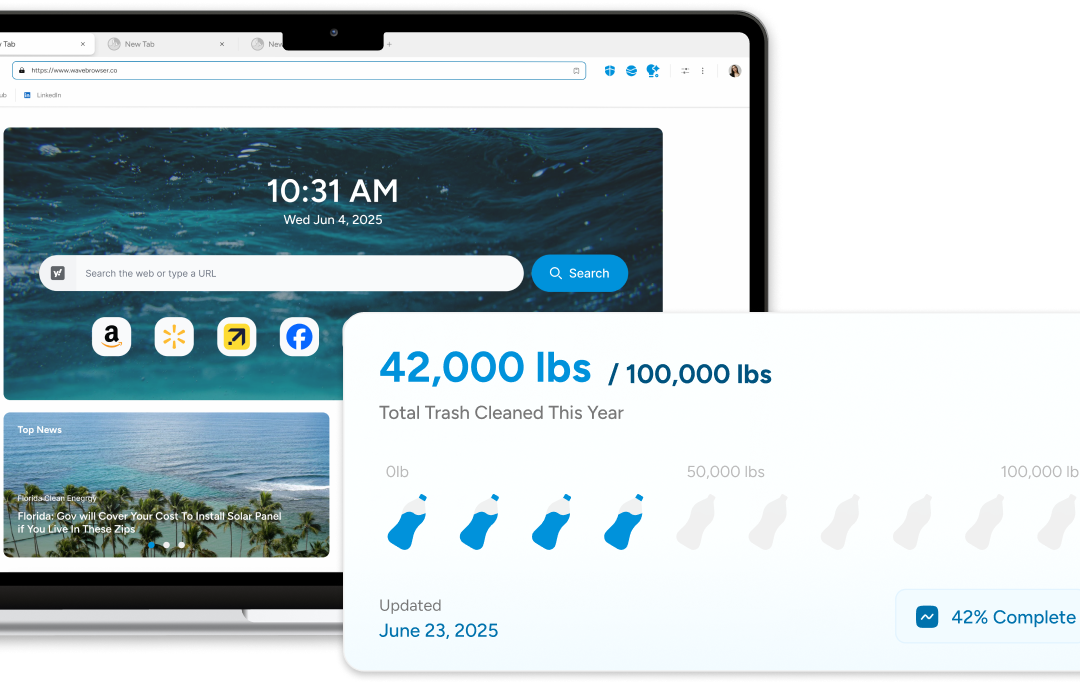
Wave Browser, for example, includes built-in tools such as ad blocking on supported platforms, split-screen view, translation tools, bookmarks, reading lists, package tracking, price tracking, and more to help users stay organized while browsing the web.
Wave also includes customizable privacy controls and security features that support a safer, more productive browsing experience.