Personal information is shared online more often than many people realize. Every time someone signs up for social media, shopping, downloads apps, pays bills, checks bank statements, or creates online accounts, pieces of personal data are collected and stored.
As digital threats continue to grow, securing personal information online has become an important part of everyday life.
According to the Federal Trade Commission (FTC), identity theft reports continue to affect millions of people each year, with financial fraud, phishing scams, and unauthorized access remaining some of the most common security problems. Data breaches involving banks, retailers, apps, and social media platforms have exposed billions of records worldwide over the last decade.
This is why many people are paying closer attention to cybersecurity, online privacy, and safer browsing habits. And browsers also play a role in protecting users online.
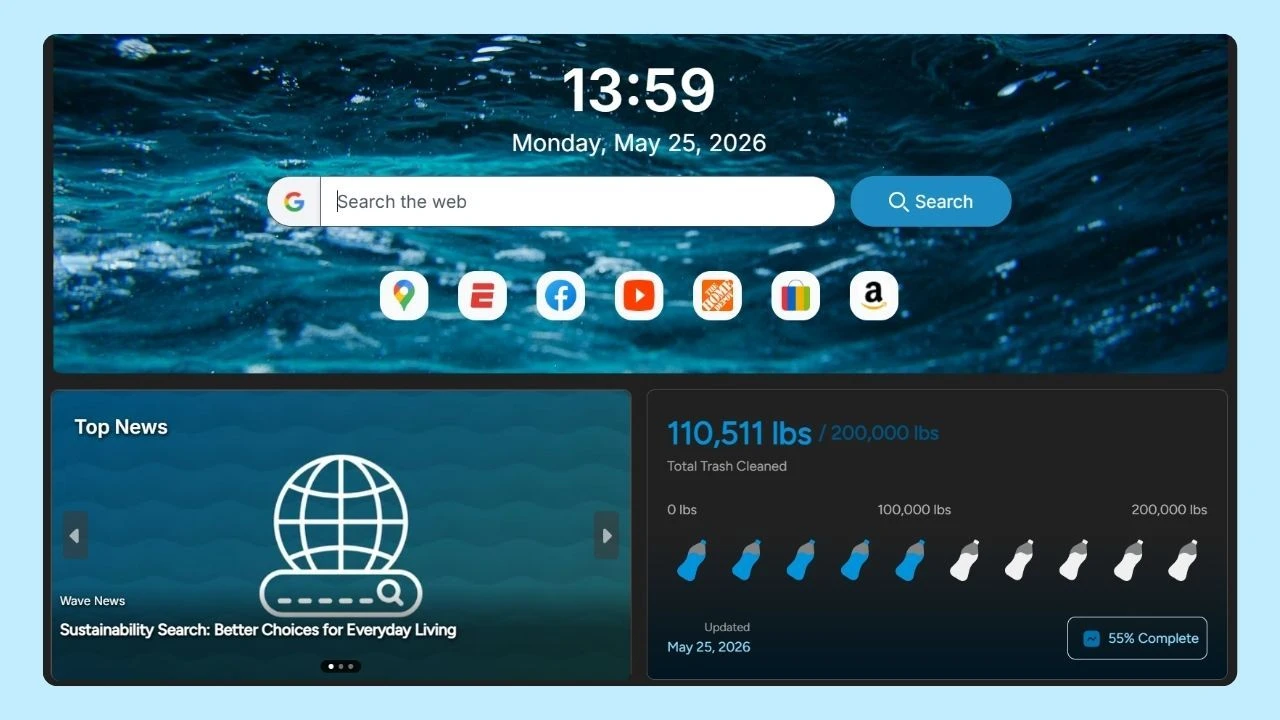
Wave Browser includes built-in security features designed to support a safer and more organized browsing experience across desktop and mobile devices, helping users stay more focused while managing everyday activity.
Why Protecting Personal Information Matters
Personal information is any data that can identify an individual or provide access to financial accounts.
Some examples of how to secure personal information online include:
- Full name and last name
- Email address
- Phone number
- Home address
- Social Security number
- Social Security card details
- Credit card and debit card information
- Bank account information
- Contact information
- Personal documents
- Account credentials
- Security questions
If this information falls into the wrong hands, it can lead to identity theft, phishing attacks, unauthorized credit card transactions, general theft, or further fraud involving financial institutions and online accounts.
Many people assume hackers only target large companies or wealthy individuals, but cybercriminals often focus on ordinary internet users because they are more likely to reuse passwords, ignore software updates, or click suspicious links.
How Identity Theft Happens Online?
Identity theft occurs when someone steals personal data and uses it without permission. Criminals may open credit cards, access checking accounts, file fraudulent tax returns, or make purchases using stolen information.
One major source of stolen personal data is the dark web, where hackers buy and sell account credentials, bank account information, and social security numbers collected during data breaches. A single data breach can expose millions of users.
Large companies, apps, healthcare providers, and retailers have all experienced security incidents where customer information was leaked. Once exposed, personal details can circulate for years.
This is why monitoring account activity, bank statements, credit scores, and following best practices on how to secure personal information online is so important. Sometimes suspicious activity may appear months after information was originally stolen.
Understanding Phishing Scams and Email Phishing Scams
Phishing attacks are among the most common cybersecurity threats today. These scams usually attempt to trick users into revealing passwords, bank account information, or credit card details.
Many cybersecurity tools and anti phishing tools are designed to help detect suspicious websites, block harmful downloads, and warn users about unsafe links before personal information is exposed.
A phishing email may include:
- Fake login pages
- Suspicious attachments
- Requests for sensitive information
- Links to unofficial websites
- Messages asking users to verify account credentials
Some phishing scams even imitate trusted companies with copied logos and professional-looking layouts.
One of the best practices for avoiding phishing scams is slowing down before clicking anything. Always verify requests directly through an official website instead of using links from your email inbox or text messages.
Users should also watch for:
- Misspelled email addresses
- Poor grammar or unusual wording
- Unexpected requests for personal details
- Messages demanding immediate action
Protecting Financial Information Online
Financial fraud can happen quickly once criminals gain access to bank account or credit card details.
People should regularly review:
- Bank account activity
- Checking account records
- Credit card transactions
- Bank statements
- Credit score reports
Many banks and credit card providers now offer security features like instant fraud alerts and transaction notifications. These tools can help users detect suspicious activity before larger damage occurs.
Consumers should also avoid:
- Saving debit card numbers on unknown websites
- Sending financial information through email
- Using public Wi-Fi for banking
- Sharing account credentials with others
According to the Federal Trade Commission, reporting fraud early significantly improves the chances of recovering stolen funds or limiting financial damage.
Why Strong Passwords Matter
Weak passwords remain one of the biggest cybersecurity problems.
Many people still use simple passwords based on birthdays, pet names, or repeated phrases. Others reuse the same password across social media, banking apps, and email accounts. This creates serious risk because if one account is compromised during a data breach, hackers may gain access to multiple accounts.
Events like Change Your Password Day are good reminders for people to update old passwords, review account credentials, and improve online security habits before problems occur.
A strong password should:
- Use uppercase and lowercase letters
- Include numbers and symbols
- Avoid personal details
- Be unique for every account
Using a password manager is a great way to improve security. Password managers securely store passwords and help generate stronger account credentials for websites, apps, and financial accounts.
Some cybersecurity experts also recommend using a different email address for banking, online shopping, or financial institution accounts to reduce exposure to phishing attacks.
The Importance of Software Updates
Software updates may seem annoying, but they are one of the easiest ways to improve cybersecurity.
Hackers often target vulnerabilities in outdated operating systems, apps, and browsers. Security patches included in software updates help fix known weaknesses before cybercriminals can exploit them.
Users should enable automatic updates whenever possible for:
- Operating systems
- Browsers
- Mobile devices
- Banking apps
- Antivirus software
This is especially important for smartphones and mobile phones, which now store large amounts of personal data, financial and contact information.
How To Secure Personal Information Online
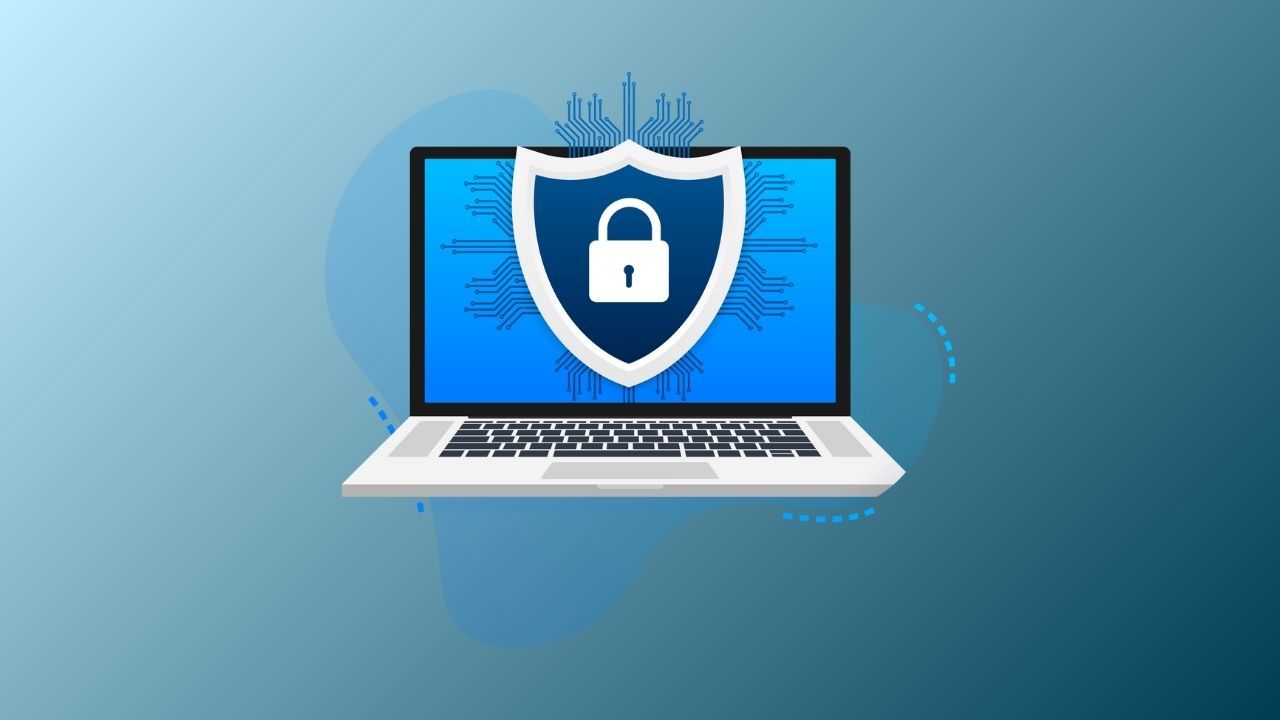
Online privacy is not only about passwords and antivirus software. Understanding how to secure personal information online through safer daily browsing habits also plays an important role in protecting personal data and sensitive information.
Helpful Security Measures for Safer Browsing
- Visit websites with an SSL certificate
- Avoid downloading files from unknown sources
- Review privacy settings regularly
- Check firewall settings on desktop devices
- Download apps only from official app stores or official websites
- Be cautious with public Wi-Fi networks
- Use trusted security features on browsers and devices
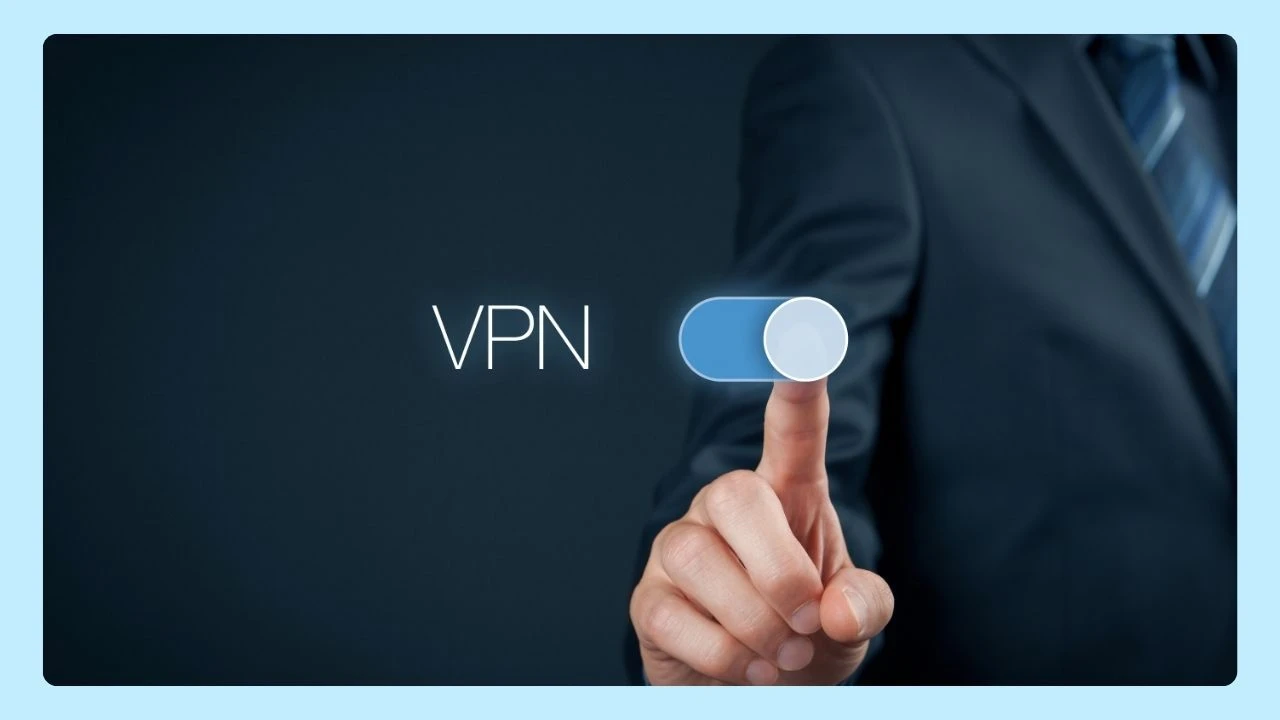
Many users also choose to use a virtual private network (VPN) to add another layer of protection when browsing online.
VPNs help encrypt internet traffic and reduce exposure of an IP address while using shared networks.
Social Media and Your Digital Footprint
Everything posted online contributes to a person’s digital footprint. Photos, comments, videos, and personal details shared years ago may still exist online today.
Social media platforms collect large amounts of personal data, including location history, browsing behavior, interests, and contact information. Data brokers may also gather and sell user information for advertising purposes.
To improve online privacy on social media:
- Limit public posts
- Remove unused apps connected to accounts
- Disable unnecessary location tracking
- Review privacy settings often
- Avoid posting home addresses or phone numbers
- Be cautious sharing travel plans or personal documents
Even something as simple as posting a birthday photo can reveal valuable personal details to scammers.
Protecting Children and Family Information
Parents should also think carefully about how much family information is shared online.
Photos showing school uniforms, address numbers, or personal documents can unintentionally expose sensitive information. Children may also unknowingly share personal data through games, apps, social media, or messaging platforms.
Some important internet safety tips for kids include teaching children not to share personal information online, avoid talking to strangers in games or chat apps, recognize suspicious links and clickbait, and ask a trusted adult before downloading apps or entering passwords. Teaching kids healthy online habits early can help reduce cybersecurity risks and encourage safer internet use.
What to Do After a Data Breach
If a company announces a data breach involving your information, quick action is important.
Recommended steps on how to secure personal information online include:
- Change affected passwords immediately
- Monitor bank account activity closely
- Freeze compromised debit cards or credit cards
- Watch for suspicious emails or phishing scams
- Enable multi-factor authentication when available
- Check your credit score regularly
- Report identity theft to the Federal Trade Commission
Many people underestimate how long stolen data may remain active online. Some personal data continues circulating on the dark web years after the original breach.
The Human Side of Online Security
For many people, cybersecurity feels technical and overwhelming. But in reality, online privacy often comes down to small daily habits.
A parent sharing too much information on social media. A teenager clicking a fake giveaway link. Someone reusing the same password across multiple online accounts. These situations happen every day.
Many phishing scams succeed not because people are careless, but because scammers are becoming increasingly convincing. Fake emails from banks, delivery companies, streaming services, or even coworkers can appear legitimate at first glance.
Cybercriminals know how to create urgency. They may claim there is suspicious activity on your bank account, an issue with your credit card provider, or a missed due date for a payment. These messages are designed to create panic so users react quickly without verifying information.
Why Online Privacy Requires Ongoing Attention
Cybersecurity is not something people set up once and forget. Online threats evolve constantly, and scammers continue finding new ways to target internet users.
The good news is that many of the best protections are simple daily habits:
- Using strong passwords
- Installing software updates
- Monitoring account activity
- Avoiding suspicious links
- Reviewing privacy settings
- Staying alert for phishing attacks
These small actions can greatly reduce the chances of identity theft, unauthorized access, and financial fraud.
The internet has become deeply connected to modern life, from online shopping and banking to communication, work, and entertainment. While technology offers convenience, it also requires users to think carefully about how to secure personal information online.
Wave Browser supports a safe and more organized browsing experience with built-in security features designed to help users manage everyday browsing activity more securely across desktop and mobile devices.
Combined with strong cybersecurity habits, privacy settings, software updates, and smart online decisions, users can better protect personal data, financial accounts, and sensitive information from modern online threats.