Online shopping has transformed how people buy everyday essentials, electronics, and specialty items.
With just a few clicks, purchases are completed, payments are processed, and shipments are on the way. From monitoring an Amazon tracking package to checking a Temu order, consumers now rely heavily on digital tools to manage the entire buying and delivery process.
As convenience increases, so do security risks.
Protecting personal information, financial information, and accounts is essential to prevent identity theft and unauthorized charges. Tools like Wave Browser’s built-in package tracking feature can help organize tracking across carriers, but safe online shopping ultimately depends on secure habits, strong payment protections, and awareness of potential scams.
This guide breaks down practical tips, secure payment methods, and the best ways to protect your sensitive information while shopping online.
Understanding Safe Online Shopping
Safe online shopping means protecting your sensitive information, including your credit card number, bank account details, and personal data. A secure shopping experience depends on the level of security offered by the retailer and the precautions taken by the shopper.
Internet security plays a key role in preventing identity theft, unauthorized charges, and data breaches that expose consumers' information.
Common Online Shopping Risks
Shopping online can expose users to:
- Shopping scams
- Potentially malicious software
- Disreputable stores
- Fake search results
- Exorbitant shipping fees
- Merchant’s charge disputes
Scammers may request unnecessary details like a driver’s license number or send fraudulent text messages pretending to confirm an order.
Recognizing these threats is the first step toward protecting your financial information.
How do Attackers Target Online Shoppers?
Attackers target online shoppers through various methods, including phishing emails, fake websites, and unsecured Wi-Fi networks. They often use malware to steal personal information or credit card details. It's crucial for consumers to remain vigilant and employ security measures like strong passwords and secure payment methods to protect their data.
What is the Safest Way to Purchase Online?
The safest way to purchase online involves combining secure payment methods with strong internet security practices.
Look for:
- A secure connection (https in the web address)
- Secure sockets layer (SSL) encryption
- A visible lock icon in the address bar
- Clear return policies and proper warranty information
It’s also a good idea to check customer reviews before making a purchase. Organizations like the Better Business Bureau can help verify the credibility of a store.
Avoid clicking suspicious links in email messages or social media advertisements that redirect you to unknown shopping site domains.
Is it Safer to Pay by Credit Card or Bank Transfer?
In most cases, credit card purchases offer stronger protections than bank transfers.
Credit card companies often provide fraud monitoring and allow you to dispute credit card charges or unauthorized charges. If suspicious activity appears, you can typically report the merchant’s charge and request an investigation. A debit card, on the other hand, pulls funds directly from your bank account, which may limit recovery options if fraud occurs.
Using a credit card or a secure digital method of payment like Apple Pay adds an additional layer of security protections. These services encrypt credit card information and reduce exposure of your actual credit card number during transactions.
It’s also important to use a safer browser for banking and online payments. A browser with built-in security features, updated encryption standards, and protection against potentially malicious software can help safeguard sensitive information while you complete purchases.
Combining secure payment methods with a protected browsing environment significantly improves the overall security of your shopping experience.
Best Practices for Secure Online Payments
The best way to protect your financial information includes:
- Using credit card payments instead of bank transfers
- Enabling fraud alerts
- Monitoring credit card charges regularly
- Avoiding public Wi-Fi for purchases
- Keeping antivirus software updated
These steps reduce the risk of identity theft and unauthorized charges.
Protecting Your Personal and Financial Information
When shopping online, never share more personal information than necessary. Legitimate retailers typically require:
- Shipping address
- Email address
- Telephone number
- Method of payment
They should not request highly sensitive information unrelated to the purchase.
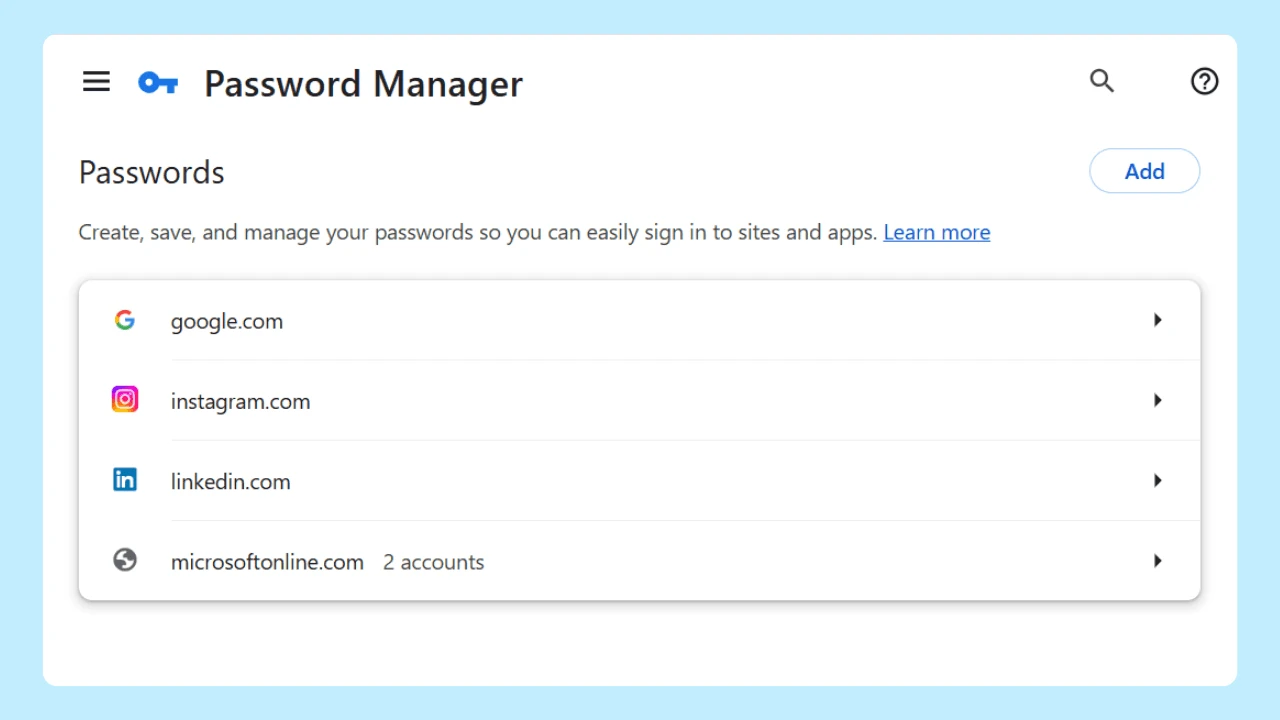
Using a password manager helps generate different passwords for various accounts, reducing the risk of account takeovers.
Checking Website Security Before You Buy
Before entering your credit card information, verify the shopping site’s web address carefully. Fake domains may look similar to legitimate brands.
Check for:
- HTTPS in the address bar
- Secure sockets layer encryption
- Visible company contact details
If the site lacks transparency or appears to sell a cheap substitute at an unrealistically low price, it may not be trustworthy.
Choosing Trusted Online Stores
Which online store is most trusted?
Trust depends on transparency, customer service, and reputation.
Look for:
- Positive experiences shared in customer reviews
- Strong ratings from the Better Business Bureau
- Clear return policies
- Transparent merchant’s charge explanations
Established retailers often maintain higher levels of security and consumer protections.
Shopping Smart for Peace of Mind
Safe online shopping combines awareness, technology, and careful decision-making. By verifying the web address, checking reviews, using different passwords, and selecting secure methods of payment, shoppers can significantly reduce risk.
Browsers also play a role in both organization and internet security.
Choosing a browser, like Wave Browser, with built-in security and privacy features—such as protection against potentially malicious software, secure browsing settings, and customizable tracking controls—adds an extra layer of defense when entering sensitive data and information.
While security always starts with safe habits, using a web browser designed with security protections in mind can add convenience and peace of mind. Browsers that also include built-in package tracking for various carriers allow users to monitor shipments from different services, reducing the need to visit multiple websites while keeping tracking information organized and accessible.
By staying informed and prioritizing internet security, consumers can enjoy the benefits of online shopping while protecting their personal information and financial stability.