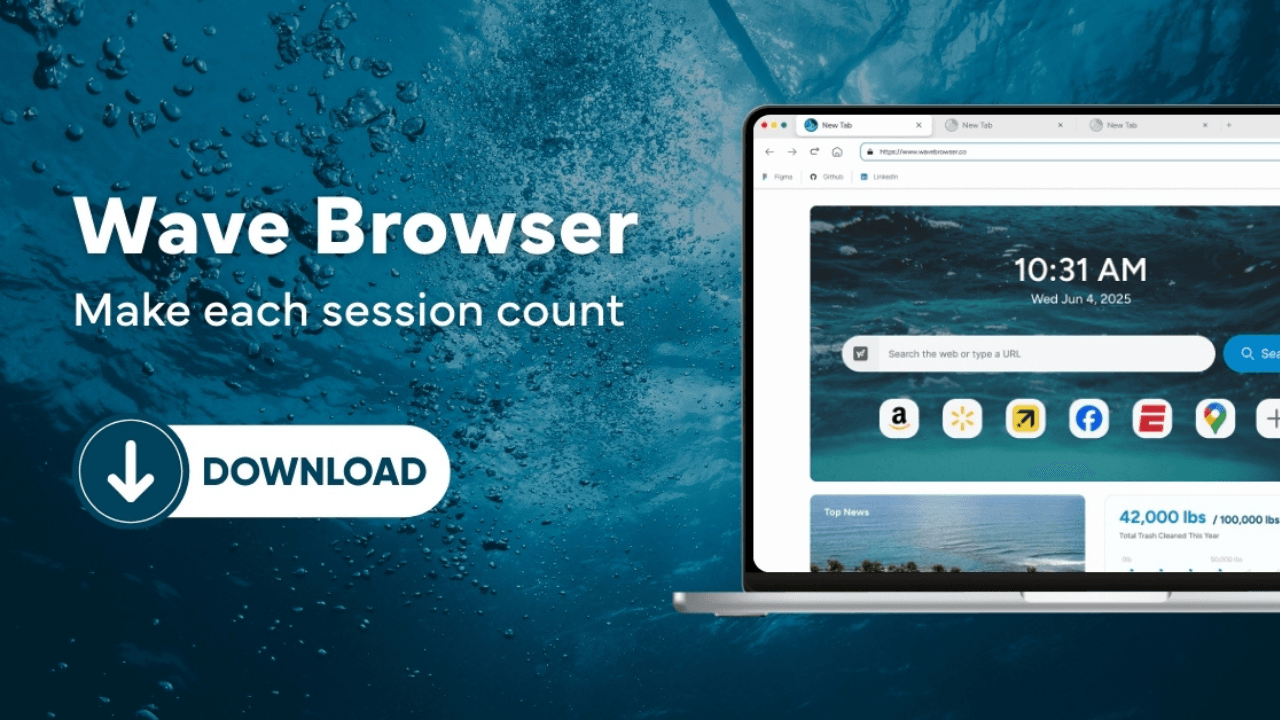
Wave Browser is a Chromium-based web browser developed by Eightpoint Technologies Ltd. SEZC. When a name appears on a website, in an app store, or in a downloaded file, the name alone does not establish identity. Compare the domain, developer, platform, region, and version shown in the route you are using.
Quick answer
- Start at wavebrowser.co, the official Wave Browser website.
- Confirm that the page, store listing, or file shows the expected developer or publisher information.
- Check the platform and store region.
- Compare the application name, app identifier if shown, and version.
- If a field does not match or is not visible, pause and ask Support rather than guessing.
The Identity Fields
| Where you are checking | Useful field | What it establishes |
| Website | Domain in the address bar | Whether the route is the domain Wave identifies as primary |
| App store | Developer line, app identifier, and storefront country if shown | Which store listing you are viewing |
| Downloaded file | Publisher or signature field, if your operating system displays one | The publisher information attached to that file |
| Installed app | Application name and version in the app’s own information | The build currently installed |
No single field settles every question. A domain identifies a route, while a version identifies the software currently described. Read the fields together.
Start with The Official Route
Wave Browser is available on Windows, macOS, Android, and iOS. The official site routes readers to the relevant desktop page or mobile store listing. The current U.S. links include the Apple App Store listing and Google Play listing. Store pages can display a local storefront or a different visible title, so read the developer line and the page that actually opened.
Before And After Installation
Before installing, save the route and the platform. After the app opens, read the version from the application or system information. If the developer, application name, platform, or version differs from the current official information, treat the mismatch as an open identity question. It does not by itself explain why the difference exists.
For a specific case, send Support the source address, platform, version, and the exact wording shown on the page or setup screen. Contact support@wavebrowser.co.
What this check can and cannot tell you
A matching route and identity field can show that the item is consistent with the publisher information Wave provides. It does not independently test the file’s contents, and it does not transfer a desktop check to a mobile listing. Those questions require the evidence for the specific platform and version.
Frequently Asked Questions

Is the product name enough to identify the app?
No. The name is useful, but the domain, developer, platform, store region, and version provide stronger context.
Does checking the official website verify every file with the same name?
No. It identifies the route Wave publishes. Keep the source and version attached to any question about a particular download.
What should I do when a field is missing?
Record the missing field and ask Support for the platform-specific answer. Avoid filling it in from a different platform or an older page.