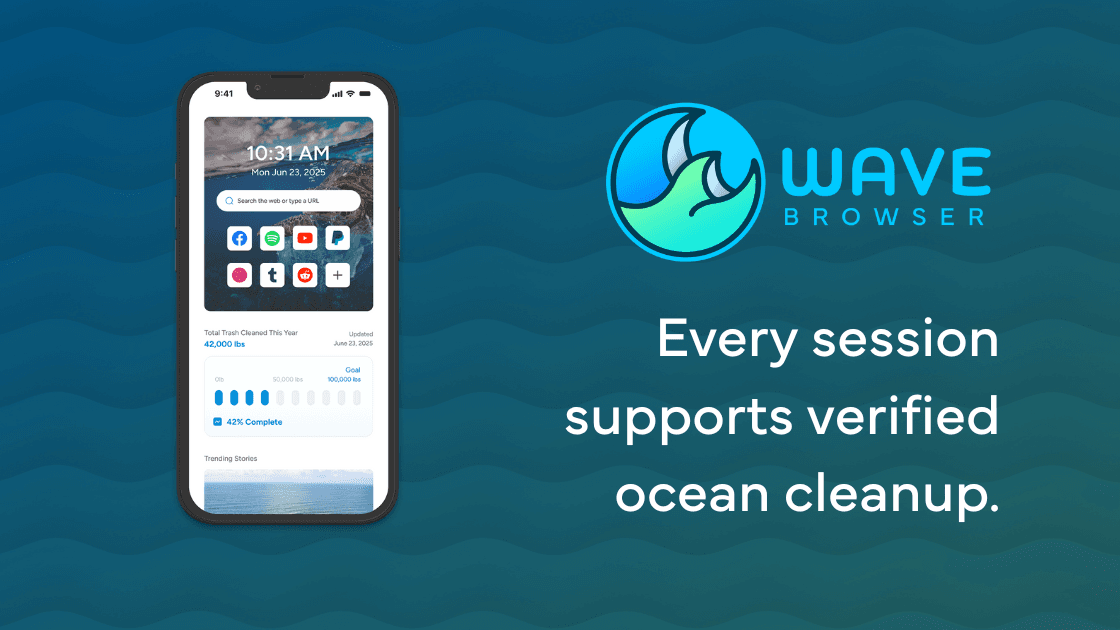
Wave Browser is available on Android through our official Google Play listing. The Android app is free to download and use, and it brings a focused set of browsing, privacy, organization, and environmental-impact features to the phone you already carry.
This guide explains what the Android experience is designed to do, how its mobile features fit together, and which desktop tools belong to Windows and macOS.
Quick answers:
- Where do I get Wave Browser for Android? Download it from the official Google Play listing or reach that listing from wavebrowser.co.
- What does the Android version include? Incognito Mode, customizable cookie and privacy controls, Password Manager, Reading Lists and Bookmarks, and Live Impact Tracker are part of the Android feature set described here.
- Does Android include the desktop Side Bar and AI Assistant? Side Bar and AI Assistant are Windows and macOS tools. The Android feature set is organized around phone browsing, saved pages, passwords, privacy controls, and Live Impact Tracker.
- Is Wave Browser free? Yes. Wave Browser is free to download and use.
- What does Live Impact Tracker show? It shows cleanup progress and environmental milestones connected to our partnership with 4ocean, giving you a clear way to follow the mission as it develops.
Start with The Official Android Download
The safest way to begin is also the simplest: use the official Wave Browser website or the Google Play listing linked from it. The listing is the right place to check the app identity, store details, and the version available to your device when you install. The official route keeps the app source and current store information together.
Wave Browser is free to download and use. The Android app stands on its own for the tasks people commonly handle from a phone: reading, saving a page for later, managing logins, choosing browsing preferences, and checking a mission that continues outside the screen.
The Android Feature Set, at a Glance
The Android features described here are easier to understand when each is tied to a job you actually do on a phone.
| Android feature | What it helps you do | How it supports the task |
| Incognito mode | Browse a session without adding the pages you visit to the device's local browsing history | Gives you a local-history choice for the device |
| Cookie and privacy controls | Choose how websites may store and use data in your browsing preferences | Lets you choose how sites may store and use data |
| Password manager | Store and manage logins in the browser you use on your phone | Use the current product flow for the storage and cross-device details relevant to your setup |
| Reading Lists and Bookmarks | Save pages you want to revisit and organize them for later | Give important pages a deliberate place to return to |
| Live Impact Tracker | View cleanup progress and environmental milestones | Reports the partnership's cleanup progress and milestones |
The result is a mobile browser built around continuity of small decisions. You can save a long article while you have a minute, return to a shopping page after a meeting, use a password you have already stored, or open an Incognito session when the next person who handles the phone should not see that session in the local history. These tasks fit naturally in a phone-sized workspace.
Use Privacy Controls For The Question You Actually Have
Privacy features are most useful when you match them to the record you want to manage. Incognito Mode answers a local-device question: should this session appear in the browser history on this phone? It is useful on a shared device, when you are checking a personal account on someone else's phone, or when you are researching a gift and do not want the next person to see the page in the history list.
Cookie and privacy controls answer a different question: what choices do websites get about storing and using data during your regular browsing? Those controls apply on Android as part of the four-platform privacy set. They are standing preferences, while Incognito Mode is a mode you can choose for a particular session.
Each control answers a different privacy question. Incognito Mode manages local history on the device; network and account visibility follow the relevant website, service, or operator. The mobile controls give you specific choices over local history and site-data preferences, while the surrounding services govern their own records.
Keep Pages and Passwords Ready For The Next Small Window of Time
Phone browsing is often interrupted. A page that is useful at 8:00 a.m. may be impossible to finish before the train arrives or a meeting starts. Reading Lists and Bookmarks give you two ways to keep that page findable. Use a Reading List for material you expect to read, and use Bookmarks for pages or sites you want to organize as part of your regular browsing. The precise choice is yours; the important part is that the page has a deliberate place to return to instead of disappearing into a crowded tab strip.
The Password Manager serves the same idea for account access. It stores and manages logins in the browser, so signing in on a phone does not require you to re-create the same information every time. If you need a particular cross-device workflow, check the current product flow for each platform before you depend on it.
Follow The Mission Through The Live Impact Tracker
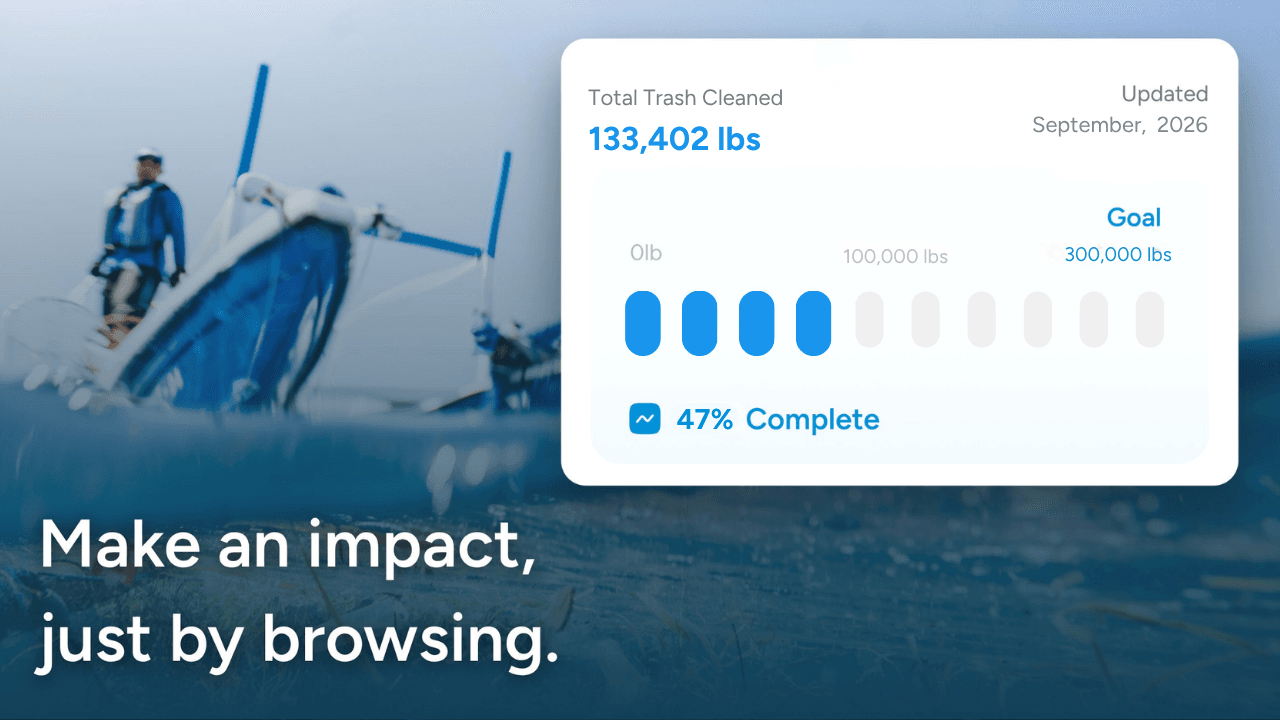
Wave Browser's environmental mission is connected to our partnership with 4ocean. A portion of our revenue helps fund 4ocean's removal of plastic and trash from our ocean, rivers, and coastlines worldwide. 4ocean's crews do the cleanup work; our role is to help provide funding through the business.
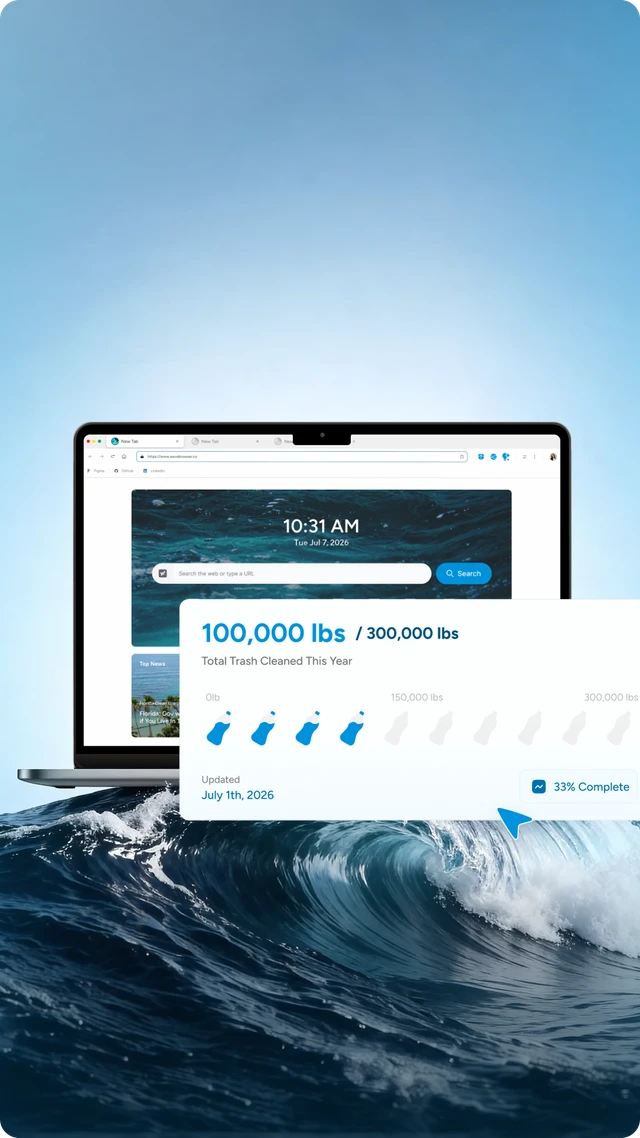
The Android Live Impact Tracker gives that relationship a visible place in the browser. It shows cleanup progress and environmental milestones, helping you follow the work as an ongoing partnership. Wave's public environmental wording states that a portion of our revenue helps fund cleanup, alongside the milestones reported through the partnership.
As of April 15, 2026, Wave Browser had helped remove over 100,000 lbs of plastic and trash from our ocean, rivers, and coastlines worldwide. We have also committed to support the removal of 300,000 lbs by 2028. The first statement is a dated achieved milestone; the second is a future commitment. Together they give the partnership a clear record of progress and its next commitment.
You can read the Wave Browser x 4ocean partnership and the dated impact announcement for the supporting details.
Where The Desktop Experience is Different
Wave Browser is available on Windows, macOS, Android, and iOS, with each platform organized around its own feature set. Side Bar, AI Assistant, Picture-in-Picture, Memory Saver, Energy Saver, Price Tracking, Translate, and compatible-extension support are desktop tools described for Windows and macOS. The Android page focuses on browsing, saved pages, passwords, privacy controls, and Live Impact Tracker.
That difference is useful rather than confusing when you are choosing a device. Android is the place for browsing, saved pages, passwords, privacy preferences, and the impact tracker in a phone-sized workflow. Windows and macOS add the wider desktop workspace: pin a site or tool beside the page you are reading, keep supported video in a floating window, work with compatible extensions, and use the desktop resource-management tools.
If a particular feature determines your decision, check its platform listing on the Wave Browser features page before installing.
Frequently Asked Questions

Is Wave Browser free on Android?
Yes. Wave Browser is free to download and use. Use the official Google Play listing or the official website as the starting point for installation.
Does Wave Browser for Android have Side Bar?
The Side Bar is a Windows and macOS feature. The Android experience focuses on the mobile tools listed above, including Reading Lists and Bookmarks, Password Manager, Incognito Mode, cookie and privacy controls, and Live Impact Tracker.
Does Incognito Mode hide my activity from websites or Wi-Fi networks?
Incognito Mode manages whether a session is added to the local browsing history on the device. Websites and network operators maintain their own records, so the feature is best understood as a local-history control.
Does Live Impact Tracker convert my browsing into an individual cleanup amount?
The tracker shows cleanup progress and environmental milestones connected to the 4ocean partnership. Wave's public environmental wording states that a portion of our revenue helps fund cleanup, with the partnership reporting progress through its public environmental updates.
The Android version keeps the everyday browser tasks close at hand while giving the wider mission a clear place to follow. Start with the official Google Play download, choose the controls that fit your phone, save the pages you want to revisit, and check the tracker when you want to see the latest partnership progress.
Surf the Web, Save the Ocean. Download Wave Browser for Android.