Wave Browser is our free, Chromium-based web browser that brings everyday browsing tools together with a commitment to ocean cleanup. We help you keep useful information close as you browse, while a portion of our revenue supports 4ocean's cleanup crews. It is a practical way to make the browser you use part of the environmental work you care about.
You can use Wave on Windows, macOS, Android, and iOS. Features vary by platform, with our desktop tools on Windows and macOS offering more ways to work with pages, notes, and related tasks in one browser.
Everyday Tools That Help You Reach a Decision
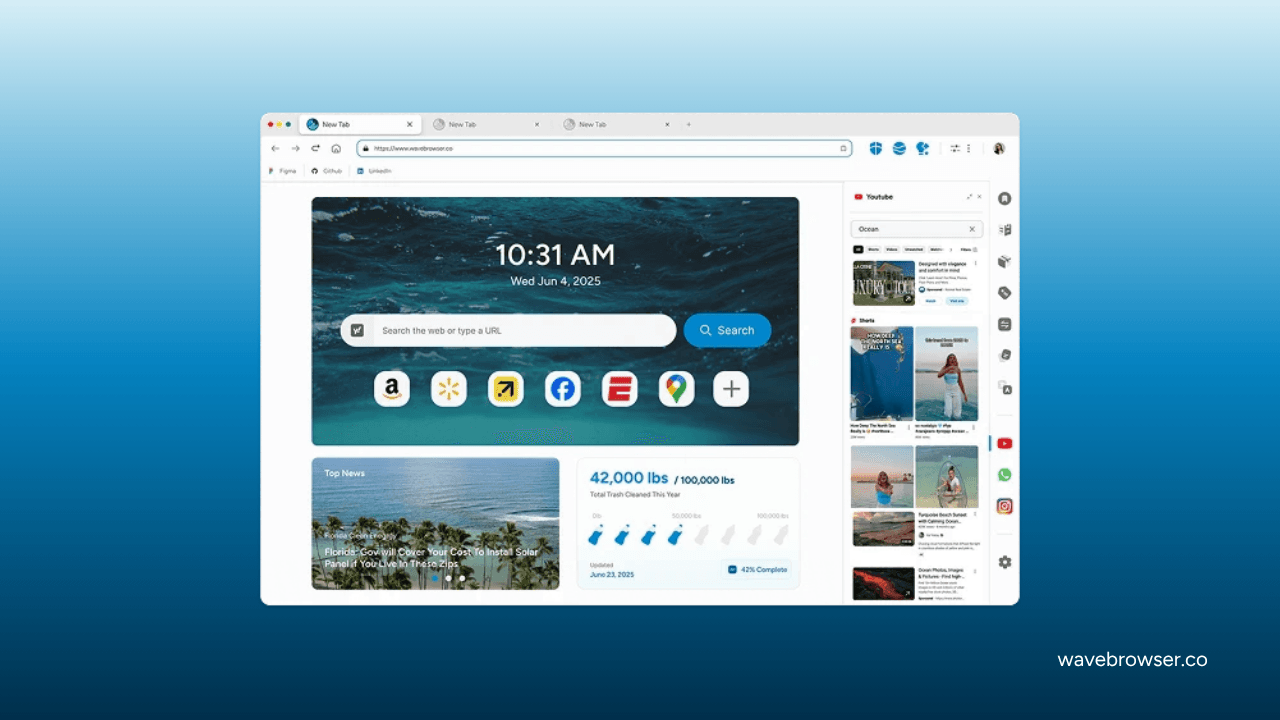
Consider the steps involved in choosing a new laptop. You might have a manufacturer's specifications open, a retailer's listing to check, and a review you want to revisit. Our desktop Side Bar lets you pin a website or feature and open it beside the page you are browsing. Keep one product page beside another, and you can look at the details together instead of repeatedly switching between them.
As you narrow your options, our notes and reminders give you a place to record the differences that matter to you. Perhaps one laptop has the ports you need, while another has more storage. You can keep those details in your notes and set a reminder to return to the decision. For supported videos, Picture-in-Picture lets you keep a video review playing in a floating window while you look through a product page.
When a technical term needs explaining, our desktop AI Assistant can help you work through it. You could ask about the difference between memory and storage, or ask it to summarize text you provide. The assistant can answer questions and help generate text, so you can use it to turn your questions into a draft checklist. Before relying on a product detail in that draft, check it on the manufacturer's page.
You do not have to decide in one sitting. Save your shortlist with Reading Lists or bookmarks, then return to the pages when you are ready. Our desktop Price Tracking helps you monitor prices while you consider a purchase, and Package Tracking helps you follow a delivery after ordering.
Reading Lists and bookmarks are also available on Android and iOS. You can use them to organize useful pages on your phone, while the Side Bar, AI Assistant, and other desktop tools described above are available on Windows and macOS. Wave is free to download and use, and you can activate our free Wave PRO features by setting Wave Browser as your default browser.
Privacy and Security Built Around Your Preferences
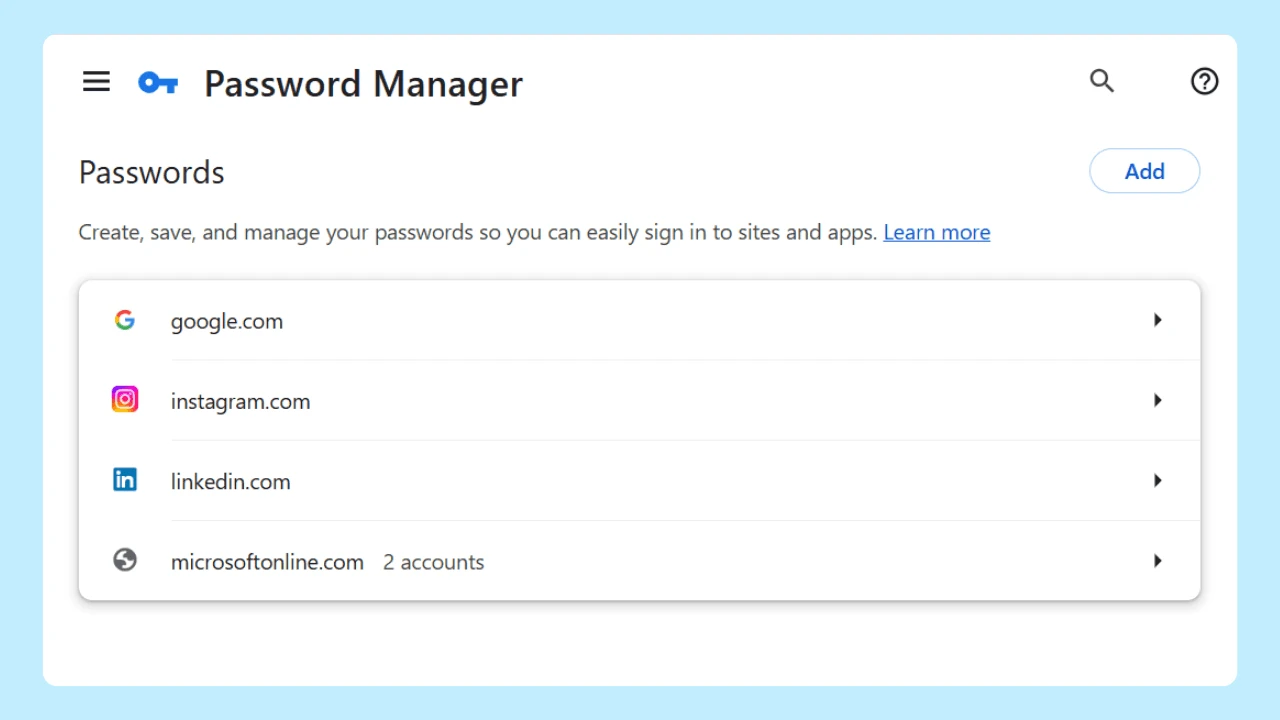
As you browse product pages, sign in to accounts, and return to saved information, your privacy preferences matter too. We offer Incognito Mode and customizable cookie and privacy controls on Windows, macOS, Android, and iOS. Our password manager is also available across those platforms to help you store and manage your passwords.
On Windows and macOS, our ad and tracker blocking gives you additional controls over your browsing experience. When you set up Wave, take a moment to review these options alongside your cookie settings. You can choose your preferences before settling into your usual routine.
How We Support Ocean Cleanup

The usefulness of a browser is something you experience directly. Our environmental commitment extends that everyday choice to work happening beyond your screen. Through our certified partnership with 4ocean, a portion of our revenue helps fund the removal of plastic and trash from our ocean, rivers, and coastlines worldwide. That funding supports the captains and crews carrying out the cleanup.
On April 15, 2026, we announced a 100,000-pound cleanup milestone: we had helped remove that amount of plastic and trash from our ocean, rivers, and coastlines. This progress is part of our commitment to support the removal of 300,000 pounds by 2028.
You can follow that progress through our Live Impact Tracker, which shows cleanup updates and environmental milestones in your browser. It is available on Windows, macOS, Android, and iOS, keeping the work we support visible as the partnership moves toward its goal.
What Our Desktop Certification Means For You
Choosing a browser also means understanding what you are installing. We put every Windows and macOS release through AppEsteem certification before it ships. AppEsteem's requirements address clear installation disclosures, understandable choices about offers and settings changes, and access to standard controls for closing, disabling, or uninstalling an application. These standards focus on the information and choices you receive when software becomes part of your computer.
As of September 9, 2026, AppEsteem's public directory lists Wave Browser 1.5.26.3 for Windows and Wave Browser Mac 1.5.24.4 for macOS as Active. Their certification dates are August 25 and June 17, 2026, respectively. You can use the directory to check the named applications and their records.
We have also received SourceForge Leader recognition in Winter, Spring, and Summer 2026. These three consecutive seasonal recognitions reflect user reviews on SourceForge; the Summer award names Wave in the Web Browsers and Eco-Friendly Web Browsers categories.
Common Questions About Wave Browser
Is Wave Browser a Virus or Malware?
No. Wave Browser is a Chromium-based web browser. Our Windows and macOS applications have the active AppEsteem records described above. To get Wave, use our official website or the authorized app-store listings linked from it.
How Does Wave Approach Software Distribution and Installation Transparency?
We provide Wave through our official channels and do not authorize third-party bundling or distribution. When you choose to install our browser, you are given clear information about what will be added to your computer, which settings may change, and what choices are available to you.
We put every Windows and macOS release through AppEsteem certification before it ships. AppEsteem's published requirements cover disclosure of installed components, clear explanations of browser-setting changes, straightforward options to decline an offer, and access to standard uninstall controls without deceptive obstacles. You can review the certification records for our desktop applications in AppEsteem's public directory.
If your security software displays a warning, it may be a false positive rather than an indication of a security threat. Contact our support team with your operating system, security software, and exact detection message so we can help you understand the warning.
Where Can I download Wave, and Who Develops it?
Visit wavebrowser.co and choose your platform to reach the relevant download or app-store listing. We are Eightpoint Technologies Ltd. SEZC, doing business as Wavesor Software, the company behind Wave Browser.
Make Your Everyday Browser Part of Our Cleanup Mission
Whether you are choosing a new laptop or working through another everyday decision, our tools help you keep the information you need within reach. Through our partnership with 4ocean, we also help fund cleanup work you can follow. Start with the browsing you already do, and join us in supporting a cleaner ocean.
Download Wave. Surf the Web, Save the Ocean.