Windows 11 brings a modern interface, improved performance, and built-in security tools. But in today’s digital world, relying on a single layer of protection isn’t always enough. From phishing attempts and ransomware to data breaches and identity theft, cyber threats continue to evolve across major operating systems.
Choosing the best antivirus for Windows 11 isn’t about fear, it’s about clarity, control, and peace of mind. The right software helps protect personal data, reduce exposure to online threats, and support a more secure, intentional way to use your PC.
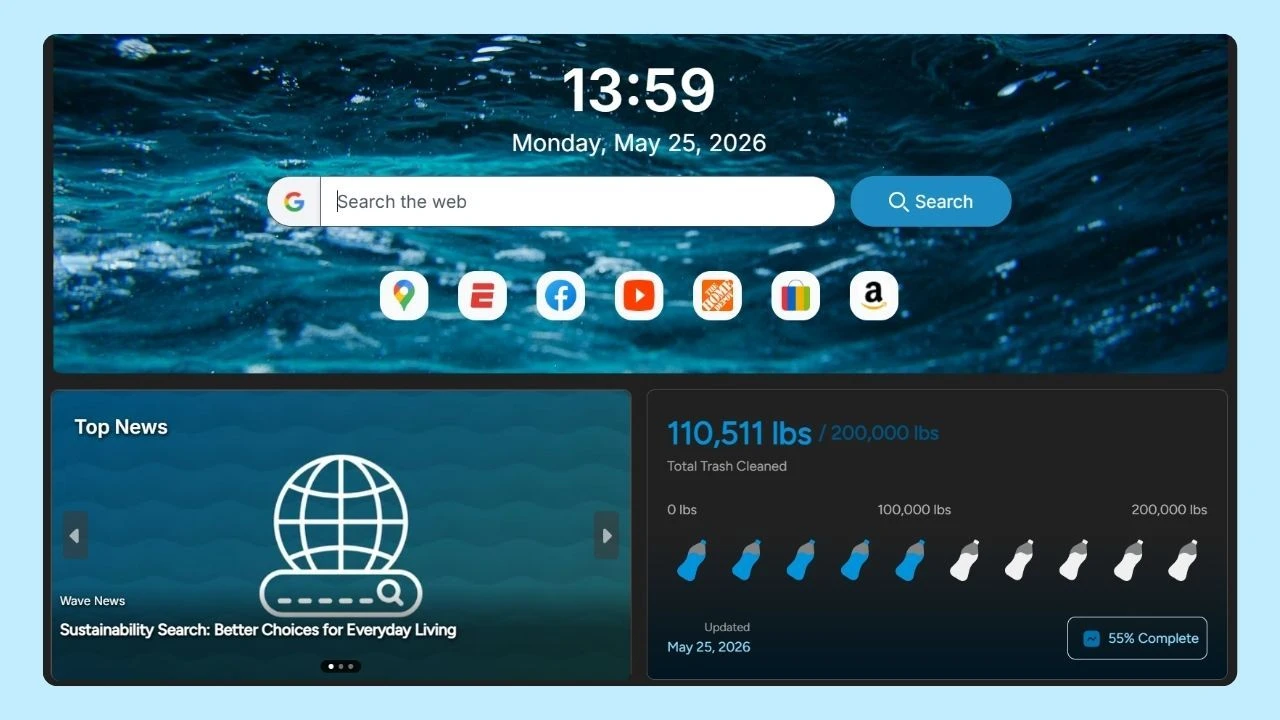
For an even smoother and safer browsing experience, you can also pair your antivirus with Wave Browser for Windows, built with performance in mind and designed to help reduce unwanted distractions online.
Why Antivirus Software Still Matters on Windows 11
As cyber threats grow more sophisticated, many users turn to third-party antivirus products for additional layers of protection, advanced features, and broader coverage across mobile devices, iOS devices, and multiple systems.
In addition to antivirus software, some people also rely on cybersecurity tools like anti-phishing protection, password managers, VPNs, firewall enhancements, identity monitoring, and secure browsers to build a stronger all-around security setup.
A good program can help protect against:
- Malware and different types of malware
- Ransomware attacks and phishing sites
- Malicious websites and phishing attempts
- Data breaches involving personal information or credit card details
What’s the Best Antivirus Software for Windows 11?

The best antivirus for Windows 11 combines robust security features with minimal impact on system performance. Leading options include Bitdefender, Norton, and Kaspersky, each offering real-time protection, malware detection, and user-friendly interfaces. Your choice should depend on specific needs such as budget, usability, and additional features like VPN services.
Microsoft Defender (Windows Defender)
Windows 11 includes Microsoft Defender (also known as Windows Defender), which provides baseline antivirus protection, real-time malware detection, and integration with Windows Security. For many users, it’s a solid starting point, especially as a free option.
Why Microsoft Defender works well for many users:
- Built directly into the operating system
- Provides real-time virus protection and malware detection
- Low impact on system resources
- Seamless integration with Windows Security
While Microsoft Defender offers excellent protection for everyday use, free versions typically lack advanced features like dark web monitoring, identity protection, or parental controls.
Best Antivirus for Windows 11 (paid options)
Best antivirus for Windows 11 options often come in paid plans, since premium security suites offer more comprehensive protection, additional tools, and broader coverage across multiple devices.
Bitdefender Total Security
Bitdefender Total Security is a trusted, premium cybersecurity suite designed to protect your Windows 11 from today’s most common and advanced online threats. It’s often ranked among the top programs because it combines strong threat detection with lightweight performance, meaning it can keep your system safe without noticeably slowing it down.
Often recognized as one of the options available, Bitdefender Total Security delivers:
- Excellent malware defense and a high detection rate
- Ransomware safeguards and anti-phishing tools
- Identity theft monitoring and dark web alerts
- Password manager and file shredder
- Coverage for Windows PC, mobile devices, and iOS devices
- Options for unlimited devices and cloud storage
It’s designed for users who want total security without sacrificing ease of use or performance.
Bitdefender Antivirus Plus
A lighter alternative, Bitdefender Antivirus Plus focuses on:
- Protection against malicious websites and phishing sites
- Secure browser features for safer online transactions
- Minimal impact on hard drive performance and system resources
It’s a good fit for users who want robust protection without a full security suite.
Trend Micro
Trend Micro is a well-established antivirus and cybersecurity solution that focuses heavily on protecting users from modern online threats like phishing scams, unsafe websites, and ransomware. It’s a popular option for Windows 11 users who want strong security features with a simple, easy-to-use interface.
Trend Micro is another respected program known for:
- Strong phishing protection and ransomware defense
- Effective malware detection
- Clear interface and reliable customer support
While it may offer fewer additional tools than Bitdefender, it remains a dependable choice for Windows 11 users focused on internet security.
Norton 360
Norton 360 is one of the most complete antivirus solutions for Windows 11, combining strong real-time threat protection with a wide range of security tools designed to keep users safe online. Beyond blocking viruses, spyware, and ransomware, Norton also includes an anti-phishing tool that helps protect you from fake websites, suspicious links, and online scams.
Because Windows 11 users often need more than basic coverage, Norton 360 stands out with features like secure VPN access, cloud backup, and identity monitoring tools (availability may vary by plan and region). It’s a great option for anyone looking for an all-in-one security package that goes beyond malware detection while still running smoothly in the background.
McAfee
McAfee is one of the best antivirus for Windows 11 if you want to protect multiple devices under one subscription. It offers strong real-time threat detection and helps block common risks like malware, suspicious downloads, and phishing attempts while you browse, shop, or manage personal accounts online.
Many McAfee plans also include extra cybersecurity tools such as web safety features, identity monitoring, and a secure VPN (depending on your region and plan). It’s a good fit for users who want an all-in-one security suite that covers everyday protection across a broader digital lifestyle, not just one Windows PC.
Avast
Avast is one of the most popular antivirus brands for Windows 11, largely because it offers a strong free version with reliable core security. It includes real-time threat detection and helps protect your computer from common risks like viruses, malware, and unsafe websites—making it a great starting point for users who want extra protection beyond the built-in Windows tools.
Avast is also known for offering useful web-focused features, including tools that help reduce exposure to phishing links and malicious sites. For users who want more advanced tools (like deeper privacy features or stronger controls), Avast also offers paid plans—but the free version is often enough for basic, everyday coverage.
Key Security Features to Look For
When comparing antivirus tools, consider more than just the free version or first-year pricing. Look for features that support long-term protection and peace of mind:
- Real-time security against online threats
- Web shielding to block malicious websites
- Dark web monitoring to detect exposed personal data
- Identity monitoring and theft prevention tools
- Parental controls for family use
- Unlimited VPN options (if included)
- Coverage across a number of devices
The best antivirus products balance comprehensive security with performance, ensuring your PC stays protected without slowing down daily use.
Browsing Securely Starts With Smarter Tools
Antivirus software is only one part of a secure setup. How you browse also matters.
Using a secure browser alongside trusted antivirus helps reduce exposure to phishing attempts, malicious websites, and unnecessary risks. Browsers designed with intention—like Wave Browser—support safer, more focused browsing by helping users move through the web with clarity instead of distraction.
Wave Browser includes privacy and security features by default, helping users browse with more confidence right out of the box. Security works best when tools complement each other: antivirus software for protection, and a browser that supports mindful, responsible internet use.