Converting a file or checking a measurement should not interrupt everything else you are doing online. Yet a simple task can quickly turn into a search for the right website, another open tab, or an extra extension you may only use once.
Wave Browser brings conversion tools closer to the rest of your browsing.
Available in Wave Browser for Windows and macOS, the built-in converter helps you handle common conversion tasks without adding another app to your routine. It is a practical option for anyone looking for the convenience of an online converter tool within a browser designed for everyday productivity.
What is the Wave Browser Converter Tool?
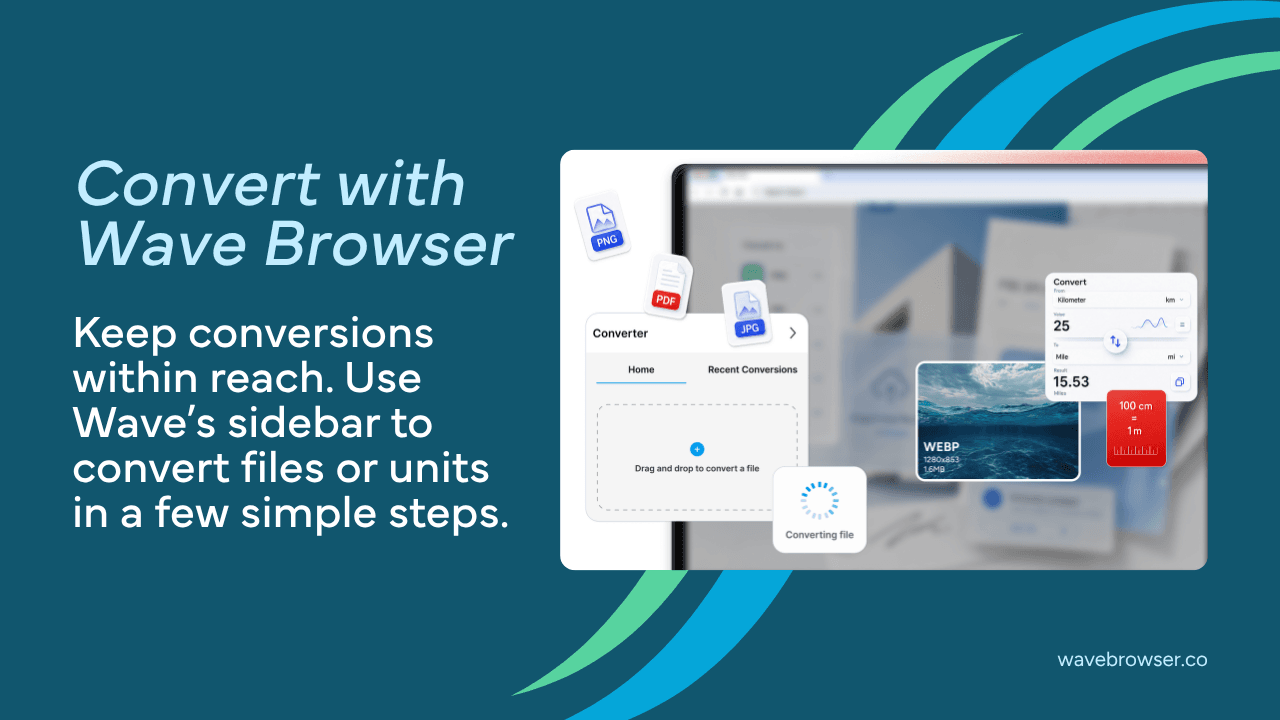
The converter is one of the productivity tools built into Wave Browser. Instead of treating conversion as a separate task, Wave keeps it within the same browsing experience you already use to research, write, study, shop, or plan.
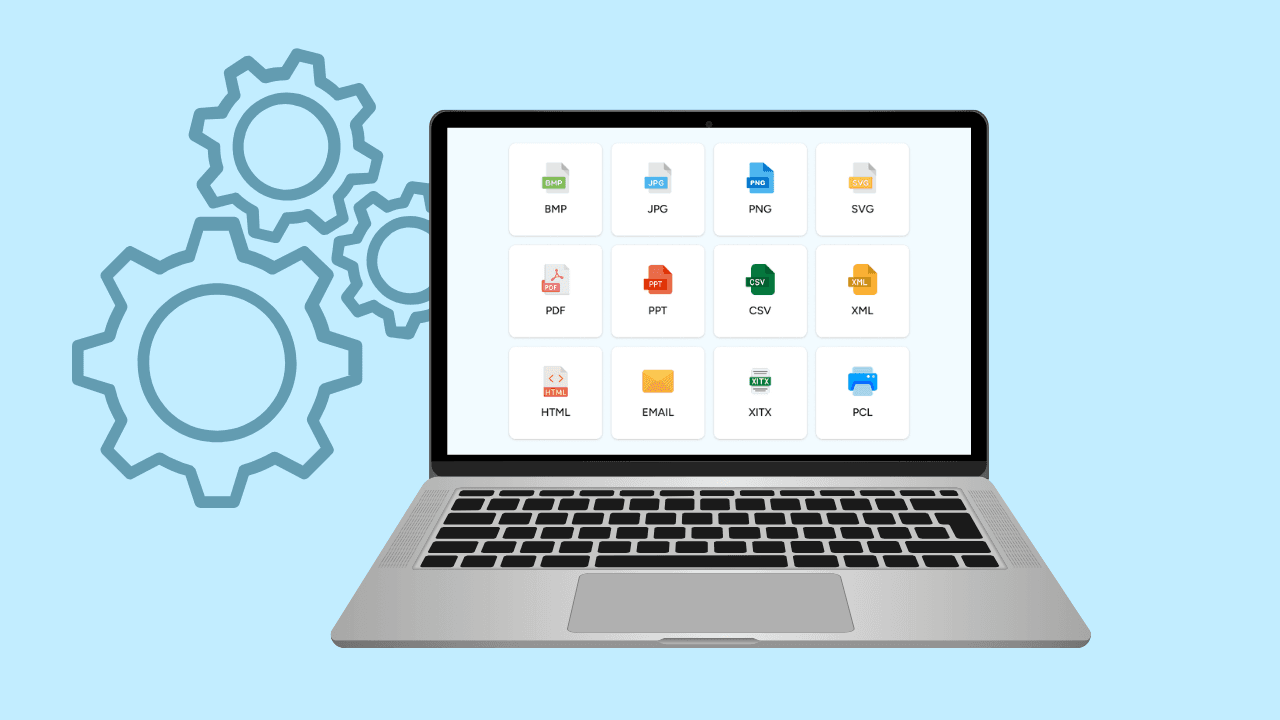
You can use the tool for common conversion needs, including files and measurements. Whether you are preparing a document, working with an image, reviewing a PDF, or checking weight or distance, the goal is to make the next step easier to reach.
The experience is designed around a familiar routine:
- Open the converter in Wave Browser.
- Choose what you want to convert.
- Select the format or unit you need.
- Complete the conversion and continue with your task.
There is no need to build a separate workflow around a small job. The converter stays close to the pages and information you are already using.
Built for the Way People Multitask Online
Online work rarely happens one tab at a time. A typical session may include a reference page, a draft, a video call, a document, and several searches. Adding a separate conversion website or app can create one more place to manage.
Wave Browser is designed to help you multitask with less switching. The converter works alongside other desktop productivity features, including a dockside sidebar, bookmarks, reading lists, and notes & reminders.
For example:
- You can easily view two screens at once to keep a product page visible while converting a distance or weight measurement.
- A student could keep research open while preparing a file for an assignment.
- A content creator could convert an image and return to a publishing dashboard while staying within the same browser-based workflow.
Each tool supports a different part of the process, but they share the same purpose: helping you stay with the task instead of rebuilding your workspace every time you need a small utility.
Why Use a Browser Converter Tool?
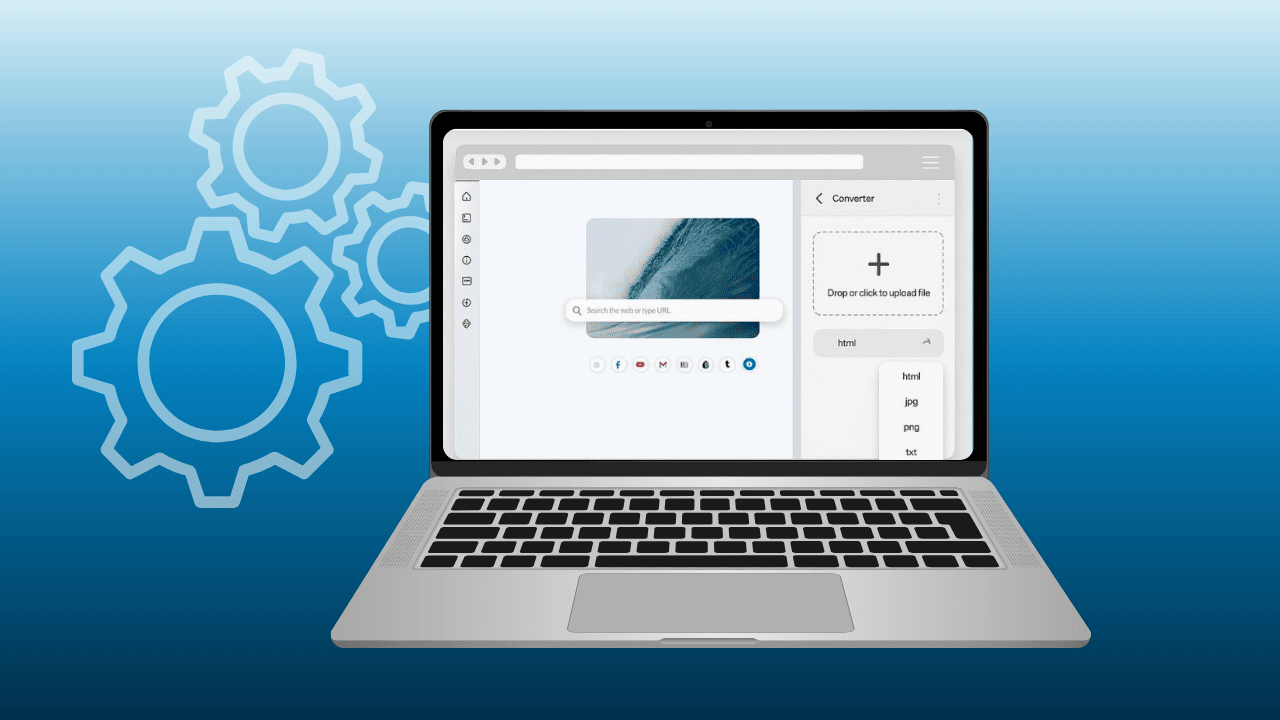
Most conversions happen in the middle of something else. You may need to change an image format before uploading it, prepare a document for someone who uses a different file type, or confirm a measurement while comparing products.
A browser converter tool reduces the distance between the question and the answer. When the tool is already part of your browser, you spend less time searching for another service and more time moving the original task forward.
This can be useful when you are:
- Preparing documents and files for work or school
- Changing an image into a more suitable format
- Working with PDFs
- Checking weight or distance measurements
- Comparing information across different websites
- Completing several small tasks during one browsing session
The main benefit is not conversion by itself. It is being able to keep your workflow together.
A Practical Tool for Work, Study, and Everyday Browsing
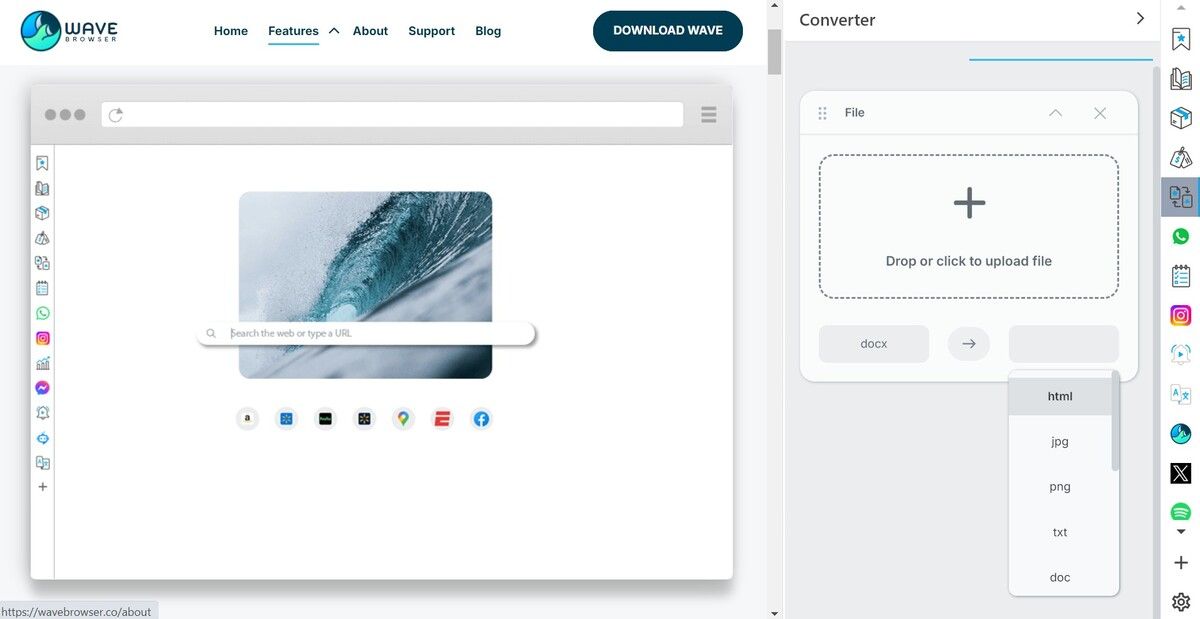
The converter can fit into many ordinary browsing situations.
For work
Documents and images often move between people, platforms, and formats. A built-in converter can help you prepare a file for a presentation, upload, email, or shared project while keeping the rest of your work open.
For students
Assignments can involve source material, PDFs, images, and specific submission formats. Keeping conversion tools in the browser makes it easier to move between research and preparation without adding more software to the process.
For shopping and planning
Measurements may be listed in unfamiliar units, especially when comparing products, recipes, travel information, or international listings. Converting weight or distance in the browser can help you understand the details before making a decision.
For content creation
Different websites may require different image or document formats. Having a converter nearby can simplify the handoff between creating, reviewing, and publishing content.
Part of Wave Browser's Broader Productivity Experience
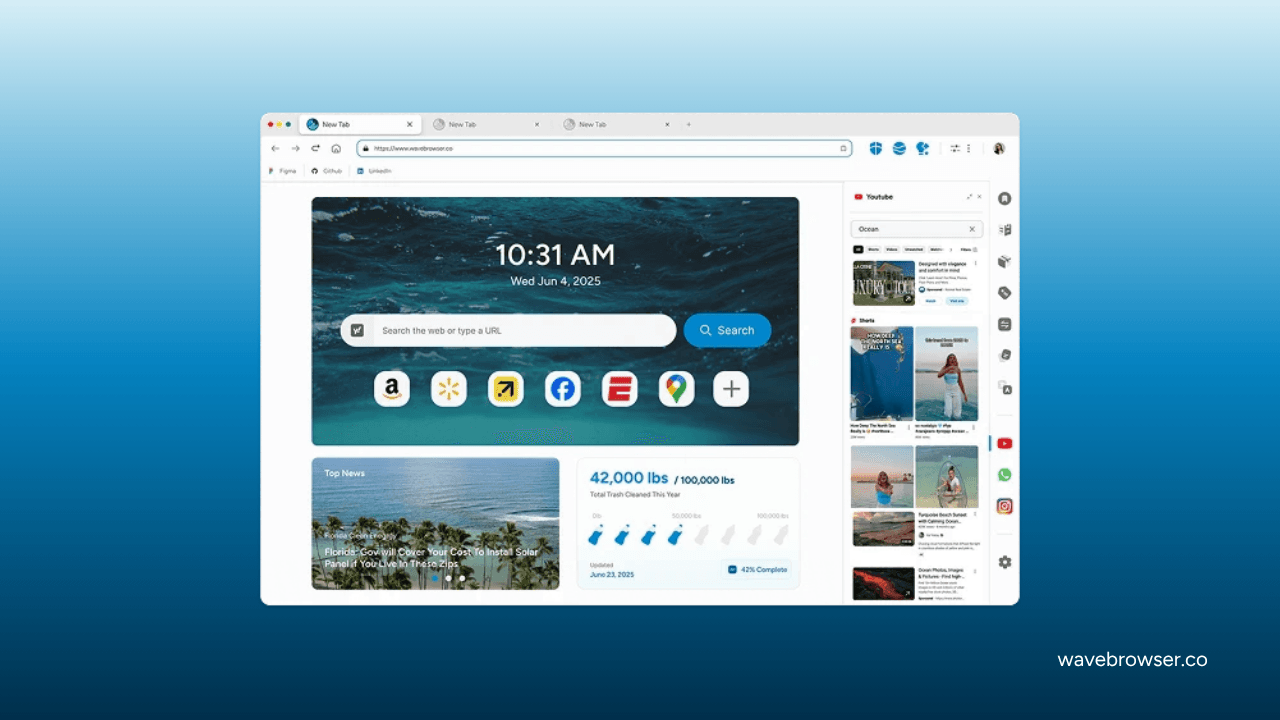
Wave Browser is built on Chromium and combines familiar browsing with integrated tools for organization and productivity.
The converter is one part of that approach: everyday utilities are kept within reach so they can support a task when needed, without becoming the focus of the entire experience.
User reviews on SourceForge highlight Wave Browser’s ease of use and built-in productivity features. Users frequently mention tools such as split view, notes, package tracking, and support for multitasking across multiple tabs.
Reviews shared on Slashdot reflect similar experiences. Users describe Wave as easy to navigate and appreciate having practical tools within the browser, helping them stay organized and manage everyday tasks in one place.
These independent profiles reinforce the same practical idea behind Wave's design: useful browser tools work best when they help people complete everyday tasks with fewer detours.
Productivity With a Larger Purpose
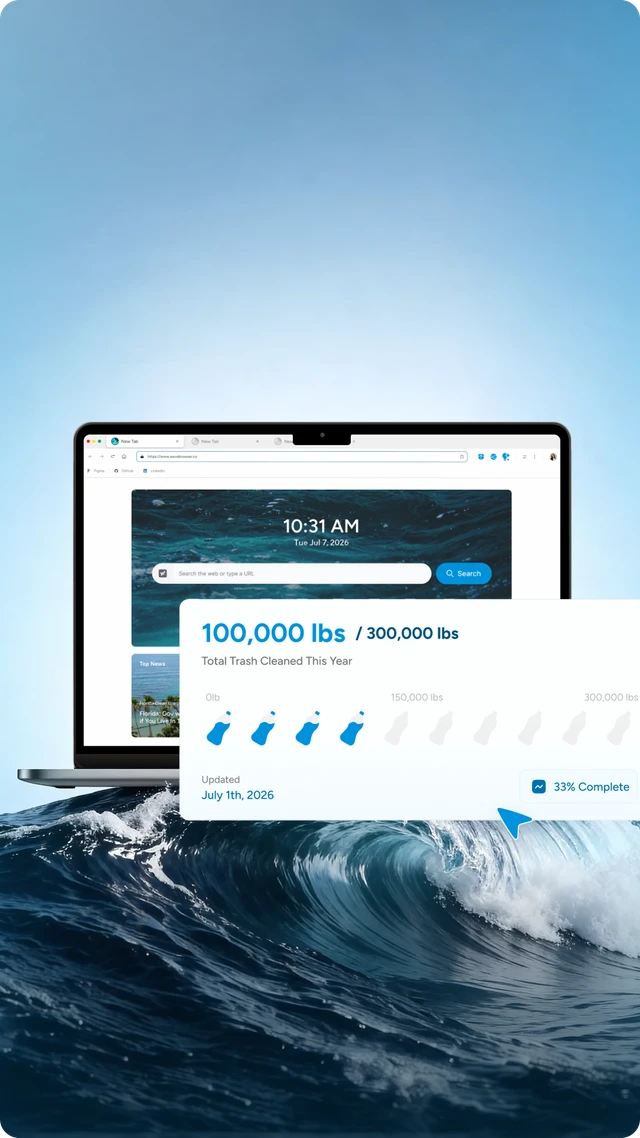
Wave Browser also connects everyday browsing with verified environmental impact. Through its partnership with 4ocean, Wave helps fund the removal of plastic and trash from our ocean, rivers, and coastlines worldwide.
That means the browser combines tools for getting things done with a mission that extends beyond the screen. You can use the converter, organize your tabs, compare information, and move through daily tasks while your regular browsing supports Wave's broader ocean cleanup commitment.
Keep Conversions Close to the Task
A conversion may take only a few moments, but finding the right tool can interrupt your focus. Wave Browser keeps a converter alongside the browsing and productivity features you already use, making it easier to handle files and measurements while you multitask.
Try convert with Wave today or visit our official website to see how Wave brings productivity tools and verified ocean impact into one browsing experience.