Multitasking has become a normal part of modern life. During a typical workday, many people respond to emails, attend meetings, manage projects, conduct research, and communicate with team members throughout the day. While trying to handle multiple responsibilities at once can feel productive, handling competing priorities isn't always as effective as it seems.
The key isn't simply doing more tasks at the same time. It's learning how to manage different priorities, organize your workflow, and use the right tools to move between activities efficiently.
Wave Browser helps support this process with productivity-focused features such as split screen, sidebar apps, bookmarks, reading lists, and other tools designed to keep important resources within easy reach.
In this guide, we'll explain how to multitask, when it works best, and practical tips to improve your skills without sacrificing focus or work performance.
What Is Multitasking?
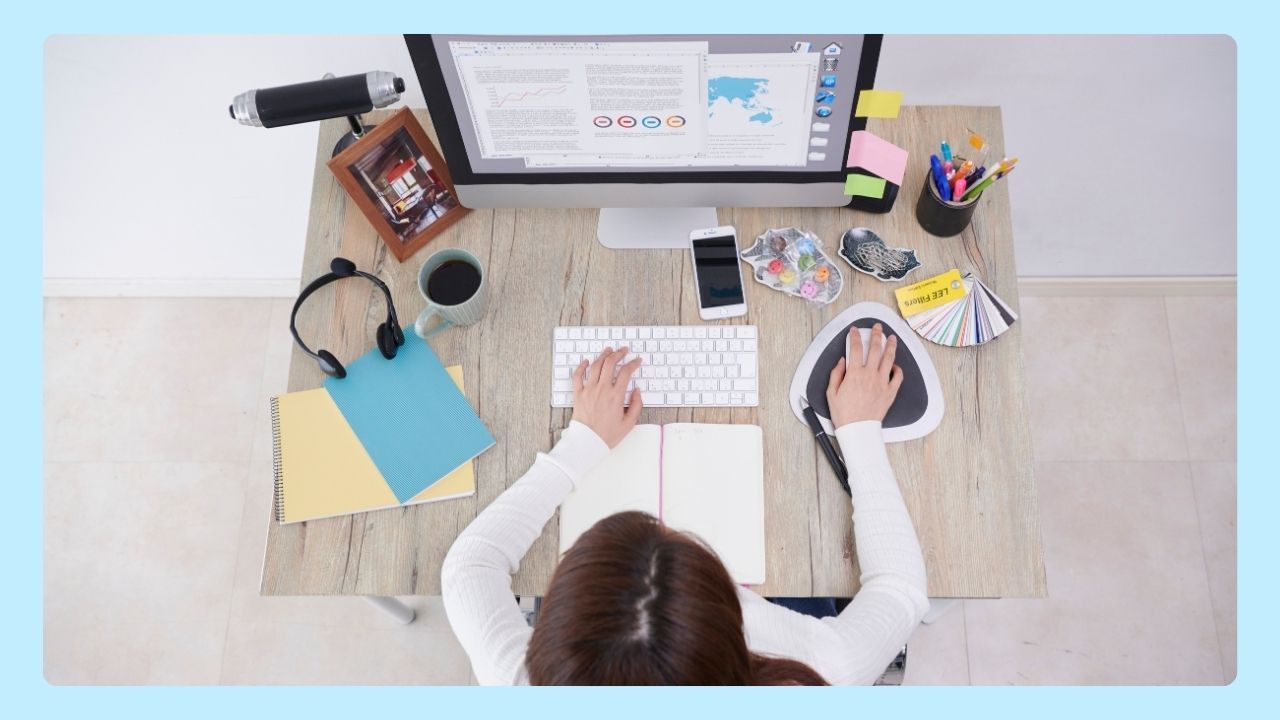
Multitasking refers to handling multiple activities during the same period of time. This can involve switching between different tasks, managing several projects simultaneously, or combining certain activities that don't require the same level of mental effort.
However, what many people think of as true multitasking is actually rapid task switching. The brain often performs better when focusing on a single task that requires intense concentration rather than constantly jumping between complex tasks.
For example, listening to an audiobook while exercising may be manageable because one activity is primarily physical while the other requires passive listening. Writing a report while responding to emails, however, forces your brain to divide attention between two mental tasks, which can reduce productivity and increase mistakes.
The goal is knowing which activities can be combined and which deserve your undivided attention.
Why Multitasking Can Be Challenging
Many people struggle because every switch between tasks requires mental effort. When you move from one project to another, your brain needs time to adjust. Frequent interruptions can create mental fatigue, reduce mental performance, and make even simple tasks feel more difficult.
Common challenges include:
- Constant distractions from notifications and messages
- Difficulty focusing on an important task
- Reduced quality of work
- Increased workload stress
- Lower productivity during a longer period of time
- Higher risk of burnout
Understanding these challenges can help you develop better time management strategies.
How to Develop Strong Multitasking Skills
Strong multitasking skills don't mean handling as many tasks as possible at the same time. Instead, they involve knowing:
- How to prioritize responsibilities
- Manage your time
- Move efficiently between activities without losing focus
One way to strengthen these skills is by organizing your day around clear priorities and realistic goals.
Creating task lists, setting deadlines, and grouping similar activities together can help reduce distractions and make your workload feel more manageable. Over time, you'll become better at identifying which tasks can be combined and which require your full attention.
It's also important to recognize your limits. Trying to juggle too many responsibilities at once can lead to mental fatigue and lower work performance.
Developing good skills means learning when to switch tasks, when to delegate, and when to focus entirely on one activity. With the right habits and productivity tools, you can improve efficiency while maintaining the quality of your work.
Tips for Effective Multitasking
Use Prioritization to Focus on What Matters Most
Not all tasks deserve the same level of attention.
Start each day by identifying your most important task and completing it during the times of day when your energy and focus are highest. This helps ensure critical work gets done before distractions begin to accumulate.
Many professionals use prioritization methods such as the Eisenhower Matrix, which organizes tasks based on urgency and importance. This approach helps separate high-value work from less critical activities.
Group Similar Tasks Together
One of the easiest ways to learn how to multitask more effectively is to batch similar tasks.
For example, instead of checking emails throughout the day, dedicate specific time blocks to reading and responding to messages. You can also group phone calls, administrative work, or document reviews into dedicated sessions.
If you multitask with Split View, keeping related information visible side by side can make this approach even more effective. You might review emails on one side of the screen while updating a project tracker on the other, or reference research while writing a report.
Reducing the number of times you switch between different activities helps preserve focus, minimize distractions, and improve efficiency.
Use Time Blocks to Manage Your Workload
Time blocking is a powerful time management technique that assigns specific periods of the day to individual tasks or categories of work.
For example:
- 9:00–10:30 AM: Project work
- 10:30–11:00 AM: Emails and communication
- 11:00–12:00 PM: Research
- 1:00–3:00 PM: Meetings and collaboration
Creating clear timelines helps prevent tasks from competing for your attention.
Try the Pomodoro Technique
The Pomodoro Technique is a great way to maintain focus without feeling overwhelmed.
The method involves:
- Working on a single task for 25 minutes
- Taking short breaks for 5 minutes
- Repeating the cycle four times
- Taking a longer break afterward
These regular breaks help reduce mental fatigue and maintain mental performance throughout the day.
Minimize Distractions
If you're learning how to multitask more efficiently, one of the best places to start is by reducing unnecessary interruptions.
Consider:
- Silencing unnecessary notifications
- Closing unused apps
- Limiting social media during focused work sessions
- Creating a dedicated workspace
- Using productivity tools to stay organized
Reducing interruptions allows you to move through different tasks more efficiently while maintaining focus and productivity.
Set Realistic Deadlines
Trying to complete too many tasks within limited time often creates unnecessary stress.
Instead, set deadlines that reflect the complexity of the work involved. Breaking large projects into smaller individual tasks can make them feel more manageable while providing clear progress milestones.
You can also use AI tools to accelerate certain parts of your workflow.
For example, students may use an AI homework helper to better understand difficult concepts, organize study materials, and prepare for exams. Professionals, meanwhile, can use ChatGPT prompts to summarize lengthy documents, generate meeting notes, brainstorm ideas, or create first drafts.
Using these tools strategically can help you stay on schedule without feeling overwhelmed by your workload.
Mindfulness and Mental Energy Go Hand in Hand
Productivity isn't just about managing time. It's also about managing energy. Getting enough sleep, taking regular breaks, practicing mindfulness, and incorporating activities such as meditation can help maintain focus throughout the day.
Protecting your mental resources is essential for avoiding burnout and maintaining strong performance over time.
When Should You Focus on a Single Task?
If you're learning how to multitask more effectively, it's important to recognize that not every activity should be combined with another. Certain responsibilities require your full attention to produce the best results.
Activities that often require undivided attention include:
- Strategic planning
- Writing and editing
- Data analysis
- Learning new skills
- Problem solving
- Other complex tasks
In these situations, concentrating on a single task often produces better results than trying to divide attention across multiple responsibilities. While AI tools for productivity can help streamline research, organization, and routine work, they can't replace the focus and critical thinking needed for tasks that demand deep concentration.
How to Multitask More Effectively with Wave Browser
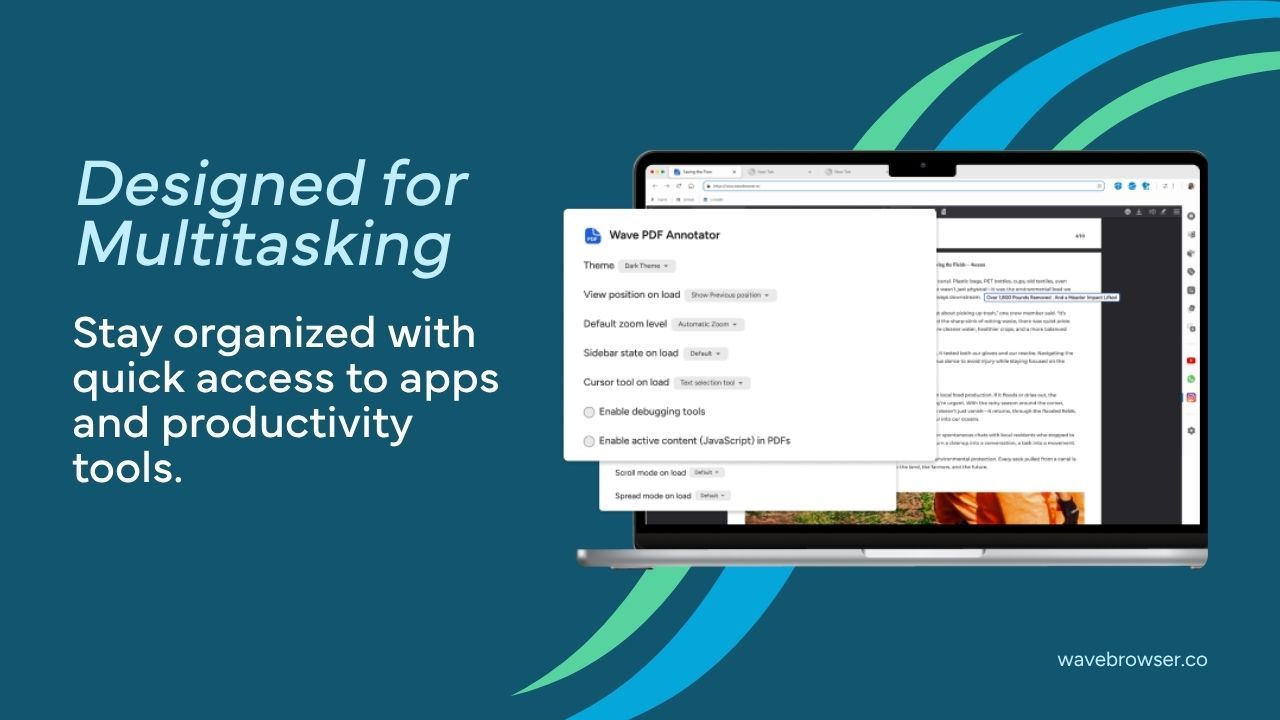
Many modern workflows happen inside a browser. Research, communication, project management, learning, and content creation often require users to move between multiple websites and tools throughout the day.
Wave Browser helps support switching between activities by keeping frequently used resources accessible from a single workspace. Its split screen feature allows you to view websites side by side, making it easier to compare information, conduct research, follow instructions, or manage multiple projects without constantly switching tabs.
Additional tools can help streamline your workflow:
- AI Assistant for research, writing, and brainstorming
- Messaging and social media apps accessible from the sidebar
- Notes & Reminders for tracking ideas and task lists
- Content Notifier for monitoring updates from favorite websites
- Translate for understanding content in different languages
- Package Tracking for following deliveries
- Stock Tracker powered by Yahoo
- Converter Tool for quick unit and currency conversions
- Bookmarks and Reading Lists for organizing important resources
By keeping essential tools within reach, Wave Browser helps reduce unnecessary tab switching and supports a more organized approach to manage multiple tasks.
Frequently Asked Questions
Learning how to multitask successfully is about knowing how to manage different priorities, organize your workload, and focus your attention where it matters most. By approaching tasks strategically, you can stay productive without becoming overwhelmed or sacrificing quality.
Is Multitasking Actually Effective?
Managing multiple tasks can be effective when the activities are closely related, such as comparing documents, taking notes while reading, or researching across several websites, while frequently switching between unrelated activities can reduce focus and make it harder to work efficiently.
What's the Difference Between Multitasking and Task Switching?
Multitasking typically means handling multiple activities during the same work session, often by keeping different windows or applications open. Task switching happens when you repeatedly move your attention from one activity to another, which can interrupt your workflow and increase the time needed to complete tasks.
What Are the Best Techniques For Managing Multiple Tasks?
Using Split View or Split Screen can help you keep multiple windows visible at the same time, reducing the need to switch back and forth. Other helpful strategies include grouping related activities, minimizing distractions, and organizing your browser tabs so important information is always within reach.