Wave Browser is a Chromium-based web browser for Windows, macOS, Android, and iOS. The practical fit question is which of its listed tools match the work you do on each device.
Quick Answer
- List your device and two or three must-have tasks.
- Check the platform for each tool instead of assuming four-platform parity.
- Confirm mobile details that are not settled in the current product information.
- Use the official feature pages for current wording and Support for a version-specific question.
- If the must-have tools are listed for your device, try Wave Browser on that task before changing more of your setup.
Start with The Task, Then The Platform
Write down the device where the task happens most often: Windows PC, Mac, Android phone, or iPhone. Then write the task: reading, research, shopping, saving pages, watching video while working, or managing logins. This keeps the decision tied to a real use case.
| Task | Wave Browser tools listed for the task | Platform scope |
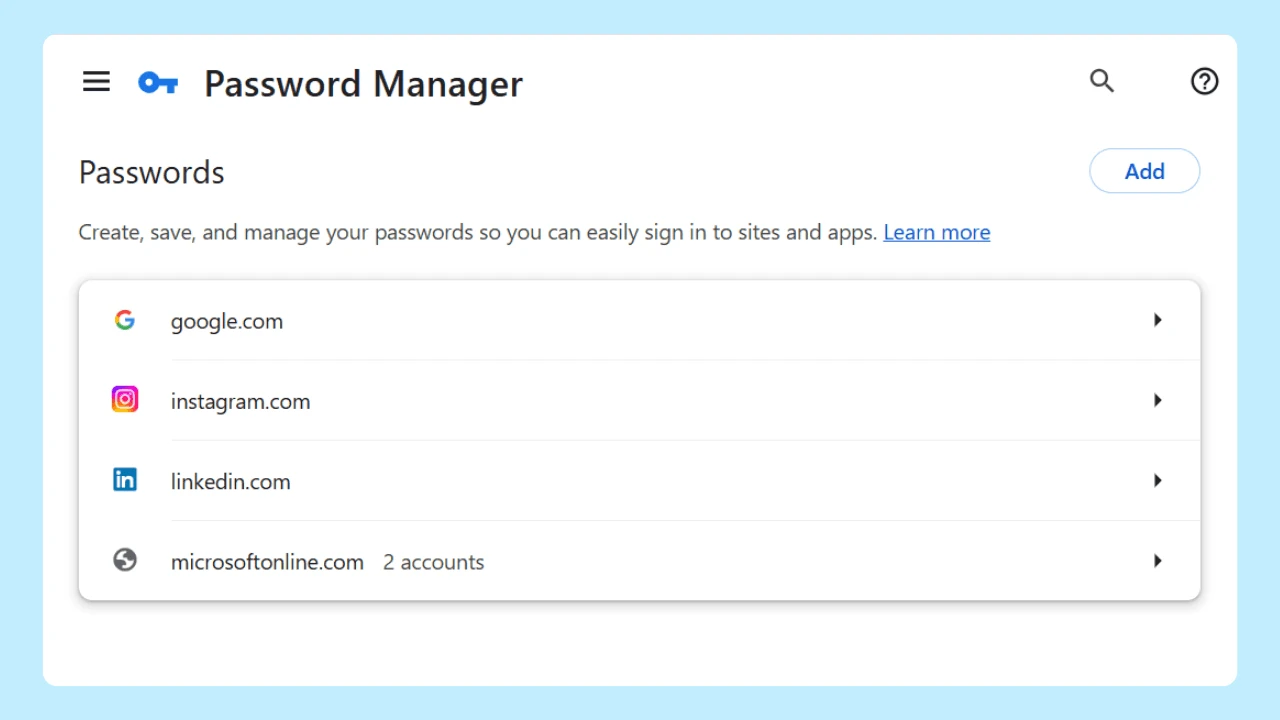
| Save pages and manage logins | Reading Lists and Bookmarks; Password Manager | Windows, macOS, Android, iOS |
| Use a private browsing window and cookie/privacy controls | Incognito Mode; customizable cookie and privacy controls | Windows, macOS, Android, iOS |
| Compare pages beside your work | Side Bar and its supported utilities | Windows, macOS |
| Work with in-browser assistance | AI Assistant for answers, summaries, and content generation | Windows, macOS |
| Keep supported video visible | Picture-in-Picture | Windows, macOS |
| Manage long desktop sessions | Memory Saver and Energy Saver | Windows, macOS |
| Shop or read in another language | Price Tracking and Translate | Windows, macOS |
| Follow updates | Content Notifier | Windows, macOS, iOS |
| View cleanup progress | Live Impact Tracker | Windows, macOS, Android, iOS |
The table describes listed platform scope. It does not promise identical interfaces, synchronization, or performance on every device.
Check The Two Boundaries That Affect a Decision
Ad and tracker blocking is confirmed for Windows and macOS. The current public information does not settle the mobile scope, so check the current platform listing before relying on it on Android or iOS.
Wave Browser does not provide a VPN service. If a VPN is a non-negotiable part of your task, include that requirement in the comparison before you choose a browser. Incognito Mode and privacy controls are separate browser features.
Where To Verify
Use the Features page for the current tool list. For security wording, use the Security features page. If a tool is important on a specific build, contact support@wavebrowser.co with your operating system and Wave version.
Wave Browser is free to download and use. Wave’s current product information also describes free Wave PRO features that can be activated by setting Wave Browser as the default browser; platform, market, and ongoing activation details should be checked against the current product information.
Frequently Asked Questions

Is Wave Browser available on mobile?
Wave Browser is available on Android and iOS. The table above separates tools listed for mobile from desktop-only tools.
Are the same features identical on every platform?
The product information lists features by platform. It does not establish identical interfaces or behavior, so check the platform-specific information.
What is the fastest way to decide?
Choose your must-have task, match it to the listed platform, and verify any open detail with Support before changing your default browser.