
Wave Blog
How to Use Wave Browser Side Bar Beside the Page You Are Reading
Learn how to use the Wave Browser sidebar beside the page you are reading to access built-in tools and multitask while you browse.

TikTok Browser: How to Use TikTok Web on Your Computer Today
Elevate your TikTok experience with a TikTok browser! Learn how to seamlessly browse videos and discover trending content on our blog.
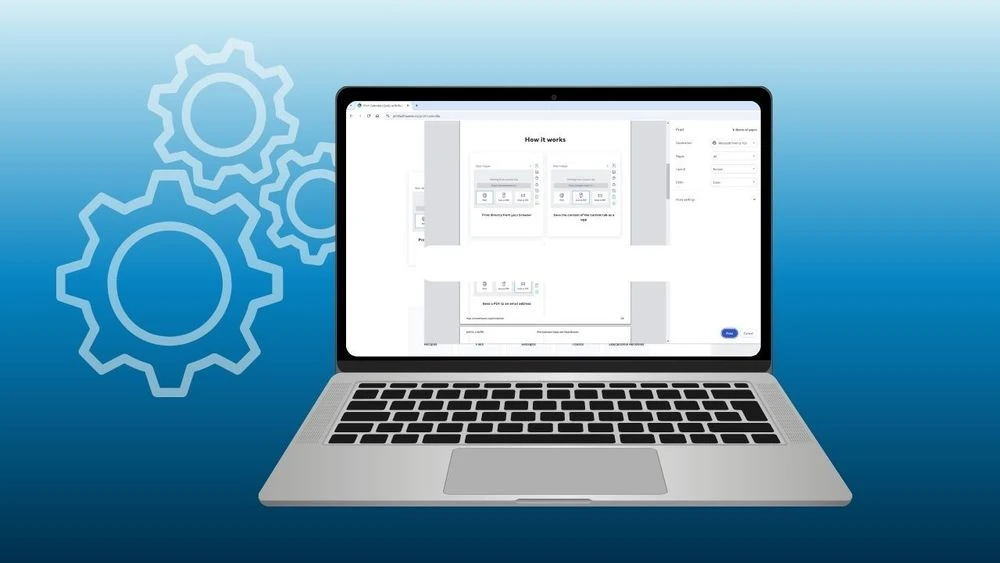
Printing in Wave Browser: Print Web Pages & Save as PDF
Wave Browser’s Print feature integrates standard print preview directly into your browsing workflow. Explore its built-in tools to see how it works.

How to Make a Second TikTok Account
Learn how to make a second TikTok account on one device. Manage multiple profiles with Wave Browser’s sidebar while helping clean oceans with every tab.

Gmail Desktop App Experience Without Downloads
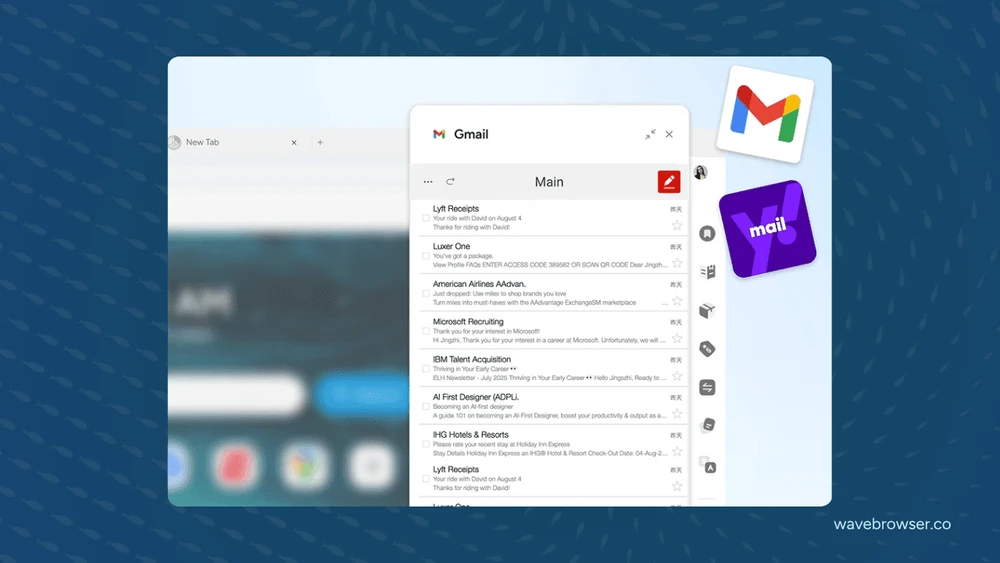
Discover the best Gmail Desktop App alternative. Use Wave Browser to access your Gmail inbox, enjoy productivity features, and help clean oceans with every tab.
How to Use Instagram for Mac with Browser
Use Instagram for Mac with Wave Browser—no downloads or apps needed. Chat, post, and browse while helping clean oceans with every tab.

How to Open Messenger in Browser
Learn how to open Messenger in browser. With Wave, chat, video call, and connect on any device—while helping clean oceans with every tab.
Top 5 Online Converter Tools You Need to Try
Discover the top 5 online converter tools you need to try! Enhance your file conversion experience with these essential online converter resources.
Discover the Best Browser Text Editor for Your Notes
Looking for the best browser-based text editor? Discover top tools for note-taking, writing, and productivity—no downloads needed.
Best Autofill Password Manager Tools for Secure Browsing
Discover top autofill password manager tools that securely store your login info, simplify sign-ins, and boost online productivity with one-click convenience.
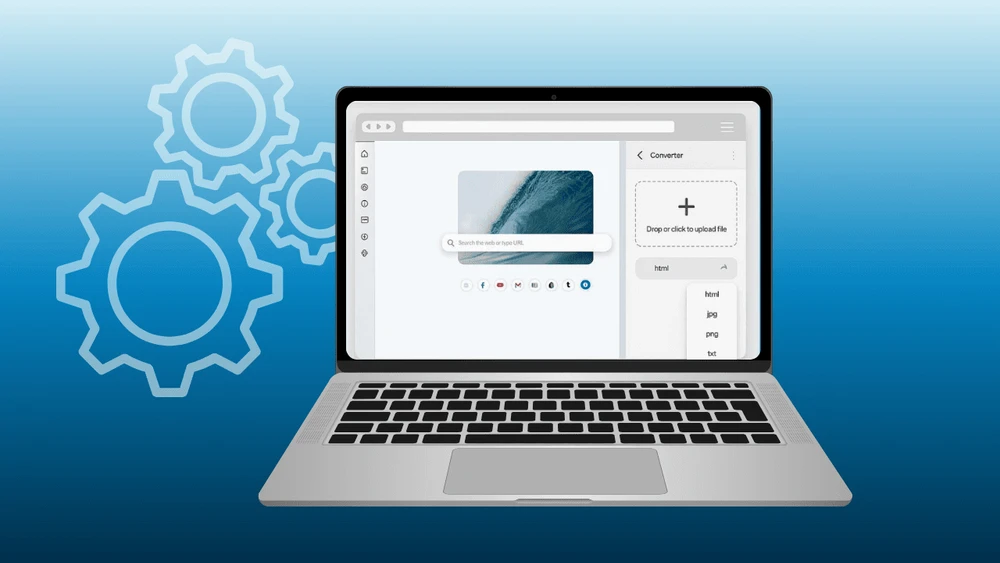
Top 8 Browser Converter Tools for Everyday Tasks
Explore the top 8 browser converter tools that simplify everyday tasks like file, image, and document conversion—no extra software needed.
Essential Features of Web Browser You Should Know
Explore the top features of-web-browser that enhance speed, security, and user experience — from tab management to privacy tools and performance boosters.

Learn How To Track Investments with Yahoo Finance Portfolio
Manage and monitor your stocks, ETFs, and crypto in one place with Yahoo Finance Portfolio. Stay updated with real-time data, news, and insights.

Where to Find Bookmarks on a Computer and Phone
Learn what bookmarks are, how to use them, and where to find them on your computer and phone in our latest blog post. Check it out now!
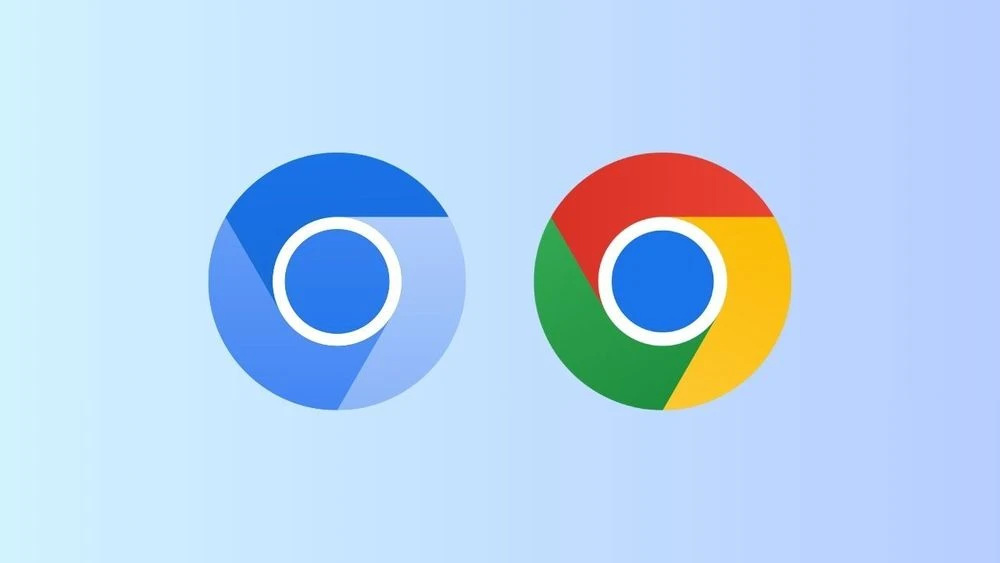
Chromium vs Chrome: Exploring Key Differences
Explore the key differences between the Chromium project and Google Chrome. Visit our blog for a deeper dive into these widely-used technologies.

Best Free Stock Tracker for Your Portfolio and Investments
Track your investments in real-time with the best free stock trackers. Stay updated on market trends, and make informed decisions without spending a dime.
Wave Browser PRO: Features and Access
Explore Wave Browser Pro, a browsing solution with a built-in AI assistant and an Ad blocker for secure browsing to keep you focused on what matters.
Step-by-Step Guide: How to Pin a Website to Taskbar
Discover the simple steps on how to pin a website to taskbar in your browser. Enhance your browsing experience with quick access today.
How to Use Favorites for Faster, Smarter Browsing
Master the art of organization! Our guide on how to use favorites will help you streamline your bookmarks and easily access your most-loved sites.

Navigating Your Browser's Address Bar
Discover essential FAQs about your browser's address bar. Learn where to find it and how to access it for a seamless browsing experience.

Spotify Browser vs. App: Which One Should You Choose?
Discover the pros and cons of using the Spotify Browser versus the app. Find out which option suits your listening needs best in our latest blog post!
9 iOS 16 Features Worth Getting Excited About
Discover iOS 16's coolest new features including a reimagined lock screen & widgets, live activities, enhanced Messages, better privacy, and Apple Pay Later
- 1

Start Browsing With Purpose
Unleash speed, security, and seamless surfing. Plus, every session helps clean the ocean. Discover the power of Wave Browser, download now!
Explore More Features
Get to know the features that power your productivity and support a cleaner ocean.


Privacy
Wave includes built-in privacy features that help protect your data. Browse with confidence using tools that enhance your experience and support a safer way to explore the web.

Translate
Wave Browser's PDF Annotator seamlessly integrates with translation tools, allowing you to annotate, sign, and translate your PDFs effortlessly.

AI Assistant
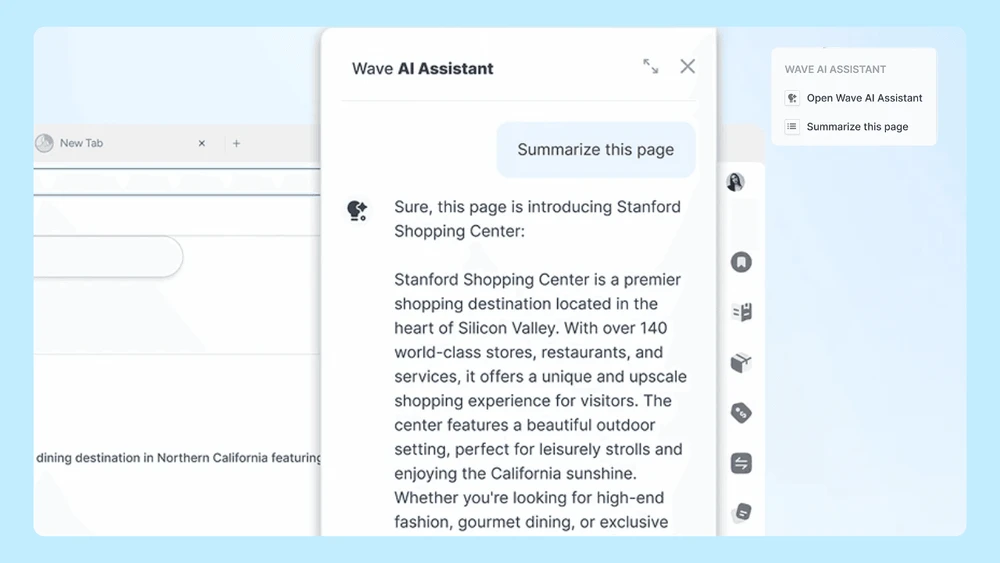
As you annotate, sign, or review PDFs, the AI assistant can provide real-time suggestions, translations, and even help summarize key points.

Ad Block
Whether you're reviewing documents or browsing the web, Wave keeps you focused and productive by removing distractions.