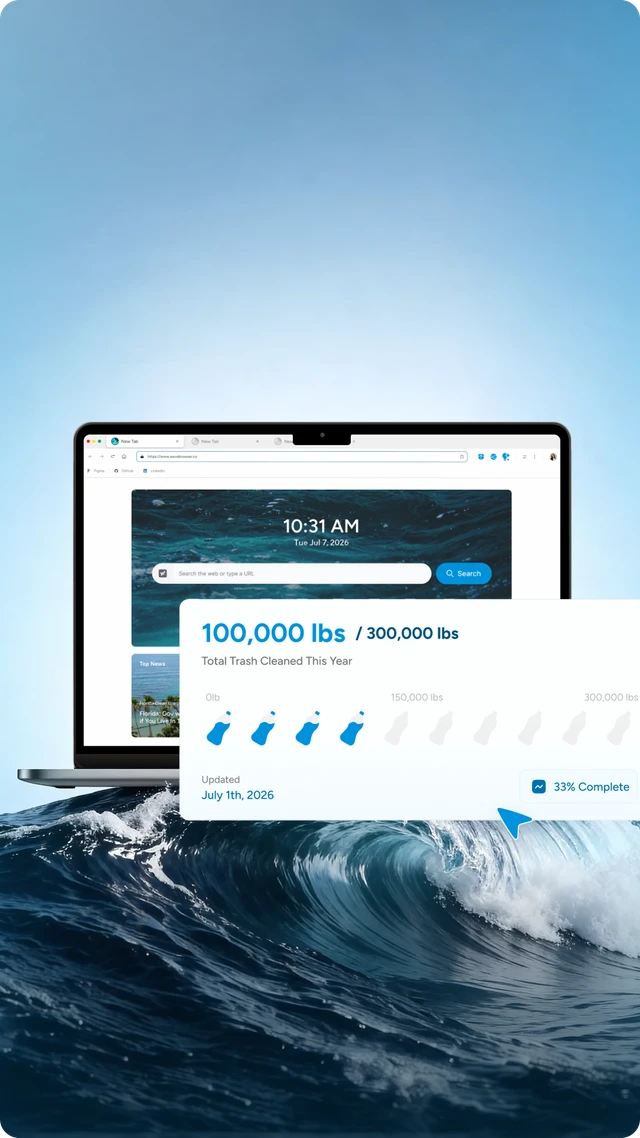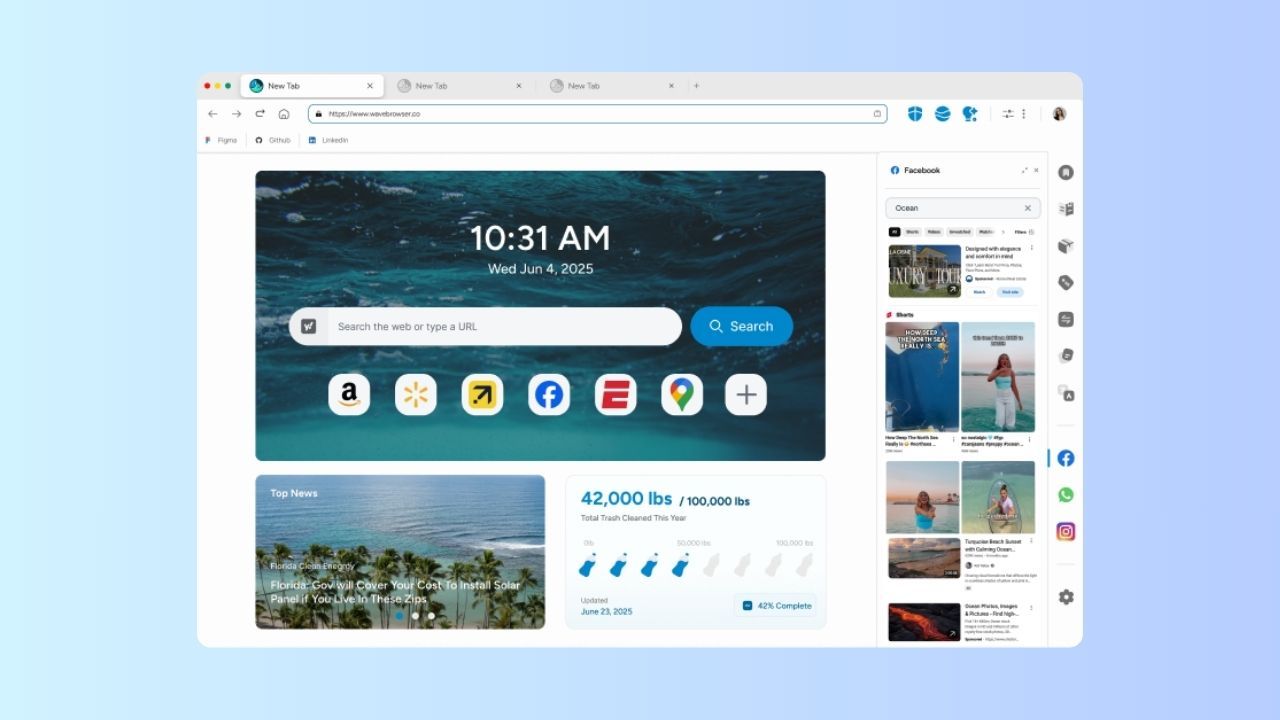
Wave Browser on macOS is a free desktop browser for the work that happens between tabs: keeping a reference page visible while you write, holding a conversation beside a document, watching supported video while you handle another task, and managing the privacy preferences that shape everyday browsing.
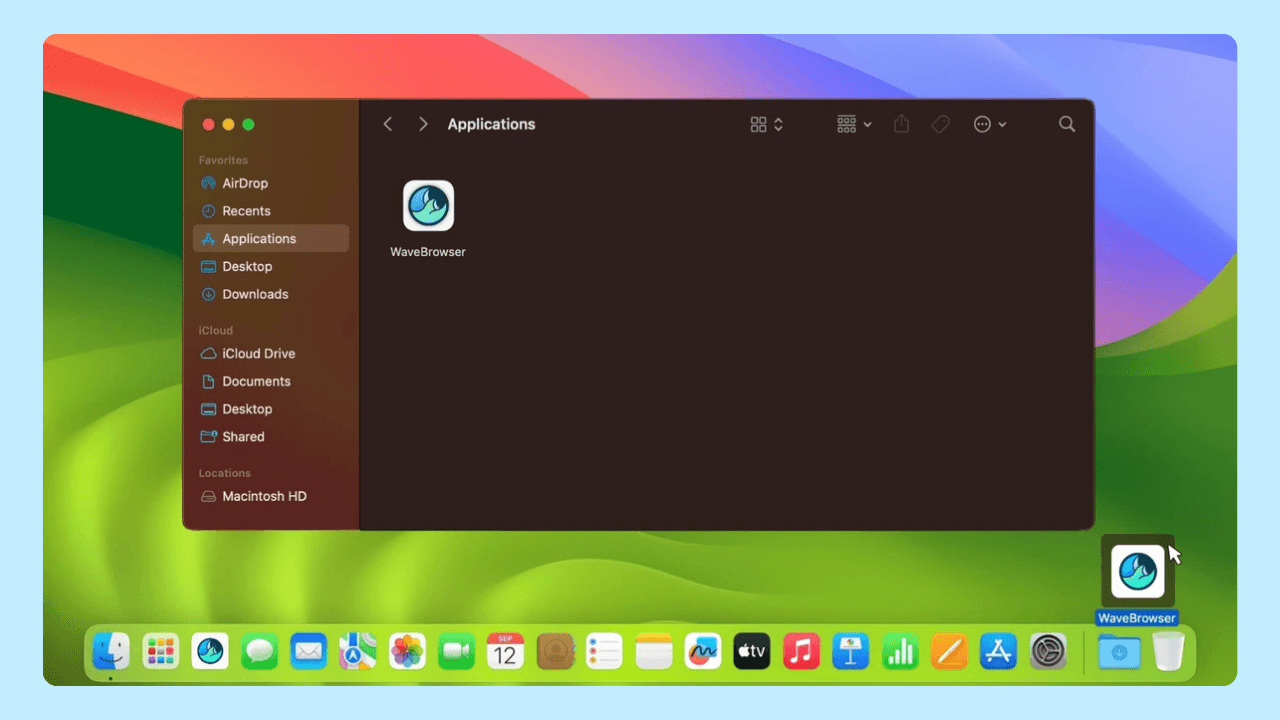
Start with the official Wave Browser website, choose the macOS download, and use the current feature pages for the version and platform details shown when you install.
Quick answers:
- Where do I get Wave Browser for Mac? Use the official Wave Browser website and its macOS download entry point.
- What does the macOS version include? Side Bar, AI Assistant, Picture-in-Picture, Memory Saver, Energy Saver, compatible extensions, Reading Lists, Bookmarks, Password Manager, Content Notifier, desktop privacy controls, and Live Impact Tracker are among the listed tools.
- How does macOS compare with iPhone and Android? Wave Browser is available on four platforms, and the available tools vary by platform.
- How are macOS releases prepared? Our release process sends every macOS release through AppEsteem certification before it ships. AppEsteem's published criteria address installation disclosure, settings changes, user choices, and ordinary uninstall controls.
- Where can I get help or uninstall the browser? Wave's official uninstall page has the steps for macOS, so you can uninstall the browser on your own. Contact Wave Browser Support if a step does not work as described or a message is unclear.
Use the Official macOS Starting Point
The official Wave Browser website is the right place to begin because it connects the download with the product identity and the current platform descriptions. Wave Browser is free to download and use. Use the official macOS download entry point for the current version and feature details.
Before or during setup, keep a record of the source you used, the macOS version, the browser version if visible, and any message that appears. Those details are useful if you later need support. They also make it easier to distinguish an installation question from a page or account question.
Wave Browser is a Chromium-based web browser, so the basic browsing experience feels familiar. This article focuses on the macOS desktop feature set.
The macOS Desktop Feature Set
The macOS version shares the desktop feature family with Windows. Each tool earns its place by supporting a different part of a day at a Mac.
| macOS feature | What it supports |
| Side Bar | Pins a website or feature beside the current page |
| Messaging integrations and Notes | Keep a conversation or working record visible while you read or write |
| Converter Tool | Handles a conversion next to the source or task |
| Package Tracking and Stock Tracker | Keeps delivery or market information close to another page |
| Price Tracking and Translate | Supports shopping and language assistance through the desktop Side Bar |
| AI Assistant | Provides answers, summaries, and content generation inside the browser |
| Picture-in-Picture (PiP) | Keeps supported video visible in a floating window while you work elsewhere |
| Memory Saver | Helps reduce resource use from inactive tabs |
| Energy Saver | Helps manage browser activity by limiting background activity and visual effects |
| Compatible extensions | Supports browser extensions that are compatible with Wave Browser |
| Reading Lists, Bookmarks, and Password Manager | Saves pages, organizes browsing, and manages logins |
| Content Notifier | Provides content notifications on Windows, macOS, and iOS |
| Live Impact Tracker | Shows cleanup progress and environmental milestones |
Use the Wave Browser features page for the current overview. Individual pages for AI Assistant, Messaging, Translate, and privacy features can help when one tool determines your choice.
A Mac Workflow That Keeps the Supporting Material Nearby
Start with a writing or research task. Open the document or source you are working on in the main page. Pin a reference site in Side Bar so the definition, specification, or source paragraph remains visible while you draft. Use Notes to capture the points you need to check, and use the Converter Tool when a source gives you a measurement in unfamiliar units.
If a recorded tutorial or meeting clip is part of the work, PiP keeps a supported video visible in a floating window while you read or write in the main page. PiP and Side Bar complement one another: one is a floating view for supported video, the other is a pinned site or feature beside the page. You can choose the arrangement that fits the task.
A communication task can use the same arrangement. Keep a messaging integration beside an article or project page so you can refer to the information without repeatedly switching windows. Package Tracking can sit beside an order-related page. Stock Tracker can remain visible while you read a report. Price Tracking can support a shopping comparison, and Translate can provide language assistance while you browse.
The benefit is that the supporting item has a defined place. You can choose what belongs in the Side Bar and keep the main page focused on the decision or work in front of you.
Manage a Growing Tab Set with Named Tools
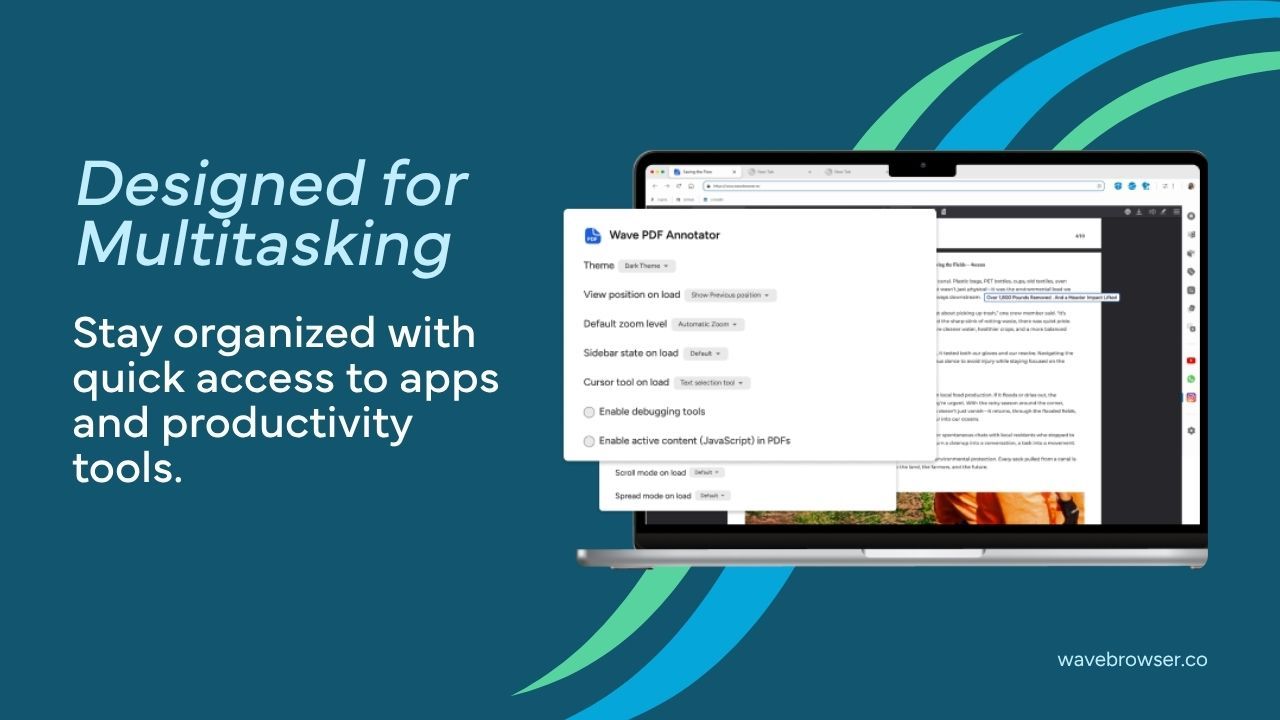
Research, shopping, and communication often create more tabs than you intended. Memory Saver helps reduce resource use from inactive tabs, and Energy Saver helps manage browser activity by limiting background activity and visual effects. Those descriptions are deliberately practical. Their effect depends on the pages, tasks, and Mac you use, so the tools are best understood as support for a manageable long session.
Reading Lists and Bookmarks give important pages a place to return to, which means you can close a tab when it no longer needs to remain open. Password Manager stores and manages logins in the browser. Compatible browser extensions can support the desktop setup you already rely on, as long as the extension is compatible with Wave Browser.
Incognito Mode and customizable cookie and privacy controls address separate privacy questions. Incognito Mode keeps a session out of the browser's local history on the Mac. Cookie and privacy controls let you choose how sites may store and use data. On macOS, ad and tracker blocking blocks supported ads and trackers while you browse. Each control has a named job within the wider privacy picture.
What AppEsteem Certification Tells You
Every Wave Browser release goes through AppEsteem certification before it ships on Windows and macOS, according to our release process. You can check the public records in the AppEsteem certified-app directory. The directory is the place to review the version and status shown when you check. Review the current record as releases change.
AppEsteem's published certification requirements cover observable installation and removal behavior. They include disclosure of installed components, clear explanations of functions and settings changes, meaningful accept, cancel, skip, or decline choices, ordinary uninstall controls, and clear paths to uninstall. These criteria explain the user-facing decisions the certification process is designed to examine.
Certification follows the desktop criteria described in the AppEsteem requirements, including installation disclosure, settings changes, user choices, and uninstall behavior. Use the official download channel, the support route, and the public directory record for the version visible at the time you check.
Support and Uninstalling on macOS
For an installation, setting, or warning question, contact Wave Browser Support. Include the application name, the macOS version, where you downloaded Wave Browser, the browser version if available, and the full text of the message. Avoid sending passwords or other sensitive account details. Clear context lets Support investigate the specific version and situation.
If you decide to uninstall Wave Browser, start with Wave's official uninstall page. It provides the uninstall instructions for macOS, so you have what you need to uninstall the browser without contacting us first. If a step does not work as described, or a message is unclear, contact Wave Browser Support with the version and source information you recorded.
macOS Alongside the Mobile Apps
Wave Browser is available on Windows, macOS, Android, and iOS, with feature families organized by platform. The Side Bar, AI Assistant, PiP, Memory Saver, Energy Saver, Price Tracking, Translate, and compatible-extension support are desktop tools. Android and iPhone users have a mobile-oriented set that includes Incognito Mode, customizable cookie and privacy controls, Password Manager, Reading Lists and Bookmarks, and Live Impact Tracker; Content Notifier is listed for iOS.
Use the platform page for the task you care about. If a pinned reference page, desktop utility, or floating supported video is central to your workflow, the Mac feature set is the relevant one. If you mainly browse, save pages, manage passwords, or follow notifications on a phone, compare the mobile descriptions for that device.
Frequently Asked Questions

Is Wave Browser free on macOS?
Yes. Wave Browser is free to download and use. Begin with the official website and select the macOS version.
Does Wave Browser for Mac support all browser extensions?
Wave Browser supports compatible browser extensions on Windows and macOS. Check the extension you plan to use against the current browser setup.
Does AppEsteem certification prove that every Mac download is safe?
AppEsteem certification covers the defined desktop criteria for installation disclosure, settings changes, user choices, and uninstall behavior. Review the public record for the version you plan to use and the current requirements page for the full criteria.
What information helps Support diagnose a warning?
Send the application name, macOS version, download source, browser version if visible, and complete warning text. Do not include passwords or unrelated sensitive information.
How do I uninstall Wave Browser from a Mac?
Wave's official uninstall page provides the steps for macOS. Contact Wave Browser Support if a step does not work as described or a message is unclear.
Wave Browser on macOS is designed for the tasks that benefit from a desktop surface: keep the reference close, use a tool without abandoning the page, manage a long session, and choose clear privacy controls. Start with wavebrowser.co, review the current macOS feature details, and make the browser part of the way you already work.
Surf the Web, Save the Ocean. Download Wave Browser.