Wave Browser is available on iPhone through our official Apple App Store listing. The iPhone app is free to download and use, and it is built around the tasks that make sense on a phone: browsing, saving pages, managing logins, choosing privacy preferences, following content notifications, and checking environmental progress.
This guide explains the iPhone feature set and separates it from the desktop tools available on Windows and macOS.
Quick answers:
- Where can I download Wave Browser for iPhone? Use the official App Store listing or follow the App Store link from wavebrowser.co.
- What does the iPhone version include? Incognito Mode, customizable cookie and privacy controls, Password Manager, Reading Lists and Bookmarks, Content Notifier, and Live Impact Tracker are part of the iPhone feature set described here.
- Does the iPhone app include Side Bar and AI Assistant? The desktop Side Bar and AI Assistant are Windows and macOS tools. This page describes the iPhone experience through its own mobile feature set.
- Is Wave Browser free on iPhone? Yes. Wave Browser is free to download and use.
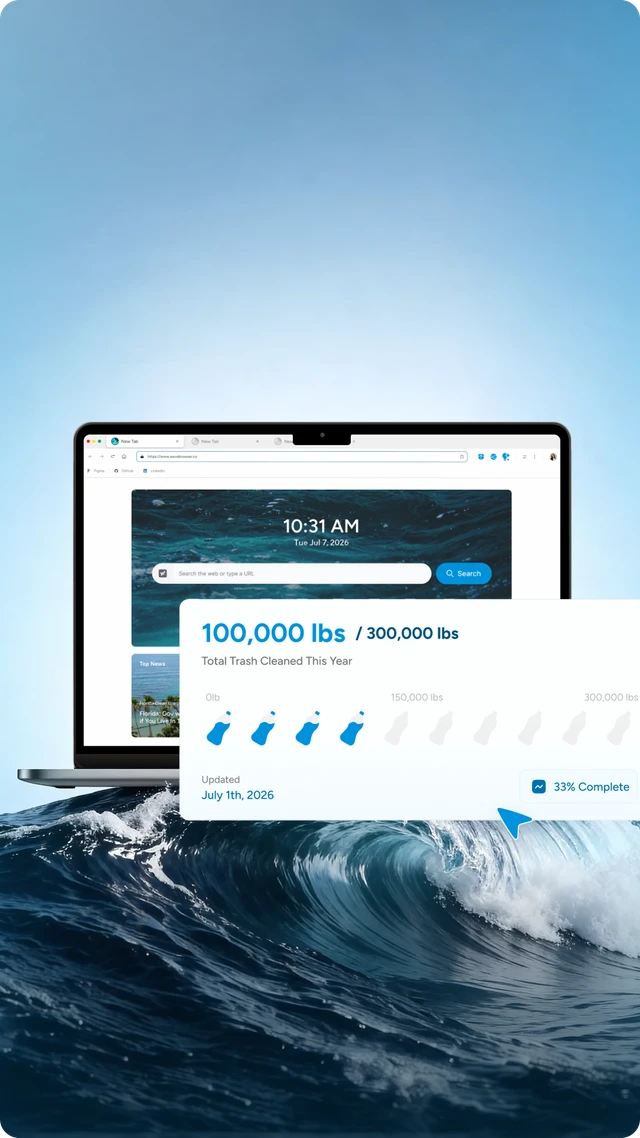
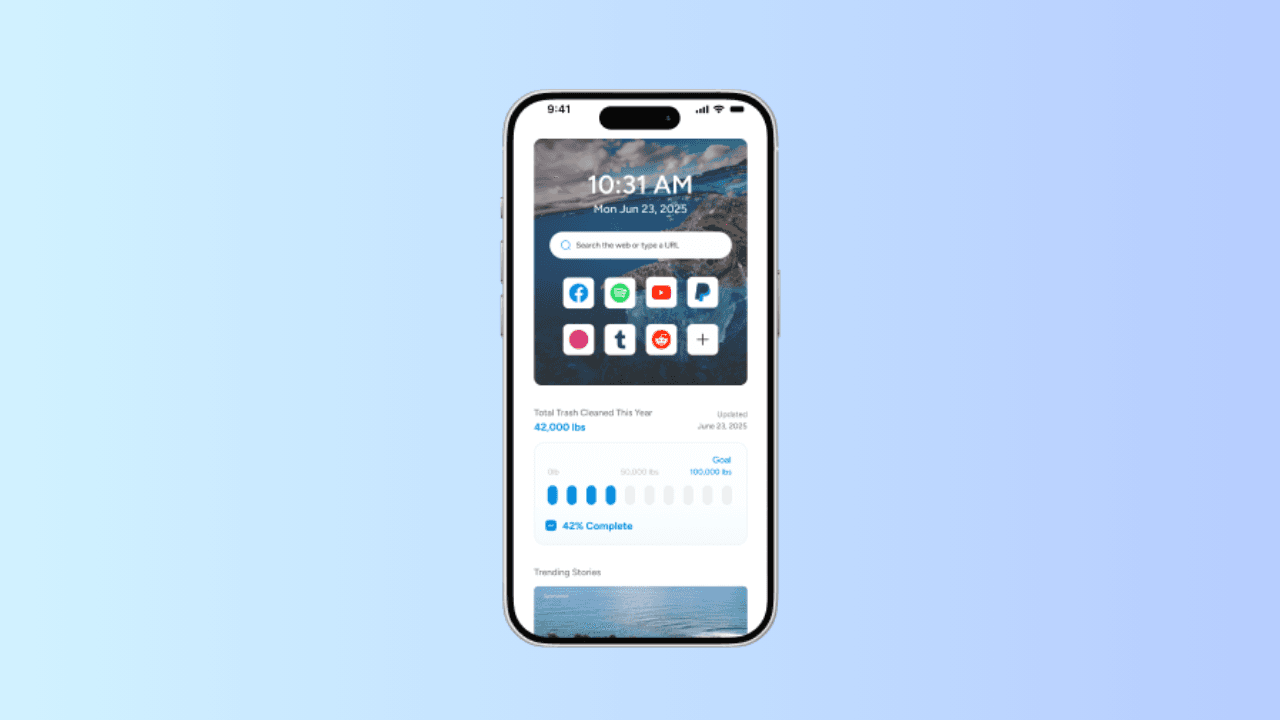
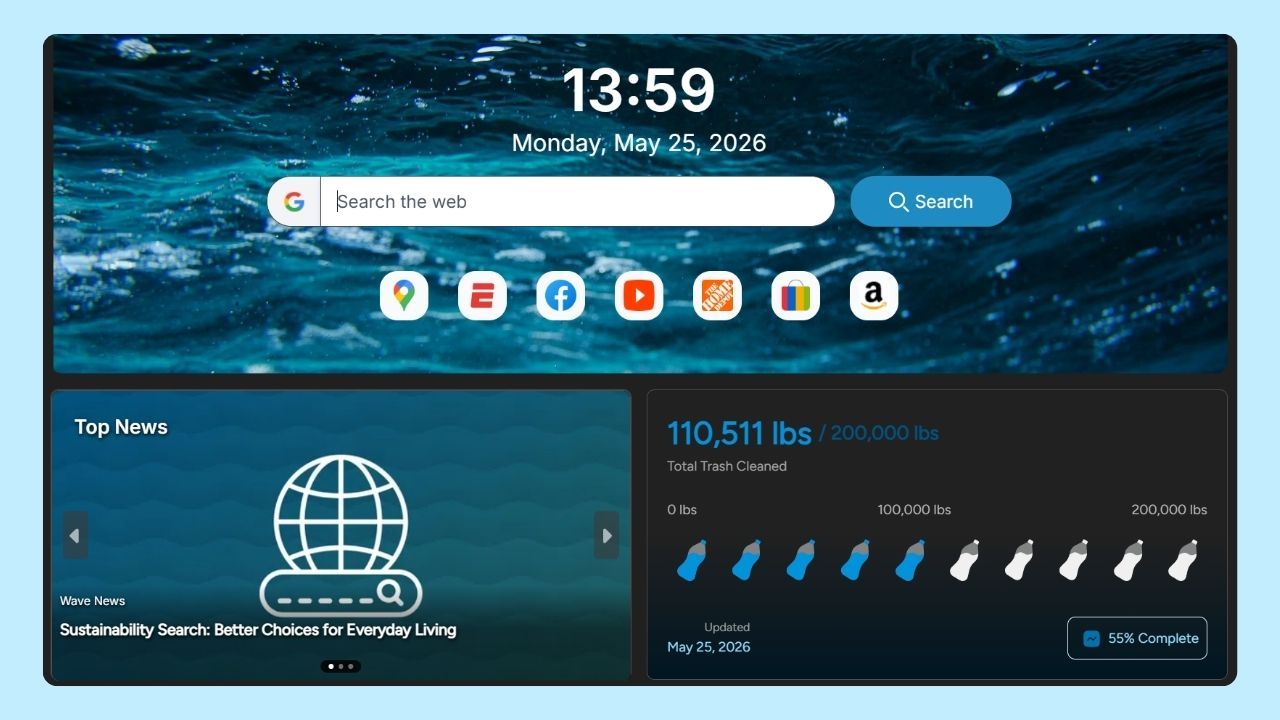
- What does the Live Impact Tracker represent? It shows cleanup progress and environmental milestones connected to our 4ocean partnership, giving you a clear way to follow the mission.
Get The Official iPhone App
Start with the official App Store listing so you can check the app identity and the version available to your device. You can also reach the listing from the official Wave Browser website, which provides the official download route.
Wave Browser is free to download and use. The iPhone app has a coherent mobile purpose: make regular browsing comfortable on a phone while keeping the controls and saved material you use most often close at hand.
The iPhone Feature Set in One View
The easiest way to understand what Wave Browser does on iPhone is to connect each named feature with the decision it helps you make.
| iPhone feature | The everyday job it supports | Practical scope |
| Incognito Mode | Browse a session without adding the pages you visit to the device's local browsing history | Gives you a local-history choice on the device |
| Cookie and privacy controls | Choose how sites may store and use data in your browsing preferences | Shape your site-data preferences while you browse |
| Password Manager | Store and manage account logins in the browser | Use the current product flow for the storage and sync details relevant to your setup |
| Reading Lists and Bookmarks | Save a long read or organize pages you want to revisit | Give useful pages a deliberate place to return to |
| Content Notifier | Receive content notifications on iOS | Follow sources you care about through the source and device settings |
| Live Impact Tracker | Follow cleanup progress and environmental milestones | Shows the partnership's progress and environmental milestones |
The common thread is control over the small moments that make up phone browsing. You can save an article when you find it, return to it later, keep a login available, choose a local-history setting for a particular session, or stay aware of content from sources you follow. Each feature has a clear role within the iPhone feature set.
Choose Incognito Mode For a Local-History Task
Incognito Mode is useful when the record you want to manage is on the phone itself. If you share a device, hand it to a family member, or use someone else's iPhone for a personal lookup, you may not want the pages from that session to appear in the browser's local history. Incognito Mode is designed for that local-history choice.
Incognito Mode manages the local history on the device. Websites, Wi-Fi operators, employers, schools, and account providers manage their own records. The iPhone feature gives you a direct browser control for the local-history question, while those surrounding services govern their own visibility.
Cookie and privacy controls address another question: what choices do sites have about storing and using data in your regular browsing? Keeping the two controls separate lets you use a standing preference when you need one and a private local-history session when the situation calls for it.
Save Pages And Manage Logins When The Day is Interrupted
A phone is excellent for finding information and unreliable as a place to finish everything immediately. Reading Lists and Bookmarks help you save the page before the next interruption. A long article can wait until you have a train ride, a lunch break, or a quiet evening. A reference page can stay organized as part of the sites you return to regularly.
The value comes from the deliberate choice to keep a useful page. When a page is important, add enough context in your own organization system to remember why you saved it. That habit reduces the pressure to keep every useful tab open and makes the iPhone browser easier to use when you come back.
Password Manager supports a similar kind of continuity. It stores and manages your logins in Wave Browser, which can make regular account access less repetitive. If you need a particular cross-device workflow, check the current product flow for the platform you use.
Follow Sources With Content Notifier
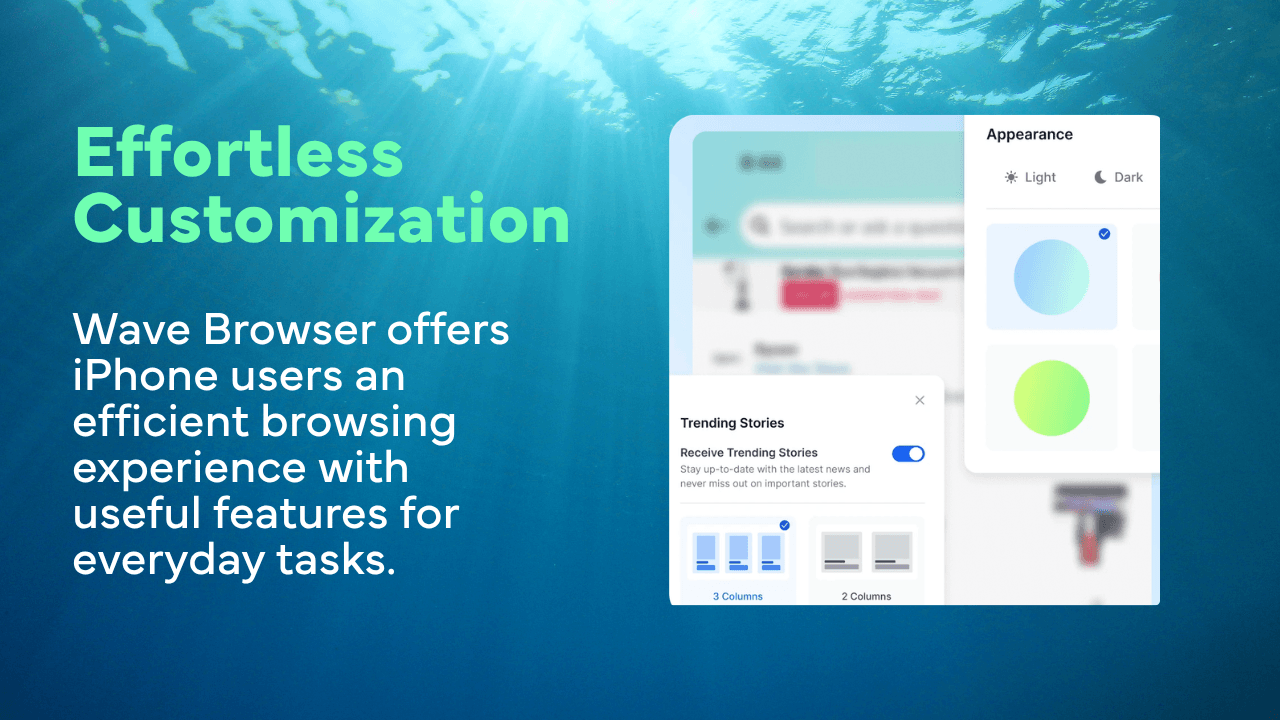
Content Notifier provides content notifications on iOS. If you follow a source that publishes updates you care about, the feature gives those updates a place in your browsing routine and helps you stay connected to the source.
A helpful way to understand Content Notifier is its focused role: it provides content notifications. Delivery timing follows the source and device settings, so use the current product flow and the source you follow to decide whether the notification behavior fits your needs.
That focused description tells you why the tool exists while leaving delivery details to the source and device settings.
Follow Environmental Progress in The Same Browser
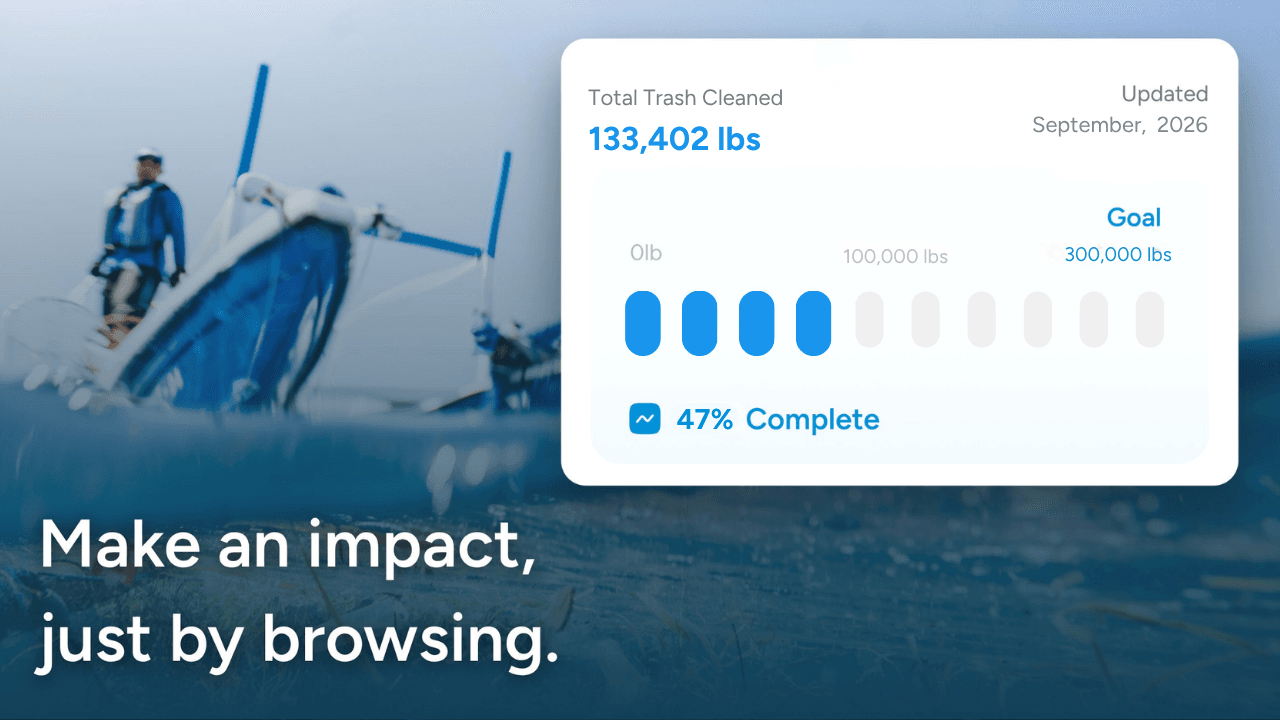
Wave Browser's environmental mission is connected to our partnership with 4ocean.
A portion of our revenue helps fund 4ocean's removal of plastic and trash from our ocean, rivers, and coastlines worldwide. 4ocean's crews perform the cleanup work; Wave helps provide funding through the business.
The Live Impact Tracker makes the relationship visible on iPhone. It shows cleanup progress and environmental milestones, giving you a clear view of our 4ocean partnership. Wave describes the environmental contribution through a portion of revenue that helps fund cleanup and the milestones reported by the partnership.
As of April 15, 2026, Wave Browser had helped remove over 100,000 lbs of plastic and trash from our ocean, rivers, and coastlines worldwide. We have also committed to support the removal of 300,000 lbs by 2028. The first statement is a dated milestone that had already been achieved by that date. The second is a future commitment. You can read the Wave Browser x 4ocean partnership details and the dated impact announcement for the supporting context.
What Belongs To The Desktop Versions
Wave Browser is available on Windows, macOS, Android, and iOS, with each platform organized around its own feature set.
On Windows and macOS, the desktop versions include the Side Bar, AI Assistant, Picture-in-Picture, Memory Saver, Energy Saver, Price Tracking, Translate, and compatible-extension support. The iPhone page focuses on its mobile browsing, organization, privacy, notification, and impact tools.
The distinction helps you choose the right starting point. If your main browsing happens on iPhone, the mobile controls and saved-page tools are the relevant measure. If you need a pinned reference page beside your work, AI-assisted answers and summaries, a floating supported video, or desktop resource-management features, look at the Windows or macOS version and the platform-specific feature page.
The Wave Browser features page is the best place to compare the named tools before you install.
Frequently Asked Questions

Is Wave Browser free on iPhone?
Yes. Wave Browser is free to download and use. Use the official App Store listing as the starting point for the version available to your device.
Does Wave Browser for iPhone include Side Bar?
The Side Bar is a Windows and macOS desktop feature. The iPhone version is described through its mobile feature set: saved pages, Password Manager, Incognito Mode, cookie and privacy controls, Content Notifier, and Live Impact Tracker.
Does Incognito Mode make iPhone browsing anonymous?
Incognito Mode keeps a session out of the browser's local history on the device. Websites, networks, and account providers maintain separate records, so the feature is best understood as a local-history control.
Does Content Notifier promise instant notifications for every website?
Content Notifier provides notifications on iOS. Exact timing depends on the source and the device settings, so check the current behavior for the source you follow.
Can I count the Live Impact Tracker as a personal cleanup total?
It shows cleanup progress and environmental milestones connected to the 4ocean partnership. A portion of our revenue helps fund cleanup, and the tracker gives you a clear view of the partnership's reported progress.
The iPhone version is useful because it keeps its promise specific: a phone browser with practical controls, saved material, notifications, and a visible connection to environmental work. Start with the official App Store download, then use the features that match the way you browse.
Surf the Web, Save the Ocean. Download Wave Browser for iPhone.