Have you ever checked your phone bill and wondered where all your data went? Many smartphone users are surprised by how quickly their data allowance disappears, especially when using multiple apps throughout the day.
Whether you have a limited mobile plan or unlimited data, understanding what uses data on a cell phone can help you avoid overage fees, manage your monthly usage, and get more value from your mobile phone plan. From video streaming and social media to navigation apps and music services, some activities consume significantly more data than others.
What's Cellular Data?
Cellular data, often called mobile data, is the internet connection your cell phone uses when you're not connected to Wi-Fi. Instead of relying on a home or public network, your device connects to your mobile carrier's network to access websites, apps, maps, music, videos, and other online content.
Every online activity uses some amount of data. The amount of mobile data consumed depends on what you're doing and how long you're doing it. Checking email may use very little data, while streaming TV shows in high video quality can consume many gigabytes in just a few hours.
Your carrier typically measures mobile data usage in megabytes (MB) and gigabytes (GB). Most mobile phone plans include a specific amount of data each month, although many providers now offer unlimited plans.
Understanding your cellular data usage can help you stay on top of your plan and avoid unexpected charges.
What Uses Data on a Cell Phone?
Some activities require far more data than others. If you're trying to understand what uses data on a cell phone, these are typically the biggest contributors:
Video Streaming
Video streaming is one of the biggest data users on any mobile device. Watching Netflix, live videos, movies, or TV shows can quickly consume a large amount of gigabytes, especially at higher video quality settings.
- Low quality: 300 MB per hour
- Standard definition: 700 MB to 1 GB per hour
- HD quality: 1.5 GB to 3 GB per hour
- Higher resolutions: 3 GB or more per hour
The higher the video quality, the more data is required. Adjusting video quality settings to a lower resolution can significantly reduce data consumption.
Social Media Apps
Social media platforms are often responsible for more data use than people realize. Many apps automatically load photos, videos, and refresh content in real time throughout the day. This means that even short browsing sessions can add up over time.
Activities that increase social media usage include:
- Autoplay videos
- Live videos
- Uploading photos
- Sharing videos
- Video chat features
For many smartphone users, social media is one of the most mobile data-intensive daily activities.
Video Calls and Video Chat
Video calls use significantly more data than standard voice calls. Apps that support video chat transmit both audio and video simultaneously, which increases the amount of data required.
Data usage varies depending on video quality, but frequent video calls can consume hundreds of MB per hour. If you're close to reaching your monthly limit, switching to audio-only calls may help reduce phone data usage.
Navigation Apps
Navigation apps rely on a constant connection to provide directions, traffic updates, and route changes. Although navigation uses less data than video streaming, frequent use can still contribute to overall data consumption.
Using navigation apps often requires:
- Real-time traffic updates
- Route recalculations
- Map downloads
- Location services
Downloading maps ahead of time can help reduce mobile data usage when traveling.
Music Streaming
Music lovers often stream their favorite music throughout the day without realizing how much data it consumes. Popular music streaming services can use varying amounts of data depending on audio quality.
Typical usage:
- Low quality: 40 MB to 70 MB per hour
- Standard quality: 100 MB to 150 MB per hour
- Higher quality audio: 300 MB or more per hour
Services such as Apple Music and YouTube Music allow users to download playlists over Wi-Fi for offline listening, reducing cellular data usage.
Web Browsing
General web browsing usually consumes less data than video content, but usage can increase depending on the websites visited.
Factors that affect usage include:
- Image-heavy pages
- Video content
- Interactive advertisements
- Background loading
Using a browser with built-in performance features can help reduce unnecessary data consumption during everyday browsing.
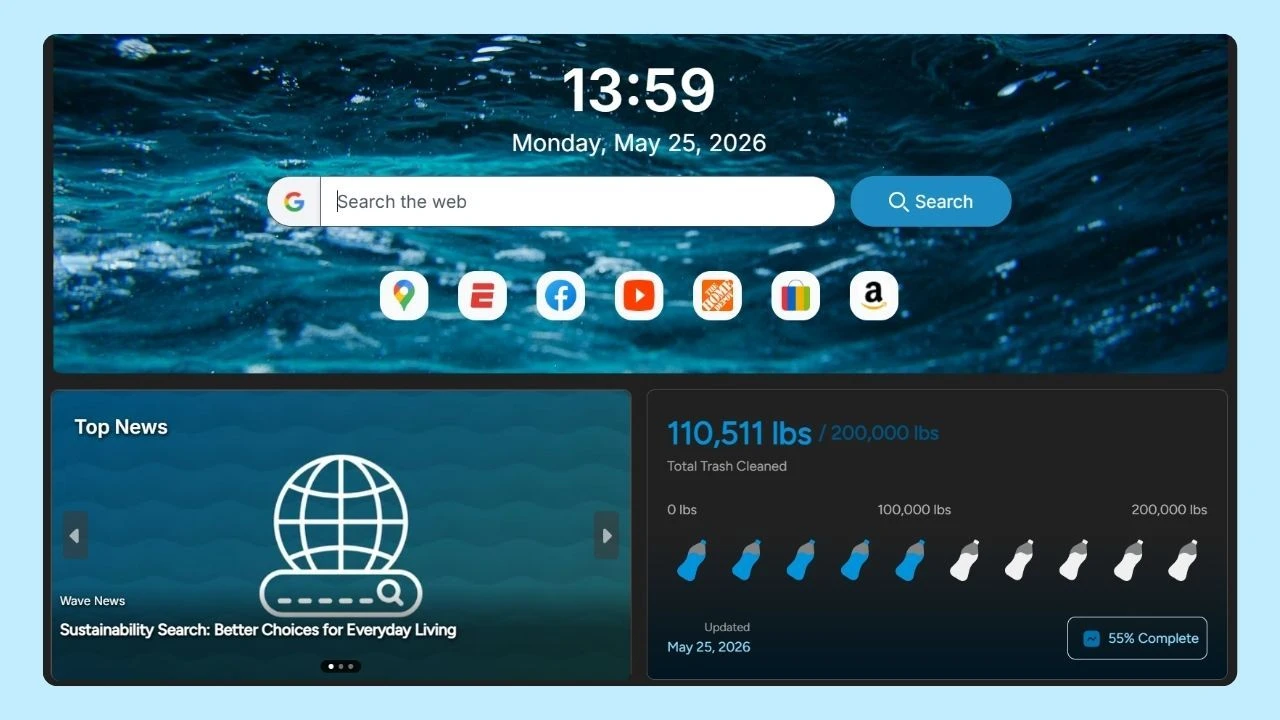
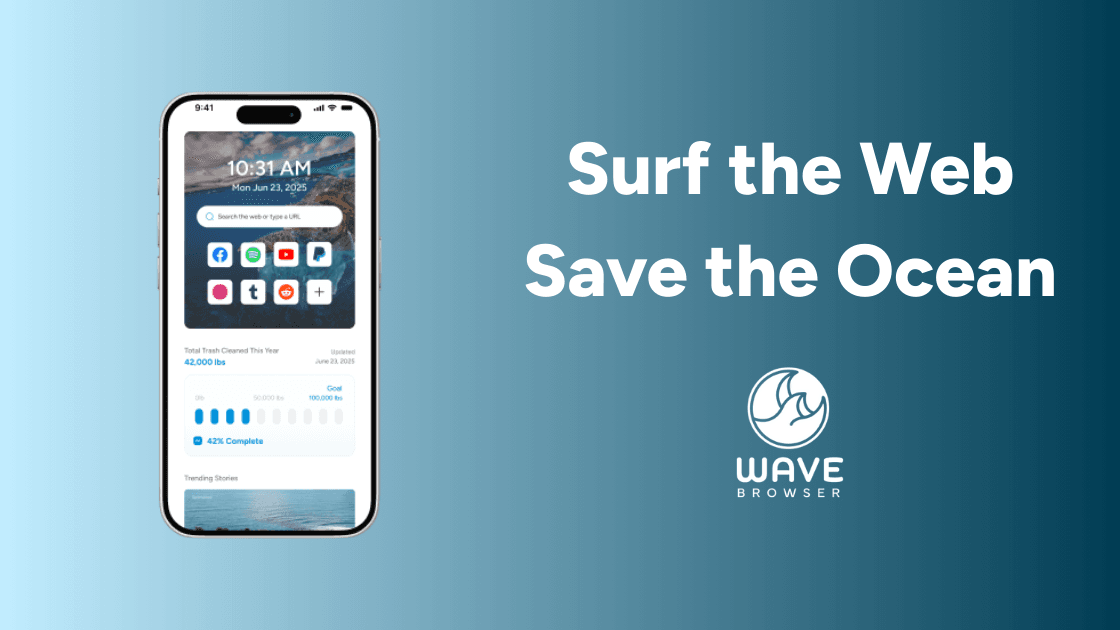
Wave Browser includes tools such as an ad blocker and tracker blocking features on supported platforms that can help limit unwanted content from loading, which may reduce the amount of data used while browsing the web.
If you're looking for a more efficient browsing experience on your mobile device, consider making Wave Browser your default browser today!
App Updates and Background Activity
Many apps continue using data even when you're not actively using them. Messaging apps, including WhatsApp, can consume mobile data in the background by syncing messages, downloading media, backing up conversations, and sending notifications.
Background processes may include:
- Automatic app updates
- Cloud backups
- Email synchronization
- Photo uploads
- Account syncing
This hidden data use can quickly add up if left unmanaged.
Tips to Reduce Cell Phone Data
If you're consistently reaching the top of your internet usage each month, there are several ways to reduce consumption without giving up your favorite apps.
Enable Data Saver Mode
Many mobile devices include a built-in saver mode. This feature helps reduce background activity and limits the amount of data apps can use when not actively open.
Lower Video Quality
One of the easiest ways to save data is by reducing video quality settings. Switching from HD streaming to standard quality can save gigabytes each month without dramatically affecting the viewing experience.
Turn Off Autoplay Videos
Autoplay videos on social media platforms can consume a lot of data without users realizing it. Disabling autoplay can significantly reduce unnecessary data use.
Download Content Over Wi-Fi
Whenever possible, download content before leaving home. This is often the best way to reduce mobile internet consumption and can help answer the common question of what uses data on a cell phone, especially when it comes to streaming music, watching videos, or using navigation apps while away from Wi-Fi.
Examples include:
- Music playlists
- Podcasts
- Movies
- TV shows
- Maps for navigation apps
Monitor Usage with a Data Manager
Most smartphones include a built-in manager that tracks how much data individual apps use. Checking these reports regularly can help identify the biggest data users on your device.
Use Travel Mode When Available
Some apps offer travel mode settings that reduce data usage while you're away from Wi-Fi. These features may limit image quality, background updates, or automatic downloads.
Review App Permissions
Certain apps continue using data even when running in the background. Reviewing app permissions and restricting background activity can help conserve both battery life and mobile data.
Take Control of Your Mobile Data Usage
Understanding what uses data on a cell phone can help you make smarter decisions about your mobile plan and avoid unnecessary charges. Video streaming, social media, video calls, music services, navigation apps, and background activity are often the biggest contributors to data consumption.
By adjusting video quality settings, enabling saver mode, monitoring usage through a data manager, and downloading content over Wi-Fi, you can reduce the amount of internet your device uses each month. For users who spend a lot of time browsing on their phones, choosing an efficient browser can also make a difference.
Wave Browser includes built-in features, customizable settings, and tools designed to help create a faster, more productive browsing experience while reducing unnecessary distractions during everyday web use.