Artificial intelligence is transforming the way programmers write, test, and maintain software. From generating code snippets and answering technical questions to automating code review and fixing bugs, some AI coding tools help engineering teams work faster and more efficiently.
Wave Browser's built-in AI Assistant gives quick access to AI-powered support for research, troubleshooting, generating ideas, and answering programming questions without leaving their browser.
In this guide, we'll explore the best AI for coding available today, and discuss how AI is changing software development.
What Is Coding?
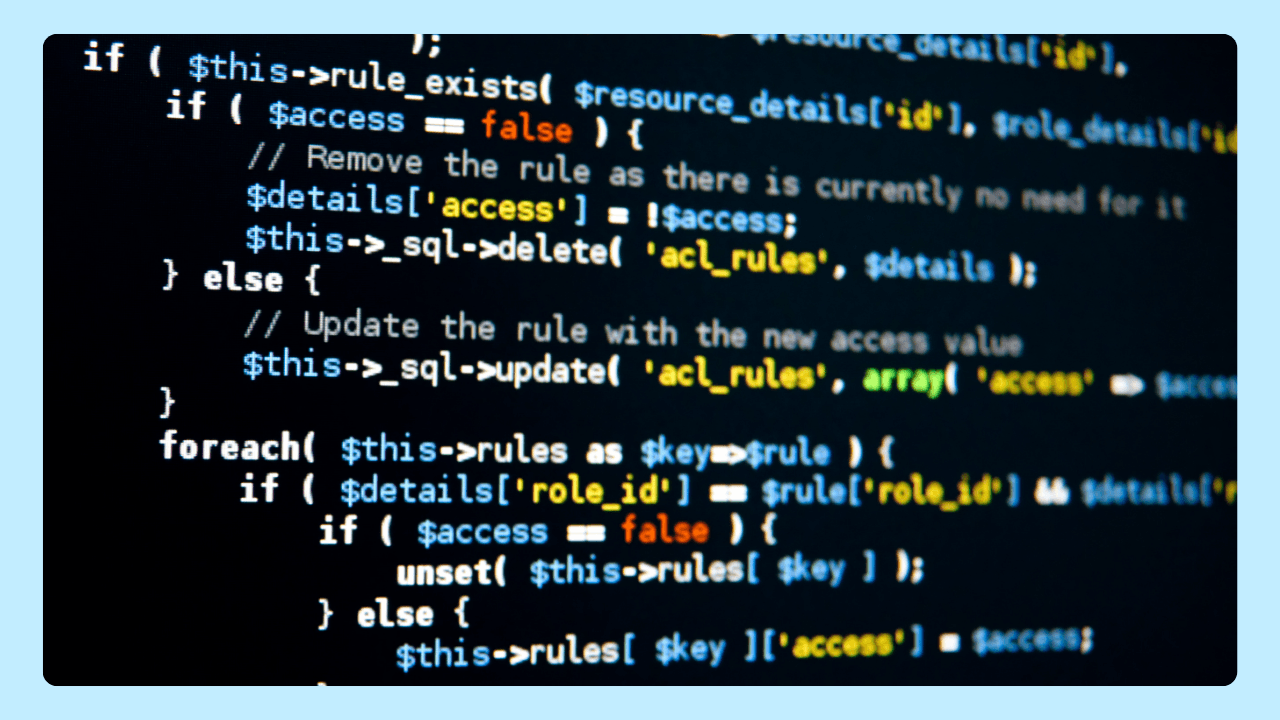
Coding is the process of creating instructions that tell computers how to perform specific tasks. Professionals use programming languages such as Python, JavaScript, Java, C++, C#, and many others to build websites, mobile applications, software, automation scripts, and machine learning systems.
Coding often involves:
- Writing and reviewing code
- Testing functionality
- Fixing issues and bug fixes
- Optimizing performance
- Maintaining existing applications
Why Are AI Coding Tools Important?
Development workflow often involves large codebases, multiple programming languages, and increasingly complex requirements.
These tools will not replace people but help them automate routine tasks such as repetitive coding tasks, generate code snippets faster, speed up review processes, answer technical questions, and maintain coding style consistency so teams can focus on higher-value work.
What Are AI Coding Tools?
AI coding tools use artificial intelligence, machine learning, and natural language processing to assist teams throughout the software development lifecycle.
Depending on the platform, features may include:
- Bug detection
- Intelligent code completion
- Code generation, suggestions, review and optimization
- Context management
- Natural language prompts
- AI chat assistant capabilities
- Technical documentation support
Instead of manually writing every line of code, developers can describe a task using natural language and receive suggested solutions in real time.
What is The Best AI for Coding?
Today, engineering teams can choose from dedicated AI coding assistants, advanced coding agents, and even AI browsers that help streamline research, problem-solving, and everyday programming tasks. Each solution offers a different approach, making it important to select the tools that best fit your workflow, development environment, and project requirements.
Cursor
Cursor is regarded as one of the best AI coding assistants. Built on Visual Studio Code, it's an AI-powered editor designed to help write, edit, debug, and understand code more efficiently. It includes features like code generation, intelligent suggestions, and natural language prompts, making it easier to build and maintain software projects.
Amazon Q Developer
Amazon Q Developer is an AI-powered coding tool built to help write, optimize, and maintain applications more efficiently.
Key features include:
- Code generation and suggestions
- Bug detection and fixes
- Documentation support
- Cloud-focused development assistance
Designed to work seamlessly with AWS services and popular IDEs, Amazon Q Developer can help streamline development tasks, accelerate troubleshooting, and simplify the process of building and managing cloud-based applications.
It's particularly valuable for teams that rely heavily on Amazon's ecosystem and infrastructure.
Claude Code
Claude Code goes beyond traditional tools by functioning as a more advanced AI coding agent. Rather than simply suggesting the next line of code, it can help engineering teams understand, navigate, and improve entire projects.
Key capabilities include:
- Analyzing project context
- Explaining complex codebases
- Generating new code
- Refactoring existing applications
- Assisting with complex development challenges
One of Claude Code's biggest strengths is its ability to maintain context across larger projects.
By understanding how different parts of an application work together, it can provide more relevant recommendations and support, making it especially useful for teams working with large codebases and long-term software projects.
Windsurf
Windsurf is an AI-powered code editor that help write, debug, and manage code more efficiently. It combines an AI coding assistant with a modern development environment, allowing users to generate code, refactor existing projects, and complete programming tasks using natural language prompts.
GitHub Copilot
GitHub Copilot remains one of the most popular AI coding assistants available today. Built into Visual Studio Code, Visual Studio, and various JetBrains IDE environments, it provides:
- Code generation, code completion, and suggestions
- Documentation support
- Assistance across different programming languages
For many professionals, GitHub Copilot represents one of the best AI for coding available today.
Replit Agent
Replit Agent focuses on helping users build applications using natural language prompts. Programmers can describe what they want to create, and the AI agent helps generate and organize the necessary code.
Features include:
- Full-stack project generation
- AI-assisted debugging
- Deployment assistance
- Rapid prototyping
Its accessibility makes it appealing for beginners.
ChatGPT
ChatGPT has become one of the best AI for coding despite not being built exclusively for programmers. Available through its web interface and as a ChatGPT browser experience, it can support teams throughout a wide range of coding tasks.
Common uses include:
- Explaining code
- Generating code snippets
- Debugging applications
- Learning new programming languages
- Answering natural language questions
- Exploring different approaches to solving problems
Engineering teams are also discovering ChatGPT uncommon uses, such as generating test cases, creating technical documentation, reviewing architecture decisions, translating code between programming languages, and simplifying complex concepts for newer team members.
How to Choose the Best AI for Coding
There's no single best AI coding tool for everyone, but beginner-friendly options like Cursor, GitHub Copilot, and Replit Agent, offer intuitive interfaces and AI-powered assistance that make it easier to learn and complete programming tasks. The best choice depends on your experience, workflow, and goals.
While these tools can significantly improve productivity, they aren't a replacement for human expertise.
AI can automate repetitive tasks, generate suggestions, and speed up software creation, but it cannot replace human judgment, creativity, or problem-solving. People are still needed to design systems, make decisions, review results, and ensure quality.
Development Environment
Start by looking at where you already write code. Some of the best AI for coding are built directly into editors and IDEs such as Visual Studio, IntelliJ IDEA, and other JetBrains IDE platforms.
A tool that fits your current setup will feel more natural and require less adjustment. The less friction there is between your editor and your AI assistant, the easier it is to maintain your development workflow.
Programming Languages
AI coding tools do not perform equally across every language. Some are stronger with Python and JavaScript, while others may be better suited for Java, C#, or cloud-focused development.
Before choosing one, check how well it supports the programming languages you use most often. This is especially important if your projects involve multiple languages or frameworks.
Free Tier vs. Paid Plans
A free version or free tier can be enough for learning, light coding, or individual projects. It gives you space to test the tool before adding it to your regular workflow.
Paid plans are usually better for teams that need higher usage limits, advanced AI features, stronger integrations, or collaboration support.
Project Complexity
For smaller projects, simple code completion and quick suggestions may be all you need.
For larger applications, look for tools with stronger project context, review support, bug fixes, and agent-style capabilities. These features can help when the work involves complex codebases, multiple files, or long-term development workflow.
Best Practices for Using AI Coding Tools

Review Generated Code Carefully
AI can accelerate development, but it shouldn't replace human oversight. Before adding generated code to a project, take time to review its logic, structure, and security implications.
Even the most advanced tools can produce inefficient solutions, overlook edge cases, or introduce vulnerabilities. Treat AI-generated output as a starting point rather than a finished product.
Write Better Prompts
The quality of the output often depends on the quality of the input.
Instead of asking for a generic solution, provide clear requirements, relevant context, and specific goals. For example, describing the programming language, framework, expected functionality, and constraints can help the AI generate more accurate and useful results.
The more information you provide, the more relevant the response is likely to be.
Understand Before You Implement
It can be tempting to accept suggestions without reviewing them, especially when they appear to solve the problem immediately.
However, programmers should understand how a solution works before using it in production. Taking a few extra minutes to analyze generated code can help prevent future issues, simplify maintenance, and improve long-term work quality.
Use Different Tools for Different Tasks
No single AI platform excels at everything. Many development teams combine multiple tools based on their strengths.
For example:
- GitHub Copilot for real-time code suggestions
- ChatGPT for explanations, debugging, and technical discussions
- Claude Code for understanding large codebases and project context
- Amazon Q Developer for AWS-related development tasks
Choosing the right tool for each stage of the development process can help improve efficiency, produce better results, and reduce the time spent on repetitive work.
How Wave Browser Can Help Tech Teams
While many of the best AI for coding solutions are built into IDEs and development environments, a large portion of the development process still takes place in a web browser.
People who work with technology spend time researching documentation, troubleshooting errors, reviewing technical resources, communicating with teammates, and searching for solutions across multiple websites.
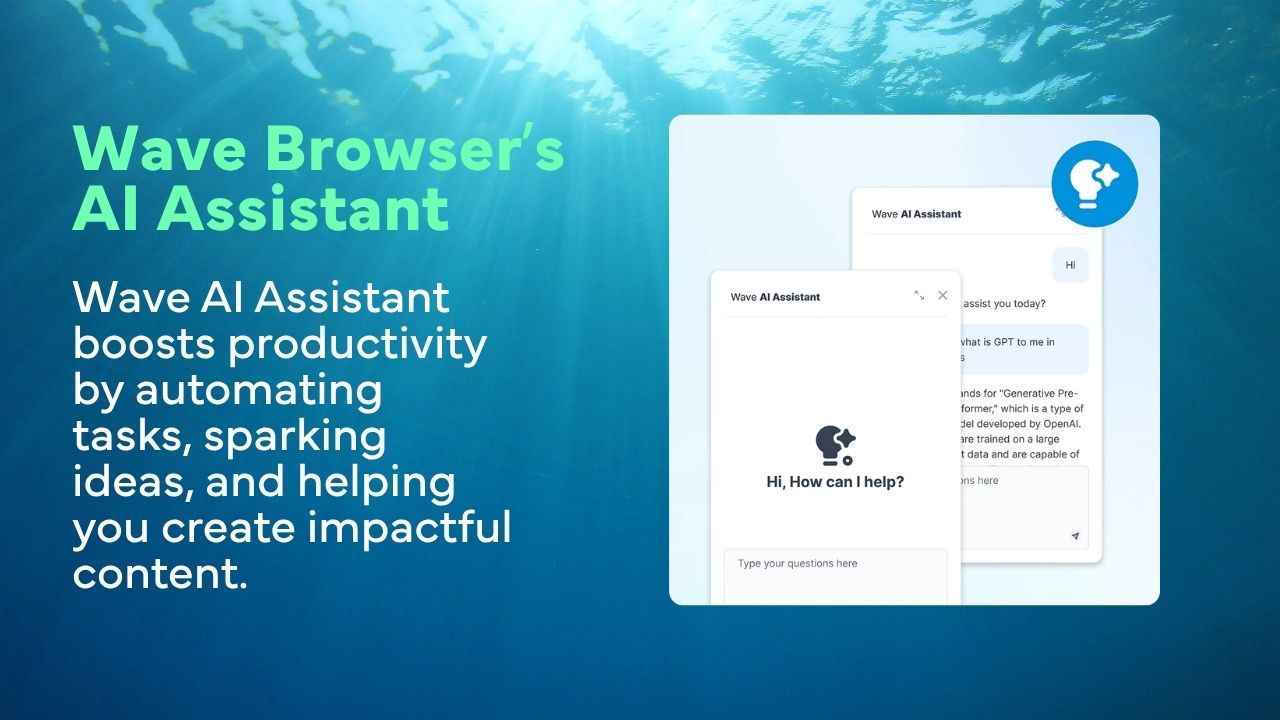
Wave Browser helps streamline these activities by combining productivity-focused features with a built-in AI Assistant.
Instead of constantly moving between applications, you can use Wave Assistant to explain code, explore programming concepts, brainstorm solutions, review logic, and answer technical questions directly from their browser.
Additional tools help keep resources organized and accessible throughout the day:
- Split Screen for viewing documentation and code examples side by side
- Bookmarks and Reading Lists for saving important resources
- Notes & Reminders for tracking ideas, tasks, and project updates
- Translate for understanding technical content in different languages
- Messaging apps for staying connected with teammates
- Content Notifier for following updates from developer blogs, documentation sites, and industry resources
From comparing solutions and researching frameworks to reviewing tutorials and solving development challenges, Wave Browser helps reduce unnecessary tab switching and keeps essential resources within reach.
The result is a more organized workflow that allows developers to focus less on managing tools and more on writing great software.