Browser games to play with friends make it easy to turn a group call or quiet evening into game night. Many titles open directly in a web browser, and private rooms or simple invitation links can bring everyone into the same match.
You can play games with Wave Browser and use the desktop Side Bar to organize the wider gaming experience. Discord, Twitch, YouTube, walkthroughs, and other frequently used pages can remain within reach while the main window stays focused on the current activity. This setup makes it easier to check a strategy, follow a stream, or message friends without repeatedly searching through open tabs.
In this article, we’ll explore the best types of browser games to play with friends, where to find them, and how Wave can support your gaming experience.
Browser Games to Play With Friends

1. Quizzes
A casual quiz game is an easy choice for friends who enjoy trivia and friendly competition. Platforms such as Kahoot! and Wayground, formerly Quizizz, allow a host to choose or create a quiz and invite everyone through a link or game code.
Players compete to select the right answer across topics such as movies, music, gaming, sports, and general knowledge. Different game modes may support individual or team play, making online quizzes suitable for a quick round, a longer session, or any time friends want to play together.
2. Word and Drawing Games
A classic word challenge or drawing round can bring out plenty of friendly rivalry.
- In Codenames Online, teams connect clues to words on a shared board;
- Skribbl.io asks one person to draw while everyone else races to identify the word;
- Gartic Phone turns short prompts into an unpredictable chain of drawings and interpretations.
No one needs to be a good draftsman, since confusing sketches and unexpected answers often create the most memorable moments.
3. Card and Board Games
Online versions of poker, rummy, Crazy Eights, chess, and Ludo offer familiar rules with a range of multiplayer options. Texas Hold’em players build a hand using private cards and community cards, while Ludo follows the structure of a popular Pachisi variant. Some platforms include intelligent bots, but real players usually bring more personality and new strategies to the table.
4. Racing Games
Friends who enjoy direct competition can explore racing browser games, where short rounds and simple goals make it easy to start playing together. Smash Karts, for example, combines a fun online kart game with collectible items and multiplayer arenas.
5. Puzzles
Puzzles encourage players to share ideas instead of competing. Start with Wave’s selection of browser puzzle games when planning a family friendly session. Check the difficulty level, chat features, age guidance, and game setup before inviting younger players.
6. Shooting Games
Groups that prefer team based action or quick matches can try popular FPS games, where each online shooter may offer a variety of maps, objectives, and different modes. A multiplayer shooting game can place friends on the same team or opposing sides, providing options for both casual and competitive players.
How Do You Find the Right Game for Your Group?
Choose a title based on the number of players, preferred pace, available devices, and whether your friends want teamwork or competition. A gaming search engine query can narrow the options by category, player count, or online mode.
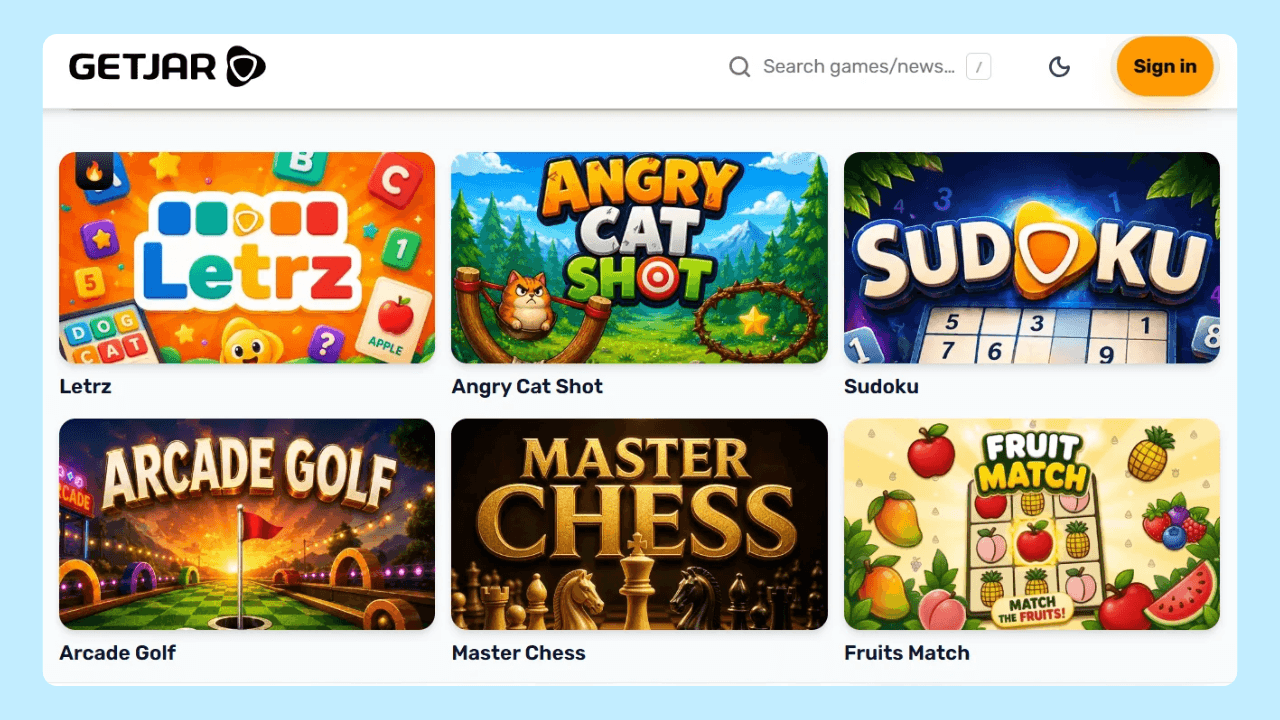
You can also use GetJar to find browser games to play with friends.
GetJar is an online platform for discovering apps, technology news, and games. Its catalog organizes titles into categories such as action, arcade, puzzle, sports and racing, casual, classic, adventure, and strategy, making it easier to explore options before choosing what to play with your group.
Bring Friends Together With Wave Browser
The best browser games to play with friends are easy to open, explain, and share. Start with a familiar category, try a few rounds, and adjust the rules or difficulty as the group develops its own experience.
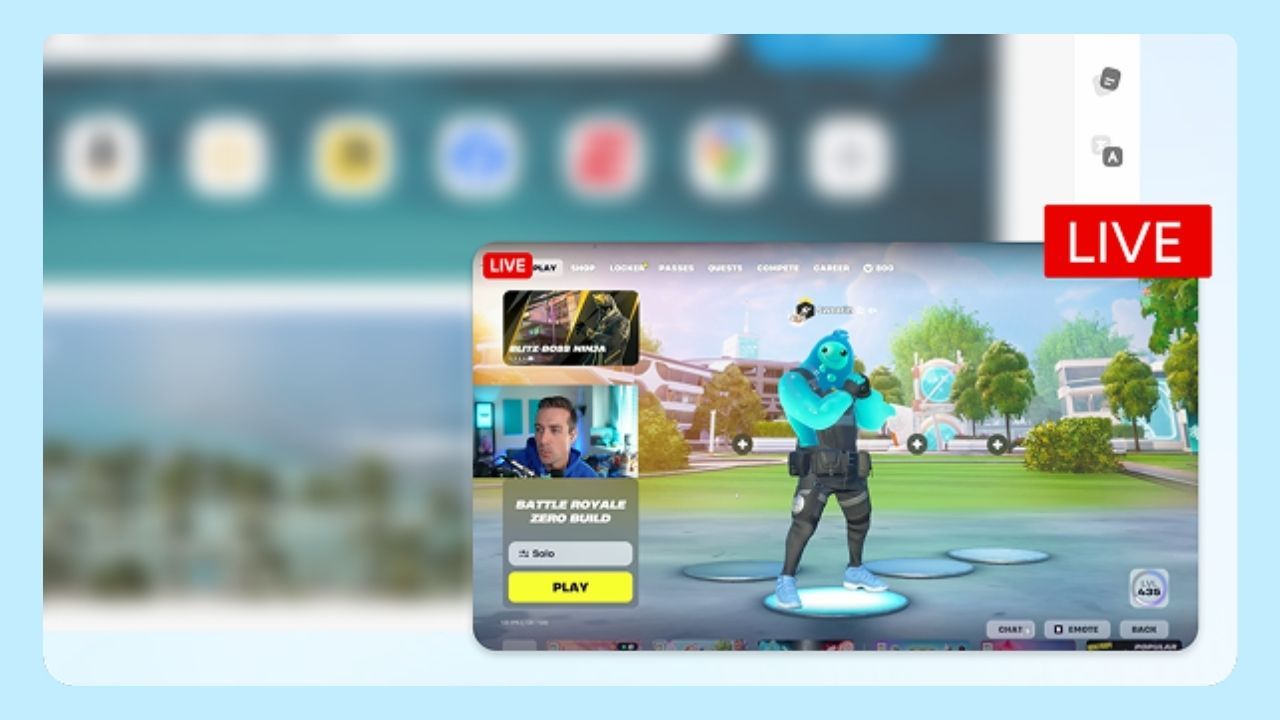
For desktop players, Wave Browser keeps communication and gaming resources accessible through the Side Bar. Discord, Twitch, YouTube, walkthroughs, and favorite websites can remain within reach while the main window stays focused on the current activity. This makes it easier to message friends, follow a stream, or check a strategy without filling the tab bar with additional pages.
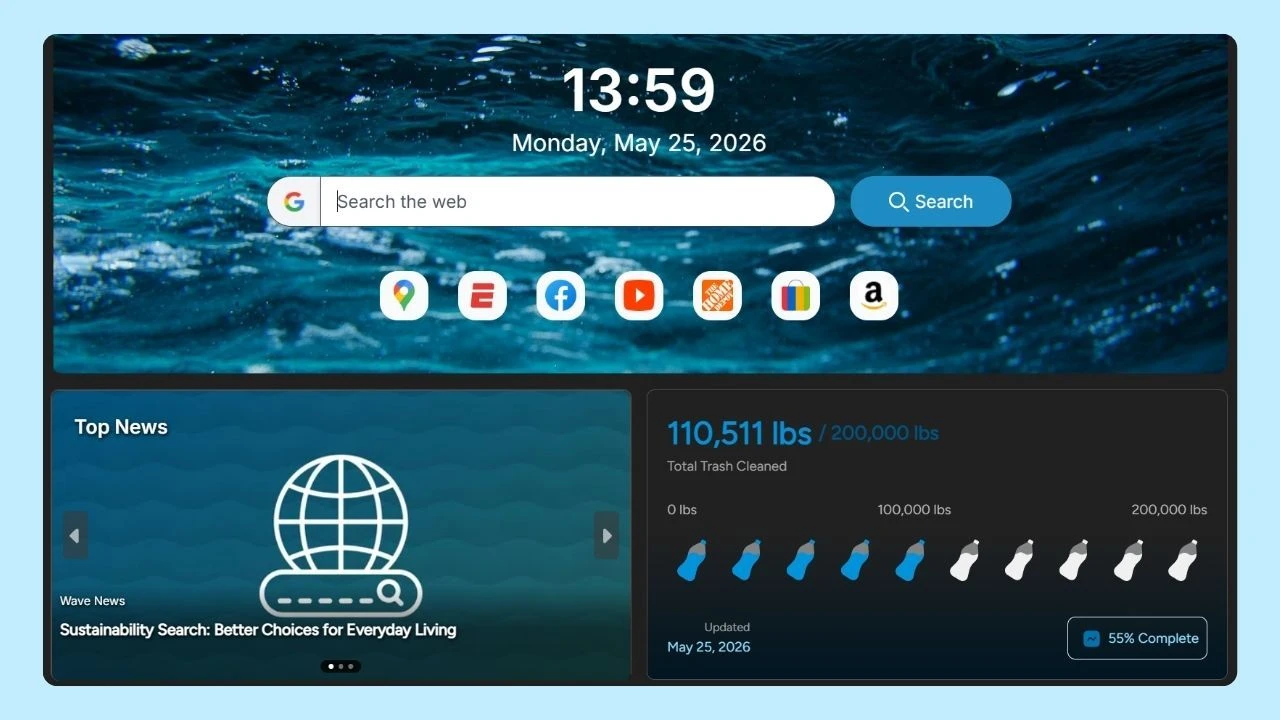
Hackread’s look at Wave’s gaming tools provides further context on its tab management and multitasking features. It also explores how Wave combines tools for everyday browsing with its environmental mission to support ocean cleanup.