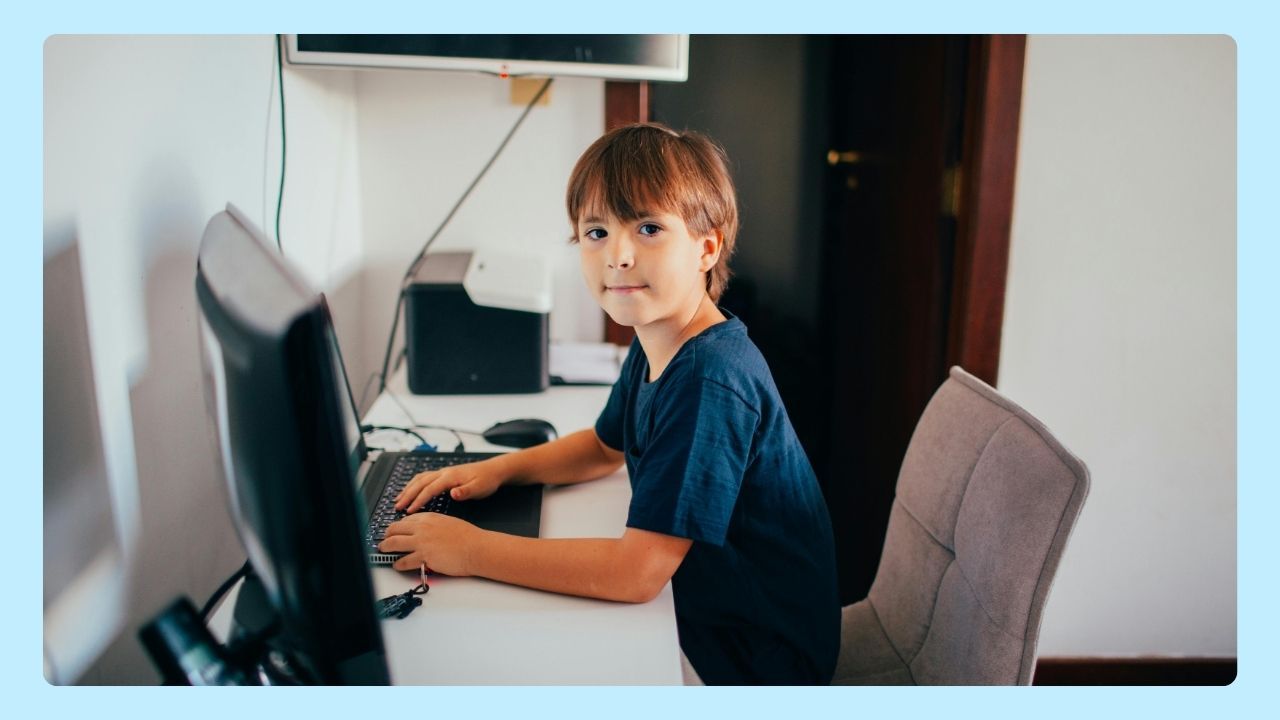
Young people today grow up surrounded by the internet, social media, video games, smartphones, apps, and connected devices. The digital world offers incredible opportunities for learning, creativity, and communication, but it also introduces risks that parents and guardians should understand.
Parents can help create a safer online experience for children by combining internet safety for kids, healthy digital habits, parental controls, and open conversations about online risks.
Teaching children how to protect personal information, recognize scams, avoid clickbait, and use social media responsibly can help them make smarter decisions while exploring the digital world.
Teaching Kids Smart Internet Habits
The National Center for Missing & Exploited Children and many cybersecurity experts recommend teaching healthy digital habits at an early age so kids can learn how to recognize risks, protect personal information, and make safer decisions while using the internet.
Open conversations about online behavior and internet safety for kids can help children feel more comfortable asking questions or reporting unsafe situations. Parents can also use lesson plans, parental controls, and screen time settings to guide safer use across computers, smartphones, and tablets.
The goal is not to scare children away from technology, but to help them build confidence and make smart decisions in the online world. The internet can be a powerful tool for learning, creativity, communication, and entertainment when used responsibly.
Why Internet Safety for Kids Matters
Children use the internet for school, YouTube videos, social media platforms, gaming, messaging, and entertainment.
While these activities can be positive, kids may also encounter dangers of the internet such as:
- Cyberbullying
- Online predators
- Malware and malicious software
- Fake websites and clickbait
- Identity theft
- Inappropriate content
- Online scams
- Unsafe downloads
- Requests for sensitive information
Many young people do not fully understand how quickly personal information can spread online. Sharing phone numbers, email addresses, passwords, or identifiable information can put a child’s digital identity at risk.
Passwords and Personal Information Kids Should Never Share
Teaching kids about securing their personal information is one of the most important internet safety tips parents can provide.
Children should never share:
- Full name
- Home address
- Phone numbers
- School name
- Passwords
- Social Security number
- Banking details
- Private family information
- Photos with location data
Even seemingly harmless details can be used for scams, identity theft, or online manipulation.
Is the Internet Harmful for Children?
The internet can pose risks for children, including exposure to inappropriate content, cyberbullying, and online predators. However, with proper guidance, education, and parental controls in place, the internet can also be a valuable tool for learning and communication. Ensuring internet safety for kids is essential for a positive experience.
Social Media Safety for Kids
Social media platforms like TikTok, Instagram, Facebook, and messaging apps can expose children to risks if accounts are not properly managed. Kids often feel pressure to share photos, videos, and personal updates without understanding the long-term consequences of what they post or who can access their information.
How to Avoid Cyberbullying and Exploitation
- Keep accounts private
- Disable location sharing on social media
- Only accept friend requests from trusted people
- Report cyberbullying immediately
- Avoid clicking suspicious links or clickbait
- Teach kids to think before posting online
- Monitor screen time and app activity
Parents should also discuss how predators sometimes pretend to be children to gain trust through chat apps, gaming communities, or social media.
How to Make YouTube Safer for Kids
YouTube and other video platforms can be educational and entertaining, but children may still encounter harmful content, scams, misleading videos, or inappropriate recommendations.
- Use YouTube Kids when appropriate
- Turn on Restricted Mode
- Supervise younger children during screen time
- Review subscriptions and watch history
- Teach kids not to click misleading thumbnails or clickbait
- Encourage children to avoid sharing personal information in comments or live chats
Parents should also remind children that not everything online is trustworthy, accurate, or real.
Internet Safety for Online Gaming

Video games are now highly social experiences. Many games allow voice chat, messaging, live streaming, and multiplayer interaction with strangers.
Cybersecurity and Gaming Safety Tips
- Disable public chat when possible
- Use parental controls on gaming systems and apps
- Avoid sharing personal information with other players
- Watch for scams offering free rewards, skins, or downloads
- Teach children how to recognize suspicious behavior online
- Download games and updates only from trusted sources
Some fake gaming downloads, cheat tools, and unofficial mods may contain malware or malicious software that can infect a desktop computer, smartphone, tablet, or other mobile device.
Is Incognito Safe for Kids?
Many parents ask, “Is incognito safe?” Incognito mode can prevent browsing history from being saved on a device, but it does not fully protect children online.
Incognito mode does not:
- Block dangerous websites
- Stop malware
- Hide activity from internet providers or schools
- Prevent cyberbullying
- Protect against online predators
Parents should understand that incognito mode is not a replacement for safety education or parental supervision.
As we mentioned before, the internet can be an amazing tool for learning, creativity, communication, and entertainment when used responsibly. By combining parental controls, cybersecurity tools, open conversations, and safe browsing habits, families can help children explore the digital world more safely.
Wave Browser supports a more organized browsing experience with features designed to help reduce distractions and improve everyday web use across desktop and mobile devices. When paired with strong safety habits, parents can help create a safer online environment for kids using social media, YouTube, apps, and online gaming platforms.