TikTok has evolved from a mobile-first platform into a global destination for entertainment, discovery, education, news, shopping, and content creation. While the app remains popular, the web version makes it easy to watch videos, explore content, and manage your account directly from a computer without downloading the desktop app.
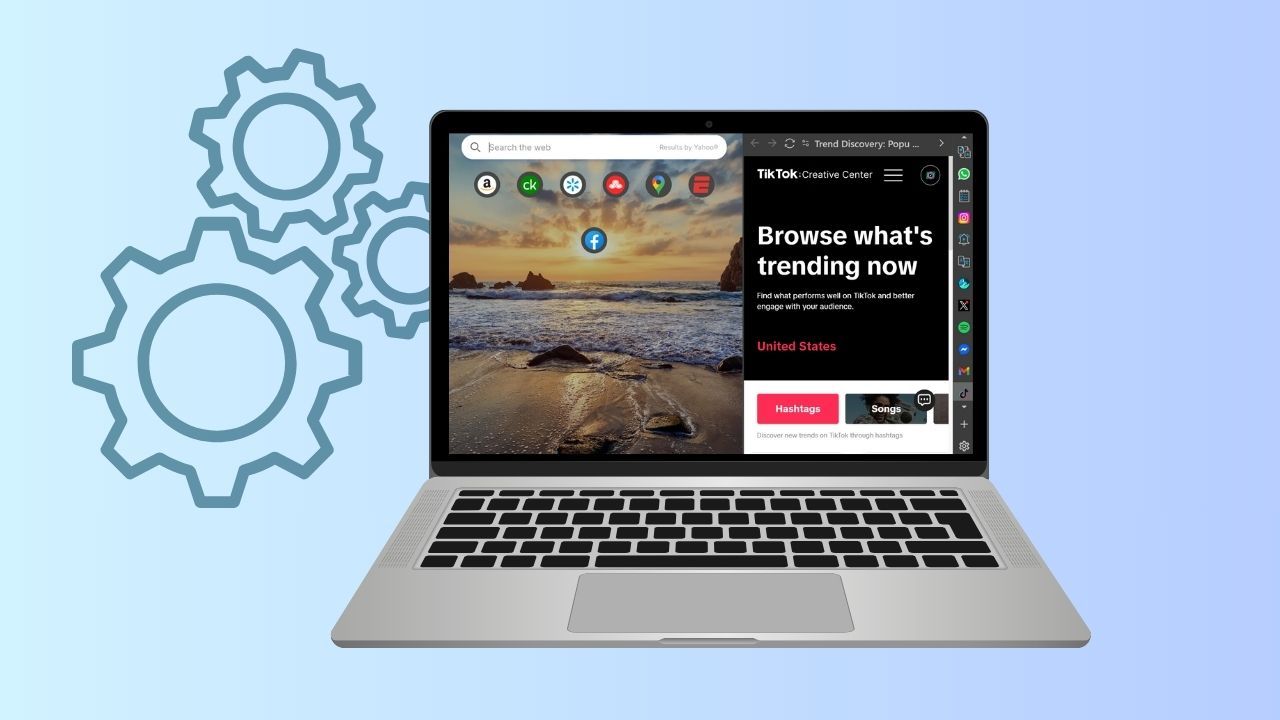
With Wave Browser, TikTok can fit naturally into your everyday browsing. You can access the platform from the web, keep it within reach through the sidebar, or use Split Screen to watch your favorite TikTok videos alongside another webpage.
What Is TikTok Browser?

A TikTok browser experience simply means accessing the platform through a web browser instead of relying only on the mobile app. The web version is available through its official website, where users can browse public videos, search for specific content, watch live streams, and sign in to their accounts.
In a 2025 update, TikTok introduced a refreshed For You feed, an Explore tab, full-screen LIVE viewing, collections, and a floating video player designed for desktop multitasking. TikTok says the updated web app is available globally and aims to provide a unified viewing experience across devices.
This makes TikTok browser useful for users who prefer a large screen or who already spend much of their day working on a computer.
TikTok Web vs. the Mobile App
| Feature | TikTok Web | TikTok Mobile App |
| Screen size | Better suited to a large screen, making tutorials, interviews, educational videos, and detailed demonstrations easier to watch. | Optimized for mobile screens and vertical viewing. |
| Viewing experience | Comfortable for longer sessions and supports a desktop viewing experience with features such as a floating video player. | Designed for quick, mobile-first viewing and scrolling. |
| Multitasking | Easier to keep the social media platform open in a browser tab while researching topics, working, or using other websites. | Switching between TikTok and other apps can be less convenient. |
| File management | Convenient for creators whose finished videos are already stored on a computer. | Useful when content is recorded or stored directly on a smartphone. |
| Uploading content | Makes it easier to upload files directly from a computer without transferring them to a phone first. | Convenient for videos captured, edited, and stored on the device. |
| Content creation | Useful for desktop-based workflows, especially when working with larger files and other creative tools. | Better suited to mobile-first creation features and phone-based editing. |
| Notifications | Browser notifications and features may differ depending on your setup. | Generally designed around mobile notifications and real-time interactions. |
| Device flexibility | Can be accessed across different devices and operating systems through a web browser. | Requires the TikTok app to be installed on a supported mobile device. |
| Feature availability | Some features may differ by region, account, browser, or device. | Provides access to mobile-specific features that may not be available on the web. |
| Best for | Desktop viewing, multitasking, file management, uploading content, and working with TikTok alongside other tasks. | Mobile viewing, recording videos, mobile editing, notifications, and phone-based content creation. |
TikTok browser is particularly useful when you want a larger viewing experience, easier multitasking, or a simpler way to upload files from your computer. The mobile app remains more convenient for mobile-first content creation and features that rely on smartphone hardware.
How to Access the TikTok Web Version?

To use the web version, open a web browser and visit its official website. You can browse available content or choose the login option if you already have TikTok accounts.
You may be able to sign in with:
- Phone number
- Email address
- Username
- QR code
TikTok can also ask for a verification code to confirm that you are the account owner.
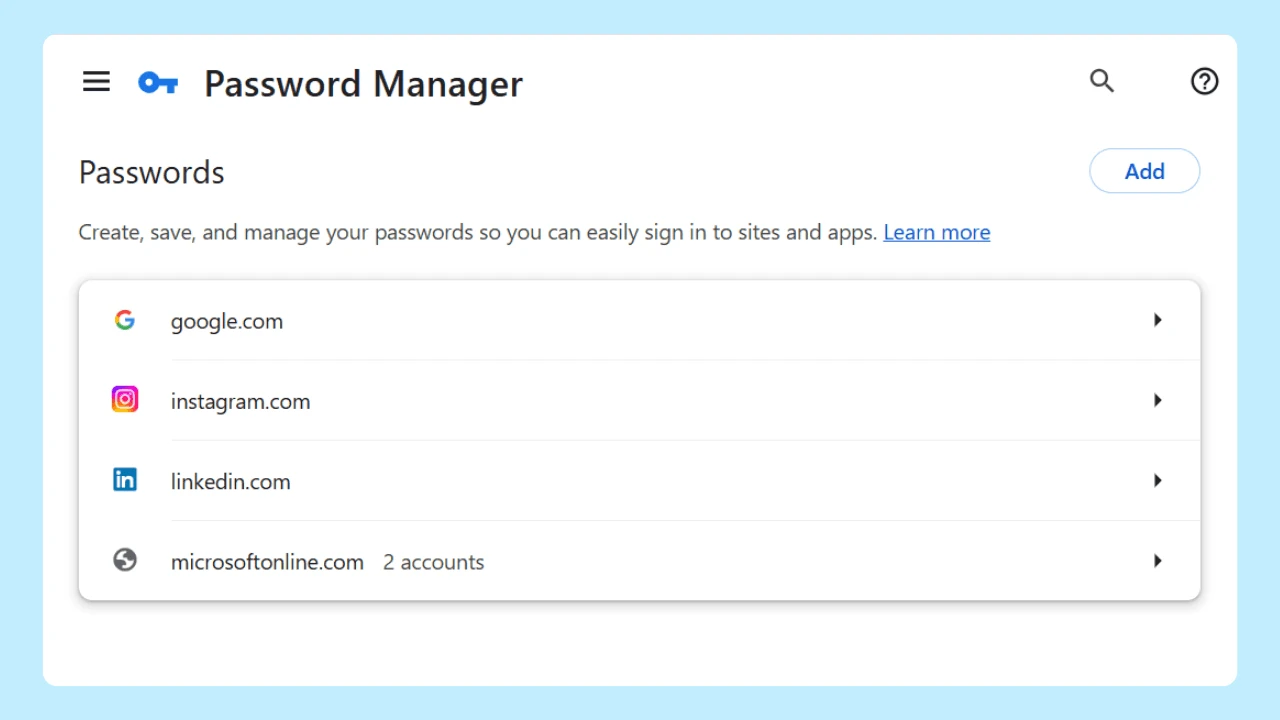
Never share a verification code with someone who asks for it, and be cautious about entering a phone number or email address on other pages. Once signed in, the browser can provide quick access to your feed, profile, messages, saved videos, and other available features. Savvy internet users can also use the TikTok button to return quickly to the platform.
Watching TikTok Videos on a Browser
One of the main reasons to use the web version is simple: watching videos on a larger display.
The desktop interface makes it easy to:
- Explore public videos
- Search for specific topics
- Follow creators
- Revisit favorite saved videos
Users can also watch LIVE videos and interact with content through the available web controls.
However, browser playback is not always perfect. TikTok browser playback issues can include buffering, longer load times, a video player that does not respond, or inconsistent video quality. If a video does not load correctly, try refreshing the page, checking the connection, closing unnecessary tabs, or testing a private browsing window.
Keeping the browser updated can also help.
TikTok Shop may also be accessible through the browser, depending on the user’s region and account, allowing eligible users to browse products and make purchases without using the mobile app.
Uploading Content Through TikTok Web
TikTok in a browser is increasingly useful for content creation. Creators can upload content from a computer, which is particularly convenient when source files are already stored on a desktop or laptop.
TikTok Studio extends this workflow by providing tools to edit videos, upload and publish content, review analytics, and manage your account. For content creators, this can streamline the content creation process while providing a central hub to review performance, manage content, and keep everything organized.
Before uploading videos, check the supported format, resolution, duration, and file size requirements shown by the platform. Requirements can change, so creators should consult the current documentation before preparing a large batch of TikTok content.
Managing a TikTok Second Account
Some users maintain a TikTok second account for a business, hobby, creative project, or separate community. Browser access can make account management easier, especially when the account is part of a desktop workflow.
When switching between accounts, check the profile picture, username, and active account before posting. This simple step can prevent publishing personal content to a professional profile or sending business content to a personal audience.
Users should also review privacy settings, notification preferences, connected devices, and account-security options. This is particularly important when accessing accounts from different devices.
Should You Use TikTok Web with Wave Browser?
Your method of browsing can affect how comfortable and focused your TikTok sessions feel.
Wave Browser is designed with tools that support efficient browsing. These include a built-in ad blocker on supported platforms, memory-saving features, and an integrated sidebar with access to messaging apps and your favorite social media platforms. These features can help reduce clutter when using websites during the day.
HackerNoon describes Wave as a purpose-driven browser focused on efficient browsing and verified ocean cleanup through its partnership with 4ocean. Softonic has likewise highlighted Wave’s sustainability approach, including built-in ad blocking and memory-saving tools, along with its environmental mission.
For users who value greater privacy and a cleaner browsing environment, these features can be useful alongside normal browser security practices. They do not replace TikTok’s own privacy settings, account controls, or terms, but they can contribute to a more organized browsing routine.
The web version of TikTok provides a straightforward way to watch public videos, explore the latest trends, follow creators, watch live streams, and manage available account features. The experience is not identical to the mobile app, and some features may still work better on specific devices or operating systems.
Browse TikTok Without Downloading the Desktop App
You don’t need to download any desktop app to access your account on a computer. TikTok works through the web, so you can log in, watch videos, search for content, and explore your feed directly online.
With Wave Browser, you can add it to the sidebar for quick access without switching between separate apps. You can also use Split Screen to keep TikTok open alongside another webpage, making it easier to browse, work, or search while keeping your feed visible.
Explore, Discover, and Enjoy Content on TikTok Browser
TikTok has evolved into a global phenomenon that reaches far beyond a single mobile app. The web version gives TikTok users a practical way to enjoy content, manage accounts, support content creation, and build a social media presence from a desktop.
For casual viewers, the large screen and improved video player can create a more comfortable TikTok viewing experience. For content creators, TikTok Studio can make uploading and account management easier. For businesses, browser access can fit naturally into broader social media efforts and online workflows.
Wave Browser can be part of that experience by providing a focused, efficient browsing environment with built-in tools designed to reduce clutter. Its sustainability mission gives users another perspective on how everyday browsing can connect with broader environmental goals.
Ultimately, the best method of browsing depends on your individual preferences, internet connection, devices, and the way you use TikTok.