Many PlayStation users continue to ask: Does PS5 have an internet browser? The answer is yes, but it works differently from the PS4 web browser.
Unlike the PS4, which included a visible app on the home screen, the PS5 web browser is hidden within the system software. Sony removed the dedicated icon from the PlayStation console interface, but the functionality remains built into the console.
Whether you are using a standard PS5 or a PS5 Pro console, here is how internet access works in 2026.
Does the PS5 Have an Internet Browser?

Yes, the PlayStation 5 includes a hidden web browser. However, there is no standalone app in the settings menu or on the home screen.
The browser operates in the background and is primarily used for:
- Google account sign-ins
- Social media links such as Twitter
- Viewing PlayStation Network status pages
- Accessing user’s guide manuals
- Wi-Fi authentication pages
So while you cannot open it like a traditional browser on a PC or Android device, the PS5 browser does allow internet access.
How to Open the PS5 Web Browser in 2026

Because the PS5 web browser is hidden, it must be triggered through system features.
One reliable method is through the PlayStation Network status page:
- Go to the home screen.
- Open the Settings menu.
- Select Network.
- Choose View PlayStation Network Status.
- Select an external link on the next screen.
This action launches the hidden browser.
Another method is by sending a message with a link:
- Open Game Base.
- Send a message to a friend or secondary account containing a Google search link or YouTube URL.
- Select the link.
Then, it will open automatically.
How to Set Up Wi-Fi (Wireless) on PS5
If you connect to a wireless network that requires authentication, such as a hotel or public Wi-Fi network, the PS5 will automatically open a web authentication screen.
To trigger this:
- Open Settings.
- Select Network.
- Choose Set Up Internet Connection.
- Connect to a Wi-Fi network.
If login credentials are required, the console will automatically launch the browser so you can complete the connection process.
What is All That Can Be Done With a PS5 Except for Playing Games?
Besides gaming, the PS5 offers various functionalities such as streaming movies and shows via apps like Netflix and Disney+, browsing the web through its hidden browser, and accessing social media platforms. This versatility transforms your console into an all-in-one entertainment hub beyond just playing games.
Browser Limitations on Sony PlayStation Compared to Other Consoles

Although the PS5 has a hidden web browser, it is more limited than the Xbox Series X, which includes a full Microsoft Edge browser app that users can open directly.
Limitations of the PS5 browser include:
- No direct address bar from the home screen
- Limited multitasking
- Basic support for JavaScript
- No downloadable browser extensions
Typing can be done with the controller or by connecting a wireless keyboard. Audio and video playback on supported sites like YouTube generally work well, but performance may vary depending on the website.
Should You Use the PS5 Browser for Regular Internet Use?
While the PS5 web browser is useful for quick tasks like checking links or logging into services, it is not designed for full internet browsing. For players who want a smoother web experience outside the console, using a dedicated browser on a PC can make a difference.
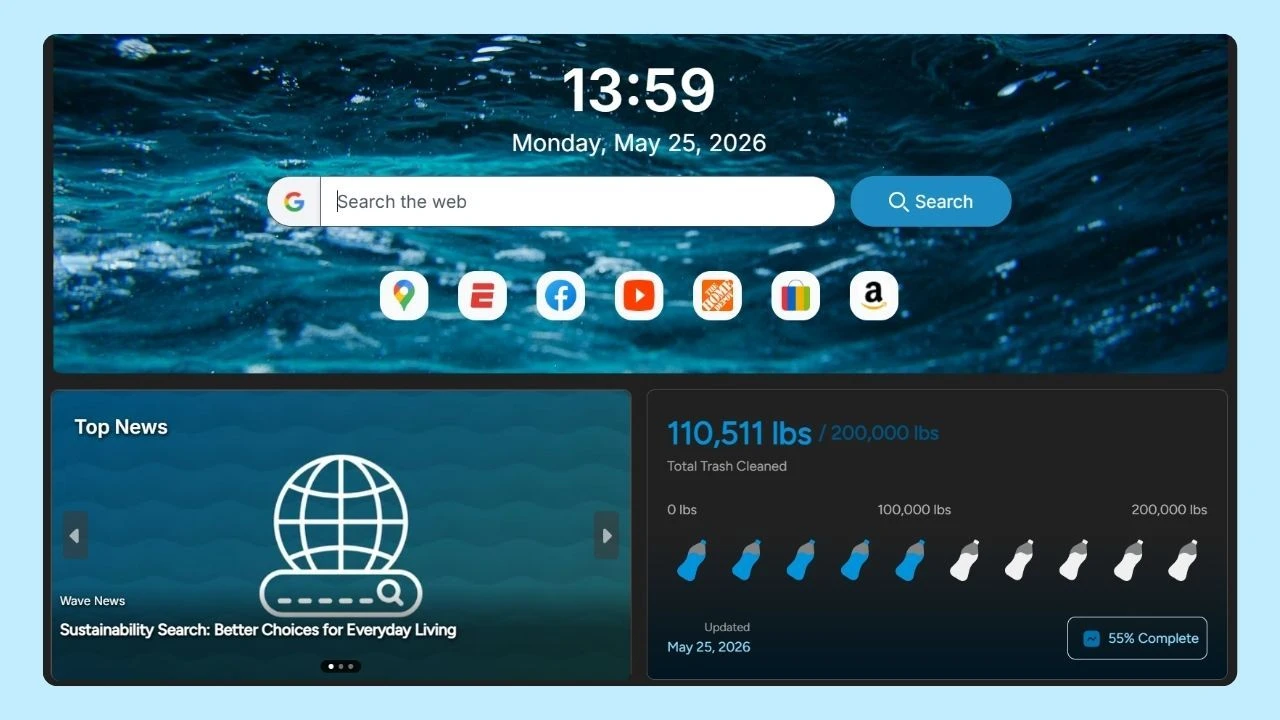
Wave Browser offers a clean, organized browsing experience that fits naturally alongside gaming sessions. You can watch YouTube content, manage your Google account, or browse gaming forums and social media without unnecessary complexity.
On supported desktop platforms, the Side Bar lets you open a second page or tool beside your main content. This makes it easier to check guides, patch notes, or walkthroughs while keeping quick access tools and favorite sites within reach. These features can help gamers stay organized and connected without interrupting their flow.
For gamers who split their time between console and PC, having a reliable web browser helps streamline updates, downloads, community engagement, and research for new titles. The PS5 keeps you in the game, and a strong desktop browser helps you stay connected beyond it.