Documents are involved in nearly every part of modern work. A single project may include research notes, contracts, PDFs, images, reports, forms, and several versions of the same file. Without a clear system, team members can lose time searching for relevant files, repeating manual work, or wondering which copy is the most current version.
Online document management provides a structured way to create, organize, review, store, and share digital files. A complete system may also support secure storage, version control, workflow automation, access permissions, and other business processes.
Wave Browser brings useful desktop tools into the same browsing workspace, helping users handle many everyday tasks with fewer interruptions. PDF annotation, file conversion, electronic signatures, printing, notes, and the Side Bar can support research, review, and file preparation without constantly moving between unrelated windows.
These features can work alongside dedicated management software and cloud storage as part of a broader workflow.
What is Online Document Management?

Online document management is the process of organizing electronic documents through connected digital tools. Instead of relying on filing cabinets, printed copies, email attachments, and physical storage, users can work with business documents from a computer or mobile device.
A document management solution may support the full lifecycle, including:
- Creating or receiving a document
- Capturing its information
- Naming and classifying the file
- Storing it in an approved location
- Setting user permissions
- Reviewing or approving its contents
- Tracking changes and previous versions
- Sharing it with authorized team members
- Archiving or deleting it according to policy
The purpose goes beyond storing files. An effective digital system makes information easier to locate, review, protect, and move through a defined process.
What Does a Document Management System Do?
A document management system is a platform designed to manage digital files across their lifecycle. The exact key features depend on the organization, industry, document type, and security requirements.
Common functions include:
- Storage: Keeps files in organized folders, libraries, or cloud storage.
- Version control: Records changes and helps users identify the most current version.
- Document capture: Imports electronic files or converts paper documents into digital formats.
- Search: Finds files through names, tags, dates, or searchable text.
- Access control: Determines who can view, change, approve, download, or share information.
- Workflow automation: Moves files between review, approval, signing, and archiving stages.
- Processing: Extracts, classifies, or organizes information for the next step.
- Electronic signatures: Allows authorized people to sign supported documents digitally.
- Audit information: Records actions taken within the system.
- Retention controls: Helps organizations keep or remove files according to internal policies.
These capabilities are different from the supporting tools in a web browser.
Wave Browser can help users open, review, annotate, convert, and prepare files, while the organization’s chosen document management system remains responsible for storage, control, permissions, and version history.
Top Benefits of Online Document Management

Moving from scattered files and paper based processes to an organized digital workflow can improve the way information moves through a business.
Easier Access to Relevant Files
A clear naming system and searchable document storage reduce the time spent opening folders or searching through email attachments. Users can locate the correct document type, project, customer record, or approval file more easily.
Better Version Control
Version control reduces confusion when several people work on the same document. Instead of saving files with names such as “final,” “final new,” and “final updated,” a structured system can preserve previous versions and identify the latest approved copy.
This helps team members avoid editing an outdated file or making an informed decision based on information that has already changed.
Less Manual Handling
Workflow automation can reduce the manual handling involved in sending documents for review, requesting approval, collecting signatures, and moving completed files into storage.
Automation does not remove the need for human judgment. It helps reduce repetitive steps so people can focus on reviewing the content and making decisions.
More Consistent Document Control
Document control establishes rules for how files are created, reviewed, approved, distributed, and retired. This is especially important for complex documents, contracts, policies, regulated records, and other sensitive information.
Reduced Dependence on Paper
Digital documents can reduce printing, scanning, and physical storage requirements. Paper documents can still be necessary in some situations, but online workflows make it easier to keep working copies, comments, and approvals in digital form.
How Wave Browser Supports Document Workflows
Wave Browser brings several tools closer to the web pages, cloud platforms, and research sources people already use. These features do not create a full online document management system, but they can make individual steps easier to complete.
Review and Annotate PDFs
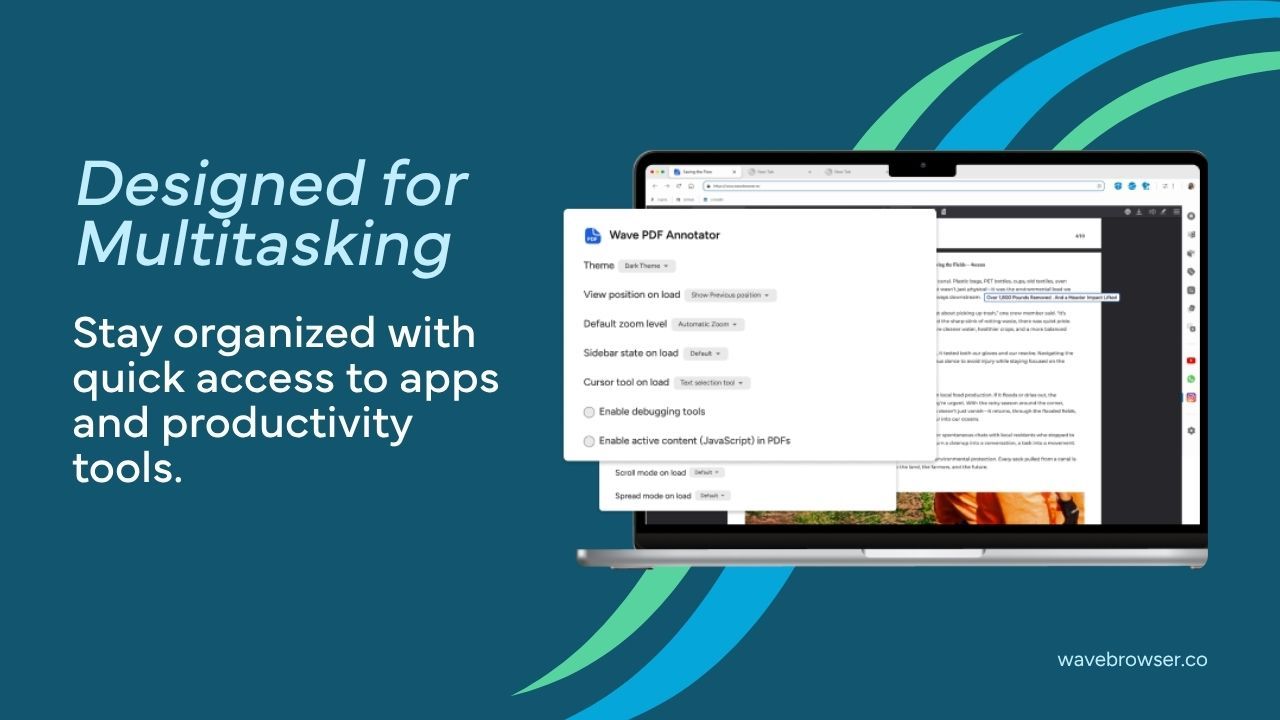
The Wave Browser PDF Annotator allows desktop users to open PDFs, highlight text, add notes, draw, and comment within the browser.
For example, someone reviewing a proposal could:
- Open the PDF in Wave Browser.
- Highlight an important requirement.
- Add a note beside a question.
- Mark a section that needs revision.
- Save the reviewed copy according to the organization’s document management process.
This is useful for proofreading reports, reviewing contracts, studying reference material, or providing feedback on a draft.
Fill and Sign Supported Documents
The PDF Annotator also supports filling and signing documents. This can help with forms, agreements, approvals, and other electronic documents that require a signature.
The organization should still confirm whether an electronic signature meets its legal, regulatory, and internal requirements. The signed file should then be uploaded to the approved document storage location rather than left in an unorganized downloads folder.
Convert Files For The Next Step
The Wave Browser Converter Tool is available on Windows and macOS through the Side Bar. It supports common file and measurement conversion tasks.
For example, a team member may need to:
- Prepare a supported document for an upload
- Change an image into a more suitable format
- Work with a PDF
- Convert a file before sending it for review
- Prepare content for a presentation or shared project
Keeping the converter beside the current page can reduce interruptions during document processing.
Save Web Content as a PDF
Online content sometimes needs to become part of a project record. Wave Browser’s Print feature allows desktop users to print a webpage or save it as a PDF.
A researcher could save a source for later review, while an employee might preserve an online confirmation or reference page. The saved file should include a clear name, date, and source before being placed in secure storage.
Keep Supporting Information Beside the Document
The Wave Browser Side Bar lets desktop users open a website or supported tool beside the current page. This can support online document management by allowing users to:
- Keep instructions beside a form
- Review a source while annotating a PDF
- Open notes beside a policy document
- Compare information from two screens side by side
- Access a converter without leaving the current task
- Keep a messaging tool available while discussing revisions
This arrangement does not replace real time collaboration in a document management system, but it can reduce unnecessary switching during individual review tasks.
Security Best Practices For Digital Documents
Moving documents online makes access easier, but it also requires clear security measures. Sensitive data should not be stored or shared without considering who can reach it.
Useful best practices include:
- Use strong, unique passwords
- Enable additional account verification where available
- Define access permissions by role
- Give users only the access they need
- Store documents in approved locations
- Avoid sharing sensitive information through public links
- Review access when team members change roles or leave
- Keep the browser, operating system, and security tools updated
- Maintain backups to reduce the risk of data loss
- Confirm recipients before sending files
- Remove outdated copies according to retention policies
- Avoid downloading confidential files to shared devices
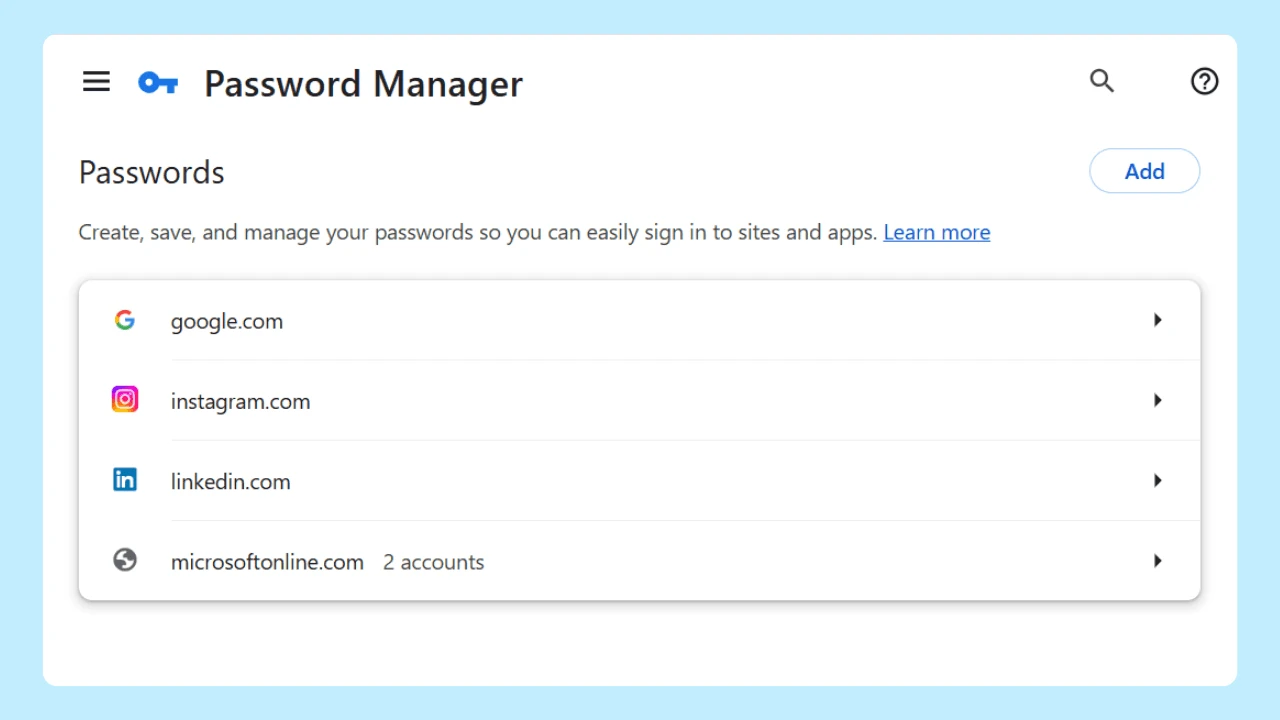
Wave Browser includes password management, Incognito Mode, customizable privacy controls, and supported ad and tracker blocking on certain platforms.
These features help users manage passwords, local browsing history, privacy preferences, and supported tracking content. However, organizations still need separate safeguards for document workflows, including encryption, access control, secure storage, backups, and clearly defined user permissions.
For additional context, a SourceForge article about Wave Browser’s safety and security examines its Chromium foundation, AppEsteem certification, user controlled settings, and integrated productivity tools. This independent overview can help individuals and teams understand how the browser may fit within a broader work and document management setup.
Online Document Management with Productivity and Purpose
Online document management works best when each tool has a clear role. A dedicated system handles document storage, version control, workflow automation, user permissions, and long term control. Supporting tools help people research, review, convert, annotate, sign, and prepare files throughout the workflow.
Wave Browser brings several of these supporting tasks into the desktop browsing experience. The PDF Annotator helps users review and mark up files, the Converter Tool prepares supported formats, Print can save web content as a PDF, and the Side Bar keeps instructions, notes, or other resources beside the current page.
An article from The Data Scientist also places Wave Browser’s productivity tools within a broader discussion of sustainable technology. This reflects another part of Wave’s approach: combining practical browsing features with an environmental mission supported through its certified partnership with 4ocean.
For individuals and teams managing digital files, Wave Browser can help make everyday tasks feel less scattered.
When paired with a suitable document management solution, clear naming rules, secure storage, and consistent best practices, these features can support a more organized workflow from research and review to approval and archiving.